
Google Workspace
From Google Calendar to your meeting room.
Rooms stay in sync with Offision, so a booking in Calendar is a booking on the floor plan.
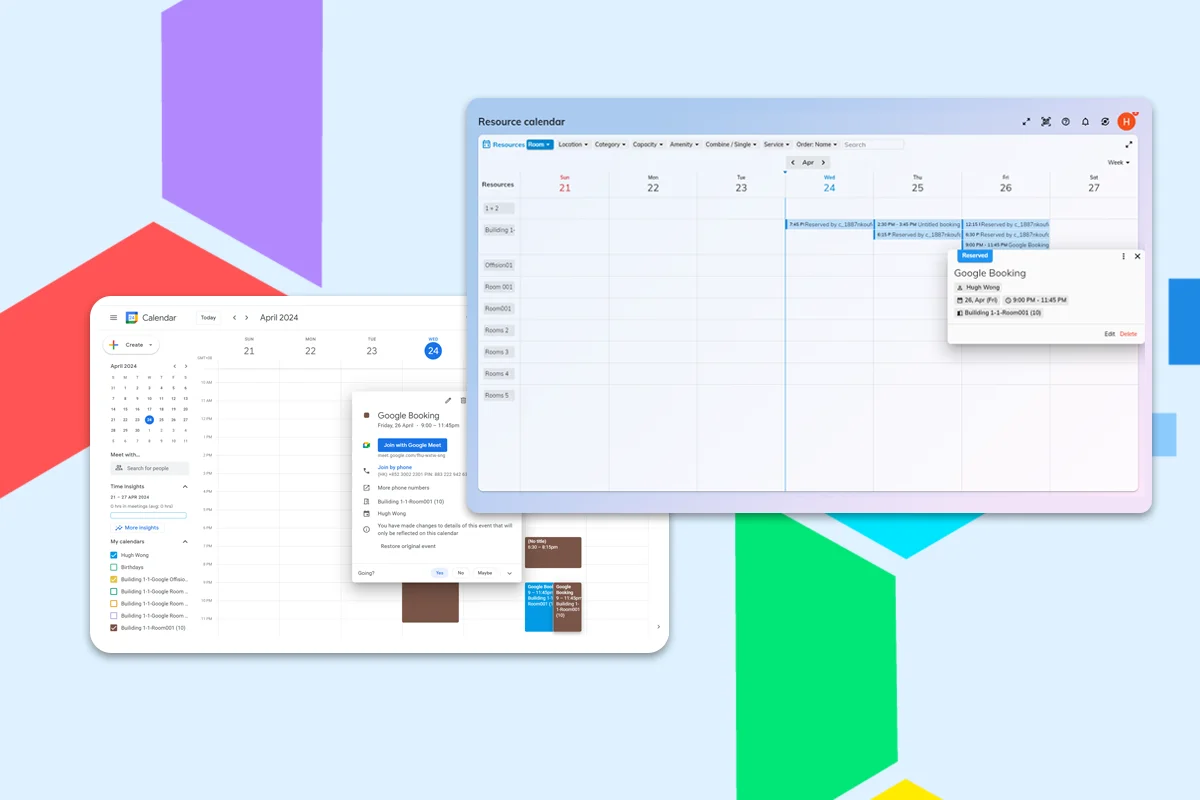
Sync calendars and rooms
Keep meeting room calendars in sync between Offision and Google Calendar. Bookings created in either place stay aligned, so you avoid conflicts.
Two-way calendar sync with Google Calendar
Live availability across Offision and Google
Subscribe to each room calendar before adding its address
Explore room booking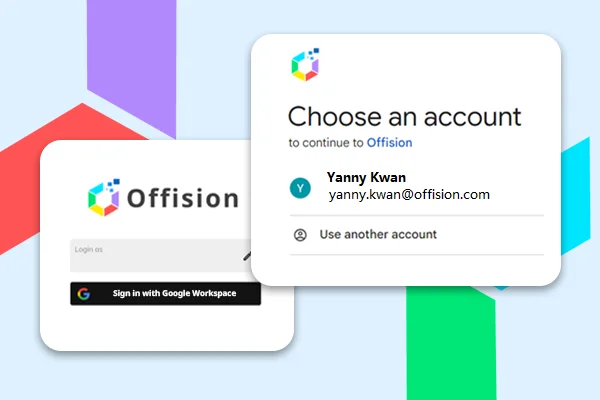
Single Sign-On with Google
Connect Offision to Google Workspace so employees sign in with the same Google account they already use. No extra password for rooms, desks, or visitor management.
Learn more
- One-click sign-on with Google credentials
- A login button name your team actually reads
- Sign-in stays separate from calendar sync
Meet links where you book.
Generate Google Meet links with the booking, so hybrid meetings open from the same reservation.
Explore Google MeetConnect Google Workspace your way.
Both connection methods act as one delegated Google account and can access only what it can access. Rooms are added by calendar address after that account subscribes to them in Google Calendar. People, groups and contacts do not sync.
Quick connect
Use Offision’s app registration with your Google Customer ID and one Google sign-in. No client secret is stored. This is the recommended starting point for most organisations and uses a fixed mode equivalent to Standard.
Your own OAuth app
Use your Google Cloud app with a Customer ID, Client ID and Client secret. Choose Complete, Standard or Resource calendar mode. Complete and Standard currently behave the same; Resource calendar mode excludes personal calendars and single sign-on.
What Google Workspace integration delivers
Google SSO
Single sign-on with Google Workspace for secure access without a second password.
Quick connect
Quick connect uses Offision’s app. A custom Google Cloud OAuth app lets your organisation choose the access mode. Both use a delegated account.
Room calendar sync
Bring Google room calendars into Offision and keep availability two-way.
Google Calendar booking
Find and book the right room from Calendar while Offision enforces the rules.
Who's on-site
See occupancy alongside Google Calendar so people find colleagues and free rooms.
Two-way Google sync
Calendar stays two-way; rooms follow the delegated account your admin connected.
Frequently asked questions
What Google Workspace features does Offision integrate with?
Offision integrates Google sign-in, two-way Google Calendar sync for rooms, and Google Meet link generation. Connection mode decides what syncs automatically versus what an admin adds by hand.
Do I need a separate account for Offision?
No. With Google SSO turned on, people sign in with their Google Workspace account. Calendar sync and sign-in are separate switches, so you can sync rooms without SSO if you prefer.
Will Google Calendar bookings show in Offision?
Yes. Connected room calendars sync two-way. A booking made in Google Calendar or Offision appears on both, and Offision still applies its own booking rules.
How do I set up the Google Workspace integration?
Choose Quick connect or your own OAuth app in Offision Integrations. Quick connect needs your Customer ID; a custom app also needs a Client ID and Client secret. Sign in with the delegated Google account, subscribe it to the room calendars, then add rooms by address.
Can I use Offision with both Google Calendar and Meet?
Yes. Calendar sync keeps rooms aligned; the Google Meet connector adds a meeting link to bookings. They are separate integrations you can turn on independently.
Can we connect rooms without accessing personal calendars?
Yes. Use your own OAuth app and choose Resource calendar mode. It accesses room calendars without personal-calendar access. Single sign-on is unavailable in this mode.
Can Offision-only users book Google rooms?
Yes, with a Booking agent account configured to book on their behalf. Use a dedicated Google Workspace account rather than a real person’s account.
Will Google Workspace sync our people and groups?
No. Invite or import people, or let them join on first sign-in. Groups and contacts do not sync. Complete mode currently behaves like Standard despite listing user synchronisation. Offision also cannot send email through your Google Workspace organisation.