
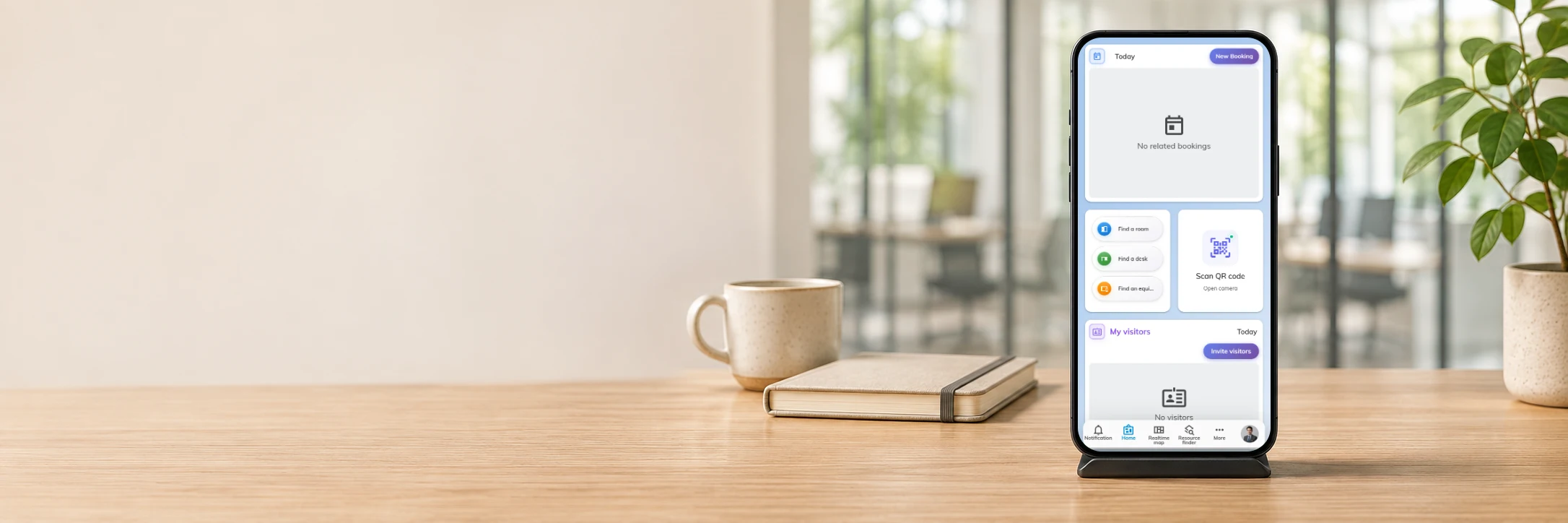
How It Works
Book a space
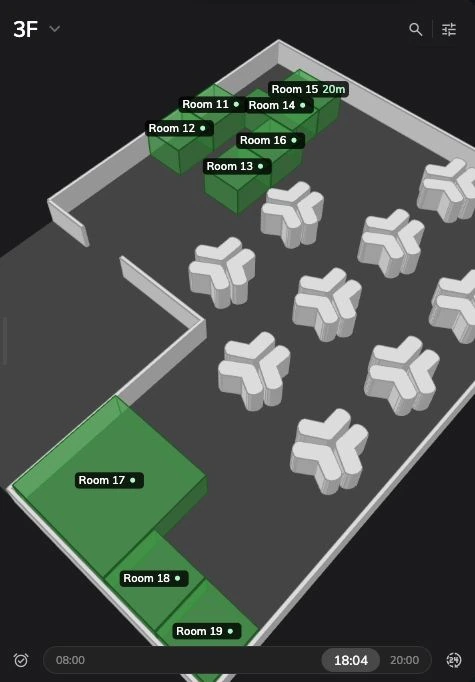
Find and reserve a room or desk on the live map.
Check in
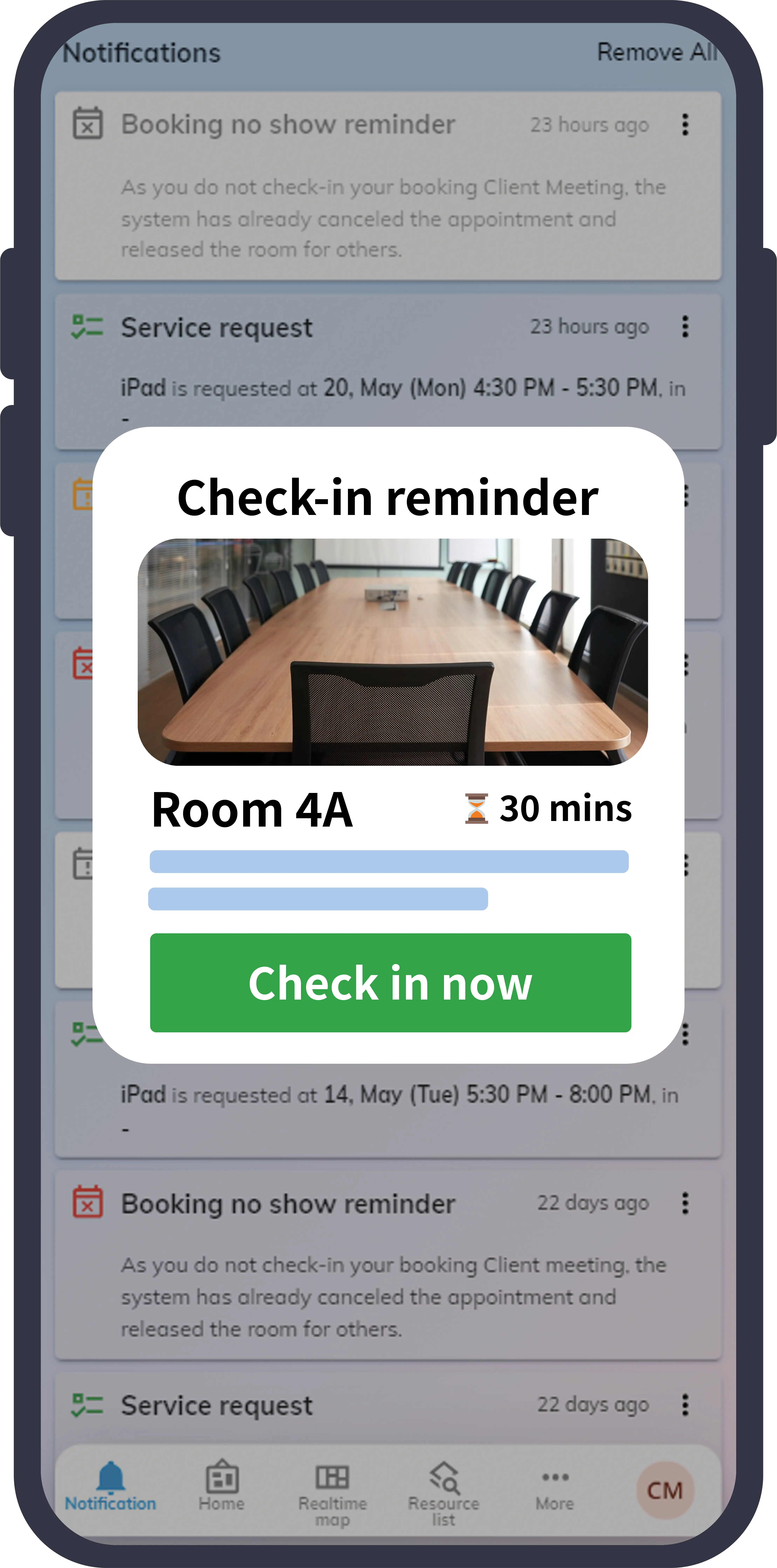
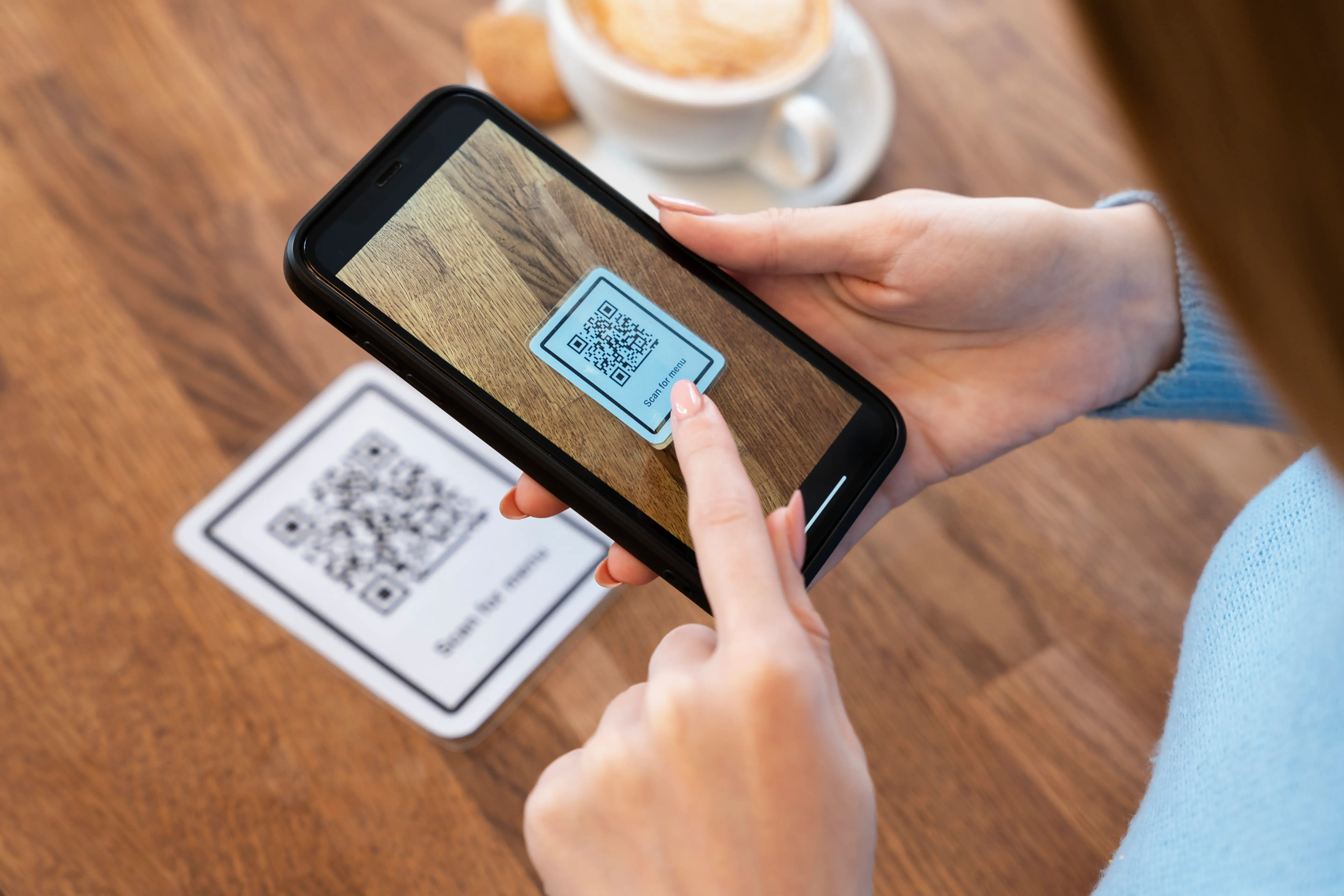
Use your phone to scan a QR code or check in by location when your workplace requires it.
Manage your bookings
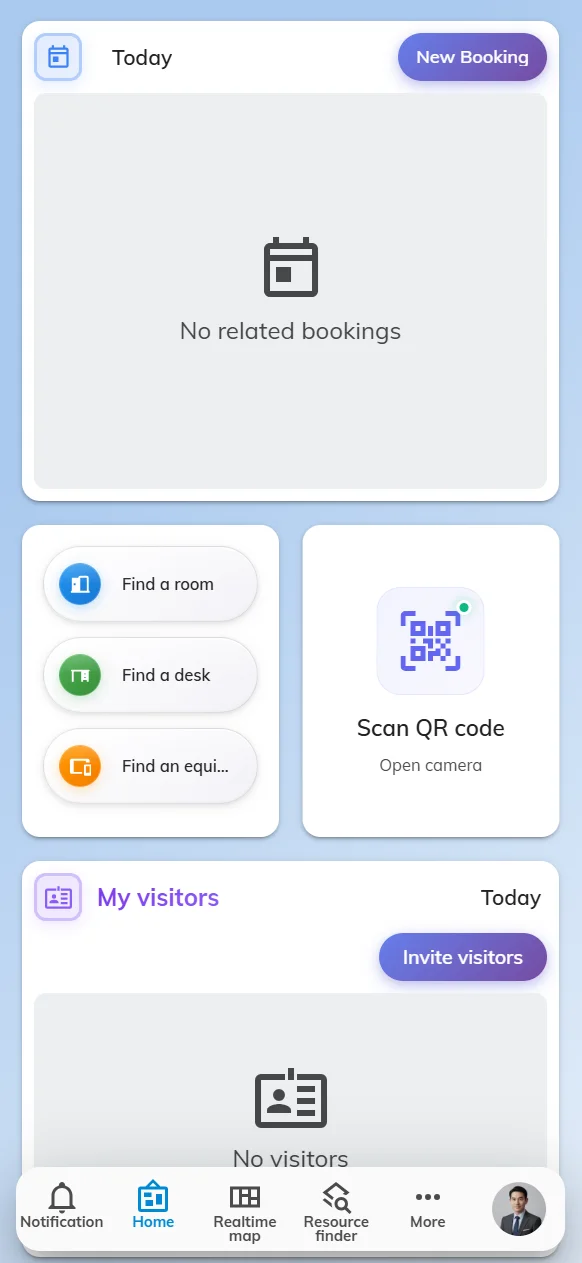
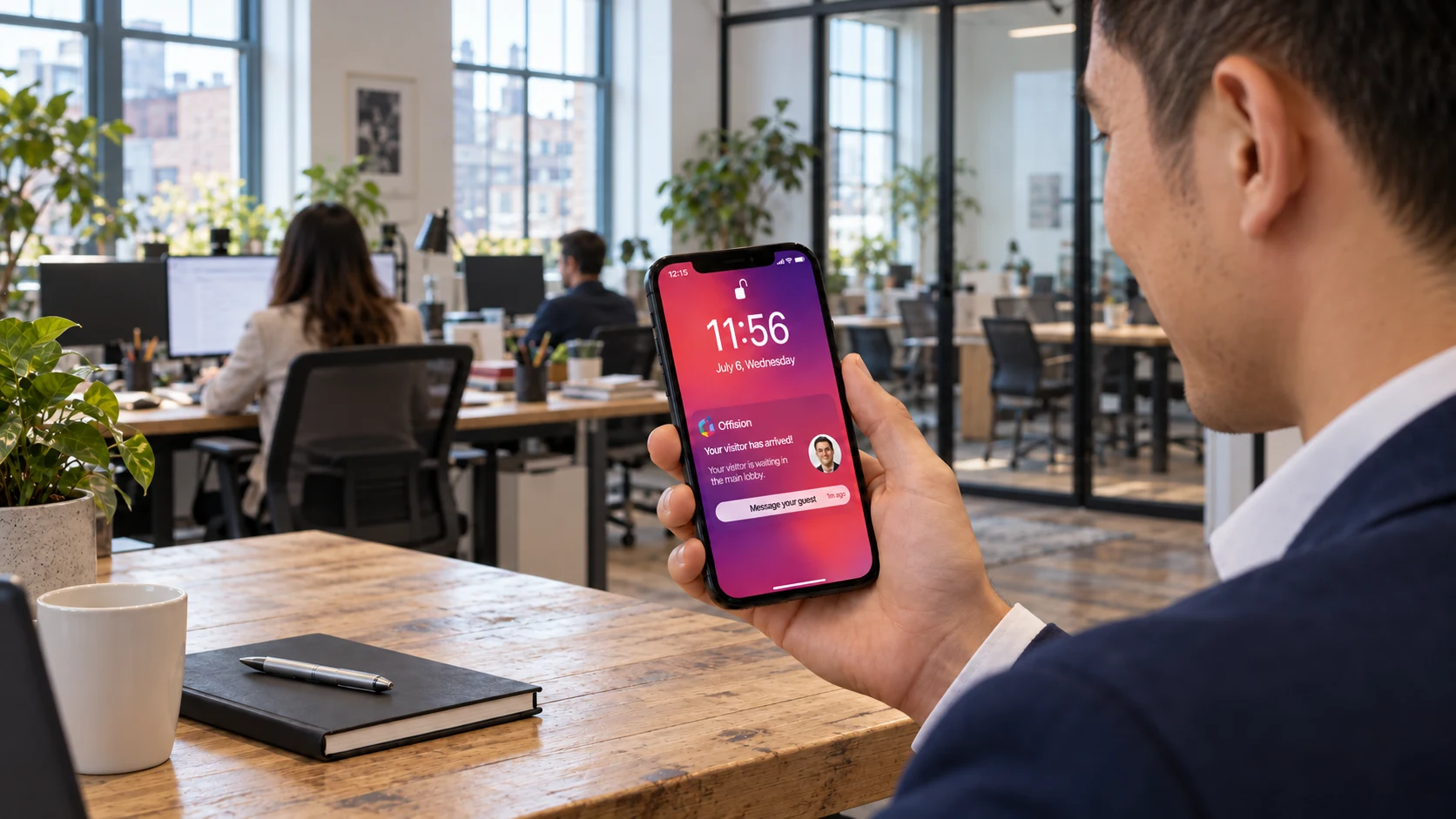
Open the dashboard to review today's bookings and manage your visitors.
Built for your workday

Get the app in three steps
- Confirm your work account
- Get the app
- Sign in with your work account
Questions?
Do I need a work account?
Yes. Confirm that you can sign in with your organization account before installing.
What does the phone app add?
The app can scan QR codes and check you in by location when your organization uses those methods.
What if my device can’t install it?
Open Offision in your browser. For a managed Android phone without Google Play, ask your IT team about the Android installer.
Ready for your next office day?
Get the app