July 14, 2026
Improvements Booking Added a "Time Suggestion" feature within Business Hours to recommend specific time slots to users. Added a "Booking…
Release Note 4.5.0 - 19949
July 14, 2026Improvements
Booking
Added a "Time Suggestion" feature within Business Hours to recommend specific time slots to users.
Added a "Booking Purpose" field to the booking form.
Added the ability to reorder fields within the booking form.
Added a configuration to display an "Out of Service Hours" warning that alerts the user without blocking.
Added support for user group quota policies.
Added a "Booking Host" feature.
Added a setting to control whether notifications are sent for out-of-service-hour bookings.
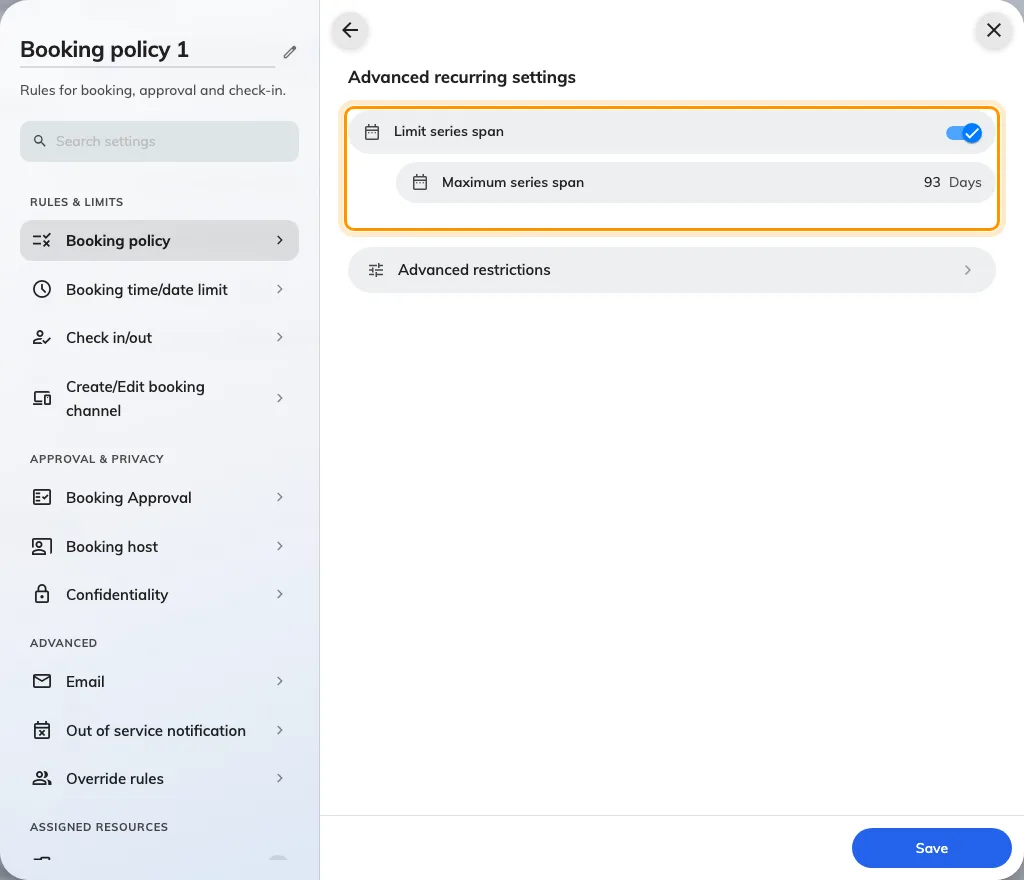
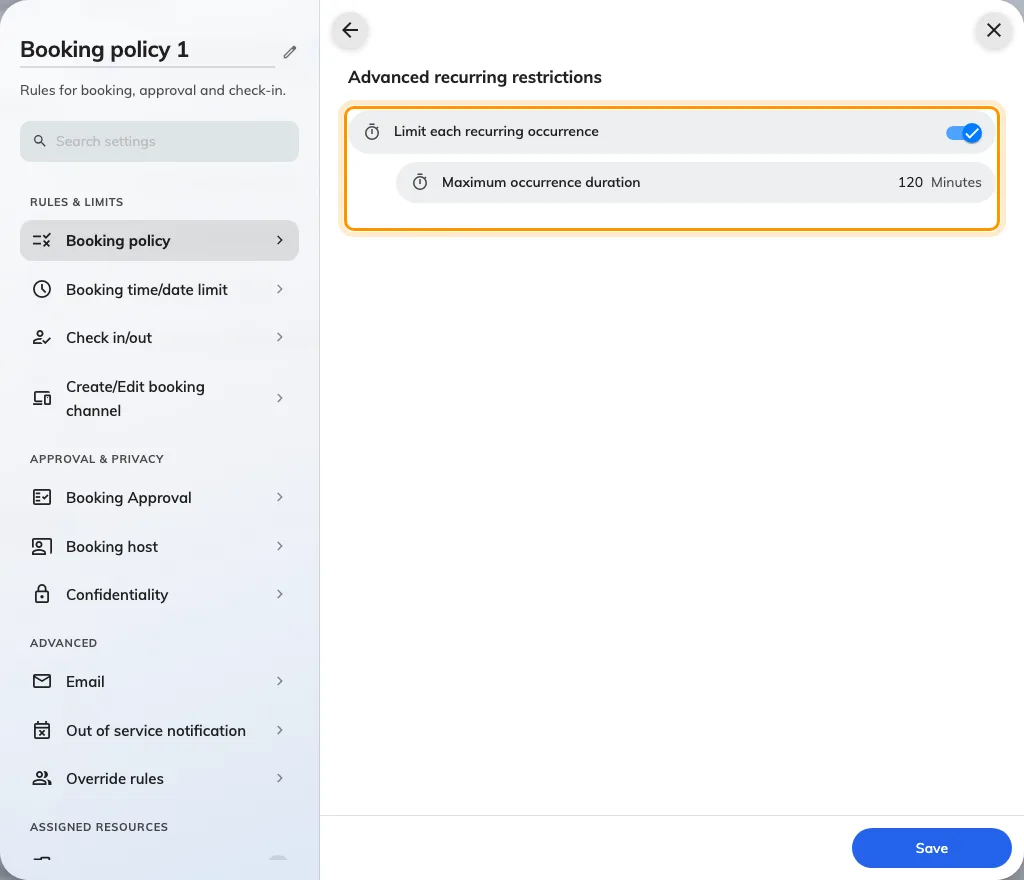
Added a Time Sector Restriction feature for bookings.
Added support for specifying the number of room users when importing bookings.
Added support for setting the "Booking Purpose" when importing bookings.
Improved the booking import process to automatically bypass failed entries and continue importing the rest.
Revamped the user interface for the Resource Selection process.
Updated the booking form to disable the "Number of room users" field by default.
Visitor
Added the ability to invite visitors to floor and revamped the Location Selection user interface.
Added the ability to print visitor badges directly when scanning a visitor QR code to register via a mobile phone.
Added "Visitor Attributes," allowing to create custom data fields for visitors.
Added a new key for visitor registration.
Revamped the user interface for selecting the Visiting Purpose.
Directory
Added "Assignable Roles," allowing to create and assign custom roles to specific resources and locations.
Added "User Attributes," allowing to create custom data fields for users.
Device
Added a feature to suspend the sensor auto-checkout function directly from the booking panel.
Added a setting to keep the QR code persistently visible on the panel screen.
Signage
Revamped the workflow for connecting signage devices.
Improved the user interface for connecting a printer.
Added a countdown timer to all forms displayed on signage.
Security
Implemented Content Security Policy (CSP) Reporting.
Added new configurable policy permissions.
Enhanced the security protocols for saving and storing images.
Attendance
- Added a selfie capture feature for attendance tracking.
Event
- Improved overall Event Management features and workflows.
Broadcast
- Added an Emergency Warning feature to display alerts across connected devices.
Support Ticket
- Updated support ticket policies to allow sending notification emails directly to configured Assignable Roles.
Map
- Redesigned the Floor Plan Editor for a better user experience.
User App
- Added a new filter option to the Resource Calendar.
General
Improved photo capture quality across the platform by utilizing the device's native camera.
Improved the user interface for the Offision Start Tour.
Improved the formatting for all Note fields.
Bug Fixes
Fixed an issue where directly approved integration bookings incorrectly required a second manual approval.
Fixed an issue where the specific location failed to auto-fill on the visitor registration form when scanning a visitor QR code.
Fixed an issue that prevented the booking form from opening when clicking an available time slot shorter than one hour.
Fixed an issue in the Offision application where using the "Print All" label function would incorrectly print duplicates of the same label.