Select another country/region to browse the content applicable to your location.
User App

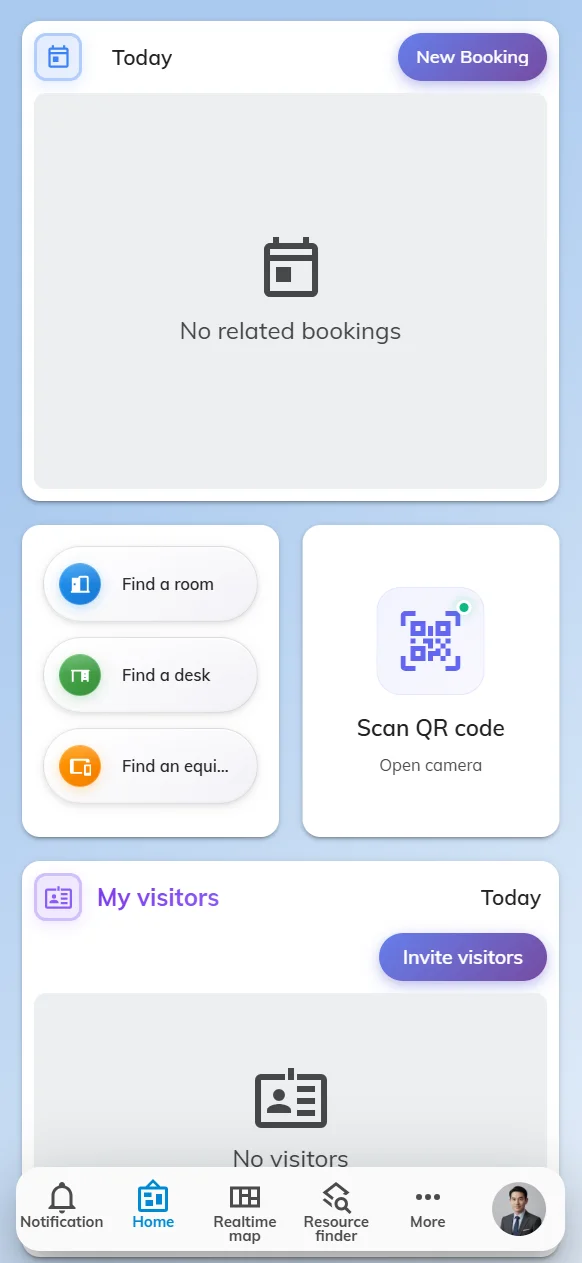
All your favorite functions in one APP

One tool that has all the functions your employees need in the office. Real-time availability checking, seamless check-ins, and a user-friendly platform.

Support:
iOS
Android
Browser
Teams
Microsoft Outlook
Offision User App
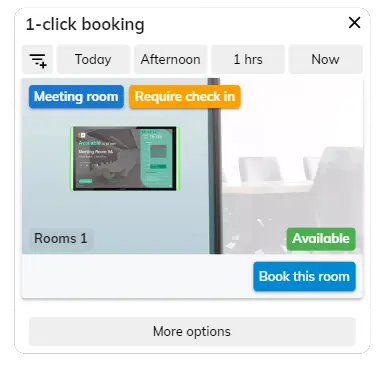
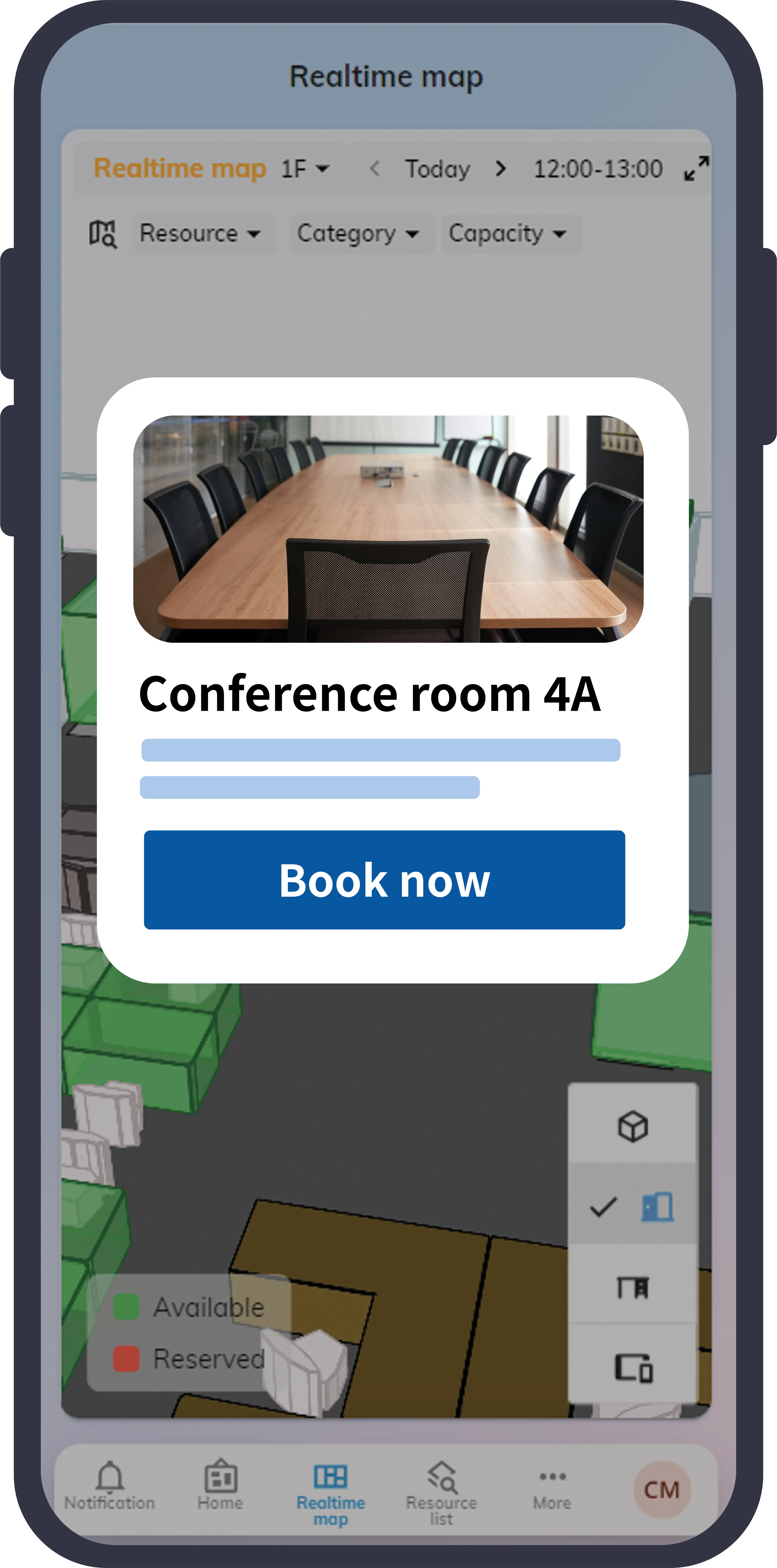
Offision Booking Dialog
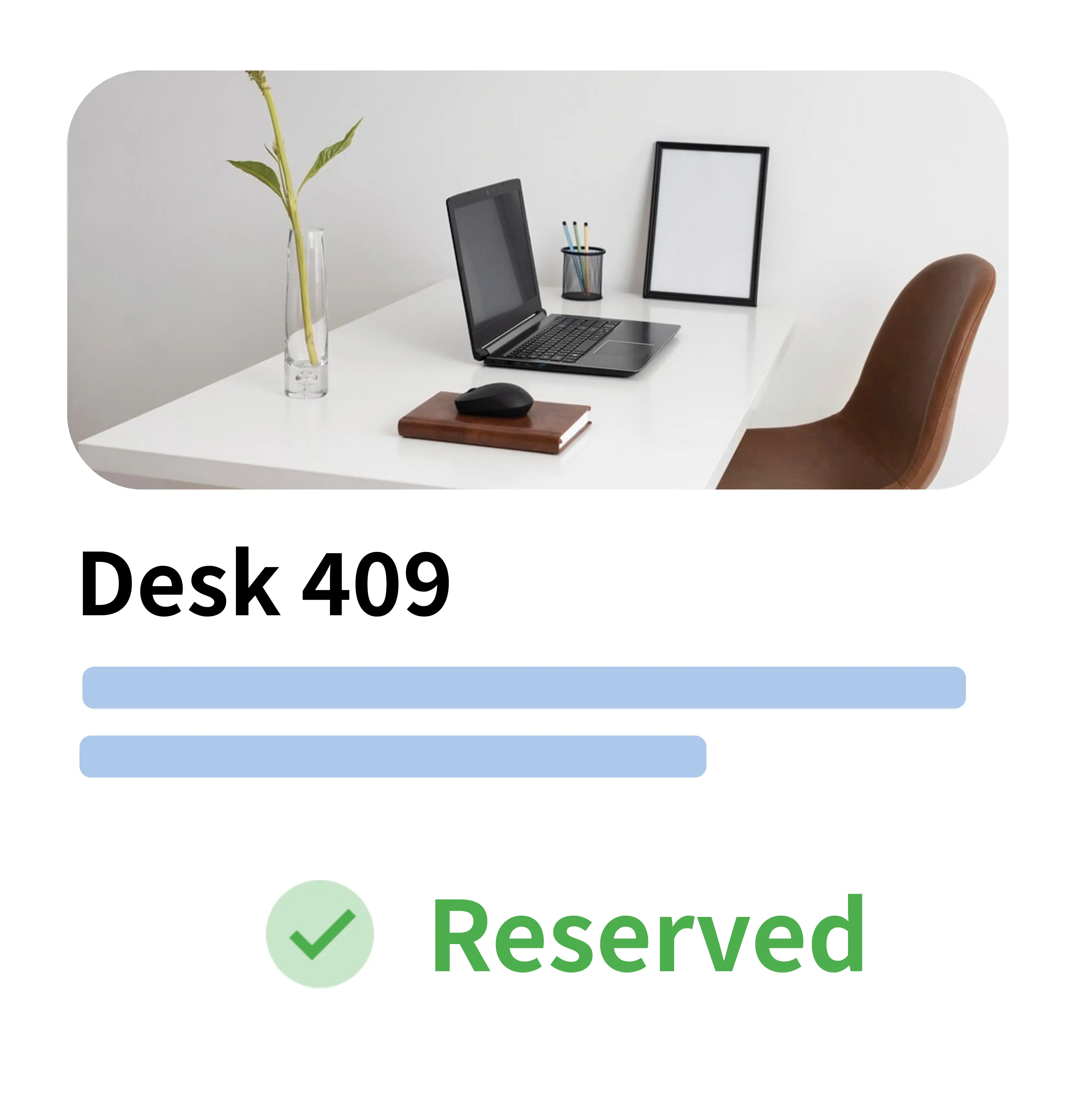
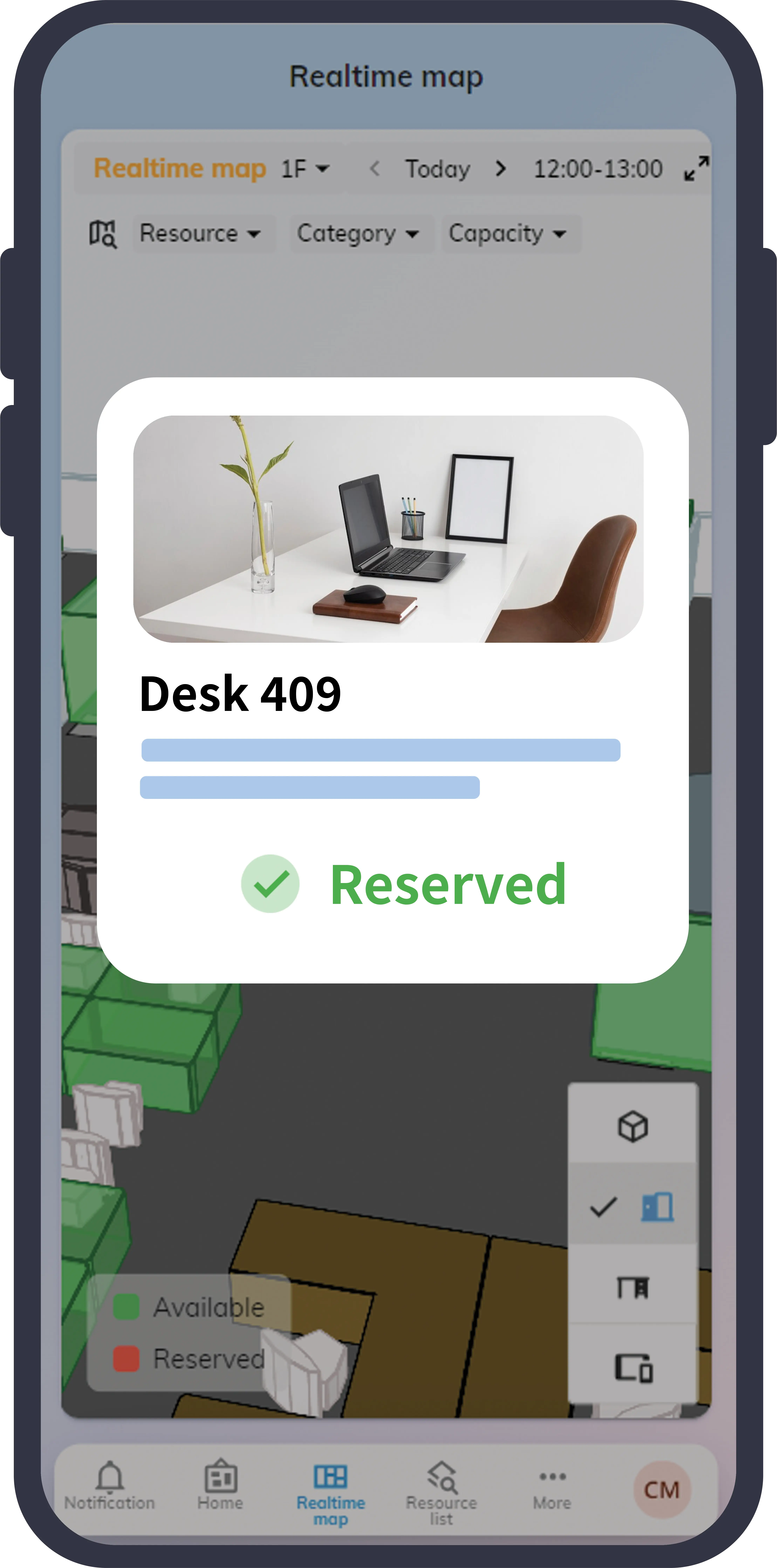
Offision Desk Dialog

The user app for modern workplaces

Give your teams a straightforward way to coordinate their schedules and collaborate.

Dashboard

Customizable dashboard

Pin your favorite features onto the dashboard, such as

My bookings My calendar My visitors Real-time office map
Single Sign-on

Single Sign-on

Simplify the user login by automating identification. Support Google Workspace, Microsoft 365, Outlook, etc.

Microsoft Entra ID Google Workspace SAML / OIDC
More integrations
Real-time synchronization

Real-time synchronization

Reserve the room/desks on the mobile and all statuses are synchronized to all devices and panels.

Microsoft 365 Google Calendar Search other colleagues
Room booking panel

Reminder

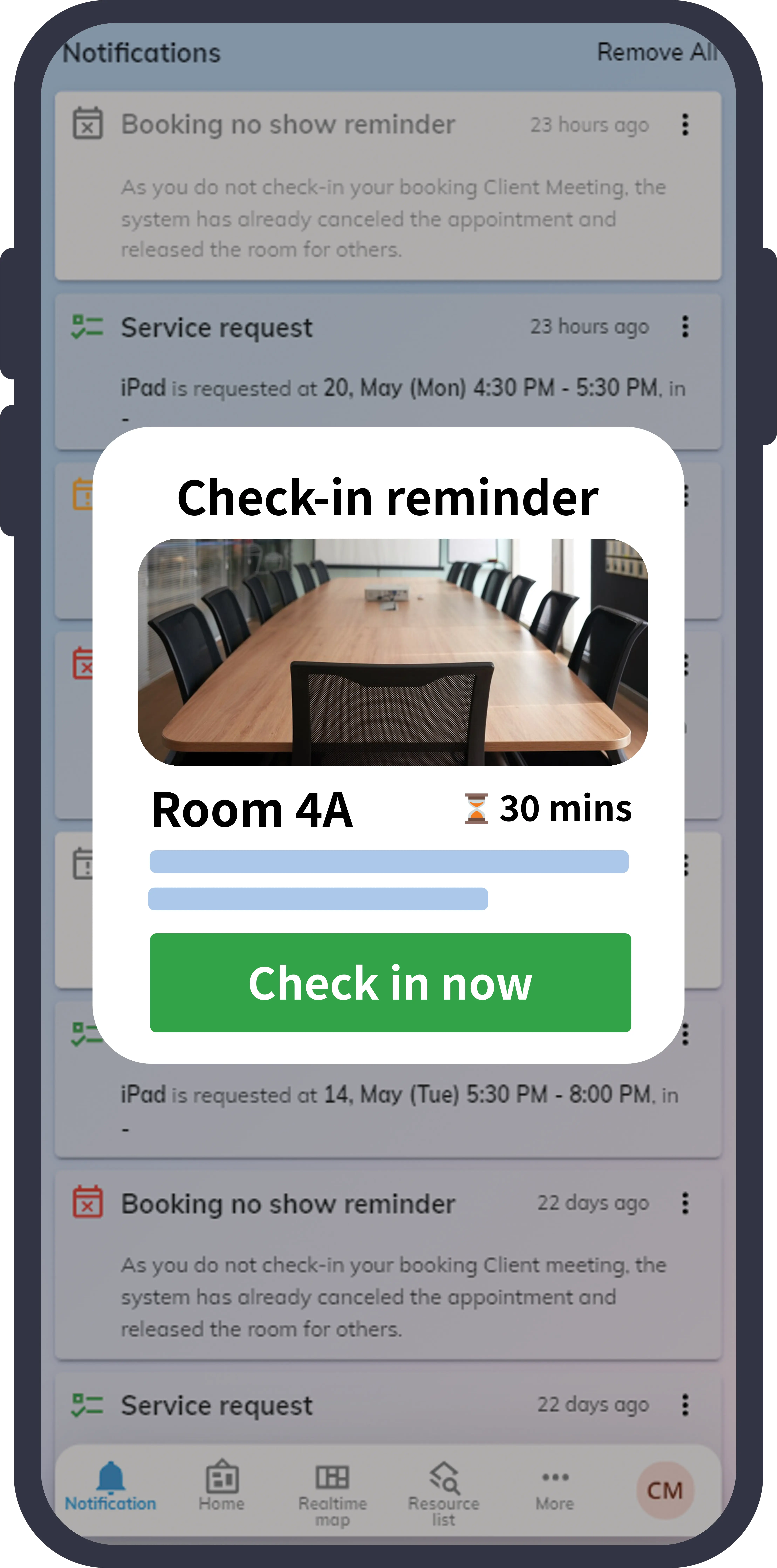
Get notified when you need to check-in the room or your guest has arrived.

Push Notifications Email Alerts Teams / Outlook

The user app for modern workplaces

Give your teams a straightforward way to coordinate their schedules and collaborate.

  • My bookings
  • My calendar
  • My visitors
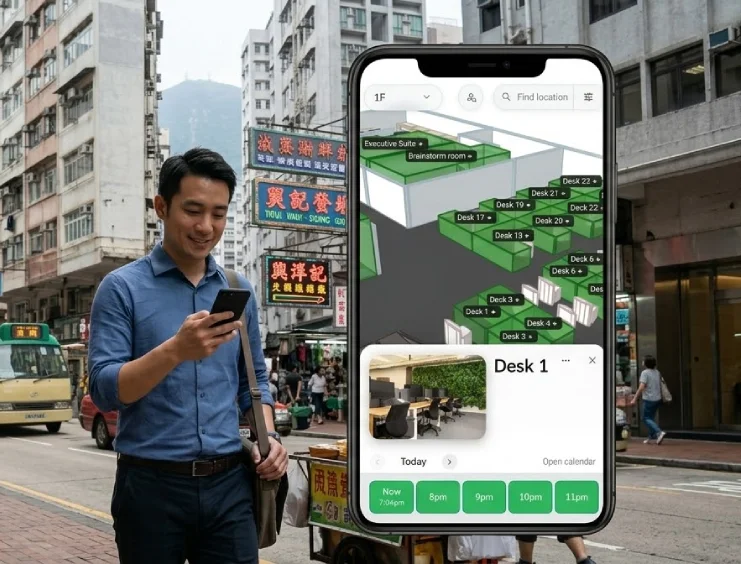
  • Real-time office map

It's time to manage your space efficiently

Offision provides a total solution for you to manage your office resource.

Offision - Reserve rooms

Reserve rooms

Find your room and add it to your calendar booking via mobile.

  • Reserve rooms from your smartphone and filter by capacity, available equipment, or building location. Instantly see what's open and book the right space on the go.
  • Space recommendation
  • Multi-location management
  • Amenities
Learn more
Offision - Book the desks

Book the desks

View the office floor plan and find the right desk to book in the app.

  • User space
  • Booking policy
  • Auto-release
  • Issue reporting
Learn more
Offision - Reminder

Reminder

Get notified when you need to check-in the room or your guest has arrived.

  • Mobile app
  • Space recommendation
  • Auto-release
  • Issue reporting

It's time to manage your space efficiently

Mobile app

Mobile app

Reserve rooms from your smartphone and filter by capacity, available equipment, or building location. Instantly see what's open and book the right space on the go.

Space recommendation

Space recommendation

Based on your request, the system will suggest the proper space and add them to the meeting.

Multi-location

Multi-location management

Manage your workspace in one single office or multiple locations on one platform.

User space

User space

Define the user space to manage different office areas effectively.

Amenities

Amenities

Tag rooms with equipment (projectors, whiteboards, video conferencing), seating capacity, floor location, and amenities — so employees can filter and find exactly the right space for any meeting type.

Booking policy

Booking policy

Create regulations for venues such as meeting duration, check-in policy, and business hours.

Auto-release

Auto-release

Tackle the 'zombie meeting' problem — rooms booked but never used — that artificially constrains your office capacity. Auto-release detects no-shows and frees up unused spaces automatically, so rooms stay available for teams that actually need them.

Issue reporting

Issue reporting

Allow your employees to share concerns with office supplies directly to management via desktop, mobile app, or panel.

The user app for modern workplaces

Give your teams a straightforward way to coordinate their schedules and collaborate.