Facilities Teams

One dashboard.
Every space.

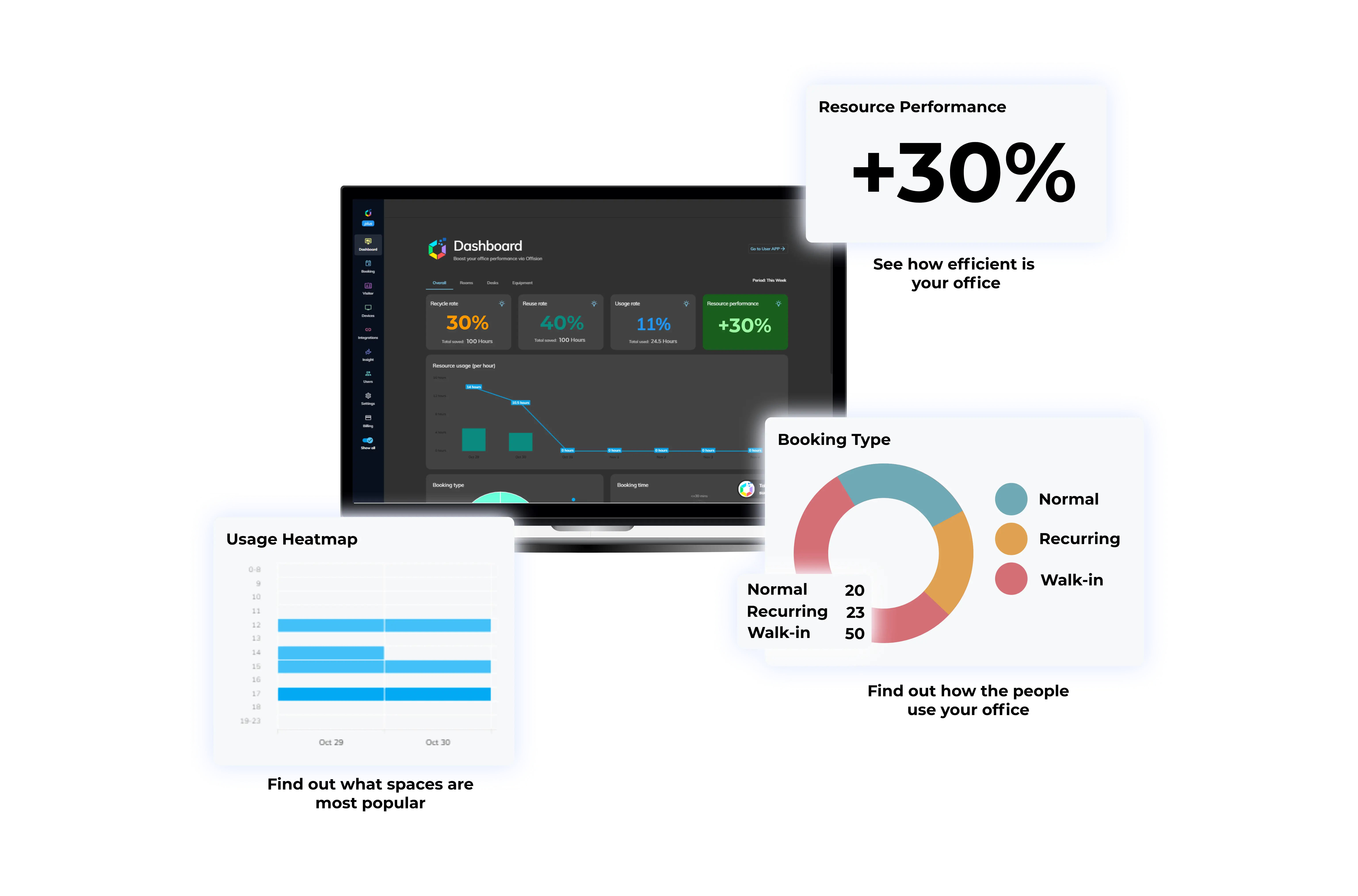
Offision gives facilities teams one platform for rooms, desks, floor plans, signage and IoT — real-time data to manage every square meter.

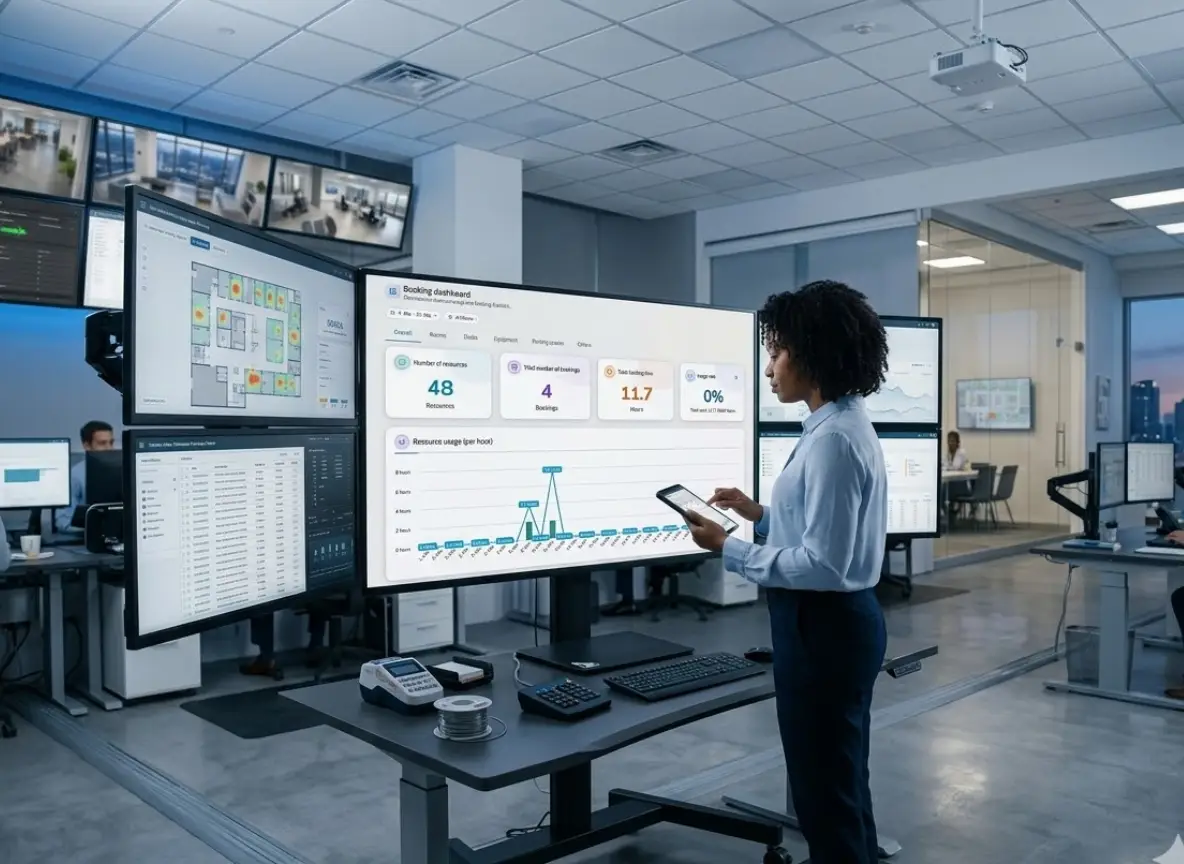
Facilities manager reviewing room, desk and floor-plan status on the Offision admin dashboard.

What facilities teams manage every day.

Guides for facilities teams.

Why facilities
teams switch.

Ditch single-point solutions and save time by bringing all your workplace tools together in one place.

Space optimization

Every room and desk
on one dashboard.
Facilities manager viewing room and desk availability on the Offision admin dashboard.

Take full control of your physical workspace. Manage rooms, desks, and floor plans from a single dashboard with real-time data to back every decision.

Learn more

Real-time data

Know what is occupied
right now.

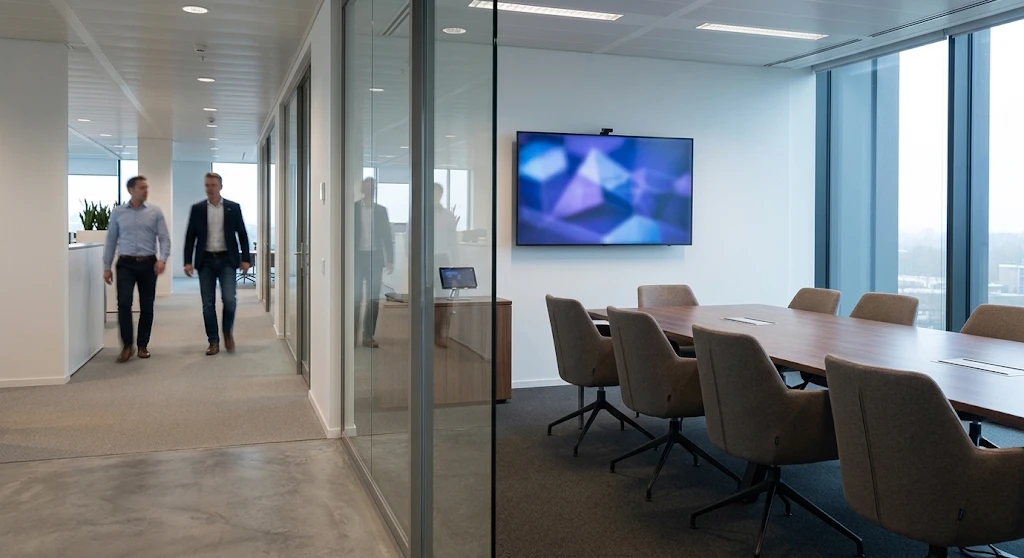
Employees working at desks with live occupancy status on the floor plan.

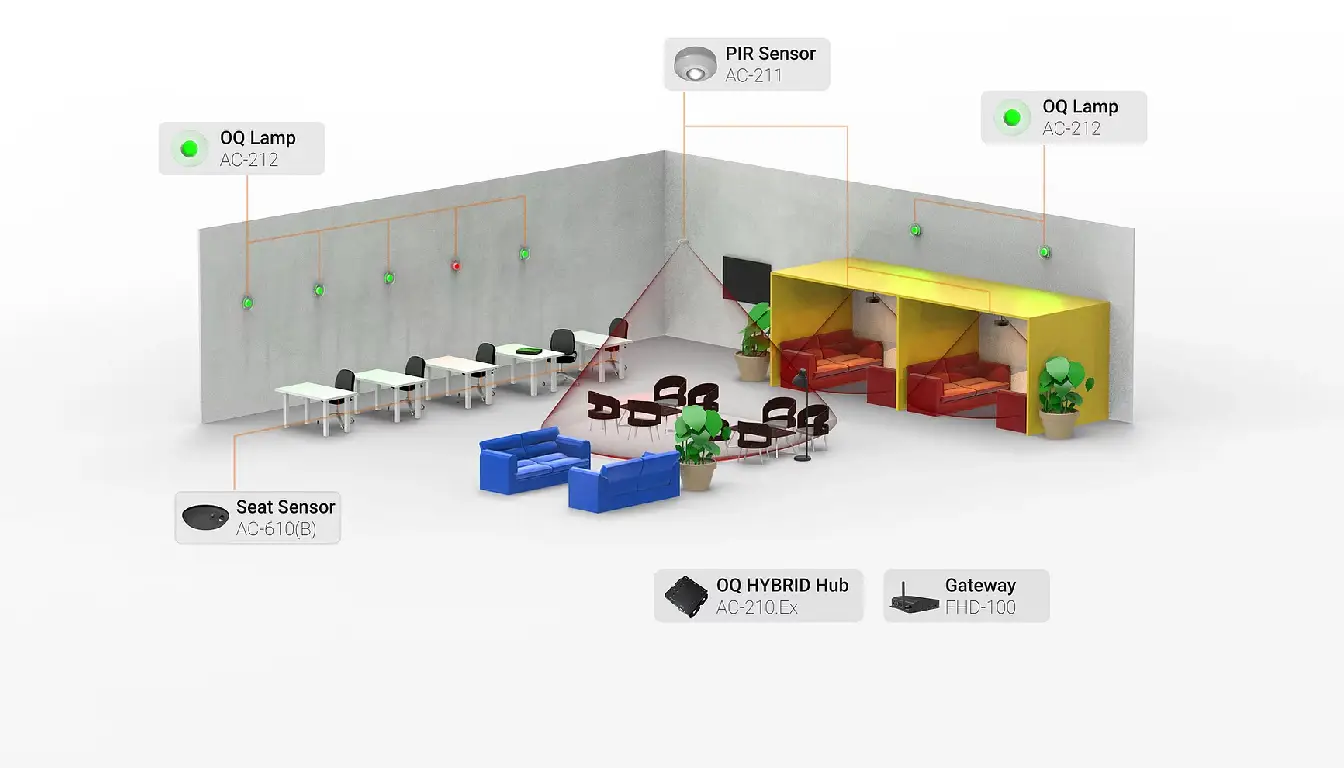
Know exactly which spaces are occupied, available, or underused. Real-time occupancy data and IoT sensors give you the visibility you need.

Learn more

Interactive maps

Floor plans that
everyone can read.

Interactive floor plan showing rooms, desks and wayfinding routes.

Visualize space usage with interactive floor plans. Upload your layouts and let employees navigate rooms, desks, and amenities with ease.

Learn more

Everything in
one platform.

Offision gives facilities managers the tools to manage spaces, guide visitors, and optimize operations — all from one dashboard.

Room Booking

Rooms managed
without spreadsheets.

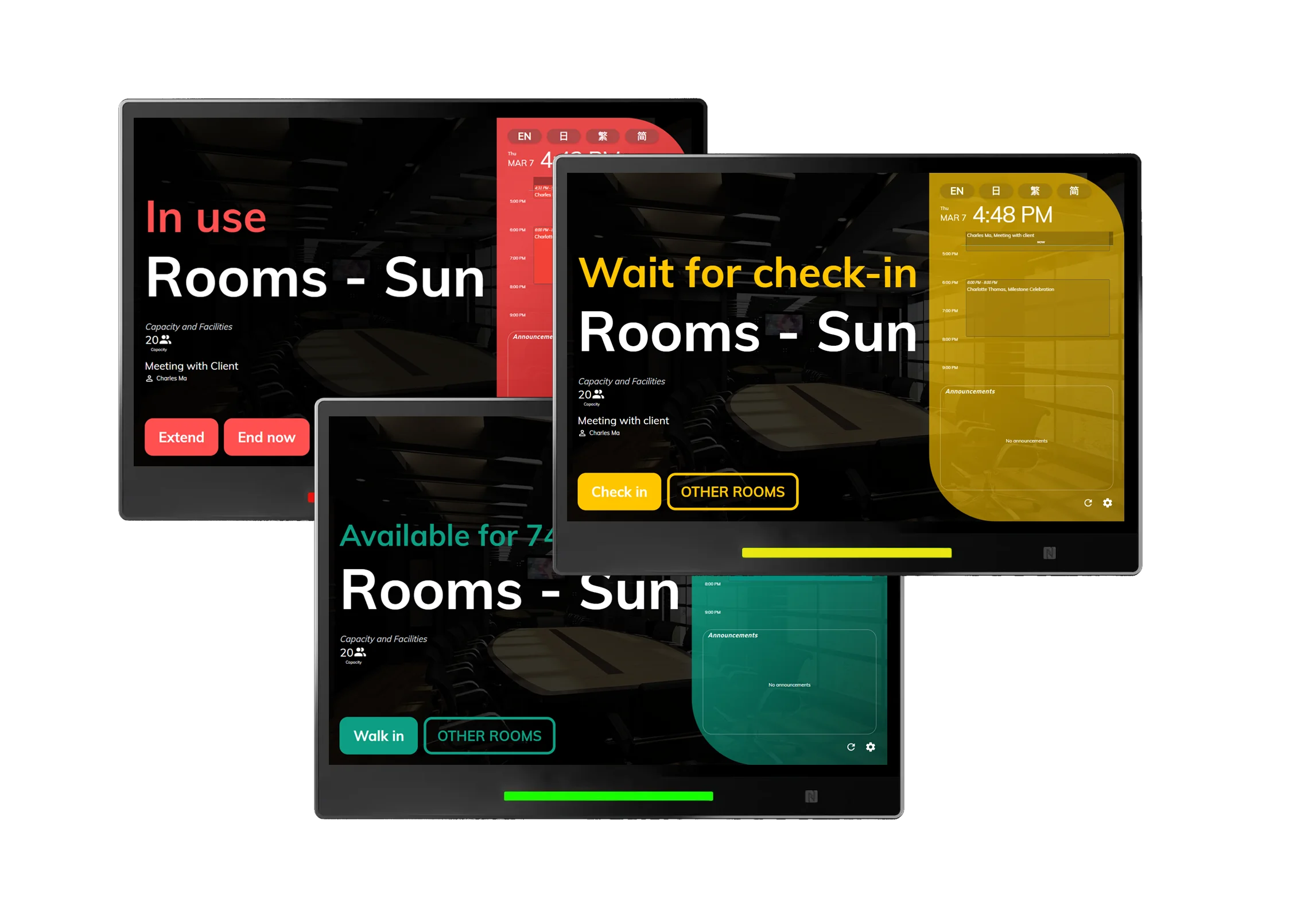
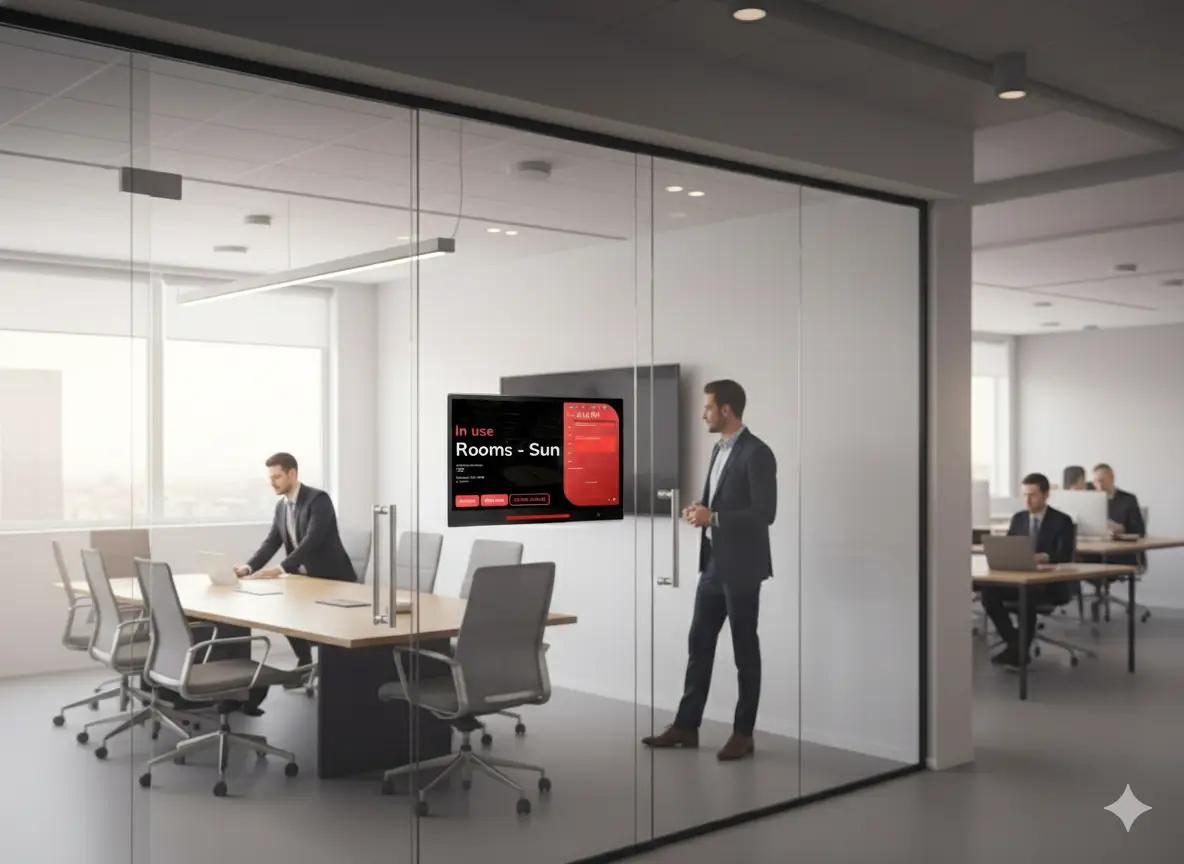
Room booking dashboard with real-time availability across multiple floors.

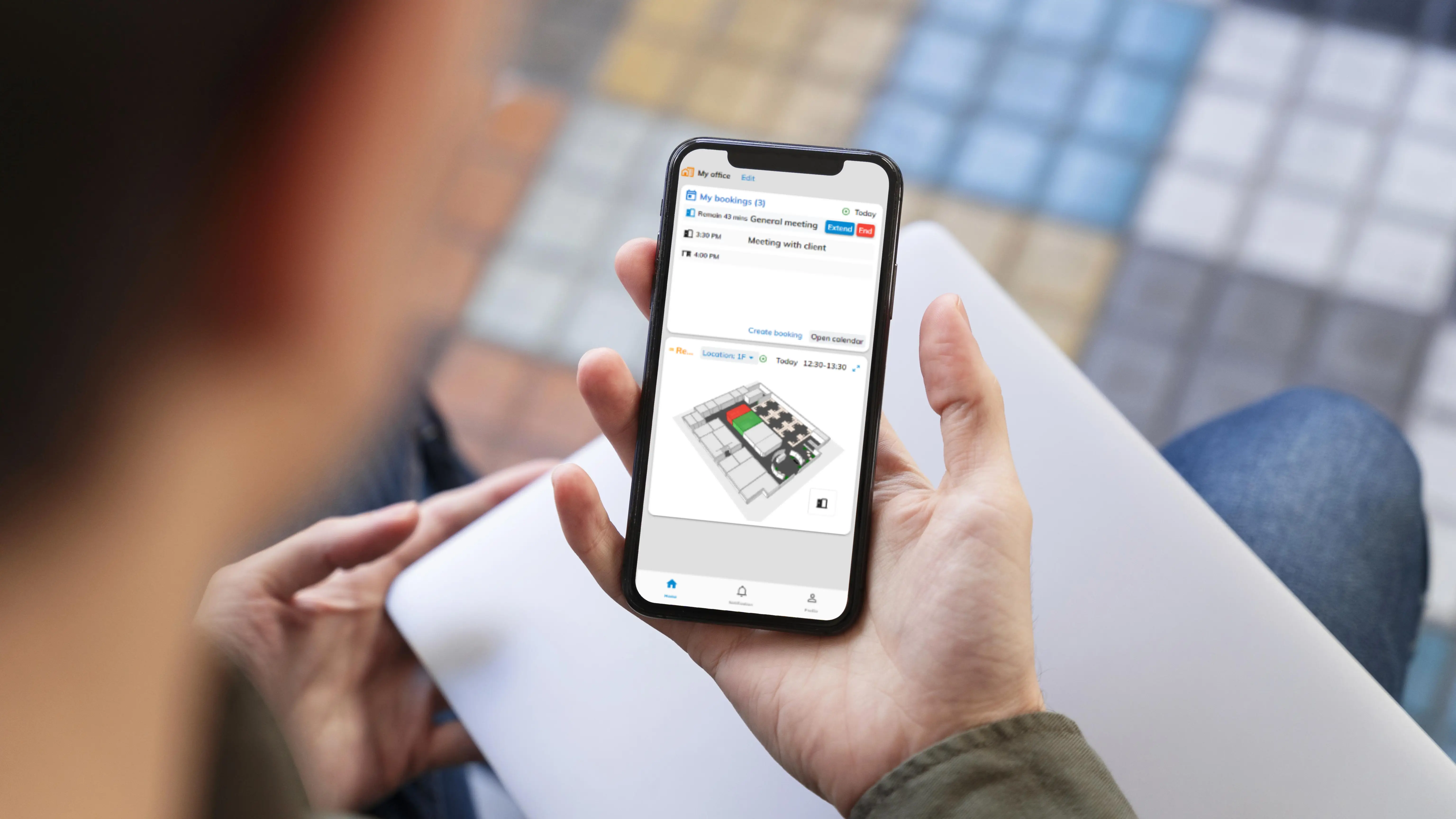
Simplify space management with real-time room booking. Teams book on-site or on the go, and you control floor plans and resources in just a few clicks.

Learn more

Desk Booking

Desks assigned
on the map.

Interactive floor plan with hot desks and team zones highlighted.

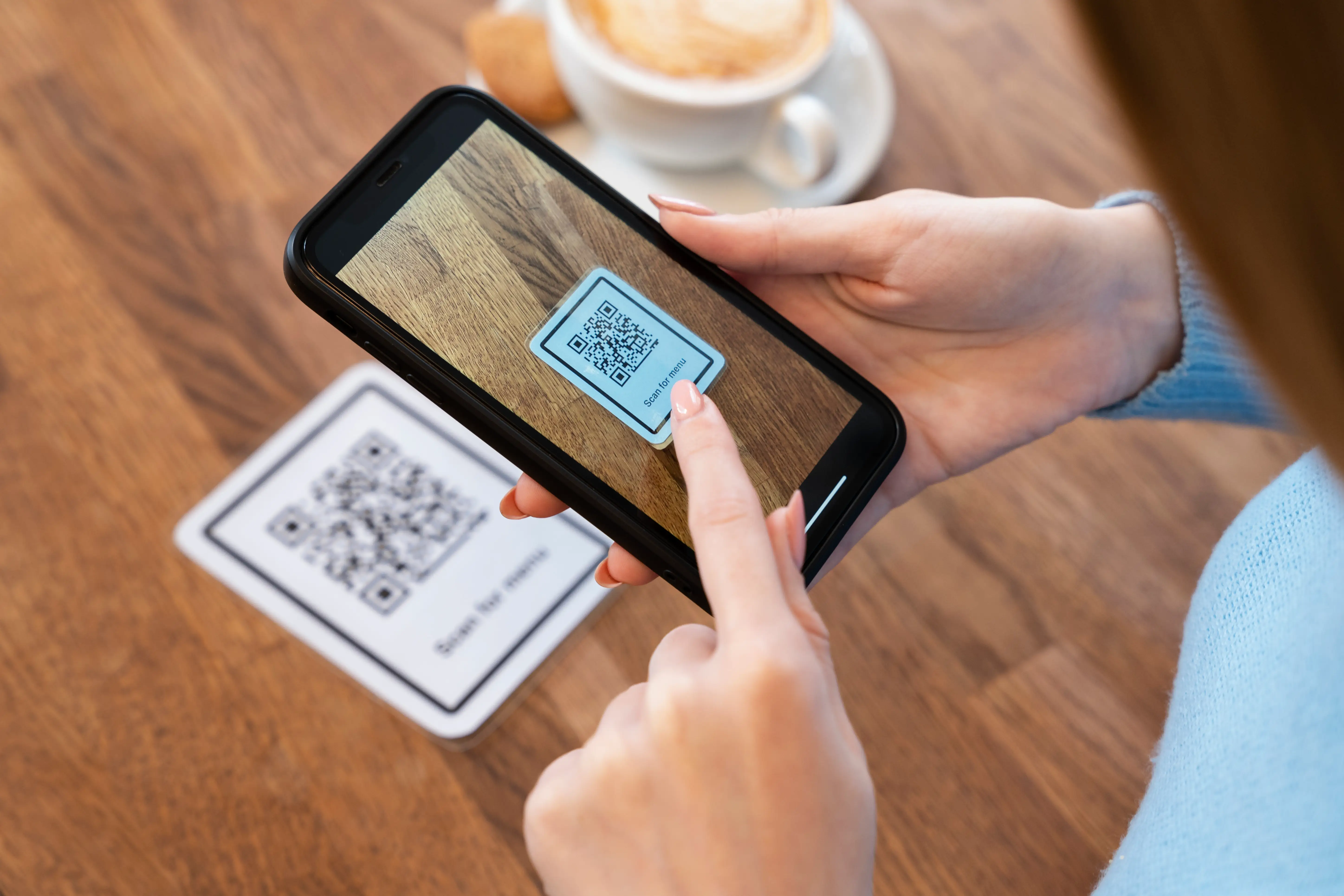
From hot desking to assigned seating, the interactive floor plan makes it easy for employees to find a spot near teammates and check in with a simple QR scan.

Learn more

Digital Signage

Signage that reaches
every floor.

Digital signage screen showing facility announcements in a common area.

Your digital signage can do more than display static screens. Customize content on your signage to capture attention and keep everyone informed across your facilities.

Learn more

Wayfinding

Wayfinding that guides
every visitor.

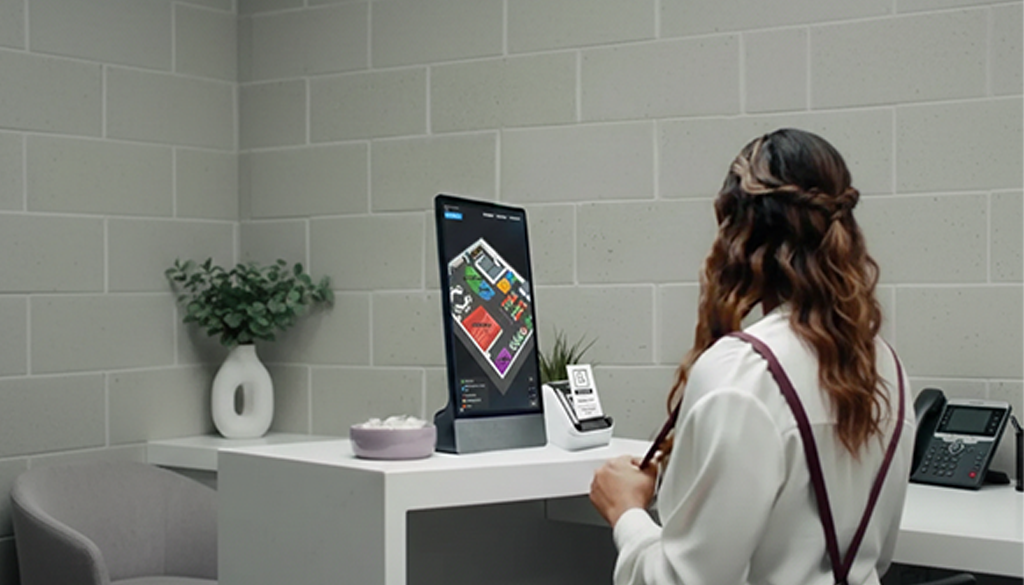
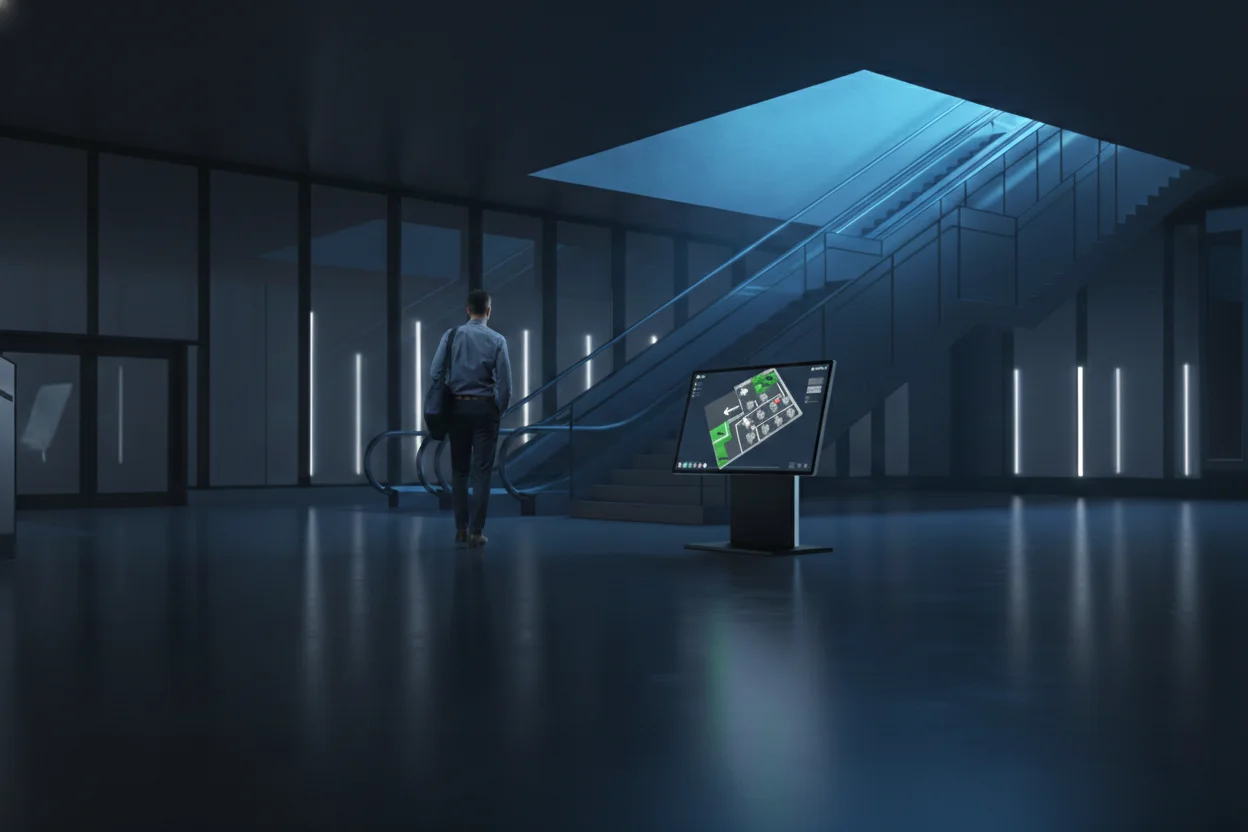
Wayfinding kiosk helping an employee navigate to a meeting room.

Turn your existing digital signage displays into interactive maps. Help employees and guests navigate your workplace and find rooms, desks, and amenities quickly.

Learn more

Questions facilities teams ask

What facilities managers ask before rolling out Offision.

Can we manage rooms, desks and floor plans on one system?

Yes. Offision connects room booking, desk reservation, interactive floor plans, signage and IoT in one platform — so facilities teams see the same data as employees and workplace managers.

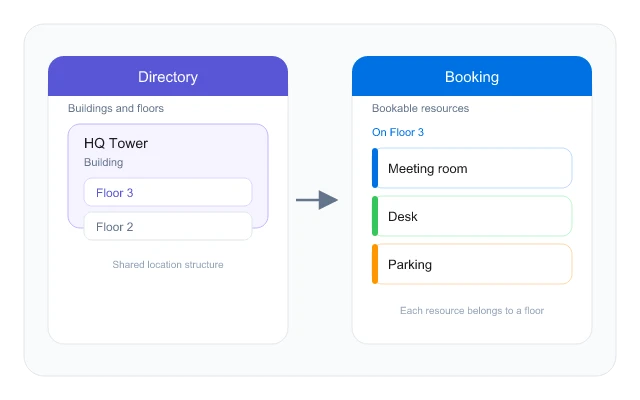
Import your layouts once, assign rooms and desks to map shapes, and publish. Updates sync to the app, panels and wayfinding without redrawing bookings.

Yes. Occupancy sensors feed real-time data into analytics and can trigger auto-release when spaces stay empty — so utilisation reflects the building, not just the calendar.

No. The same floor map powers digital signage, wayfinding kiosks and the mobile app — one geometry, updated in one place.

Most teams start with one floor or building, connect Microsoft 365 or Google Workspace, then expand. Panels, kiosks and sensors can be added when you are ready.

Yes. Employees report faults from the room panel in two taps, or from the app with photos and follow-up — support sees the ticket tied to that room immediately.

Ready to manage
every space?

Join facilities teams who use Offision to optimize spaces, reduce costs, and create better workplace experiences.

Get Started Free