Reminder

We have already sent a verification email to your mailbox. Please check your mailbox or junk mail folder. You can also click the resend button to send the verification email again.

Reminder

We have already sent a verification email to your mailbox. Please check your mailbox or junk mail folder. You can also contact us via hello@offision.com for further support.

Taiwan Agency Hotline

Try Offision for free

More power. More productivity. Try our most-favourite features. Free for 1 month.

Your workplace, in your pocket.

Book a space, check in and manage your day.

Get the app
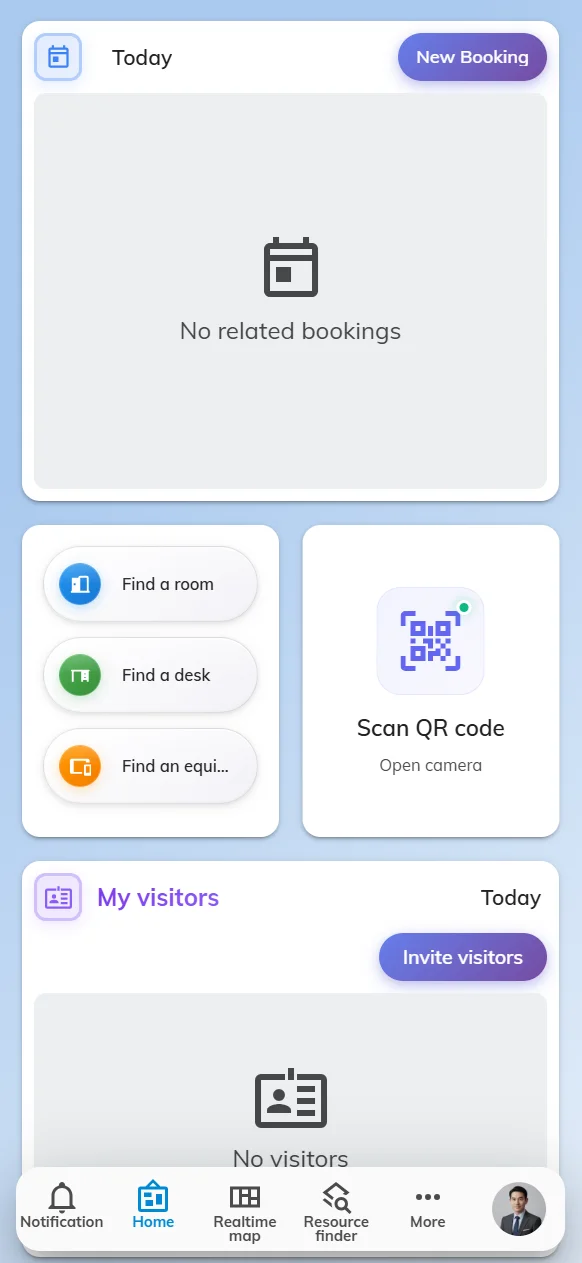
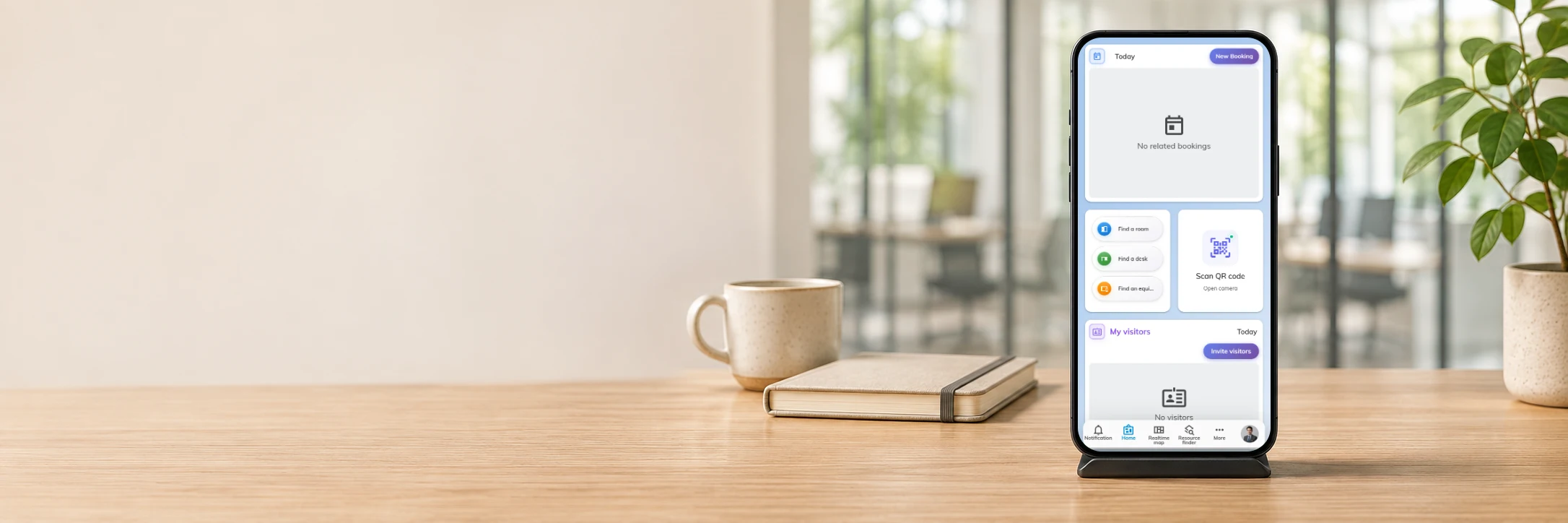
Offision dashboard with today's bookings, quick booking and QR scanning.

How It Works

Book a space

Find and reserve a room or desk on the live map.

Check in

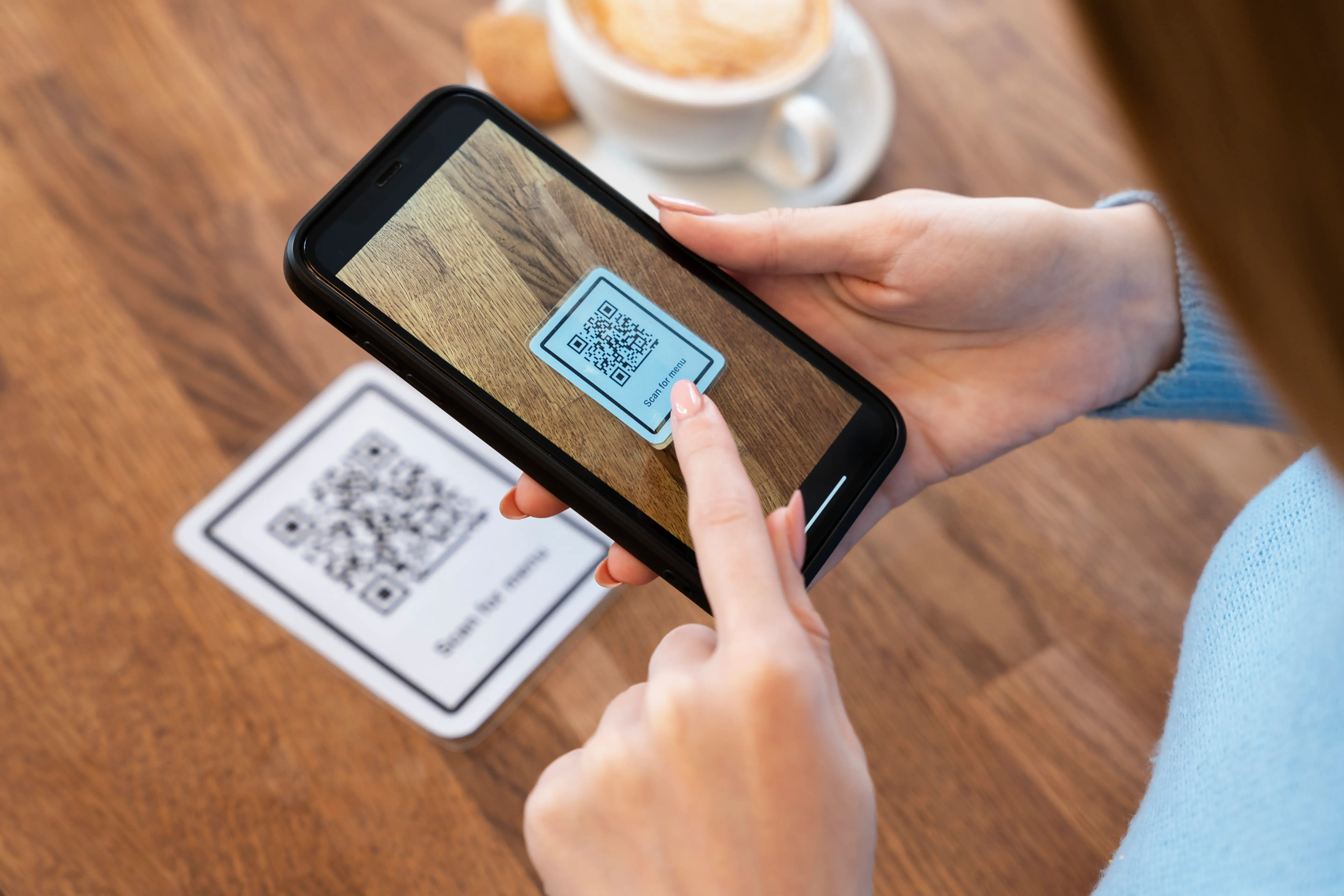
Use your phone to scan a QR code or check in by location when your workplace requires it.

Manage your bookings

Open the dashboard to review today's bookings and manage your visitors.
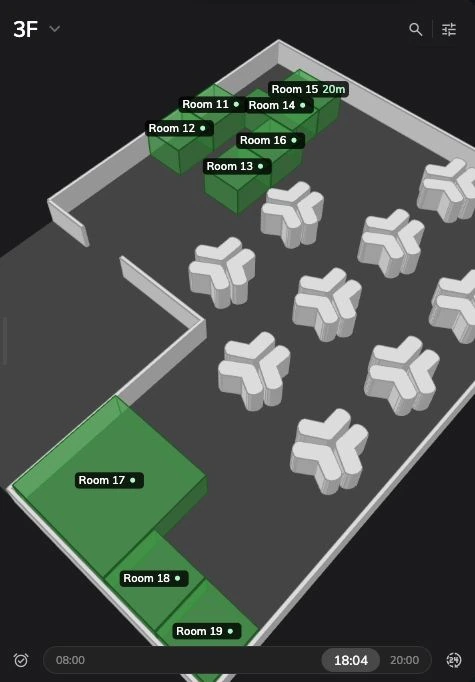
Offision sample floor plan showing room availability.
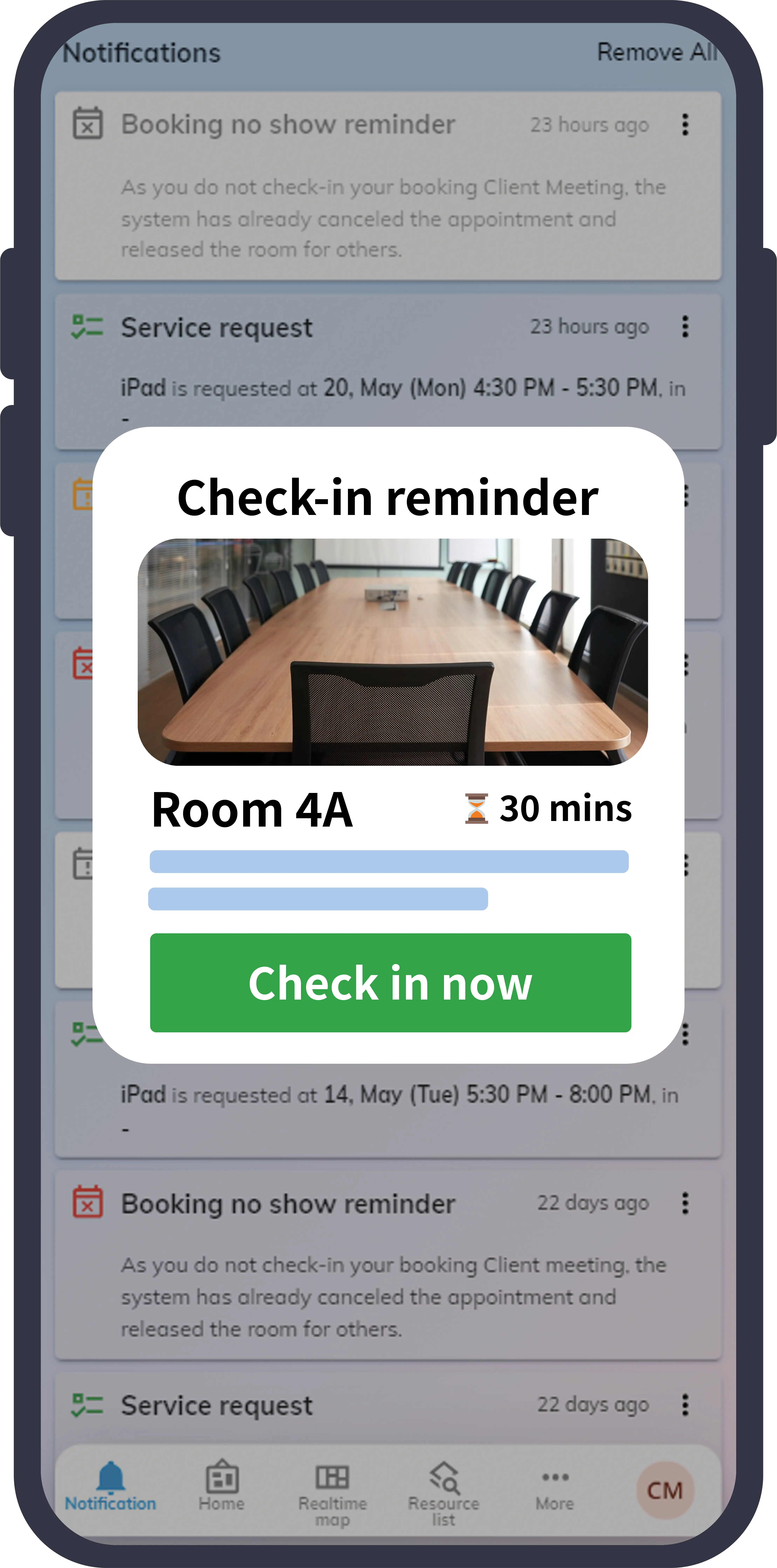
Offision check-in reminder for Room 4A.
Offision dashboard showing today's bookings and visitor tools.

Get the app in three steps

  1. Confirm your work account
  2. Get the app
  3. Sign in with your work account

Questions?

Do I need a work account?

Yes. Confirm that you can sign in with your organization account before installing.

What does the phone app add?

The app can scan QR codes and check you in by location when your organization uses those methods.

What if my device can’t install it?

Open Offision in your browser. For a managed Android phone without Google Play, ask your IT team about the Android installer.

Ready for your next office day?

Get the app
Offision dashboard with today's bookings, quick booking and QR scanning.

Select Your Language

Quick feedback

Optional. We read every message and use it to improve signup.