Connect find, book, check-in, and release into one reliable workflow—with live availability, clear policies, and utilization insights your workplace team can act on.
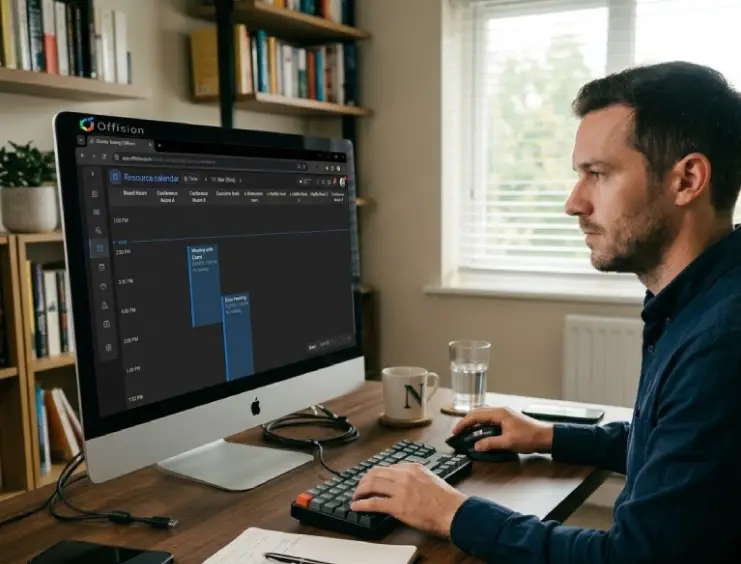
桌位预订流程
Offision
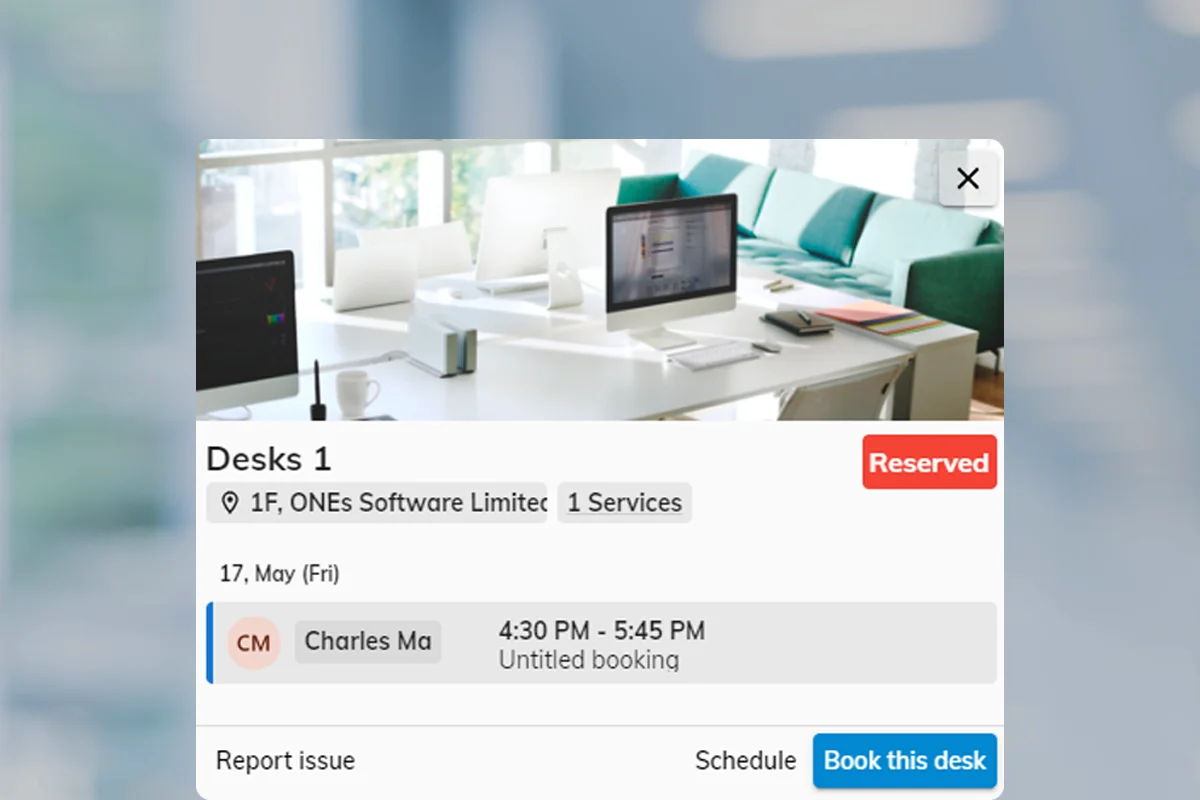
Successful desk programs need more than a calendar. Offision coordinates real-time availability, floor maps, booking rules, and check-in so teams can sit where work happens—and facilities can see what is actually used.
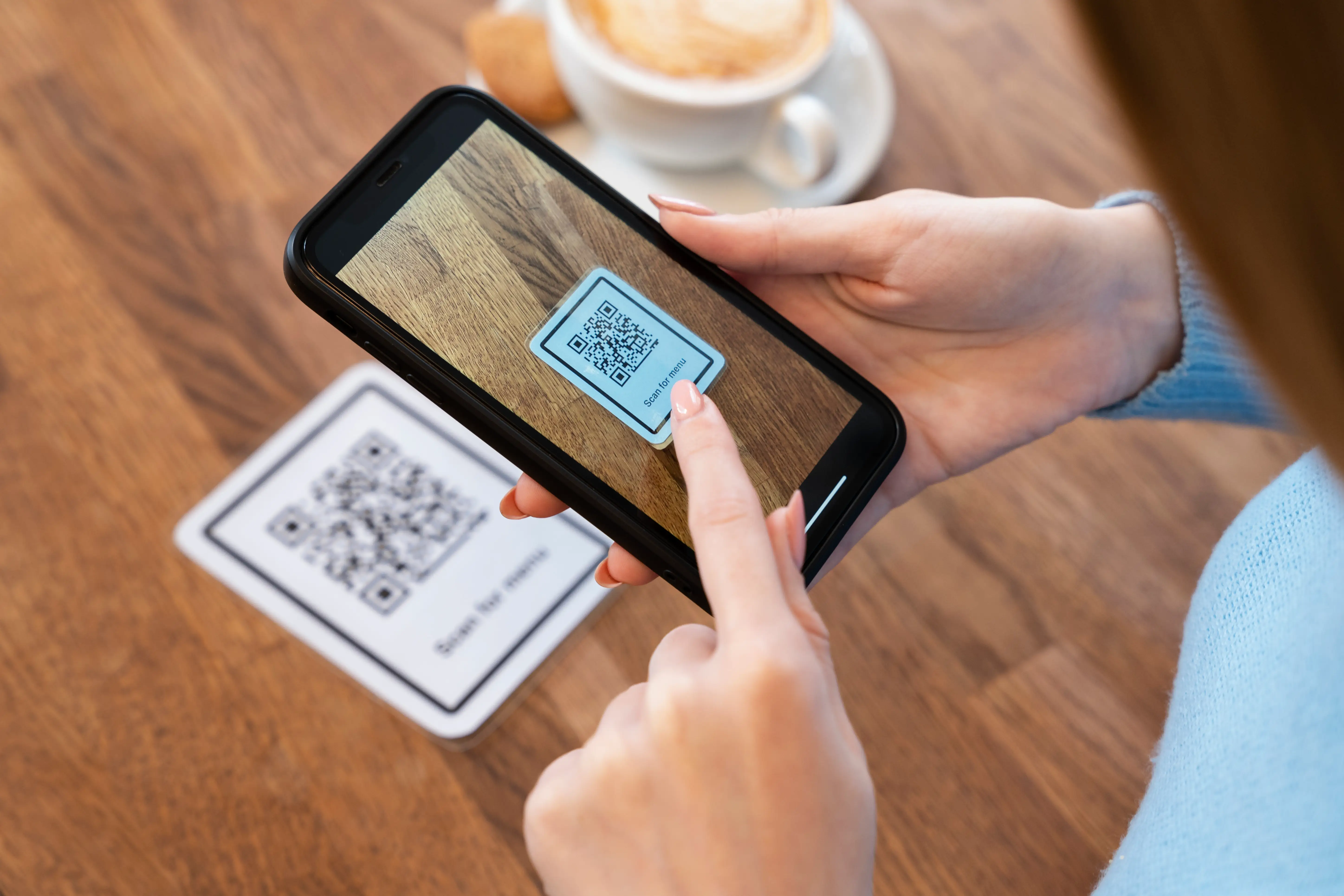
Give employees a clear path from choosing a desk to confirming they showed up—and free capacity when they do not.
Interactive maps make desk inventory visible—who sits where, what is free now, and how neighborhoods fill across the week.
Set the guardrails hybrid offices need: who can book, how long, when to check in, and how to stop conflicts before they start.
Match seating models to how your teams work, then use utilization data to right-size the office.
Same-day or short bookings for flexible teams who need open seating without permanent assignment.
了解更多Advance reservations for hybrid days, team neighborhoods, and predictable in-office schedules.
了解更多Fixed seating for roles that need a permanent base—still visible on maps and analytics.
了解更多It is the end-to-end process from discovering an available desk, reserving it under clear rules, checking in on arrival, and releasing unused capacity—often visualized on a floor map.
Offision shows real-time availability and enforces booking policies so the same desk cannot be claimed twice within conflicting windows.
Hot desking typically means short or same-day flexible seats. Hoteling usually means reserving a desk in advance for planned office days. Offision supports both, plus assigned desks.
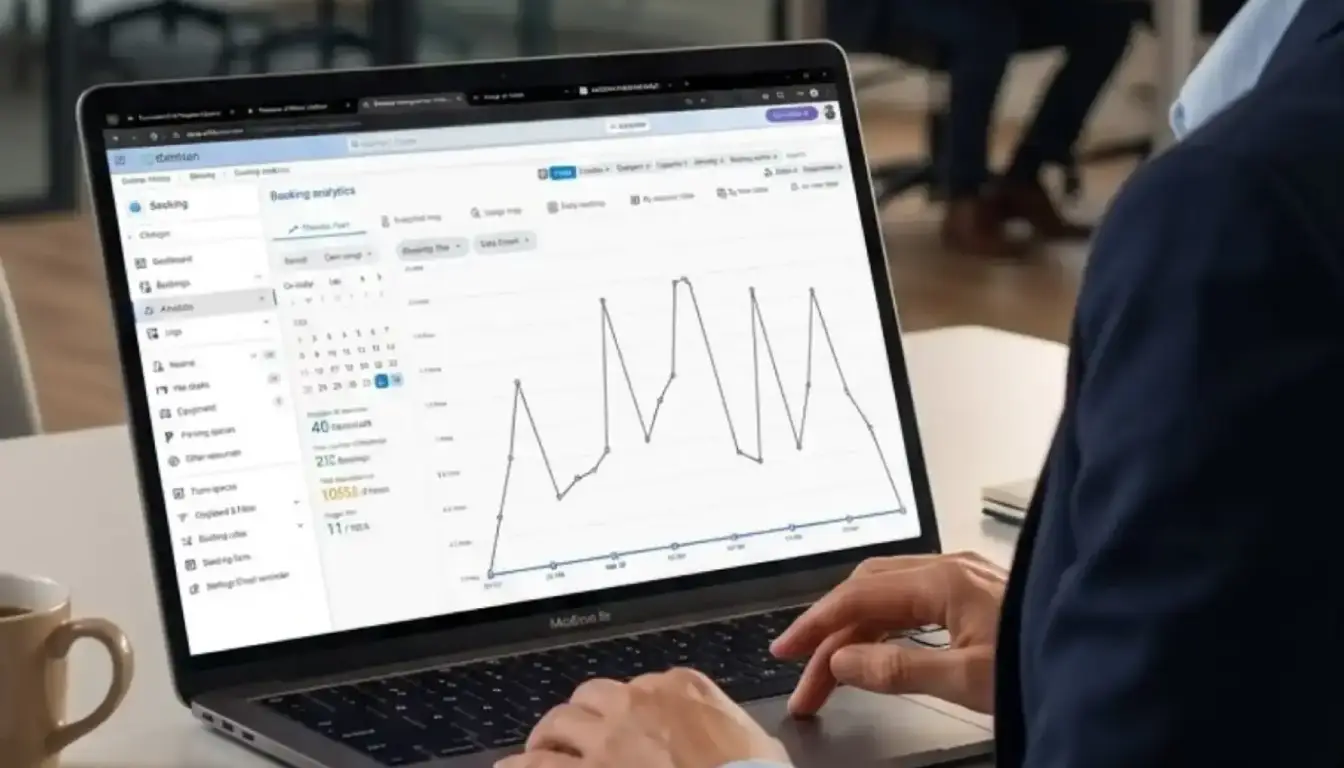
Analytics and heatmaps show which floors, neighborhoods, and days are over- or under-used so workplace teams can adjust inventory, policies, and layout.

 Neat 设备
 Crestron