
Desk booking coordination that keeps hybrid work flowing
Connect find, book, check-in, and release into one reliable workflow—with live availability, clear policies, and utilization insights your workplace team can act on.

Desk Booking Workflows
Offision





From reservation to release—without friction
Successful desk programs need more than a calendar. Offision coordinates real-time availability, floor maps, booking rules, and check-in so teams can sit where work happens—and facilities can see what is actually used.
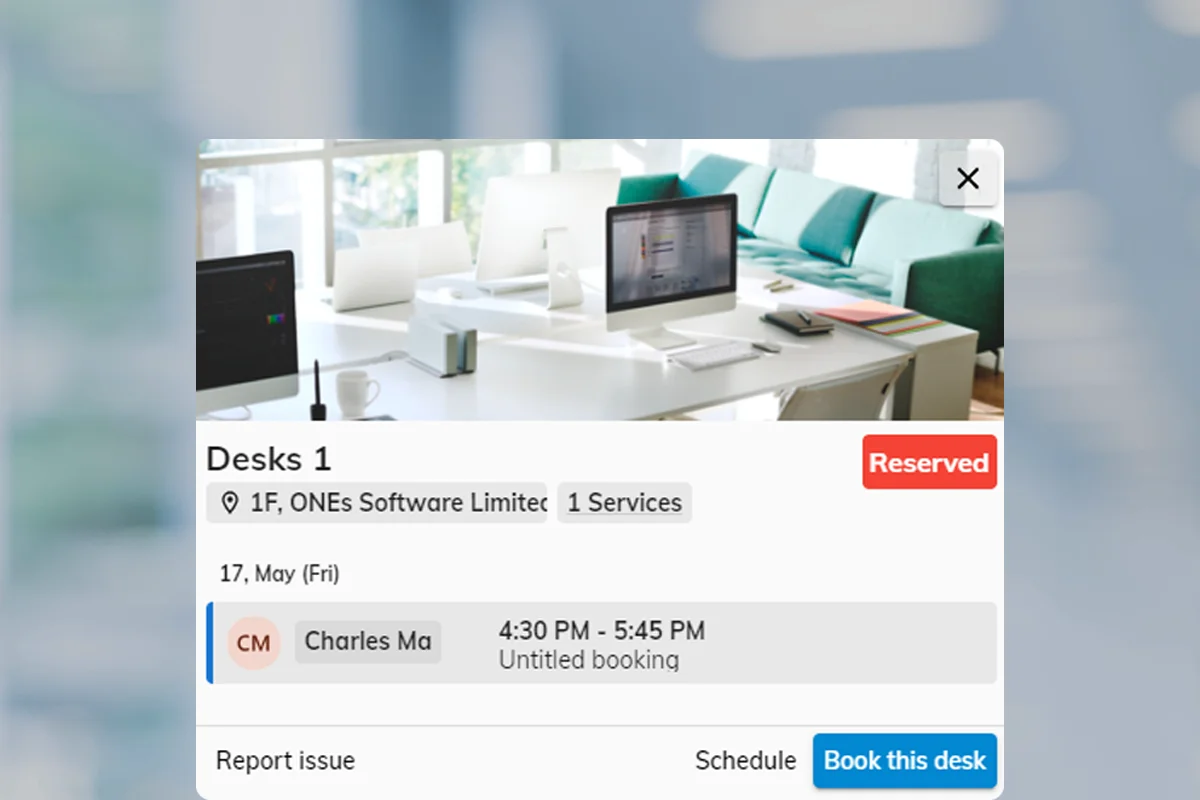
A complete desk reservation workflow
Give employees a clear path from choosing a desk to confirming they showed up—and free capacity when they do not.
- 1Find availability — Search by date, neighborhood, amenities, or floor so people book the right seat the first time.
- 2Reserve with confidence — Live status and conflict checks help prevent double-bookings across shared desks and policies.
- 3Check in on arrival — QR stickers, mobile check-in, and sensors confirm presence and reduce ghost bookings.
- 4Release unused space — Auto-release and no-show rules return desks to the pool so utilization stays honest.
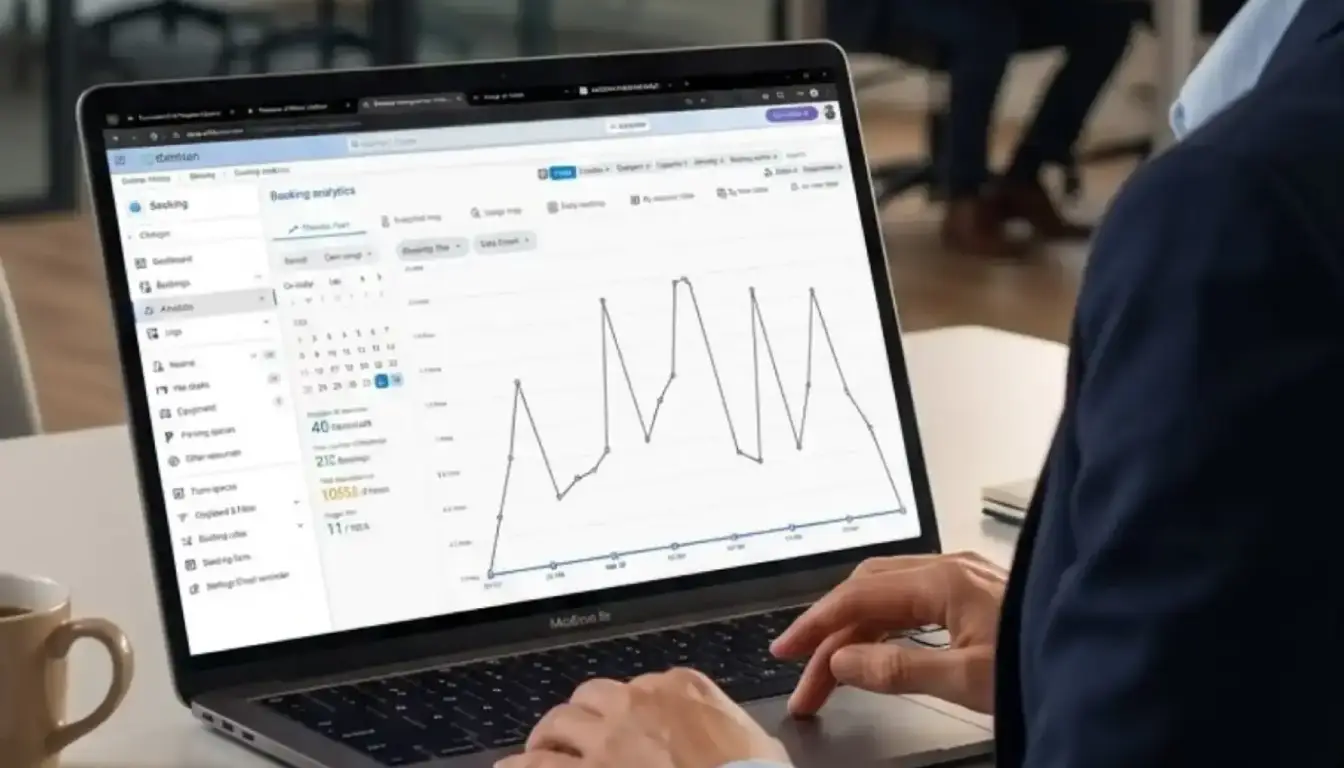
Real-time availability on the floor plan
Interactive maps make desk inventory visible—who sits where, what is free now, and how neighborhoods fill across the week.
- See live desk and room status on interactive floor maps
- Help employees wayfind to booked seats and team zones
- Connect map views to utilization analytics and heatmaps

Booking rules that prevent chaos
Set the guardrails hybrid offices need: who can book, how long, when to check in, and how to stop conflicts before they start.
- Policy-driven reservations — Limits, approvals, and resource rules keep demand fair across teams.
- Double-booking prevention — Availability checks and exclusive booking windows protect shared inventory.
- Check-in accountability — Require presence confirmation so reserved desks reflect real attendance.
Hot desk, hotel, or assigned—measure what works
Match seating models to how your teams work, then use utilization data to right-size the office.
Hot desking
Same-day or short bookings for flexible teams who need open seating without permanent assignment.
Learn moreHoteling
Advance reservations for hybrid days, team neighborhoods, and predictable in-office schedules.
Learn moreAssigned desks
Fixed seating for roles that need a permanent base—still visible on maps and analytics.
Learn moreDesk booking workflow questions
What is a desk booking coordination workflow?
It is the end-to-end process from discovering an available desk, reserving it under clear rules, checking in on arrival, and releasing unused capacity—often visualized on a floor map.
How does Offision help prevent double-booking?
Offision shows real-time availability and enforces booking policies so the same desk cannot be claimed twice within conflicting windows.
What is the difference between hot desking and hoteling?
Hot desking typically means short or same-day flexible seats. Hoteling usually means reserving a desk in advance for planned office days. Offision supports both, plus assigned desks.
How do utilization metrics improve desk programs?
Analytics and heatmaps show which floors, neighborhoods, and days are over- or under-used so workplace teams can adjust inventory, policies, and layout.
Ready to coordinate desks with confidence?
Start with Offision desk booking, floor plans, and policies—or talk with us about your hybrid seating model.