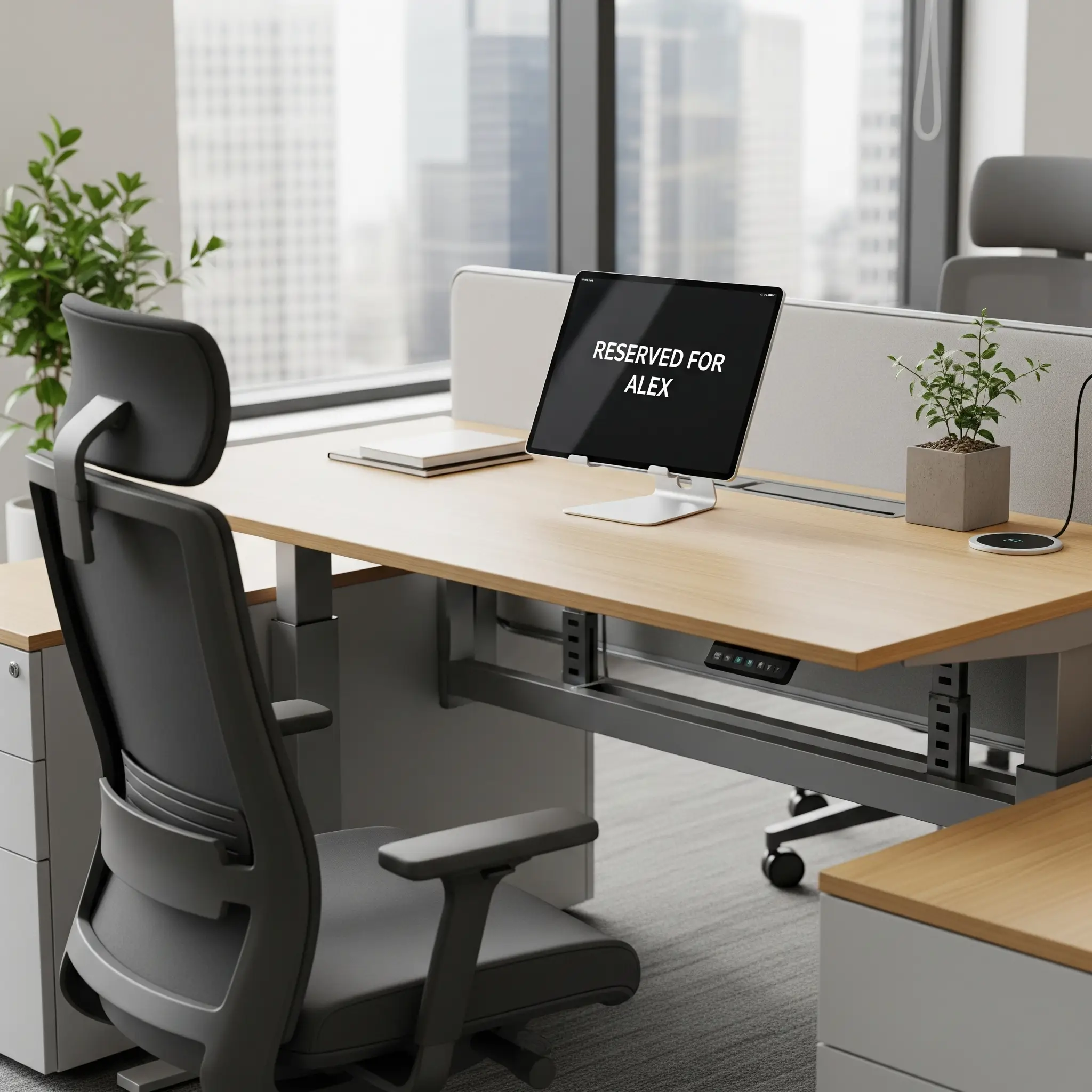
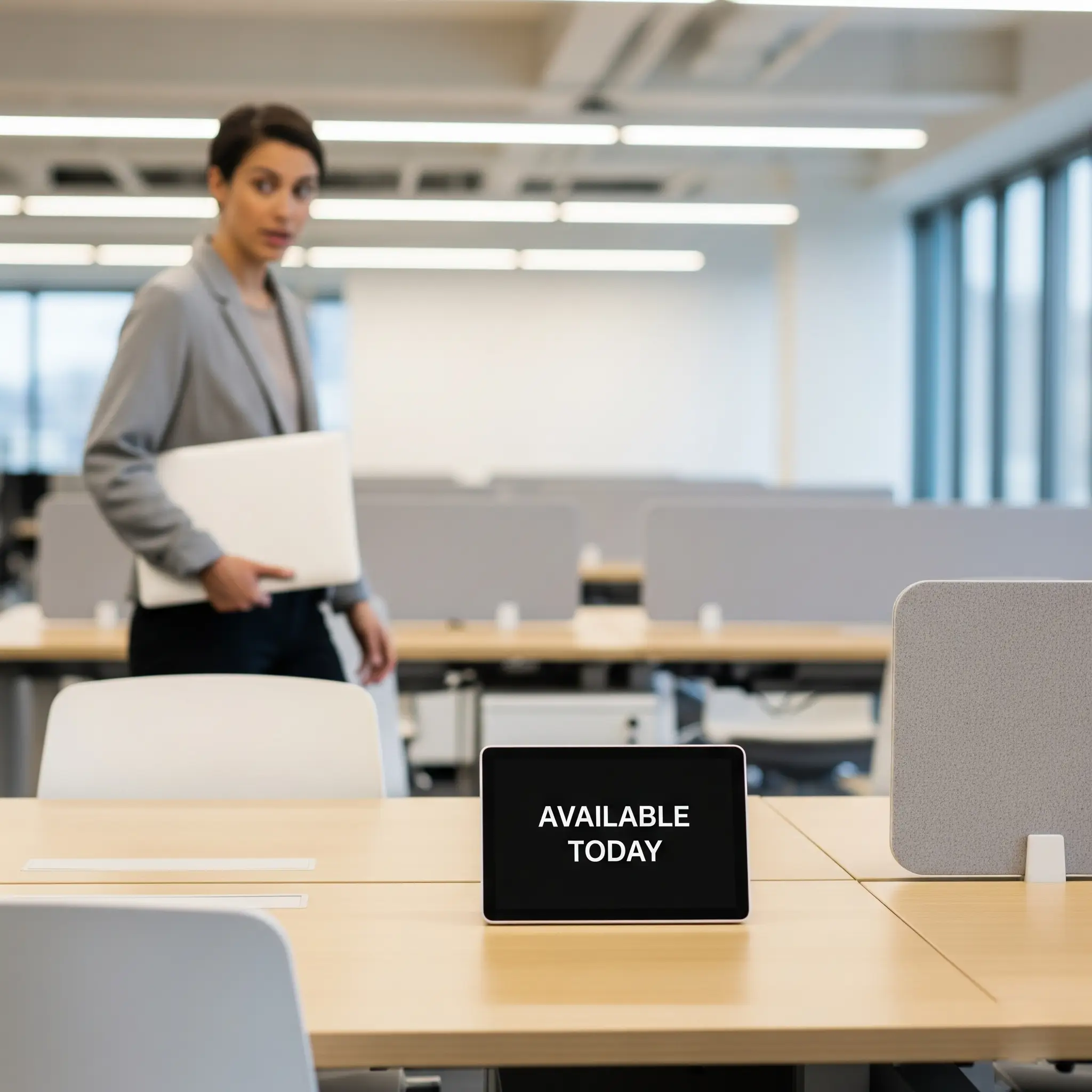
Dedicated space. Always yours.

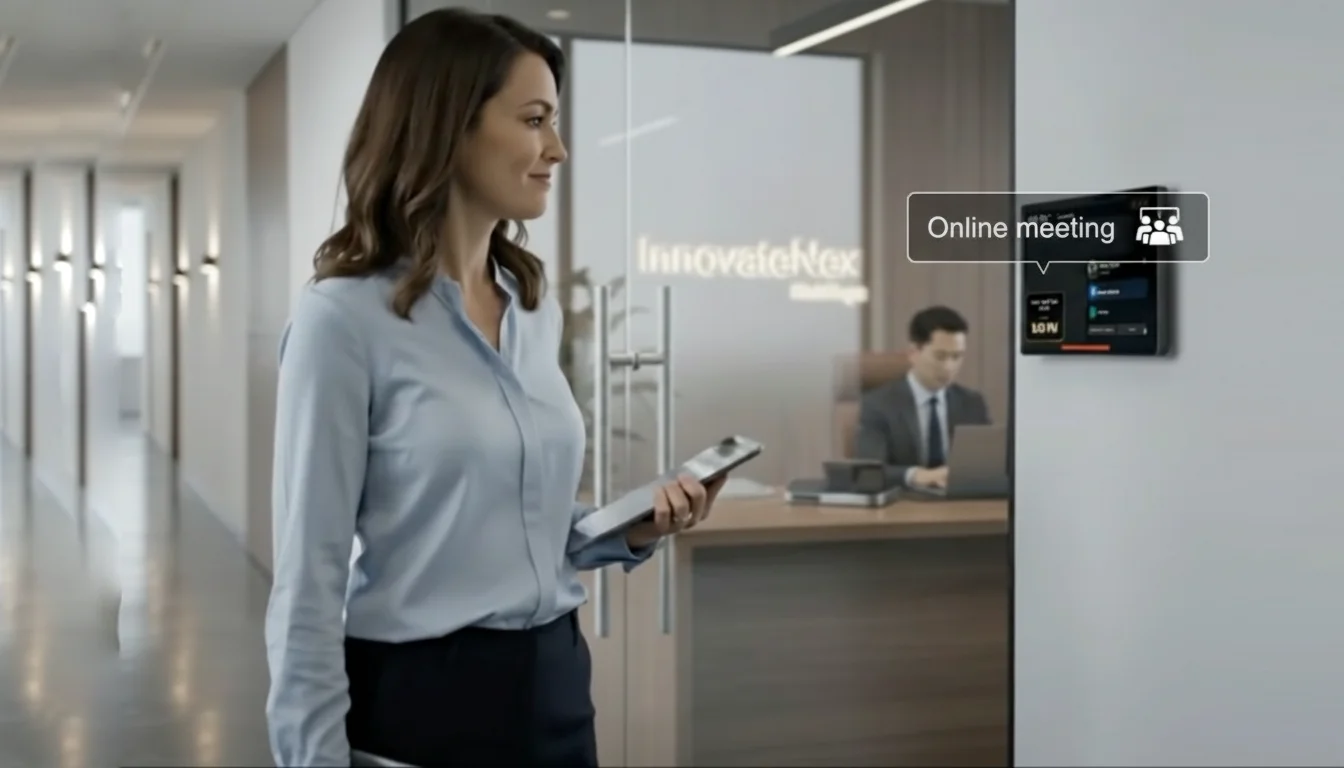
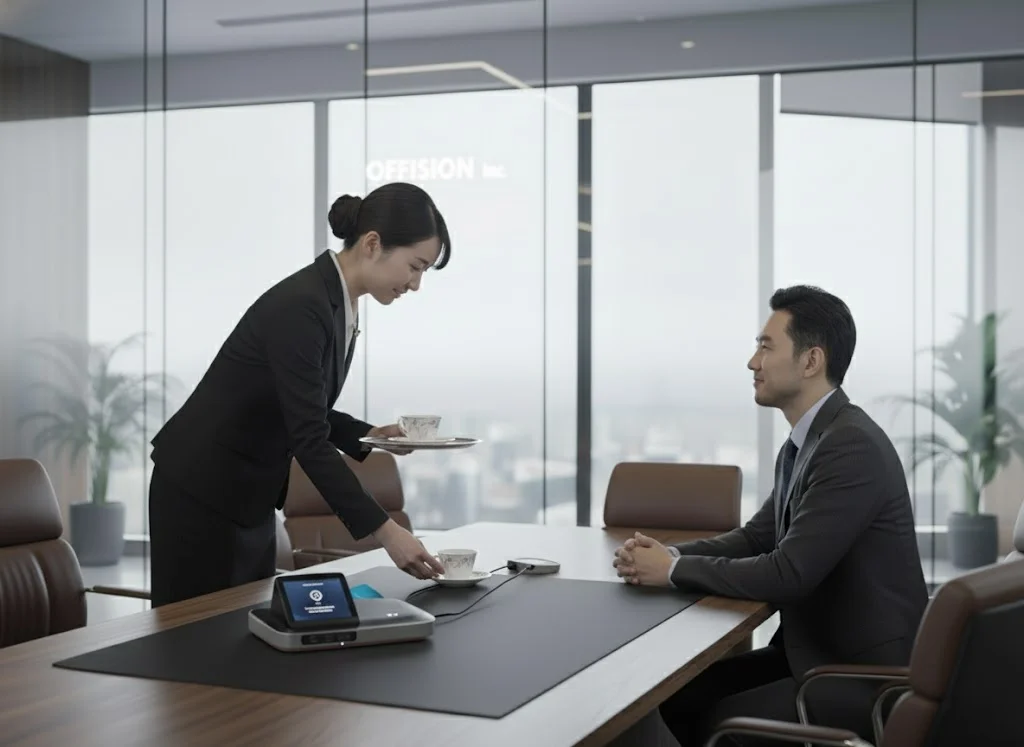
Walking over to find the boss isn't there is wasted time. Offision shows live presence on assigned desks — so teams know who is in before they leave their own seat.

Checked in at this desk

The Boss is In

Microsoft 365 Outlook Teams Google Workspace Crestron
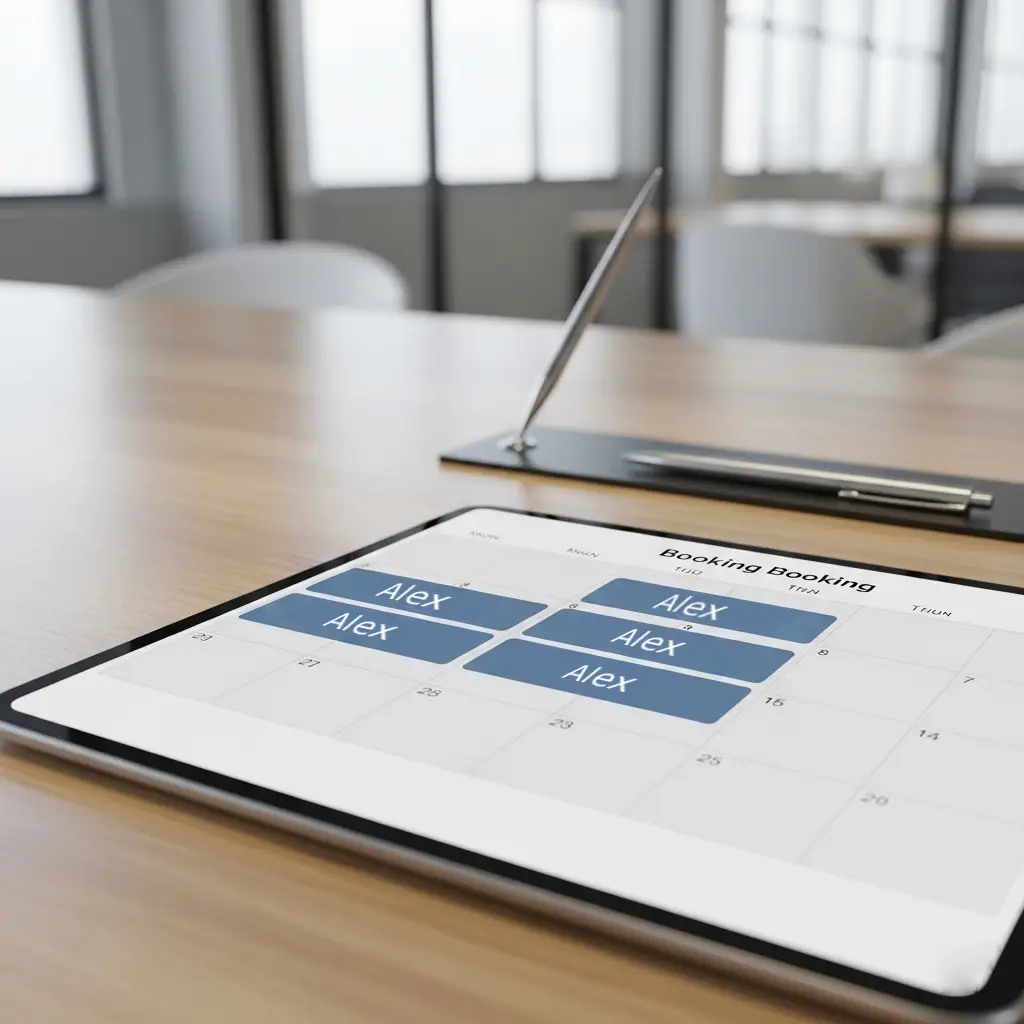
Fixed Desk Solution

Who Needs a Fixed Desk?

While flexibility is great, fixed desks are essential for roles or people who need consistency.

See It In Action

The Smart Fixed Desk

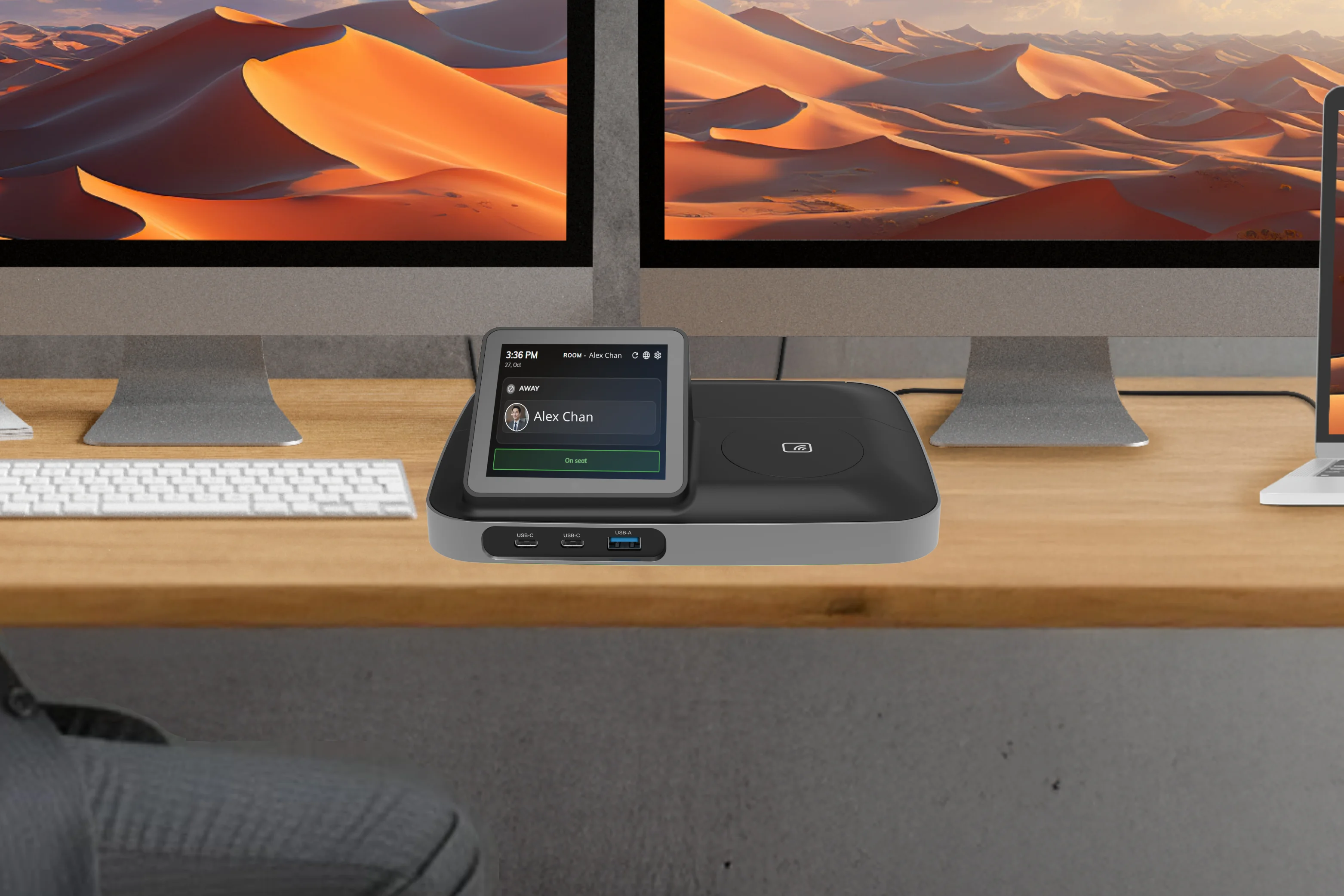
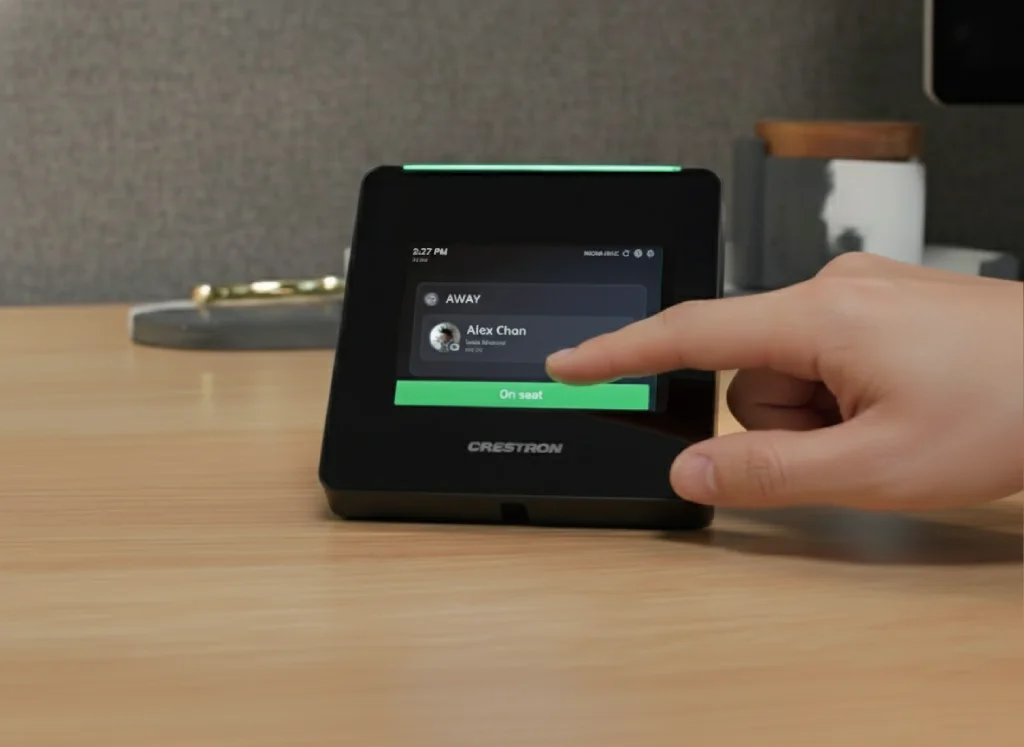
A fixed desk doesn't mean old-fashioned. Modern office technology transforms the simple fixed desk into a powerful, connected hub. This is where smart devices, like a Crestron Desk Touch or TDD-1000 BookBuddy Connect, come in.

Presence & Status Indication
Feature 1

Know if the boss is in

Check in or out from the desk device. Colleagues see live presence — so they know whether to walk over, book a meeting, or wait.

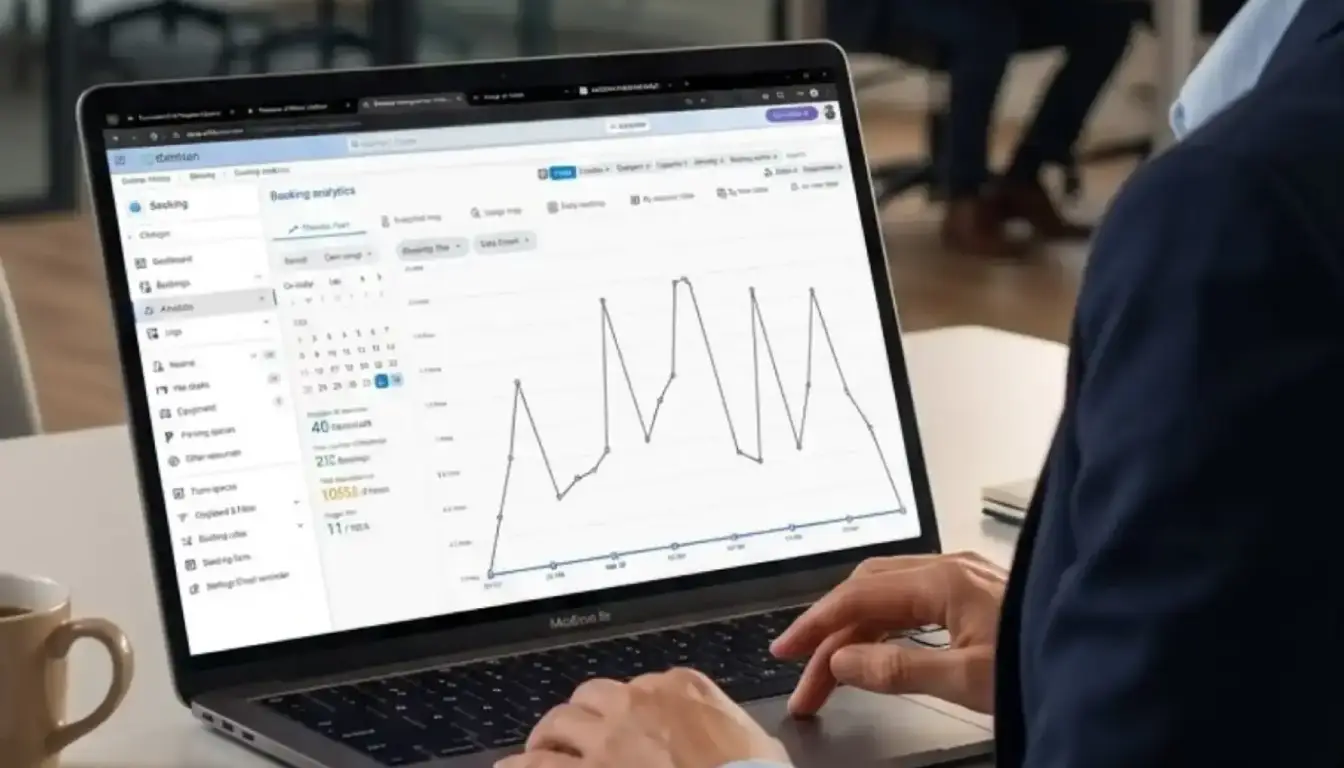
For HR or facilities managers, this provides invaluable, real-time data on office-space utilization.

On-Demand Service Requests
Feature 2

Service at a Single Tap

This is where the desk becomes truly interactive. The on-desk device can act as a service portal. With the tap of a button, the employee can:

  • Call for technical support
  • Request cleaning services
  • Order a tea or coffee service

This integrates the employee's physical space directly into the building's facility management and hospitality services, improving efficiency and the employee experience.

COMMON.Platform

Manage It All with Offision

A successful office isn't about choosing only fixed desks or only hot desks—it's about creating a balanced ecosystem that works for your entire team.

This is where Offision comes in.
Offision

This is where Offision comes in.

Offision is the all-in-one workspace management platform that simplifies your entire office. Whether you're assigning permanent desks to your executive team, managing high-tech service requests, or empowering your hybrid staff to book hot desks, Offision provides a single, easy-to-use system for HR and facilities managers.

But managing this mix can be complicated. How do you track which desks are fixed? How do you manage the status of employees? How do you handle service requests and booking for your flexible spaces?

Get Started with Offision
Floor plan
Floor plan

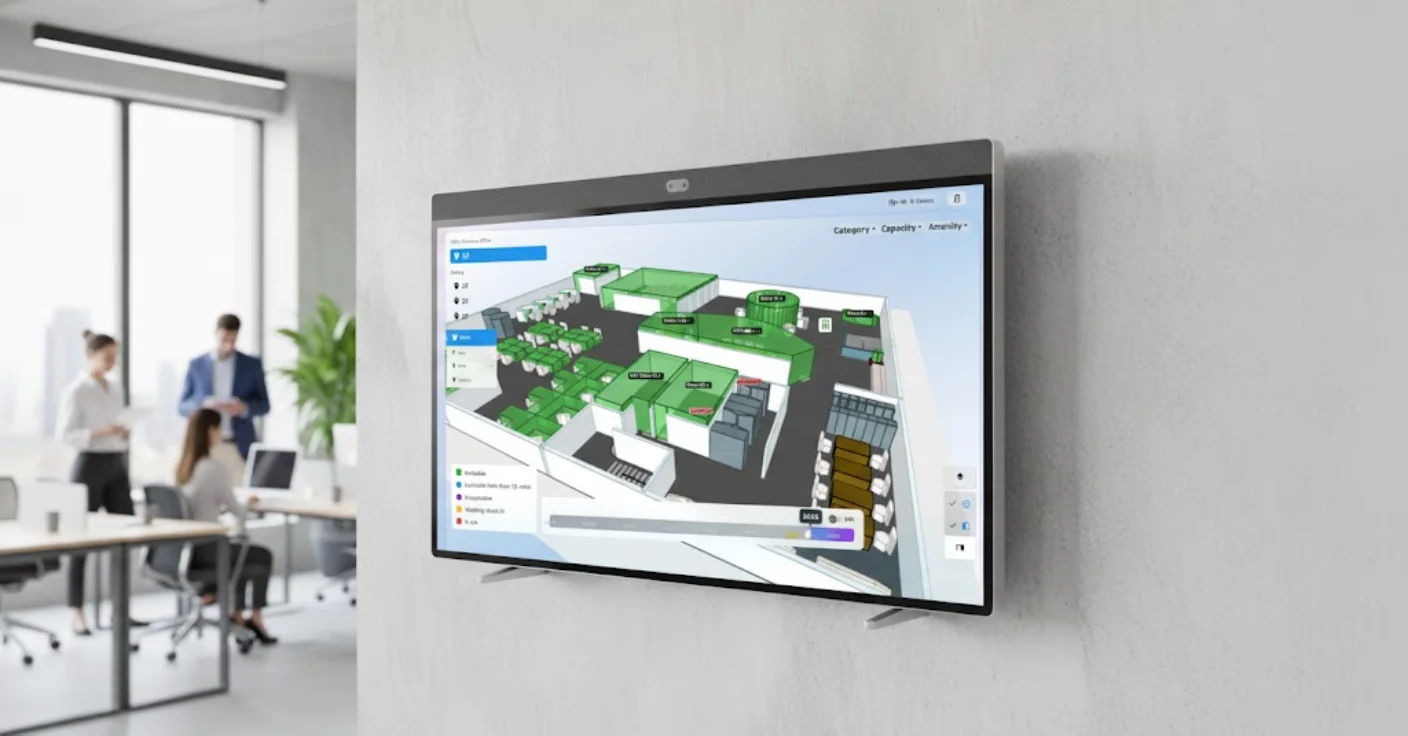
3D Floorplan

Provide your office a interactive live view for quickly find and manage available hot desks, meeting rooms, car parks etc.

  • 1Upload Your Floor Plan
  • 2Assign Rooms, Desks and Equipment
  • 3Preview Your Floor Plan
  • 4You're Live!
Learn more
Know if the boss is <span class="rb2-highlight">at their desk</span>
Fixed Desk Solution

Know if the boss is <span class="rb2-highlight">at their desk</span>

The pain of a dedicated desk is not knowing whether anyone is sitting there. Live presence on assigned seats tells teams who is in — before they walk over.

  • See if the boss is in — Live presence on assigned desks — colleagues know who is at their seat before they walk over
  • Easy Management — Assign, reassign, and manage fixed desks with a simple interface
  • Smart Integration — Connect with Crestron, BookBuddy, and other smart desk devices
  • Secure & Reliable — Enterprise-grade security for your workspace management platform
Integrations

Enterprise-Grade Integrations

Seamlessly integrate with your existing workspace tools and platforms

Space Management

It's time to manage your space efficiently

Everything you need to run your spaces — in one platform.

Desk Type

Different desk types in Offision

Each booking is a session you can start, extend, or end from mobile, web, or on-site devices. Admins configure desk types—hot, hotel, or assigned—with rules that match how your teams work.

Get Started Free