
Dedicated space. Always yours.
Walking over to find the boss isn't there is wasted time. Offision shows live presence on assigned desks — so teams know who is in before they leave their own seat.
Checked in at this desk
The Boss is In




Who Needs a Fixed Desk?
While flexibility is great, fixed desks are essential for roles or people who need consistency.

Executives
C-suite and senior management who need a permanent, confidential space.

Specialized Teams
Departments like Legal, Finance, or HR that handle sensitive physical documents.

Full-Time In-Office Staff
Employees who are in the office five days a week and benefit from a stable, personalized setup.
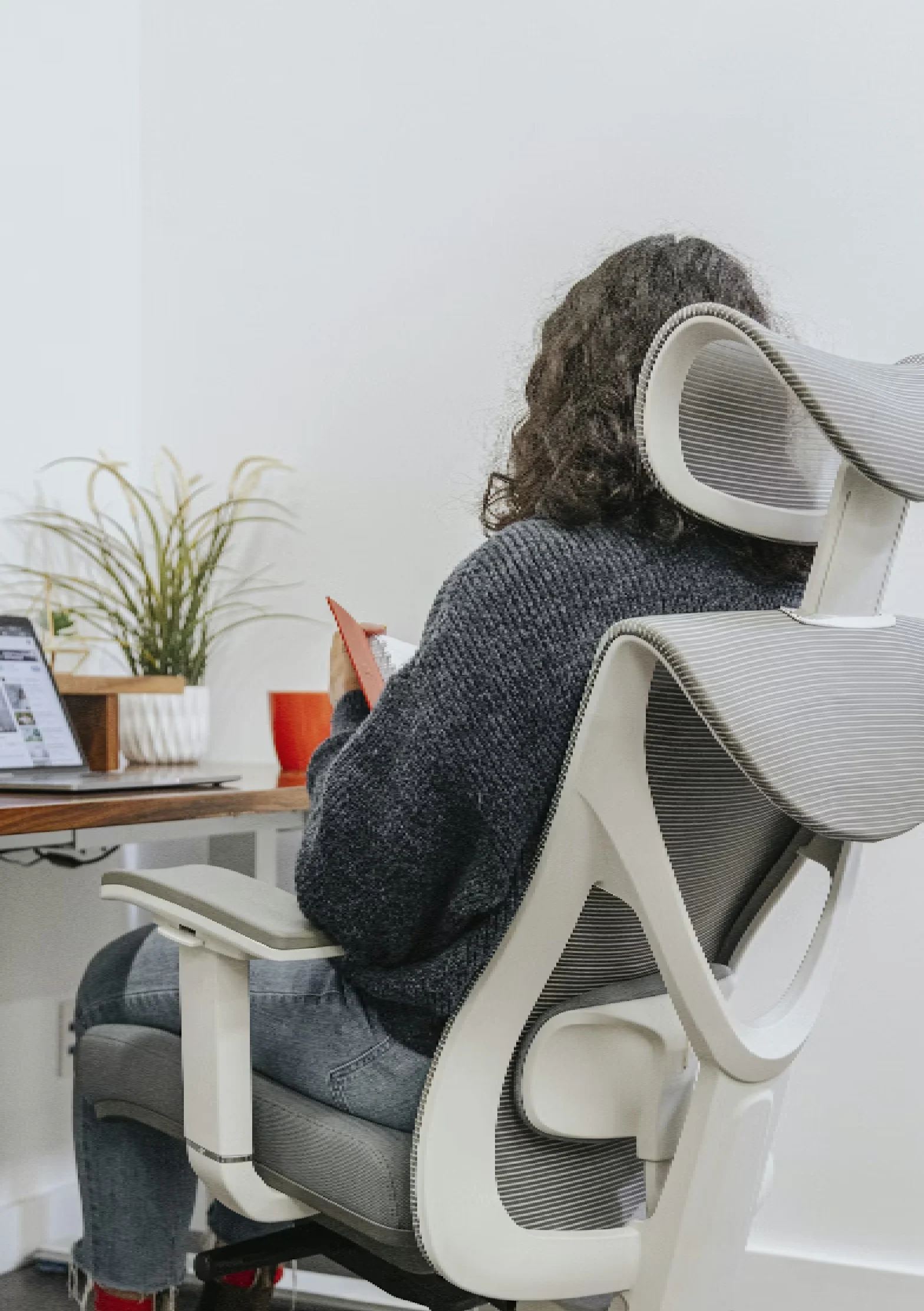
Employees with Ergonomic Needs
Team members who require specialized chairs, monitors, or other equipment that cannot be moved daily.
Two controls for predictable hybrid seating
Share one assigned workstation across compatible schedules, then use priority windows to give the right people first access before remaining desks open to everyone.
Shared assigned desk (priority)
One assigned workstation shared by colleagues whose office days do not overlap, with priority booking windows for selected groups.
- Shared assigned desks — Assign one workstation to two or more people whose office schedules do not overlap.
- Priority booking windows — Give selected teams, roles, or accessibility needs an earlier booking window before general release.
- Release unused capacity — Return an assigned or priority-held desk to shared inventory when it is not needed, according to policy.

Balance belonging with utilization
- 1Define the desk model — Choose shared assignment, priority access, release timing, and the eligible people or groups.
- 2Apply the schedule — Match assigned users to non-overlapping days and open priority inventory during the configured window.
- 3Release and measure — Return unused desks to the wider team and review booking and check-in data to refine the rules.
What is a shared assigned desk?
It is one workstation assigned to multiple named people on different office days, combining a familiar seat with better utilization.
How does priority booking work?
A configured group receives access during an earlier booking window. Remaining availability opens to other eligible users afterward.
Can an unused assigned desk become bookable?
Yes. Administrators can define when unused assigned or priority-held capacity returns to shared inventory.
The Smart Fixed Desk
A fixed desk doesn't mean old-fashioned. Modern office technology transforms the simple fixed desk into a powerful, connected hub. This is where smart devices, like a Crestron Desk Touch or TDD-1000 BookBuddy Connect, come in.
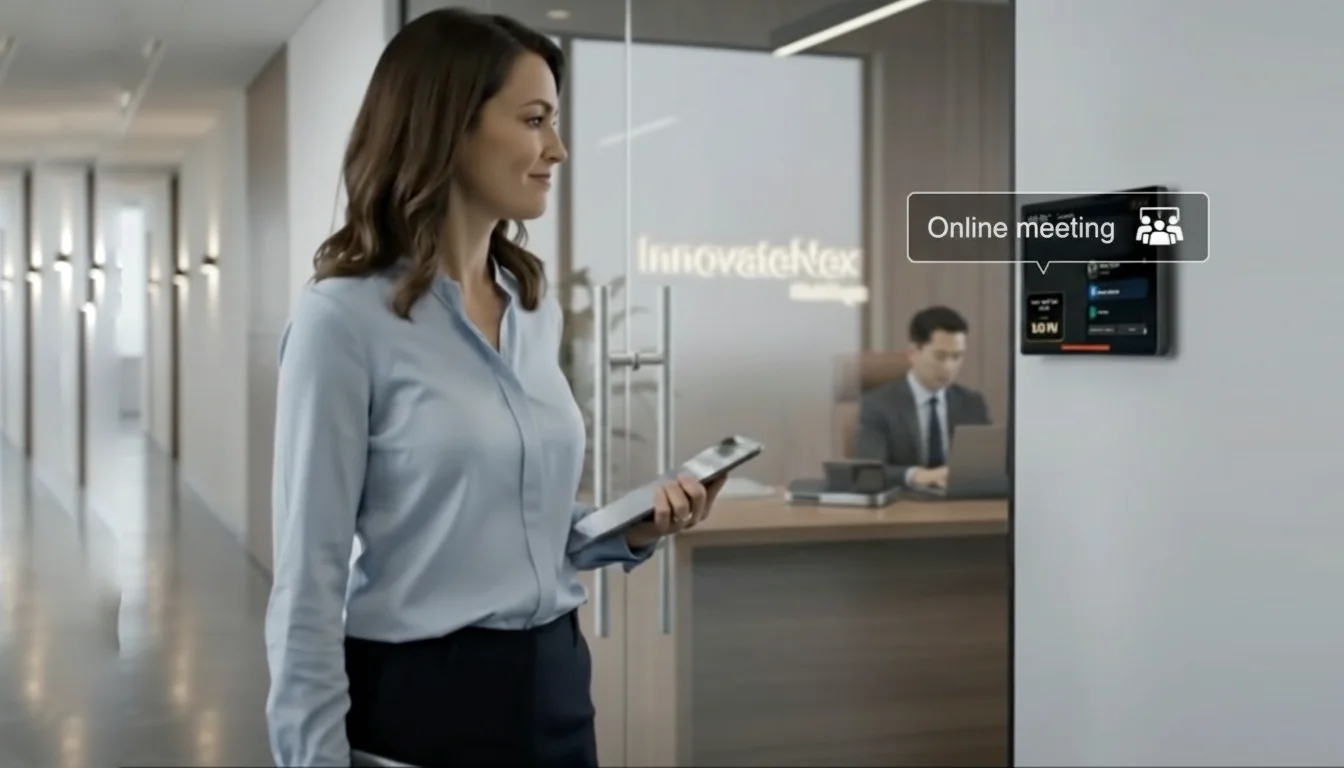
Know if the boss is in
Check in or out from the desk device. Colleagues see live presence — so they know whether to walk over, book a meeting, or wait.
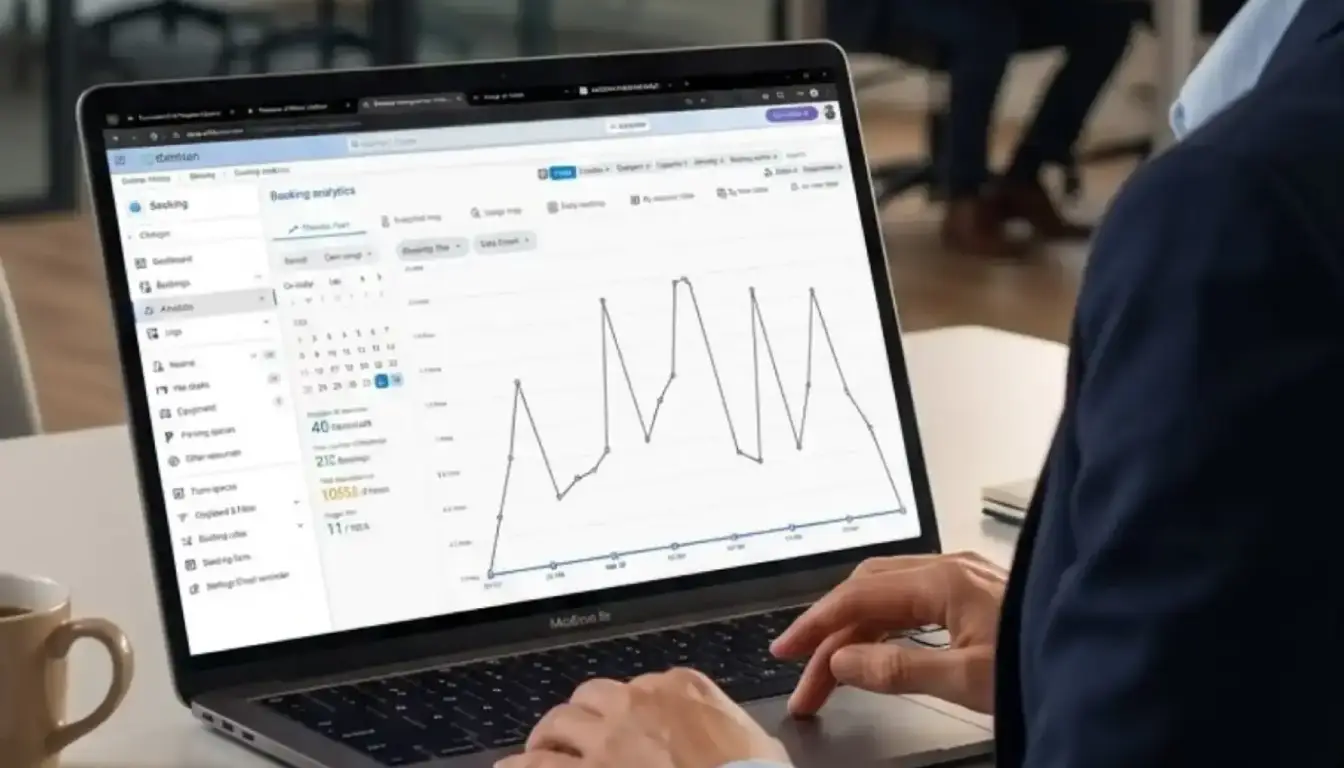
For HR or facilities managers, this provides invaluable, real-time data on office-space utilization.
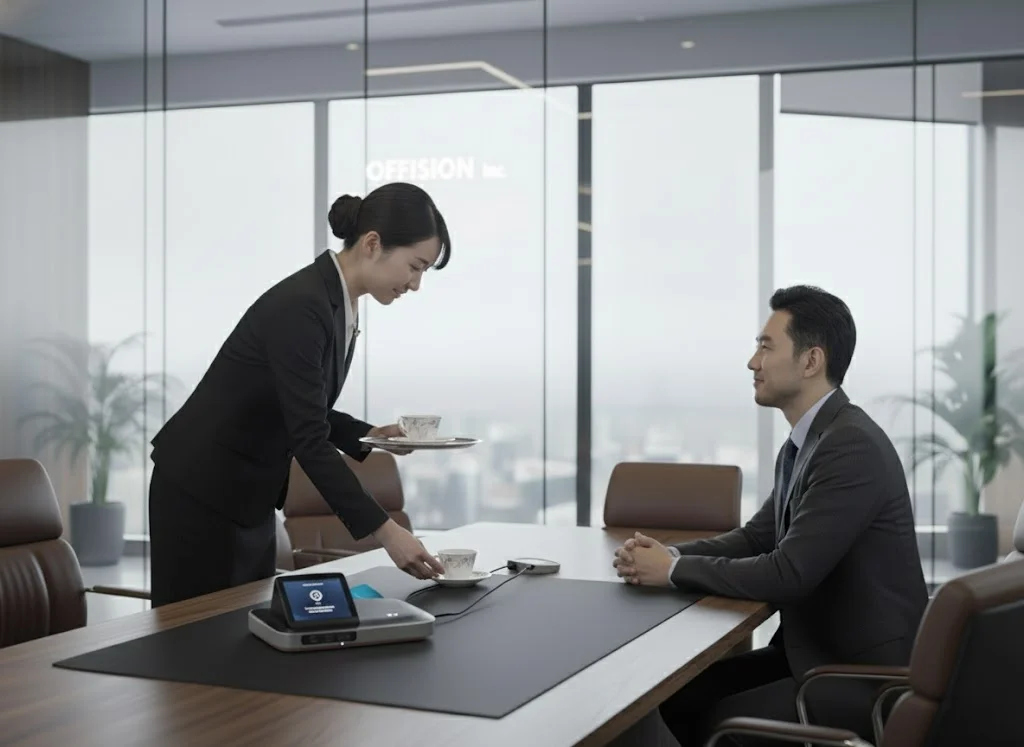
Service at a Single Tap
This is where the desk becomes truly interactive. The on-desk device can act as a service portal. With the tap of a button, the employee can:
- Call for technical support
- Request cleaning services
- Order a tea or coffee service
This integrates the employee's physical space directly into the building's facility management and hospitality services, improving efficiency and the employee experience.
Manage It All with Offision
A successful office isn't about choosing only fixed desks or only hot desks—it's about creating a balanced ecosystem that works for your entire team.

This is where Offision comes in.
Offision is the all-in-one workspace management platform that simplifies your entire office. Whether you're assigning permanent desks to your executive team, managing high-tech service requests, or empowering your hybrid staff to book hot desks, Offision provides a single, easy-to-use system for HR and facilities managers.
But managing this mix can be complicated. How do you track which desks are fixed? How do you manage the status of employees? How do you handle service requests and booking for your flexible spaces?
Get Started with Offision
3D Floorplan
Provide your office a interactive live view for quickly find and manage available hot desks, meeting rooms, car parks etc.
- 1Upload Your Floor Plan
- 2Assign Rooms, Desks and Equipment
- 3Preview Your Floor Plan
- 4You're Live!
Know if the boss is <span class="rb2-highlight">at their desk</span>
The pain of a dedicated desk is not knowing whether anyone is sitting there. Live presence on assigned seats tells teams who is in — before they walk over.
- See if the boss is in — Live presence on assigned desks — colleagues know who is at their seat before they walk over
- Easy Management — Assign, reassign, and manage fixed desks with a simple interface
- Smart Integration — Connect with Crestron, BookBuddy, and other smart desk devices
- Secure & Reliable — Enterprise-grade security for your workspace management platform
Hardware Solutions for Fixed Desks
Enhance your fixed desk setup with cutting-edge hardware designed for modern workspaces. These solutions integrate seamlessly with Offision to provide a complete desk management experience.
TDD-1000 BookBuddy Connect
The innovative desk booking docking station that transforms modern workstations. Instantly book your desk with a tap and connect all your devices in seconds, delivering a personalized BYOD-ready workspace experience.
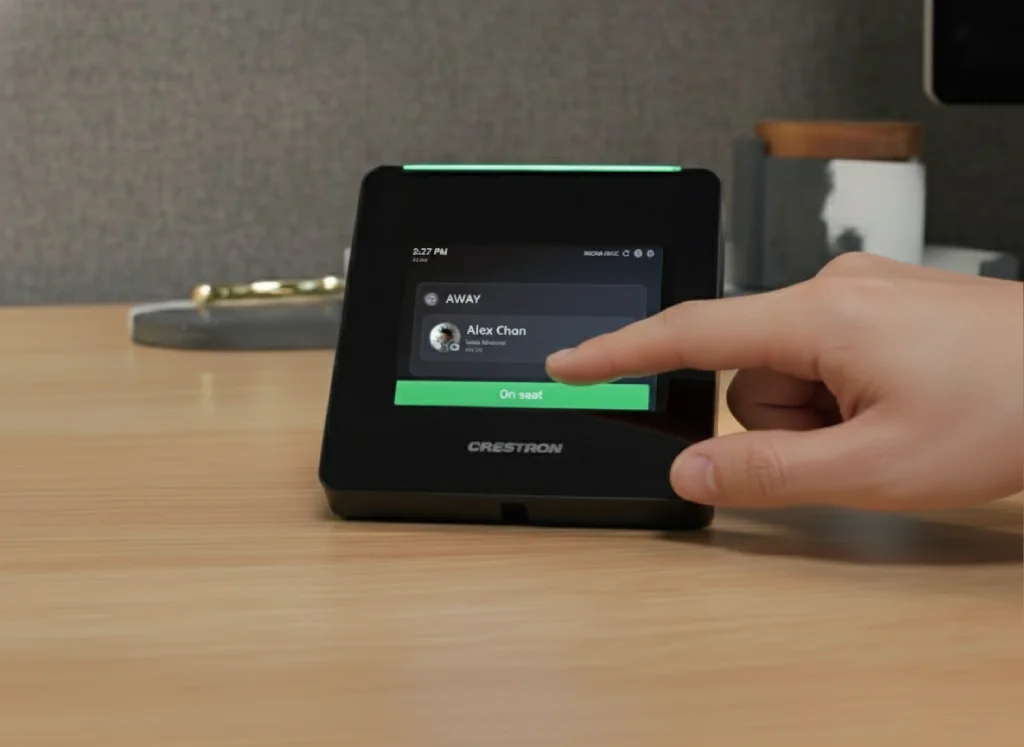
Crestron Desk Touch
A comprehensive desk scheduling solution that empowers employees to find and reserve desks easily. Features an intuitive touchscreen interface for seamless workspace management and real-time desk availability.
Enterprise-Grade Integrations
Seamlessly integrate with your existing workspace tools and platforms
Microsoft 365
Microsoft 365
Integrate Offision with Microsoft 365 for better meeting room management and user adoption.
Learn more
Microsoft Outlook
Microsoft Outlook
Directly create meetings from your Outlook calendar and sync with Offision.
Microsoft Teams
Microsoft Teams
Install Offision App to search and book rooms on Teams directly.
Google Workspace
Google Workspace
Integrate Offision with Google Workspace to sync schedules on both sides easily.
Learn more
Google Meet

Qbic

Webex
Line Notify
It's time to manage your space efficiently
Everything you need to run your spaces — in one platform.

Mobile app
Mobile app
Book rooms on the go. Filter by capacity, equipment, or floor — right from your phone.

Space recommendation
Space recommendation
AI suggests the best room for your meeting. One tap to confirm.

Multi-location management
Multi-location management
Manage your workspace in one single office or multiple locations on one platform.
User space
User space
Define the user space to manage different office areas effectively.

Filter
Filter
Label areas with equipment, capacity, locations, and furnishings so that users can filter desks based on their needs.

Booking policy
Booking policy
Create regulations for venues such as meeting duration, check-in policy, and business hours.
Learn more
Auto-release
Auto-release
Tackle the 'zombie meeting' problem — rooms booked but never used — that artificially constrains your office capacity. Auto-release detects no-shows and frees up unused spaces automatically, so rooms stay available for teams that actually need them.

Issue reporting
Issue reporting
Allow your employees to share concerns with office supplies directly to management via desktop, mobile app, or panel.
Different desk types in Offision
Each booking is a session you can start, extend, or end from mobile, web, or on-site devices. Admins configure desk types—hot, hotel, or assigned—with rules that match how your teams work.
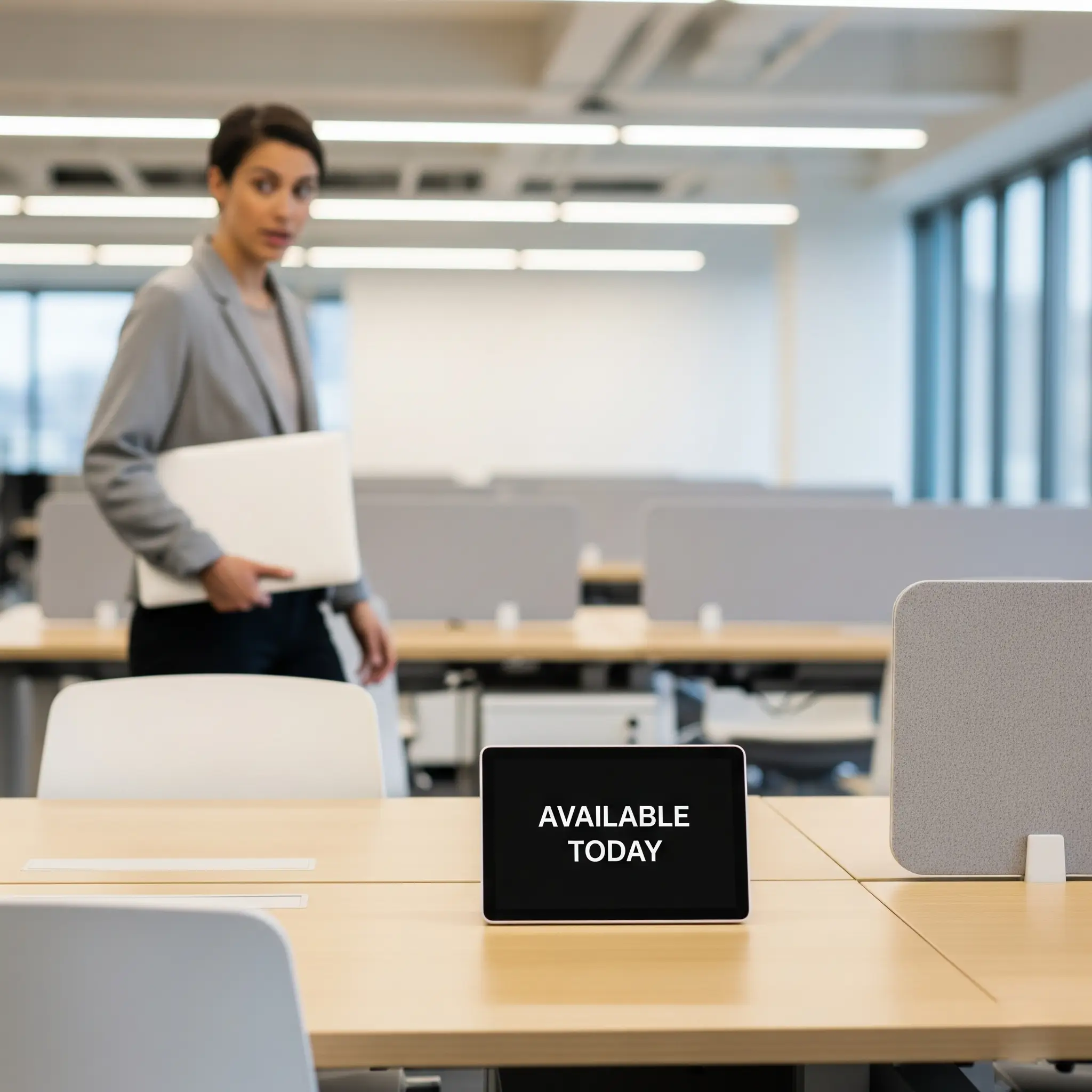
Hot desk (flexible)
An unassigned desk available for booking and use on the same day. This offers maximum flexibility and supports spontaneous office visits.
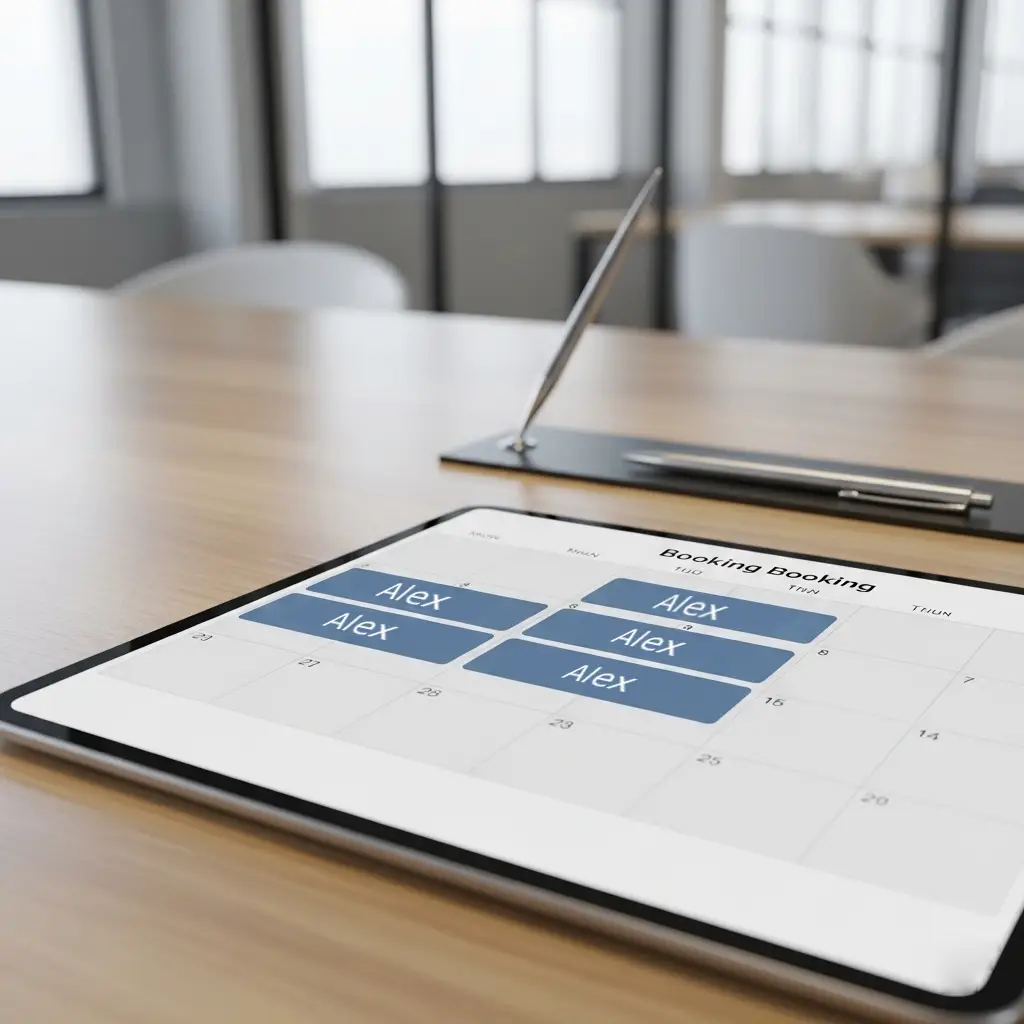
Hotel desk (flexible)
A flexible desk that can be reserved in advance for one or more days. This guarantees a workspace, allowing employees to plan their week with certainty.
Assigned desk (fixed)
A permanent workspace dedicated to a specific employee. This provides stability and a personalized space, fostering a sense of belonging.
Shared assigned desk (priority)
One assigned workstation shared by colleagues whose office days do not overlap, with priority booking windows for selected groups.
Learn more