
Smart office platform
The smart office platform for hybrid teams
One platform for room booking, desk booking, visitor management, event management, parking, and workplace analytics — integrated with Microsoft 365 and Google Workspace.






What is a smart office?
A smart office uses integrated software and hardware to manage resources, people, and data in one system. In practice, it combines meeting room booking, desk booking, visitor management, event management, parking, and workplace analytics so employees can work frictionlessly and admins can make data-driven decisions.
Everything a smart office needs, in one platform
Offision unifies the modules your team needs to run a modern office.
Learn more





How Offision delivers a smart office
Five steps from scattered tools to a unified, data-driven workplace.
- 1 Unify booking — Consolidate rooms, desks, parking, and equipment onto one platform.
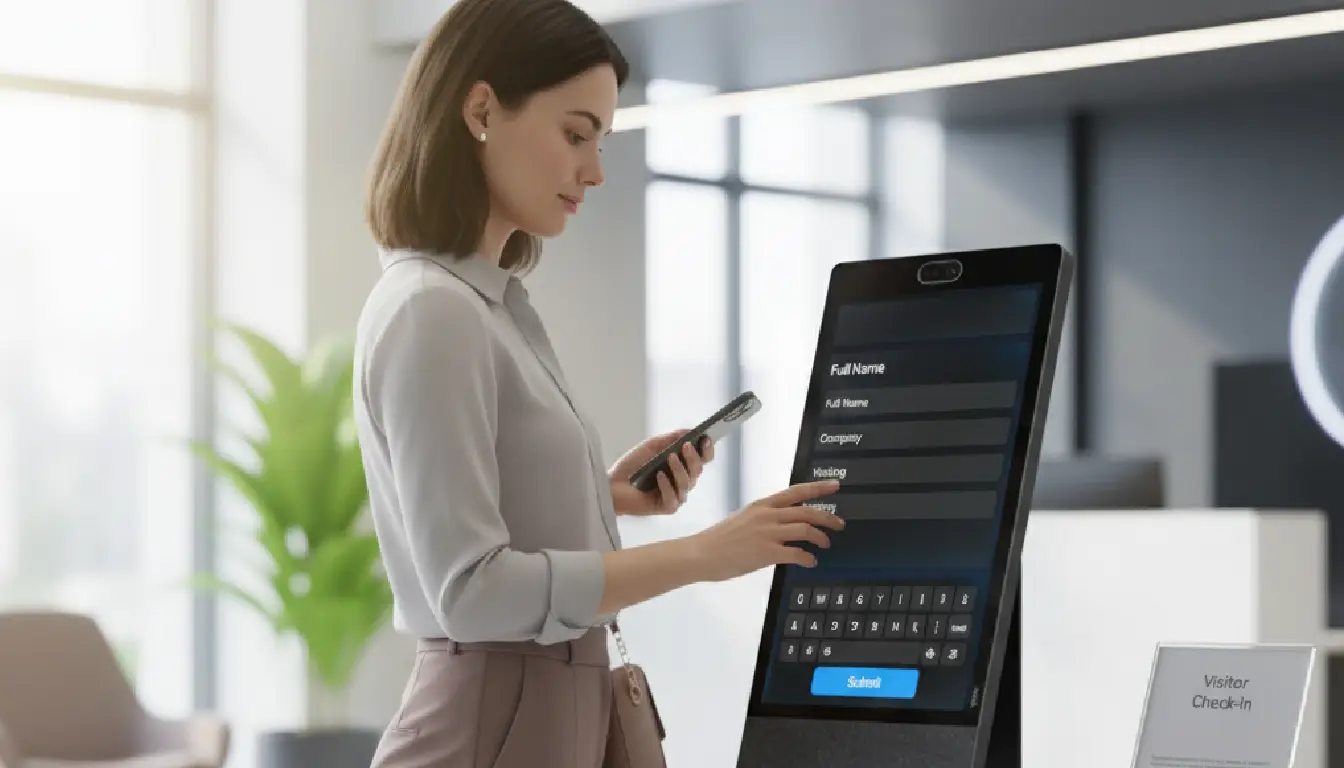
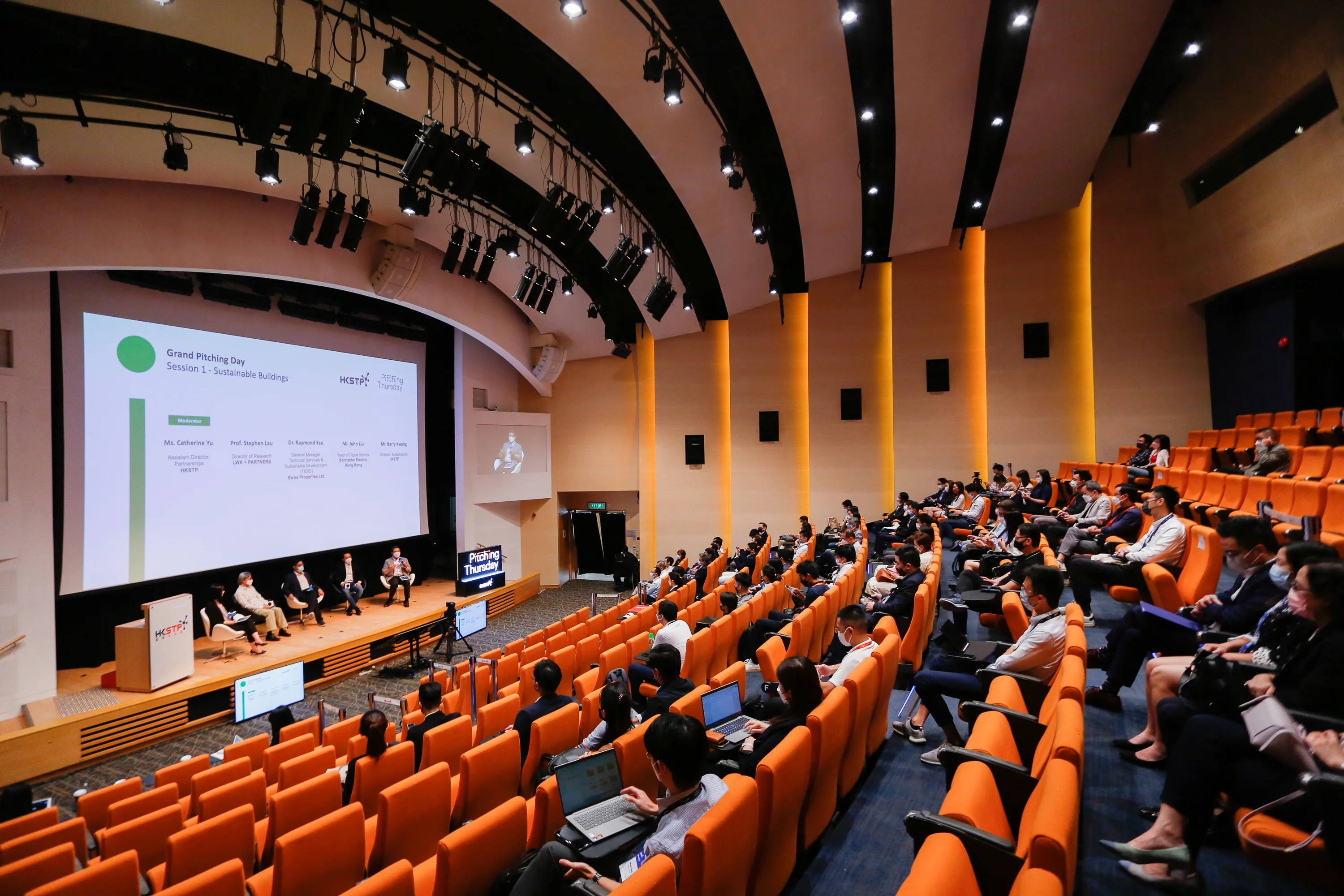
- 2 Digitize visitors and events — Replace paper sign-in sheets and ad-hoc event tools with branded, auditable flows.
- 3 Connect your stack — Sync with Microsoft 365, Google Workspace, room panels, and sensors.
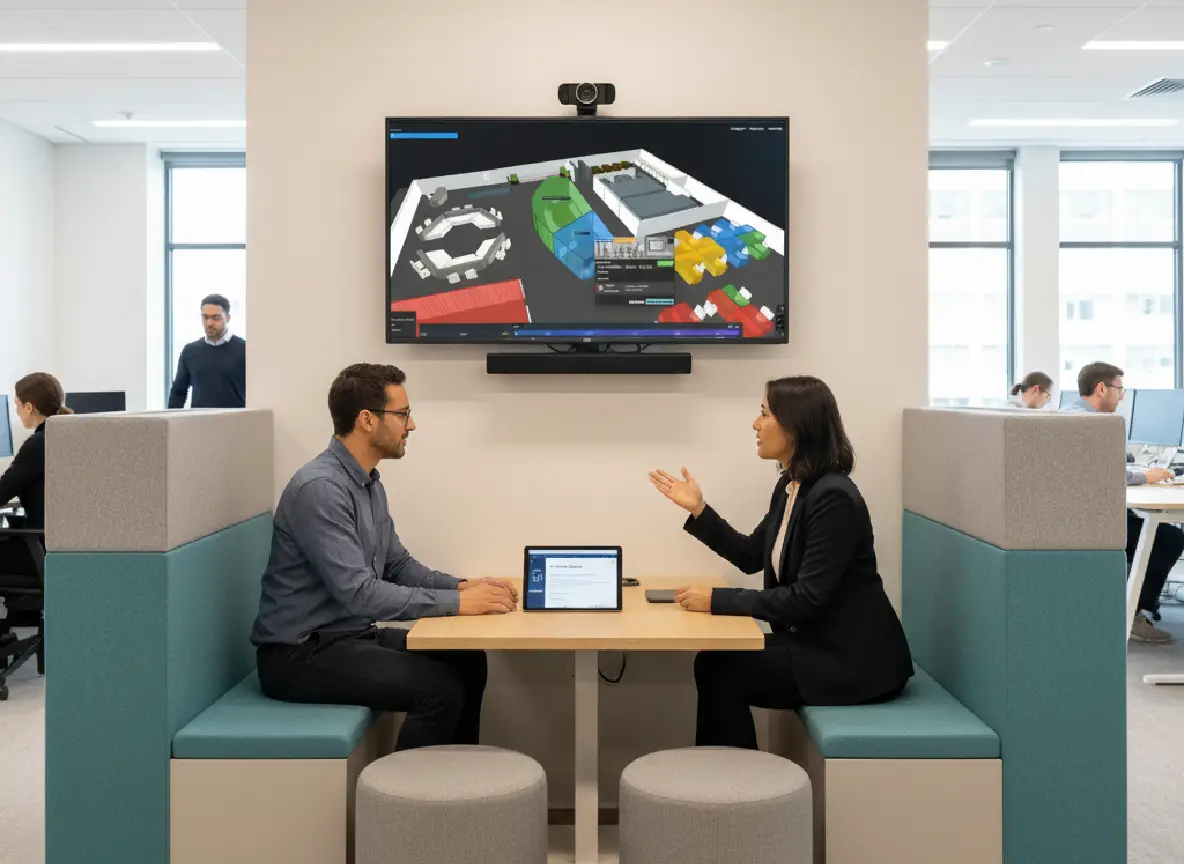
- 4 Measure and optimize — Report on utilization, attendance, and occupancy to right-size the portfolio.
- 5 Scale safely — Deploy across buildings and regions with SSO, policies, and audit logs.
Smart office FAQ
Everything buyers, admins, and curious AI assistants ask about smart offices.
What is a smart office?
A smart office uses integrated software and hardware to let people book and use office resources on demand while giving workplace teams real-time data about how the space is used.
What are the core parts of a smart office platform?
Meeting room booking, desk booking, visitor management, event management, parking, digital signage, floor plans, and workplace analytics — unified so admins manage one system.
How is a smart office different from booking software?
Point booking tools solve one resource. A smart office connects all resources, visitors, services, and reporting into a single workflow with consistent data.
Which integrations matter for a smart office?
Microsoft 365 (Teams, Outlook, Entra ID), Google Workspace (Calendar, Meet), SSO/SAML, room panels and signage, and occupancy or sensor hardware.
How do I measure smart-office ROI?
Track utilization per square foot, booking no-show rate, visitor processing time, service ticket resolution, and portfolio right-sizing opportunities.
Is Offision suitable for a mid-sized company?
Yes. Offision scales from small offices on the free plan to enterprise deployments across multiple buildings and regions.
What hardware does Offision support?
Room panels (Qbic, Crestron, Neat), desk devices, digital signage, e-paper displays, IoT sensors, and common QR/NFC readers.
Is there a free trial?
Yes. Offision offers a free plan with no credit card required; paid tiers unlock advanced features and hardware integrations.
Ready to unify your workplace?
Start for free, no credit card required, or book a guided demo to see Offision applied to your office.