IT Teams

Fits your stack.
Scales with you.

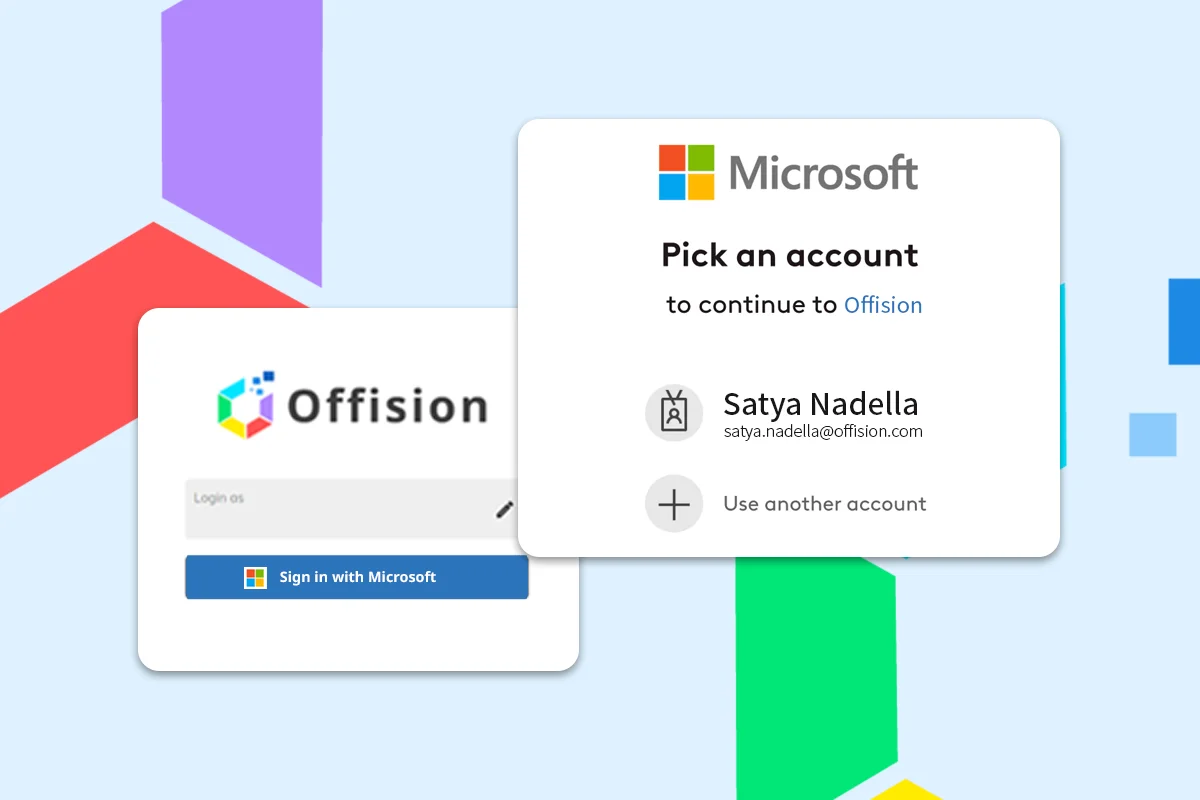
Offision gives IT teams one platform for workplace tools — fewer logins, native Microsoft 365 and Google integrations, SSO and enterprise-grade security.

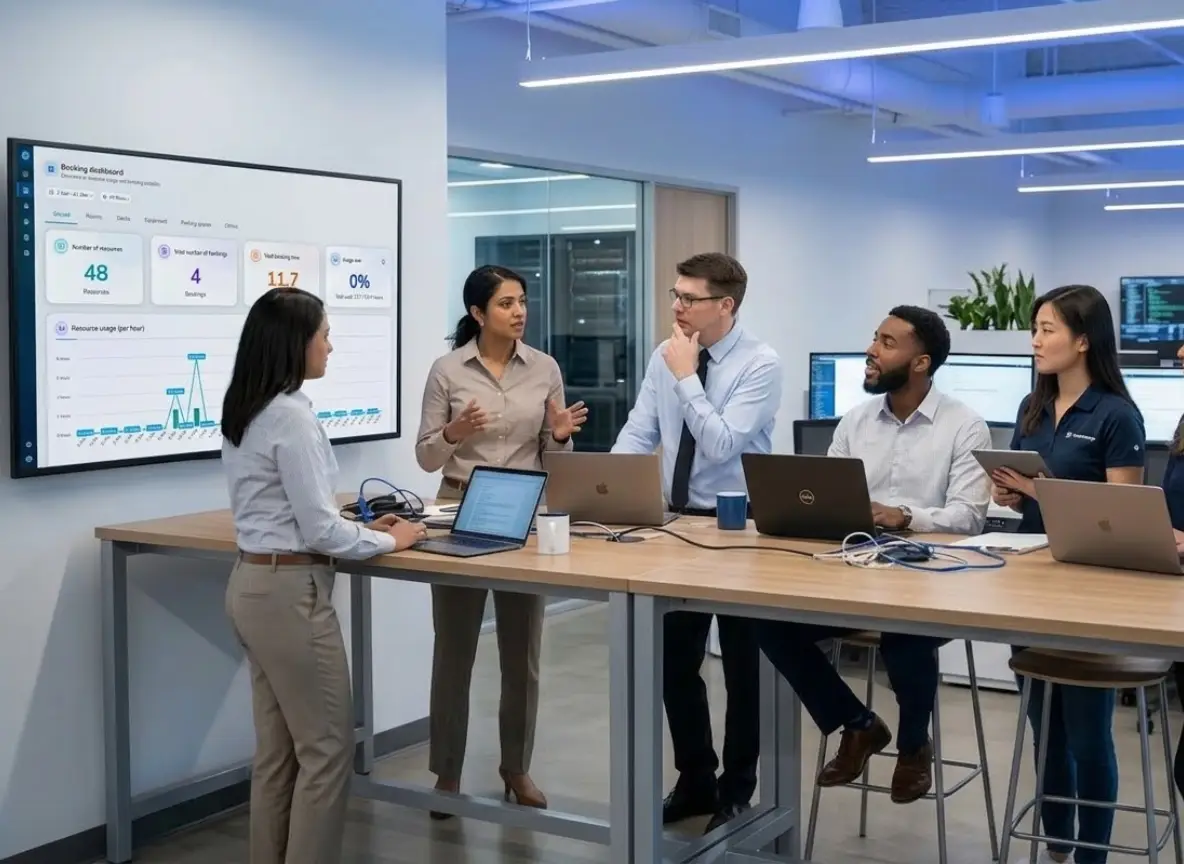
IT administrator reviewing integrations, device status and security settings in the Offision admin console.

What IT teams deploy and manage.

Guides for IT teams.

Why IT
teams switch.

Offision integrates into your existing tech stack with zero friction, so IT can focus on what matters most.

Fewer platforms

One login for
every module.
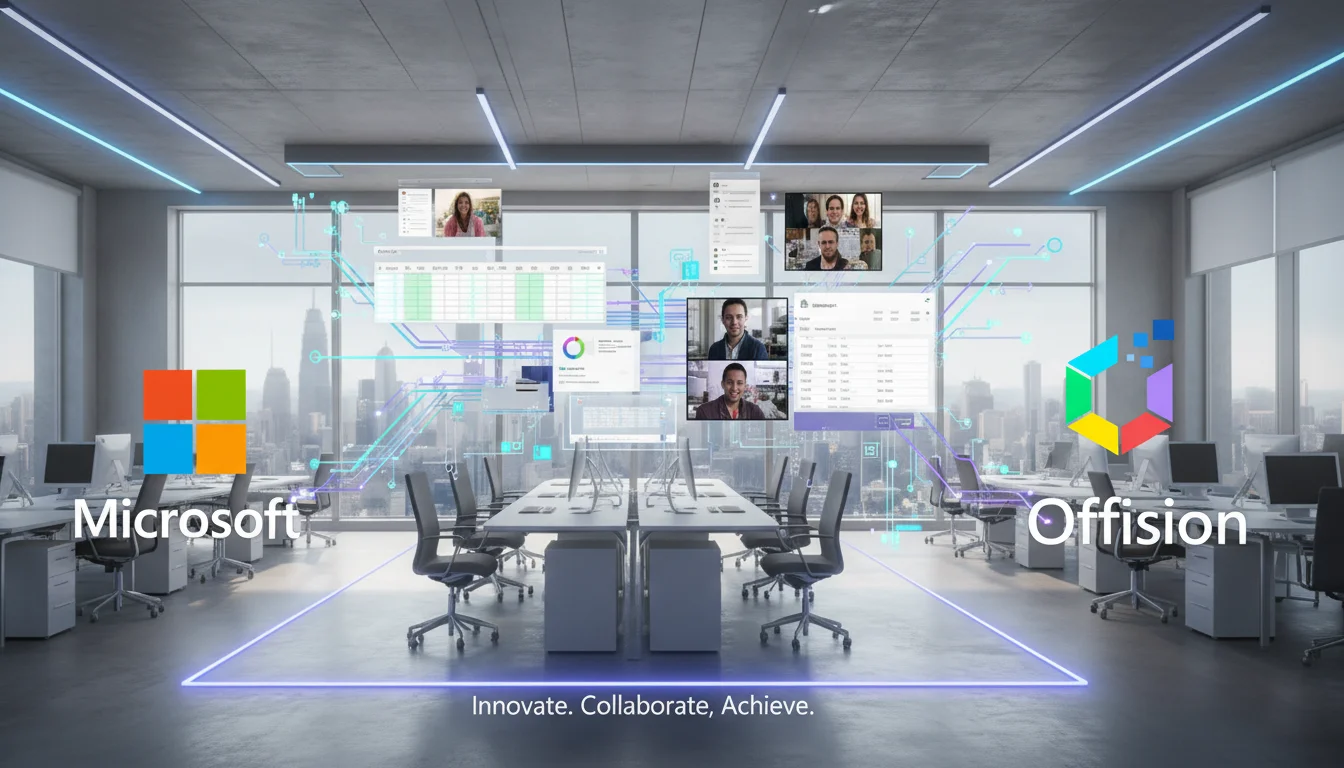
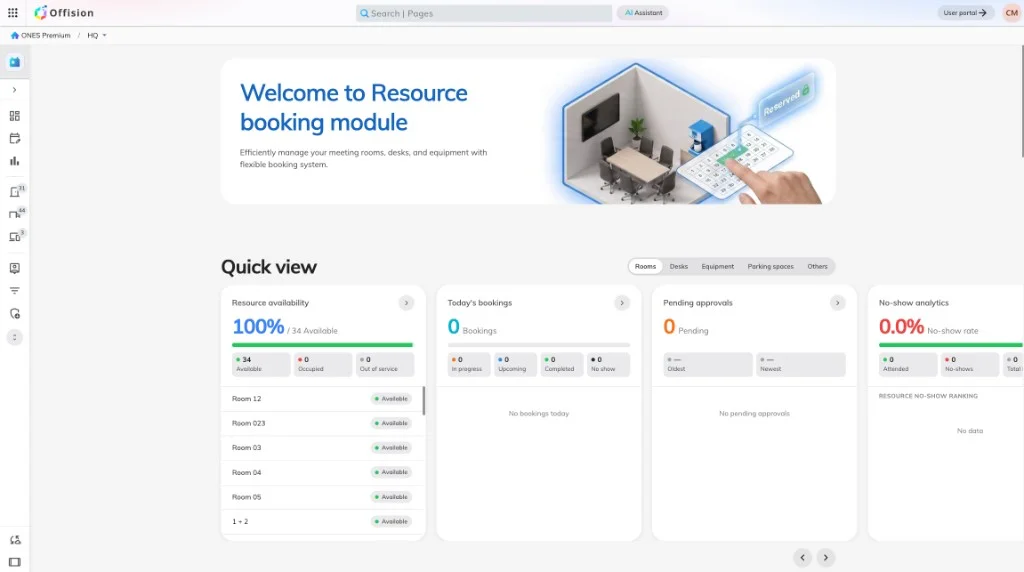
Admin console showing room booking, desk booking and visitor management on one platform.

Consolidate room booking, desk reservation, visitor management, and digital signage into one platform. Fewer logins, fewer vendors, fewer headaches.

Learn more
Native integrations

Fits Microsoft 365
and Google.

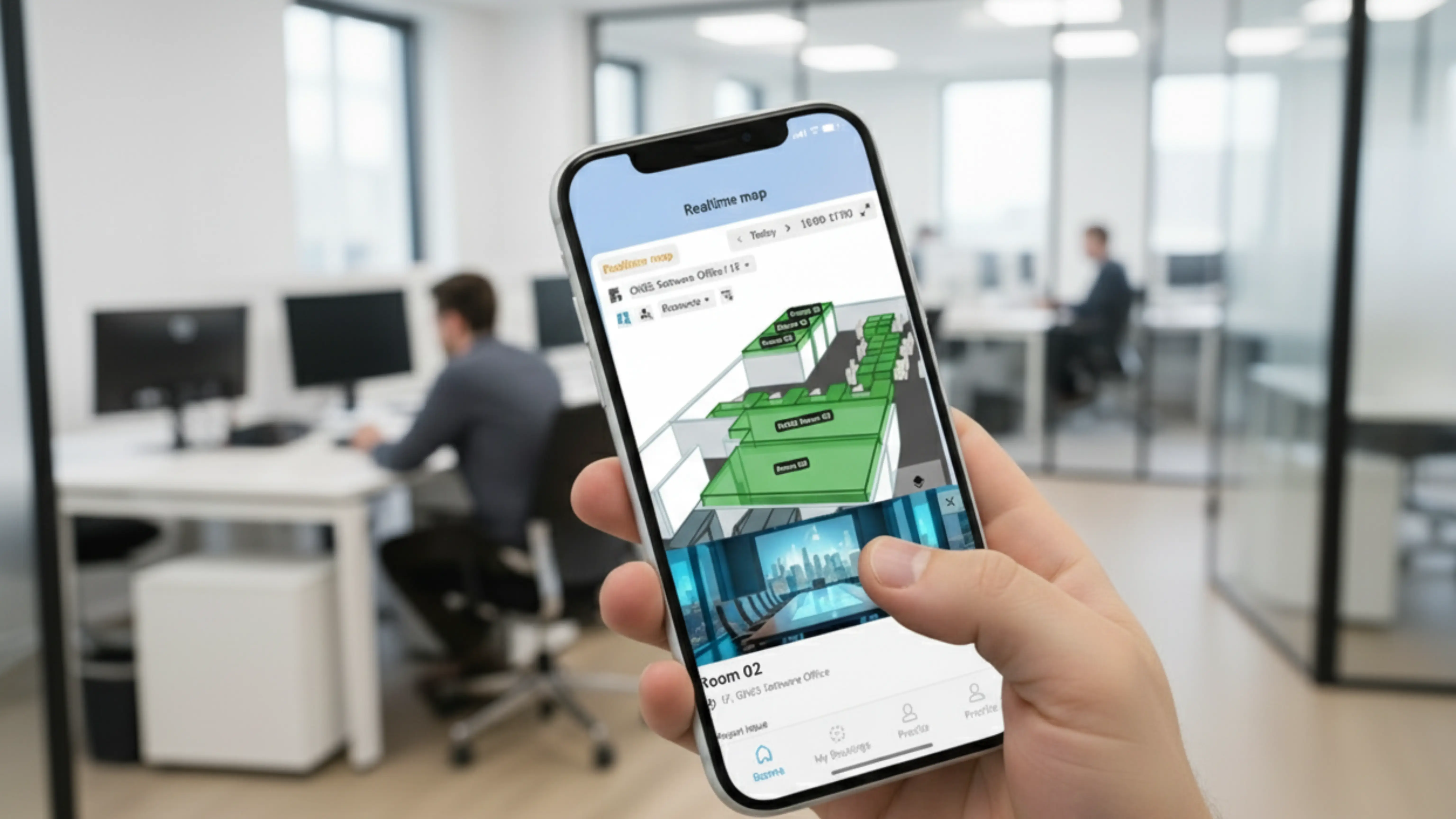
Offision Microsoft 365 integration connecting calendars, Teams and Outlook.

Sync with Microsoft 365, Google Workspace, and enable Single Sign-On via Azure AD, Okta, and SAML — fitting naturally into your existing ecosystem.

Learn more

Enterprise security

ISO 27001.
Encrypted end to end.

Security compliance dashboard with ISO 27001 certification and encryption details.

ISO 27001 certified with end-to-end AES-256 encryption, role-based access control, multi-tenant data isolation, and regular third-party audits.

Learn more

Built for
IT requirements.

Offision meets the security, integration, and scalability standards IT teams demand.

Integrations

Integrations that
just work.

Integration settings connecting Microsoft 365, Google Workspace and SAML SSO.

Seamlessly connect with Microsoft 365, Google Workspace, and other enterprise tools. Sync calendars, enable SSO, and streamline user provisioning.

Learn more

Hardware

Hardware managed
remotely.

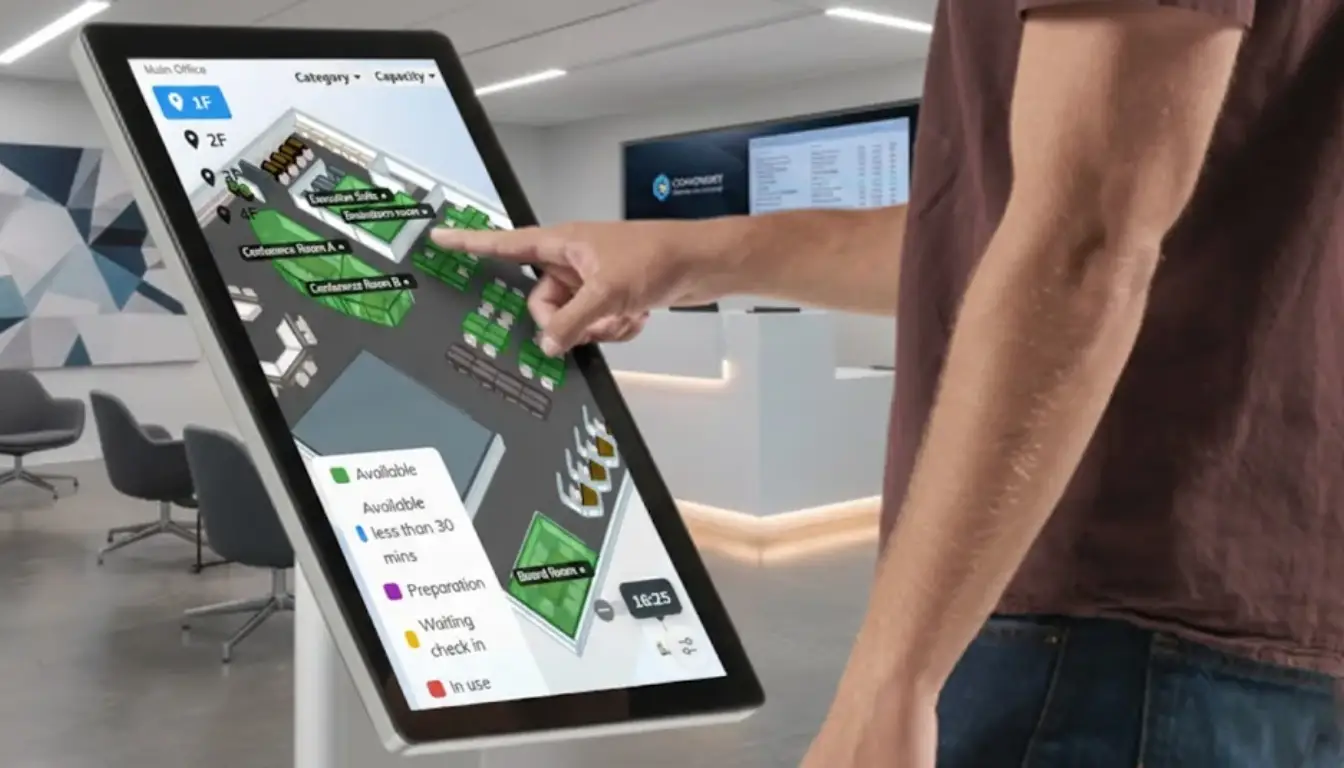
Hardware management dashboard listing meeting room panels and kiosks.

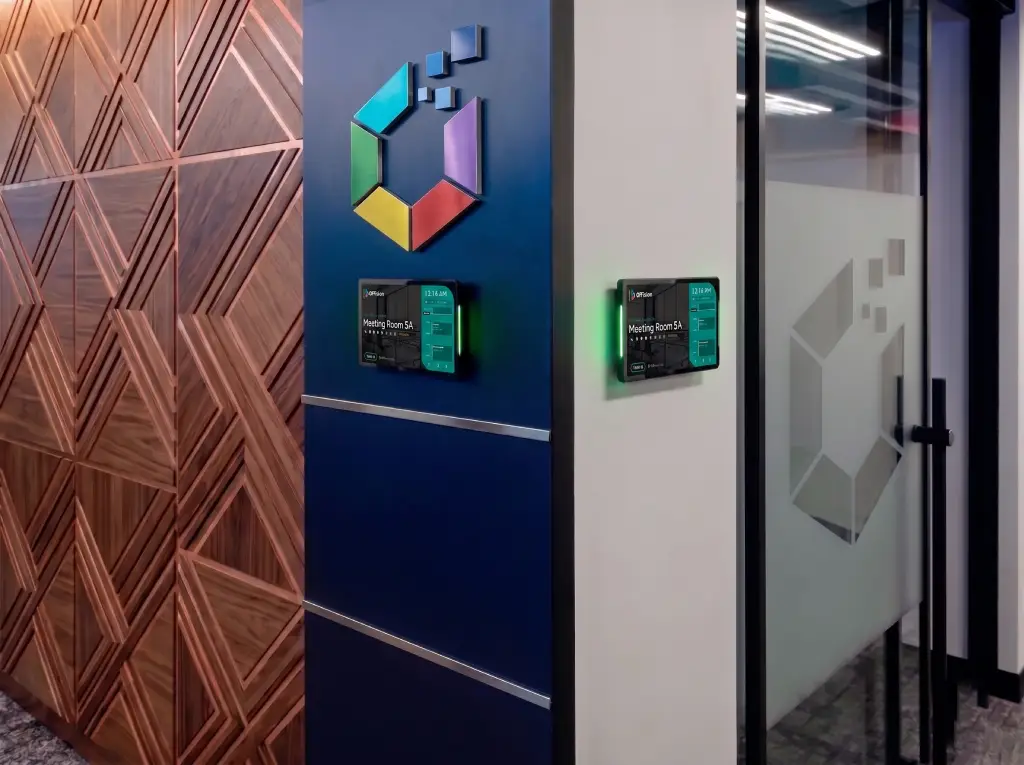
Deploy smart meeting room panels, visitor kiosks, and digital signage displays. Manage and monitor all devices remotely from a single dashboard.

Learn more

Security

Security you can
audit.

Enterprise security settings with role-based access and audit logs.

Protect your organization with ISO 27001 certification, end-to-end encryption, role-based access control, and regular third-party security audits.

Learn more

Cross-Platform

Every device.
Same experience.

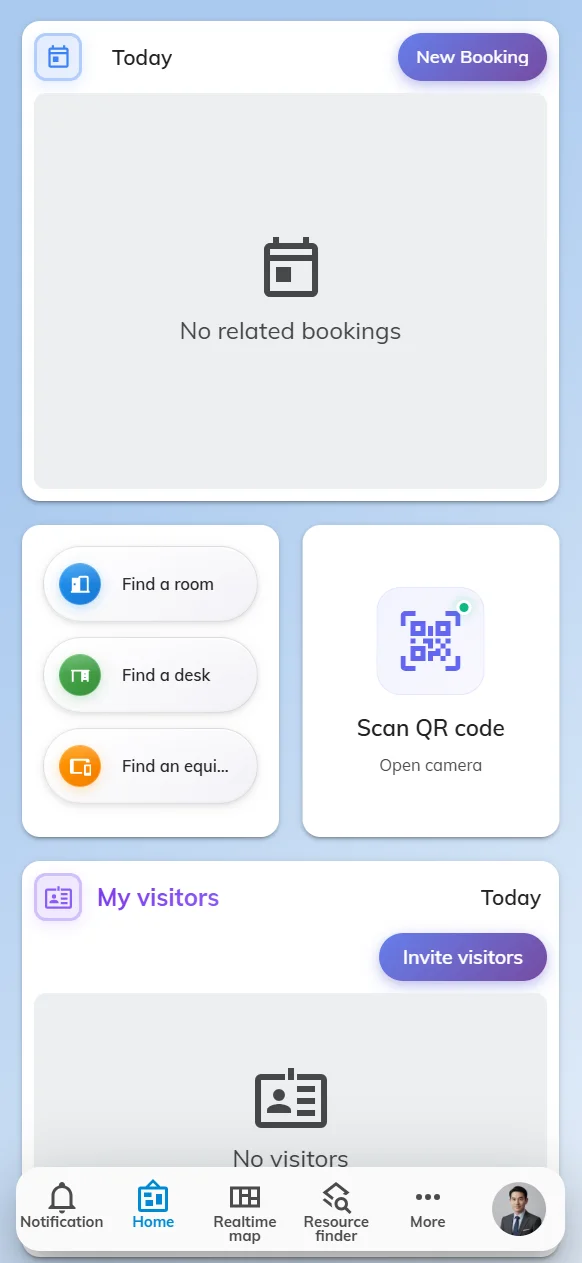
Offision user app on mobile showing desk booking and notifications.

A fully responsive experience across desktop, mobile, tablet, and kiosk. The interface adapts seamlessly so every user gets the same powerful features.

Learn more

Questions IT teams ask

What IT managers ask before rolling out Offision.

Does Offision support SSO with Azure AD, Okta and SAML?

Yes. Offision supports SAML-based SSO with Azure AD, Okta and other identity providers — so employees sign in once with your existing corporate credentials.

Offision syncs room resources with Microsoft 365, Outlook, Teams and Google Workspace. Bookings created in either system stay aligned, and changes propagate automatically.

Yes. The hardware console shows device status, firmware and connectivity for meeting room panels, visitor kiosks and signage — with alerts when a device goes offline.

Yes. Offision is ISO 27001 certified with AES-256 encryption, role-based access control, multi-tenant data isolation and regular third-party security audits.

Most IT teams consolidate room booking, desk reservation, visitor management, digital signage and wayfinding — reducing vendors, logins and integration overhead.

No. Offision is cloud-hosted with enterprise SLAs. You connect your identity provider and calendars — panels and kiosks call out over HTTPS with no inbound firewall rules.

Ready to simplify
your IT stack?

Join IT teams who use Offision to consolidate workplace tools, strengthen security, and reduce support overhead.

Get Started Free