tablet_androidRoom booking panel

Room booking panel

Designed for efficiency, it integrates with existing office systems, reducing conflicts and optimizing workspace utilization.

Microsoft Partner
Room booking panel
check_circleAvailable
Definition

What is a room booking panel?

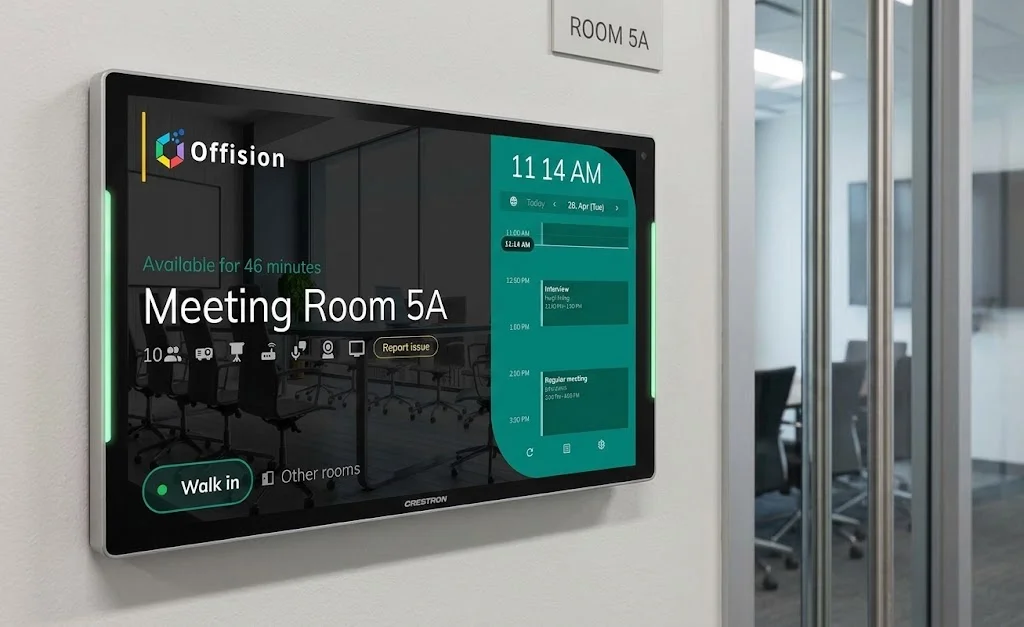
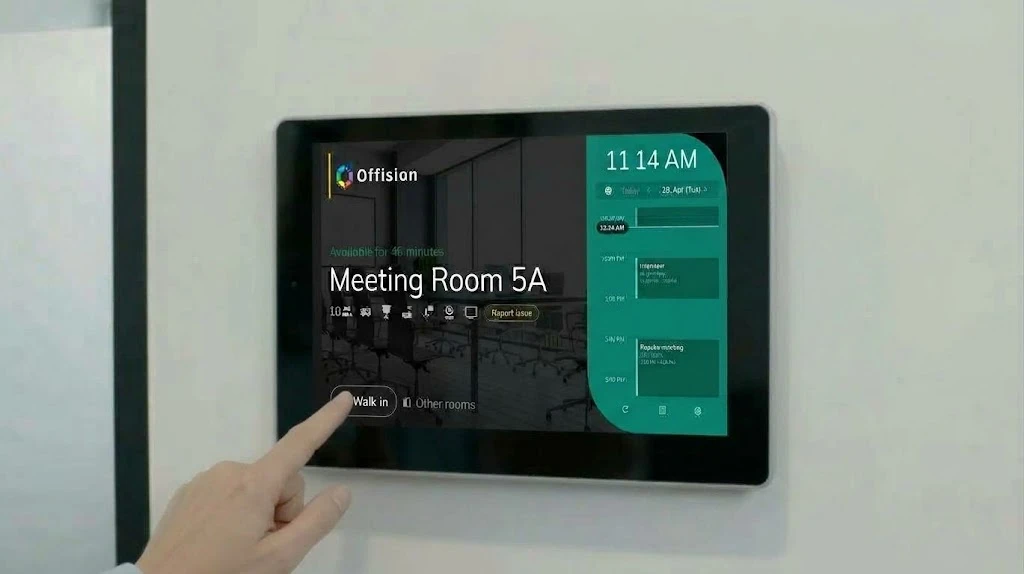
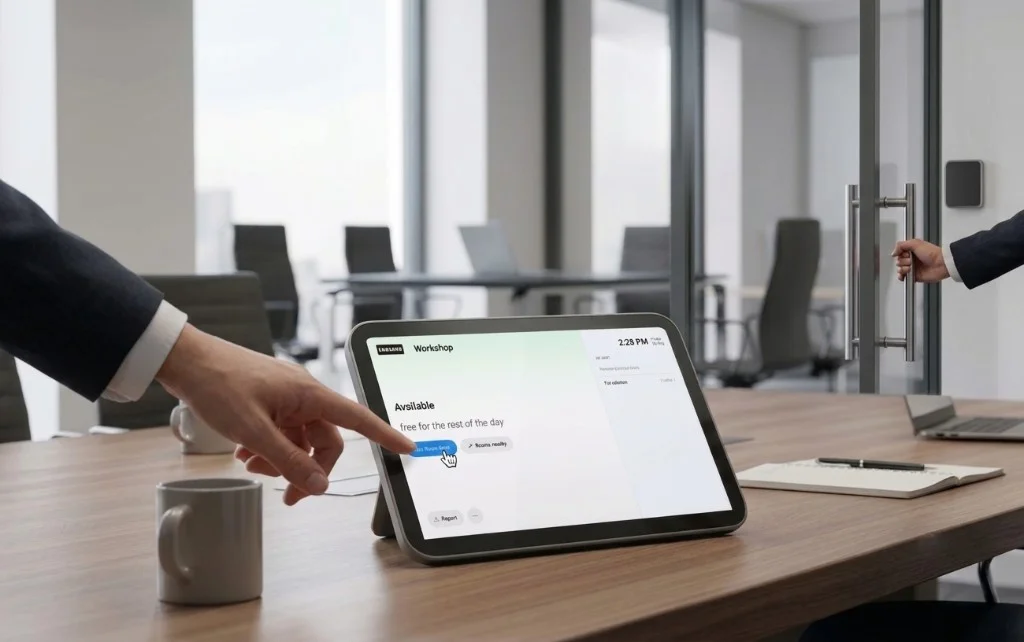
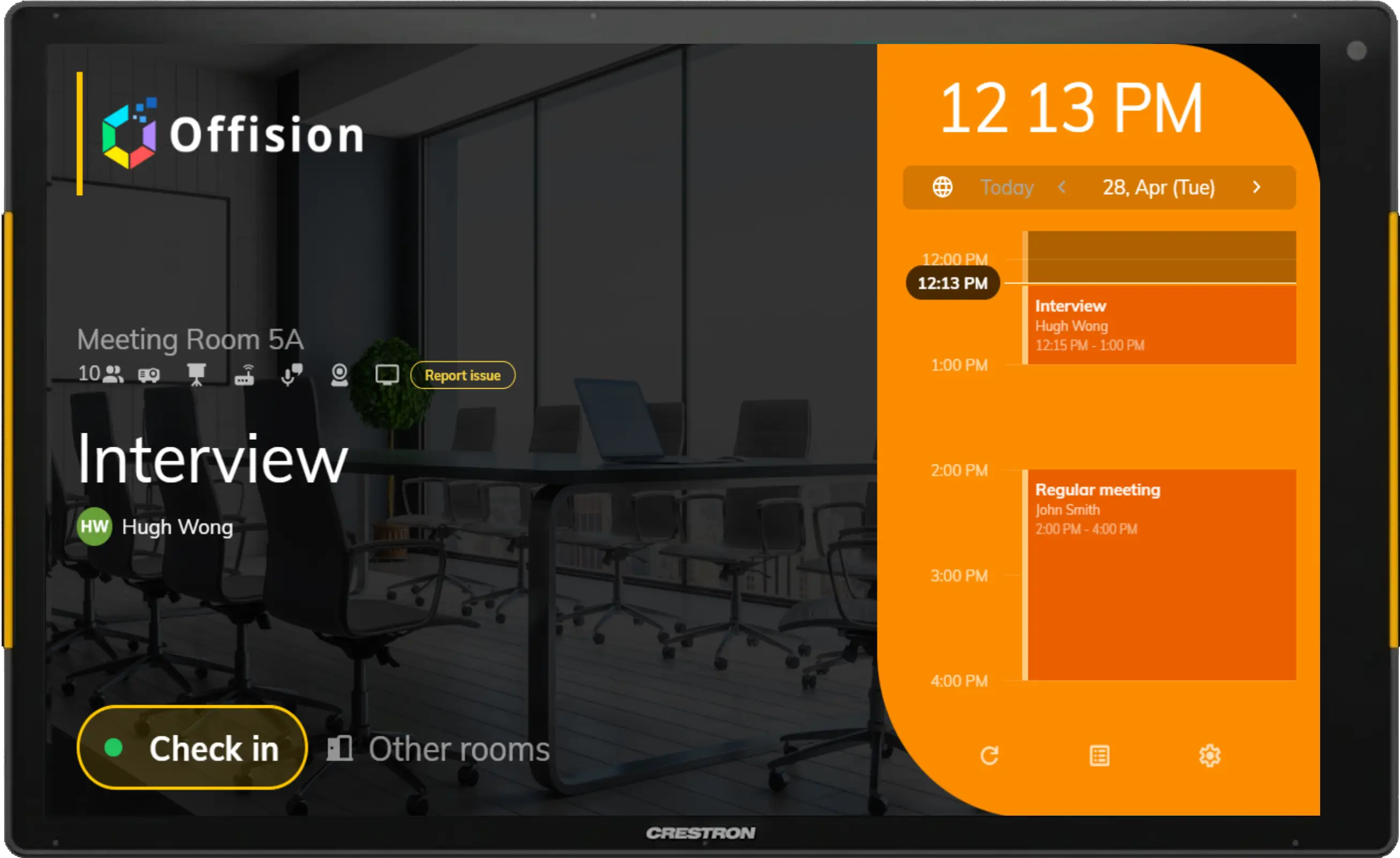
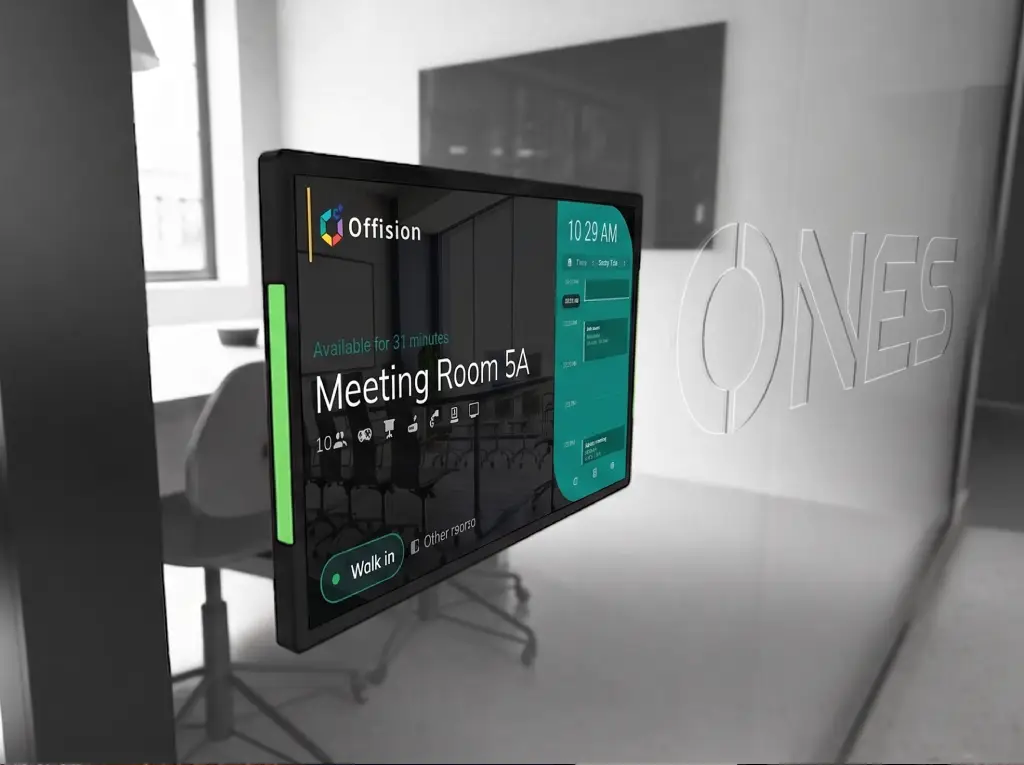
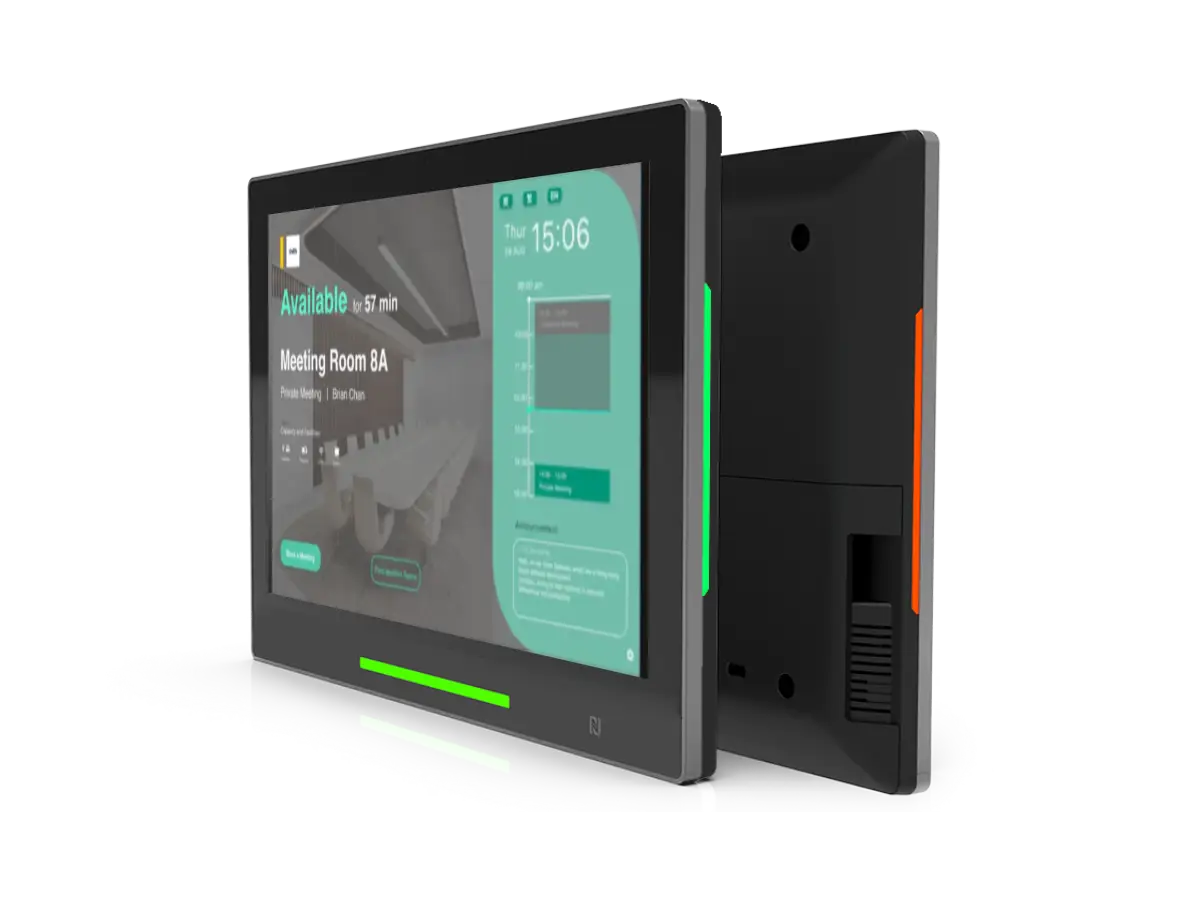
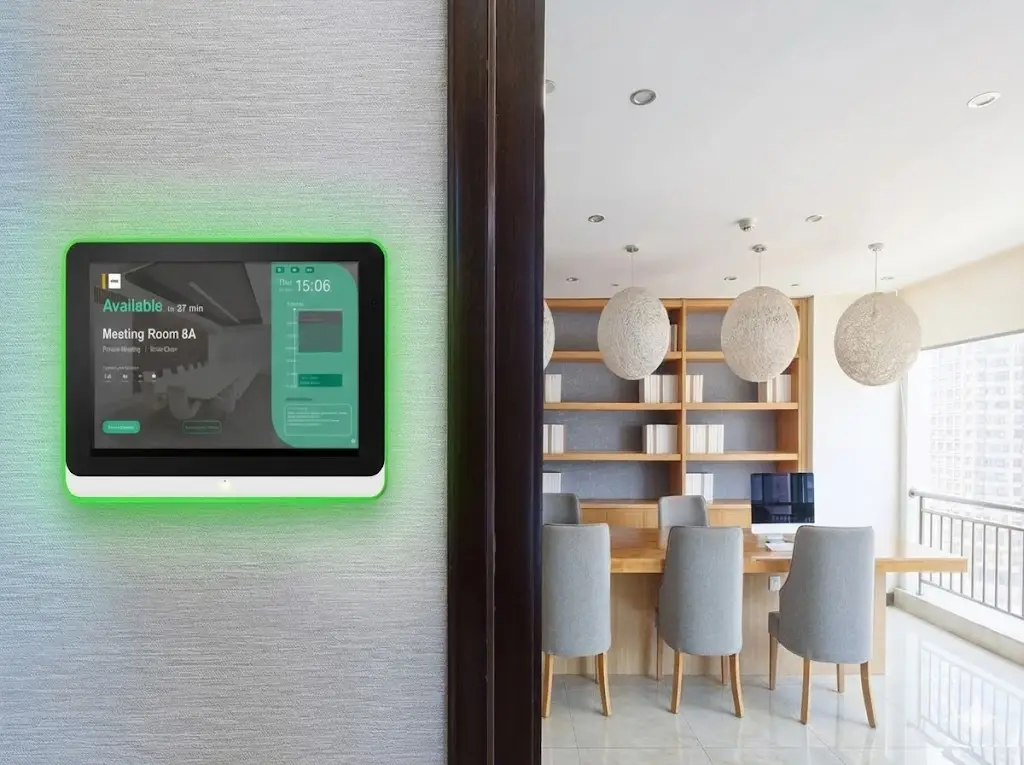
A room booking panel (also called a meeting room display) is a touchscreen mounted outside a conference room that shows real-time availability, upcoming meetings, and walk-up booking options. LED status indicators let people see whether a room is free, pending check-in, or in use—from across the hallway. Offision connects certified panels from Crestron, Qbic, IAdea, Neat, and iPad to your calendar so bookings stay in sync across mobile, desktop, and on-room displays.

More than just traffic lights

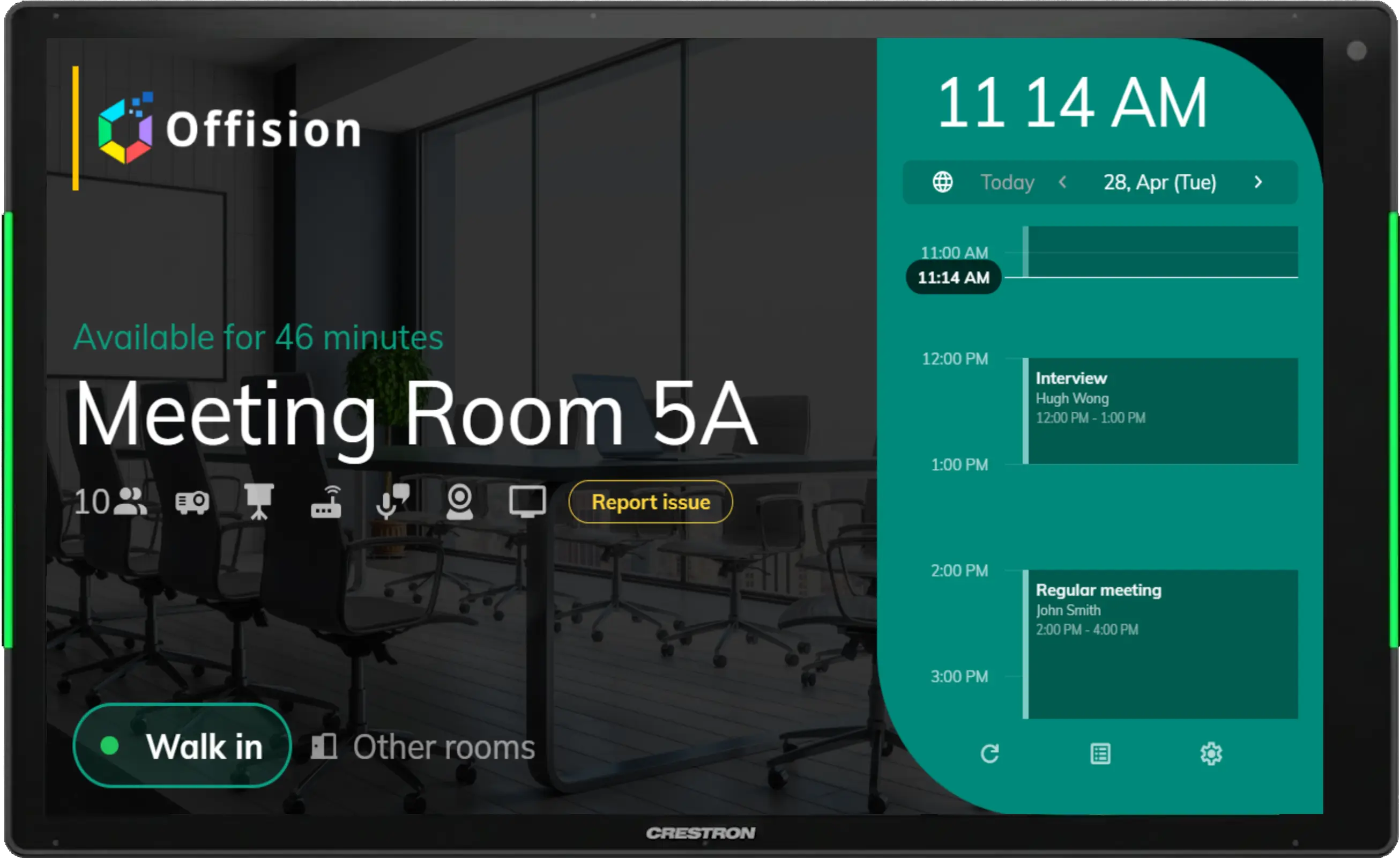
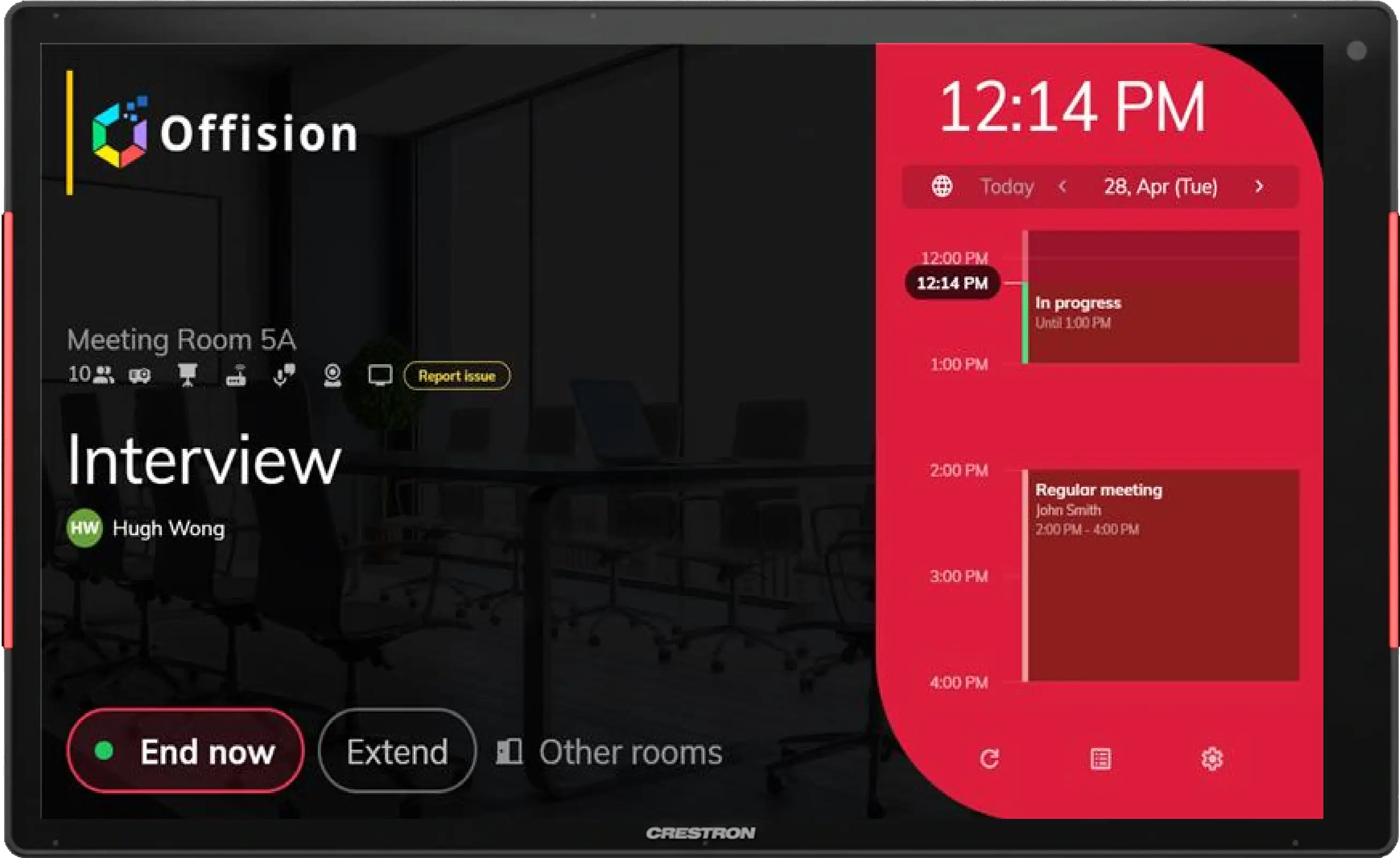
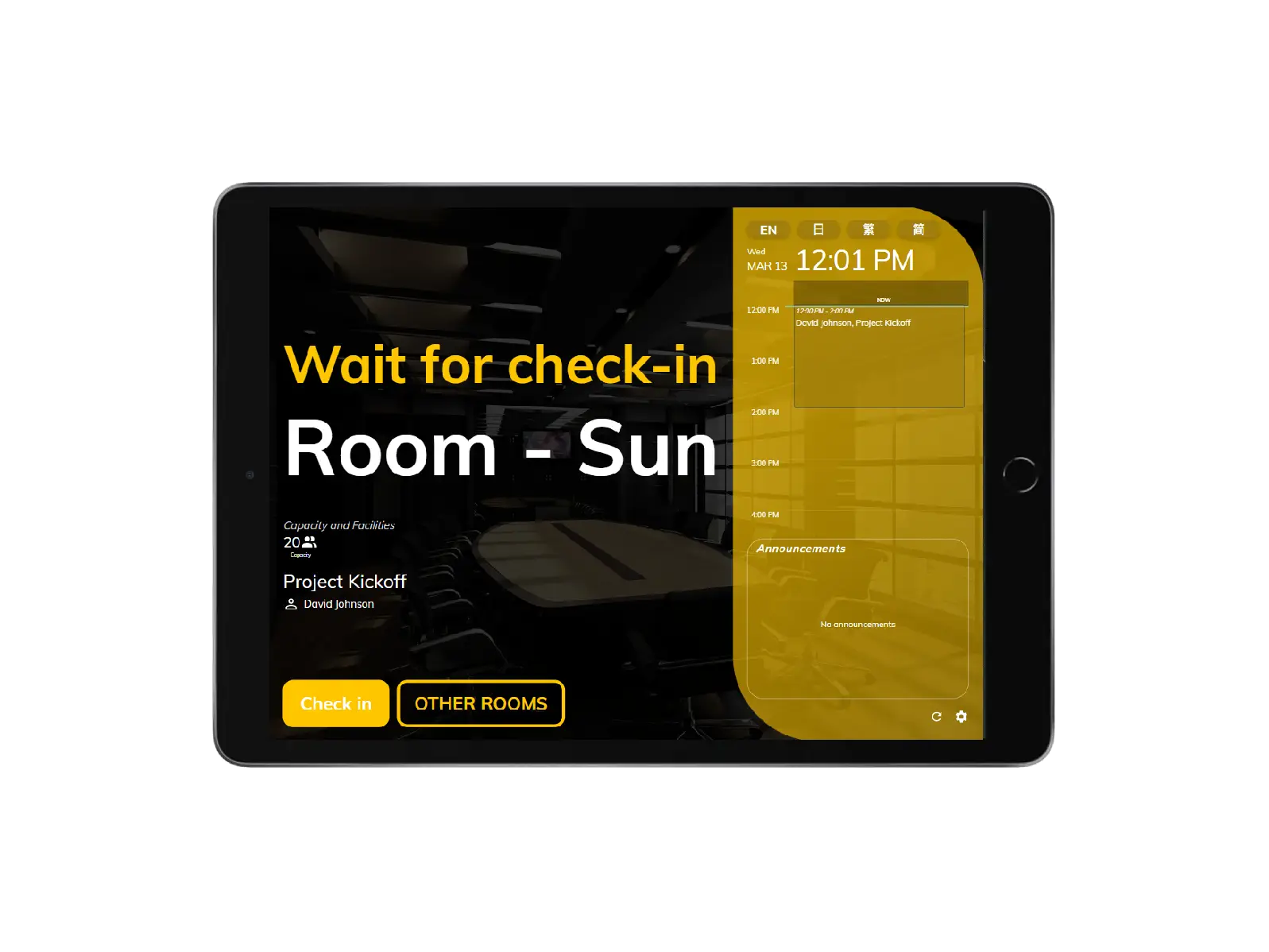
The booking panel's vivid colors indicate the room availability, from available, standby, and occupied, allowing the user to see the status at first sight.

Indicates that someone is using the room. Please do not disturb.

Now using

Indicates that someone is using the room. Please do not disturb.

The room has an upcoming booking and awaiting for check-in.

Wait for check-in

The room has an upcoming booking and awaiting for check-in.

The room is available for more than 30-minute-long meetings.

Available

The room is available for more than 30-minute-long meetings.

Real-time room status
cell_towerReal-time room status

Real-time room status

With a clear overview on the panel, users can easily know the room's real-time status, amenities, capacity, and meeting information such as meeting title and organizer.

  • Real-time status
  • Amenities
  • Capacity
  • Meeting title
  • Meeting organizer
Offision - floor plan Offision - room detail Offision - tap card
publicReserve rooms in everywhere

Reserve rooms in everywhere

You can easily find, reserve, and check-in your room on mobile, desktop, and panel. Reservation status will be automatically updated on all platforms.

  • Reserve on mobile
  • Reserve on panel
  • Reserve on desktop
  • Auto data synchronization
  • Support staff card check-in
  • Support browser & APP

Support hardware from a wide range of brands

Offision supports various hardware that can be applied to different business requirements.

Room booking panel FAQs

Room booking panel FAQs

Answers about meeting room displays, booking control panels, and on-door reservation.

What is a room booking control panel?

A room booking control panel (预订控制面板 / meeting room display) is a touchscreen outside the room that shows live availability, the current meeting, and walk-up booking or check-in—so people know the room status before they open the door.

Yes. Depending on your policies, users can book, check in, extend, or end a meeting from the panel. Changes sync automatically with Outlook, Teams, Google Calendar, and the Offision apps.

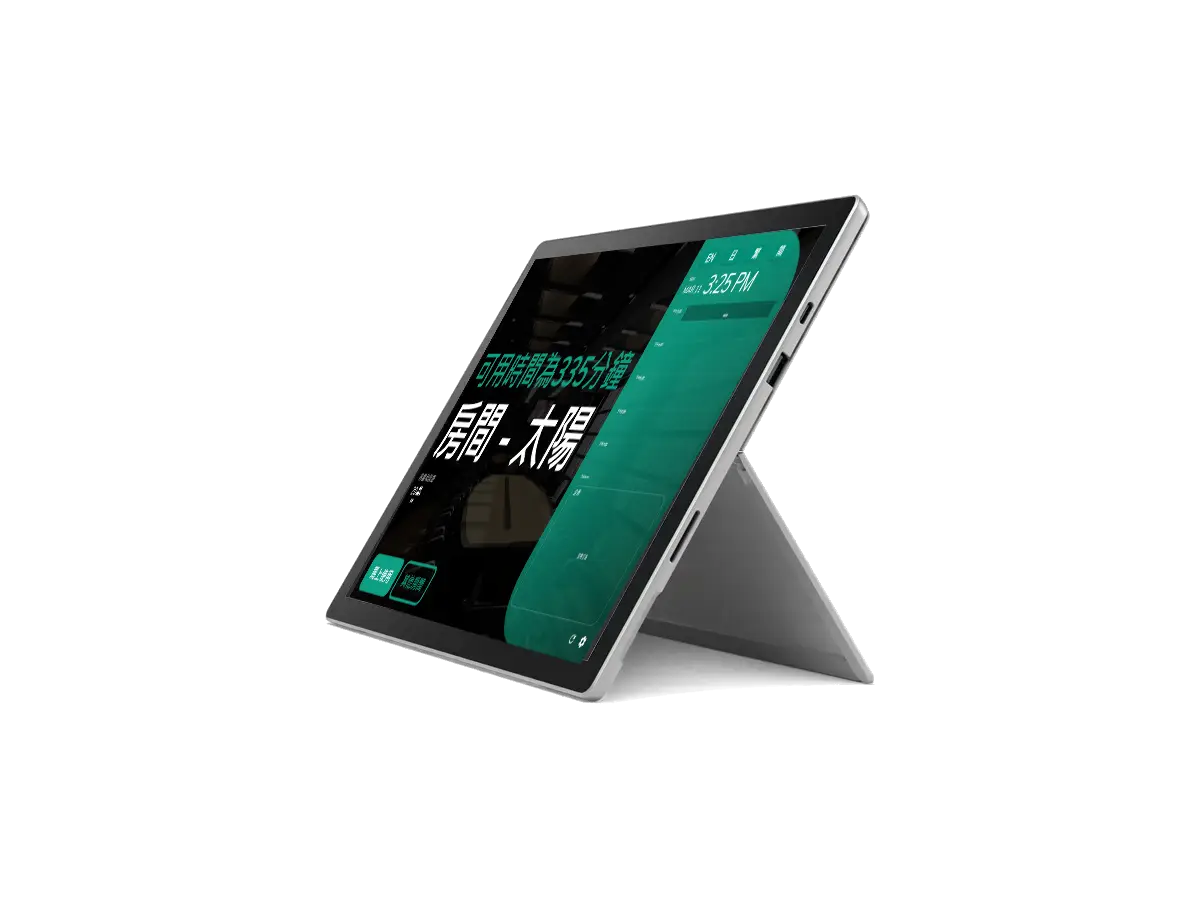
Offision supports certified panels and tablets including Crestron, Qbic, IAdea, Neat, iPad, Android tablets, and Windows devices such as Surface—so you can standardize the experience across offices.

Yes. LED or on-screen status indicators show whether a room is free, in use, or pending check-in, visible from down the hallway.

Mount a supported display outside the room, install or open the Offision booking panel app, link it to the room resource, and sync with your calendar. Status and bookings stay consistent on mobile, desktop, and the panel.

Still have questions?

Our team can help you choose and roll out room booking panels.

Contact us

Ready to transform your workplace?

Get started with Offision today and see how easy it is to manage your entire workplace on one platform.