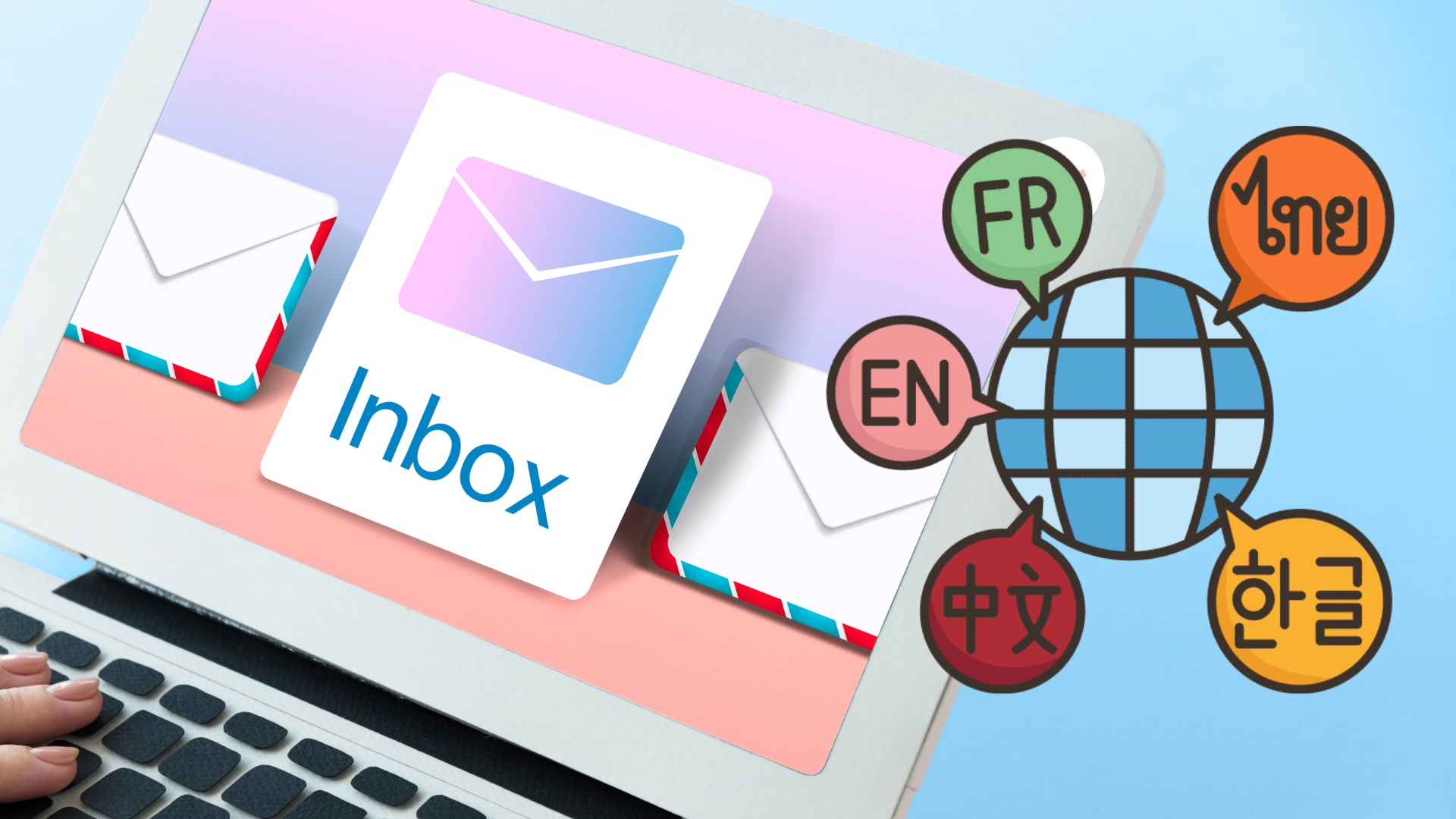
The "Set Email Language" feature in Offision allows administrators to configure the default language for all outgoing email communications. This ensures that emails are sent in the language that aligns with your audience's needs, promoting better understanding and professionalism.
Key Details:
- Default Language Setting: Offision comes with a default email language setting. This language will be used unless customized by the admin.
- Language Customization: Admins can easily configure the email language to match the preferences of their recipients or organizational standards.
- Improved Communication: By personalizing email content to the appropriate language, you enhance understanding and engagement.
- Accessible and Simple: The feature is designed to be user-friendly, allowing quick and easy updates to email settings.
This feature is especially useful for organizations that operate in multi-language environments or have international audiences. By tailoring email language, Offision empowers admins to ensure clear communication and a professional tone in all outgoing emails.
Pros:
- Enhanced Communication: Customizing the email language ensures that recipients understand the content clearly, reducing confusion and miscommunication.
- Professionalism: Sending emails in the recipient's preferred language demonstrates attention to detail and enhances your organization's image.
- Time-Saving: Admins can set the language once, and it applies to all outgoing emails, eliminating the need for manual adjustments for each email.
- Flexibility: The ability to configure the language allows organizations to adapt to a global audience, catering to diverse linguistic needs.
- User-Friendly: The feature is straightforward and intuitive, requiring minimal effort to set up and manage.
- Consistency: Ensures all emails are sent in a uniform language, maintaining a consistent brand voice and tone.
- Support for Multi-Language Environments: Perfect for organizations that operate in regions with multiple languages or international clients.
By leveraging this feature, Offision helps organizations streamline communication processes, improve recipient engagement, and maintain a polished, professional approach.

 Neat
Neat
 Crestron