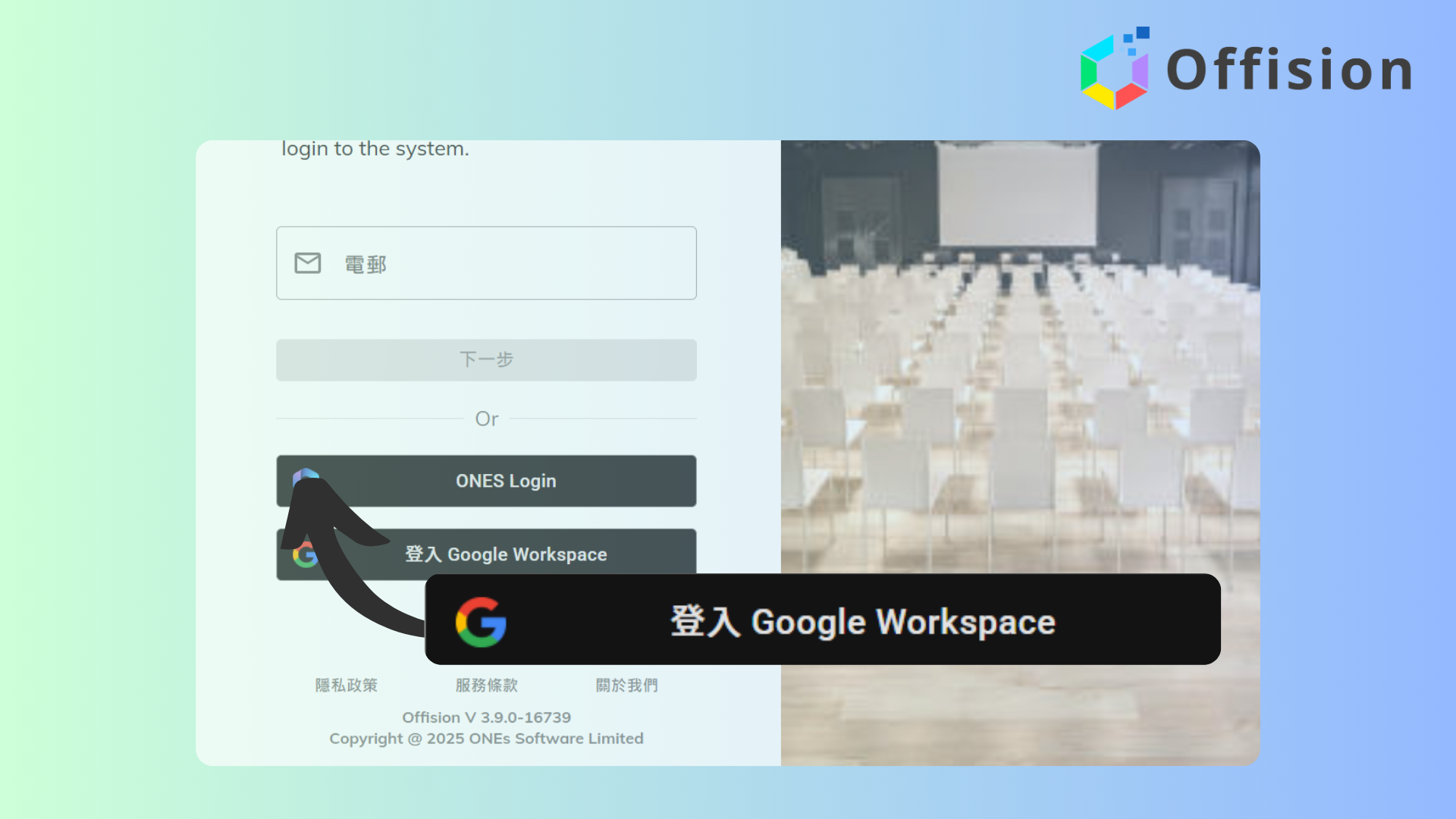
Teams running Google Workspace have the option to enable single sign-on (SSO) for one-click authentication.
Google Workspace teams can enable single sign-on (SSO) to streamline authentication, allowing users to access services with one click. By sharing a link to app.offision.com, administrators can easily invite large groups to join. This method, often called "Signing in with Google Workspace," leverages Google Workspace for secure and efficient access management.
Pros:
Start your free trial today and transform your workspace in minutes.
Follow these steps
Navigate to "Integrations" and click "Google Workspace"
Click "Connect to Google Workspace"
Input Customer ID
Click "Connect Offision to your organization by Login via the user account under your organization" and login to your Google Workspace account
Navigate to "Users" and click "Import user"
Select "Google Workspace account" and download the sample excel file
Input email address and user display name to the excel file
Import the excel file for adding users
Navigate to "Integrations" and click "Google Workspace"
Click "Connect to Google Workspace"
Input Customer ID
Click "Connect Offision to your organization by Login via the user account under your organization" and login to your Google Workspace account
Navigate to "Users" and click "Import user"
Select "Google Workspace account" and download the sample excel file
Input email address and user display name to the excel file
Import the excel file for adding users
Trusted by organizations worldwide
Join hundreds of companies streamlining their workspace management with Offision