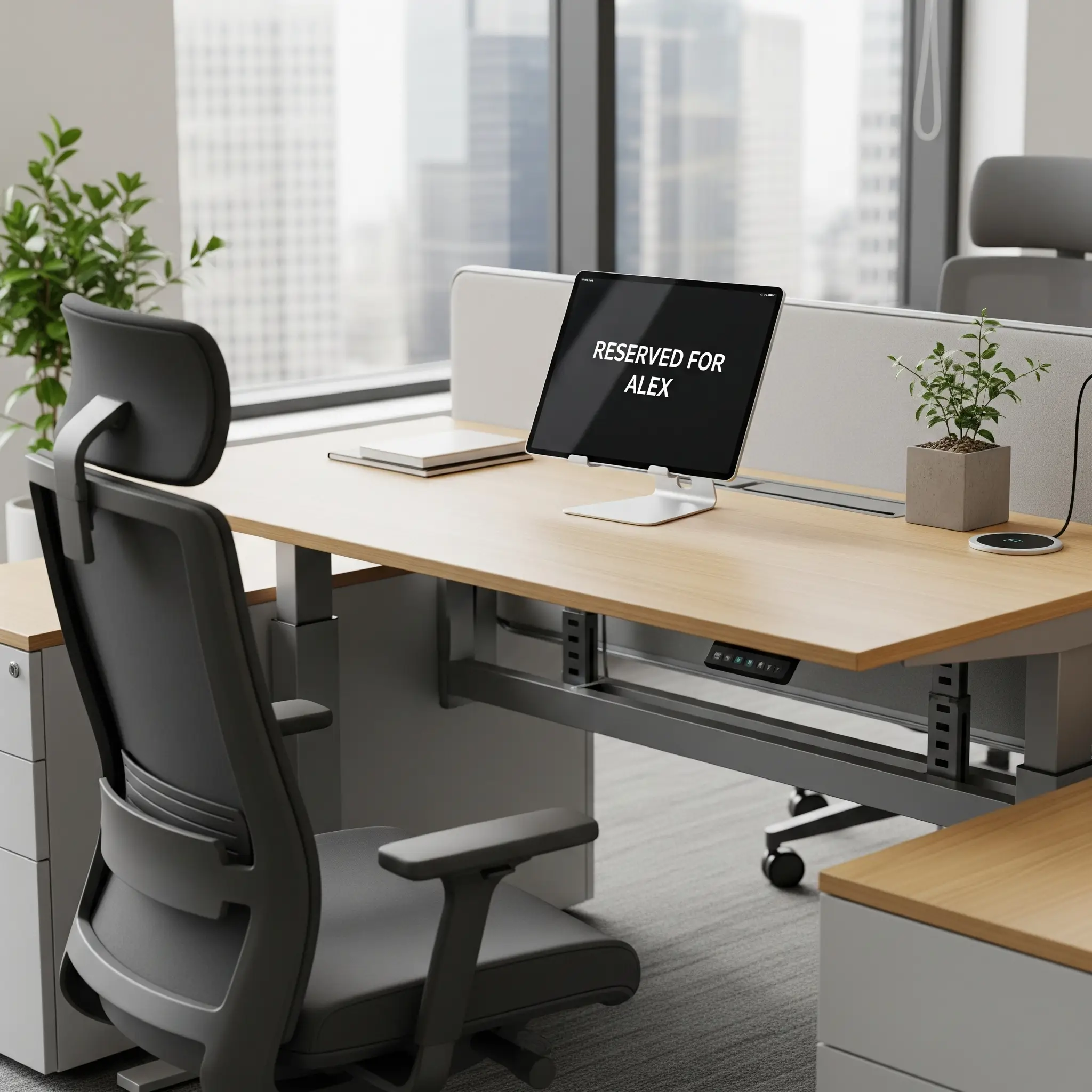
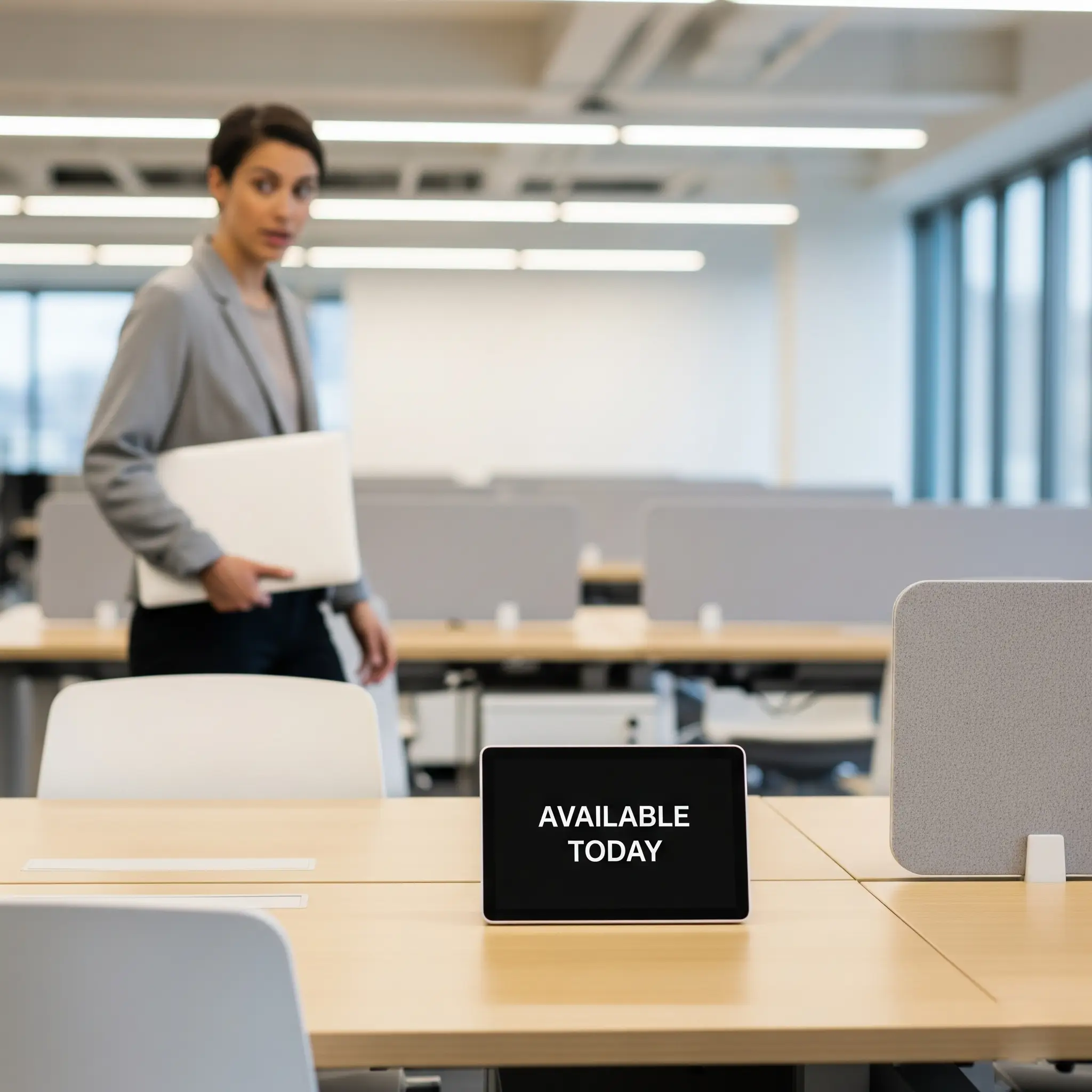
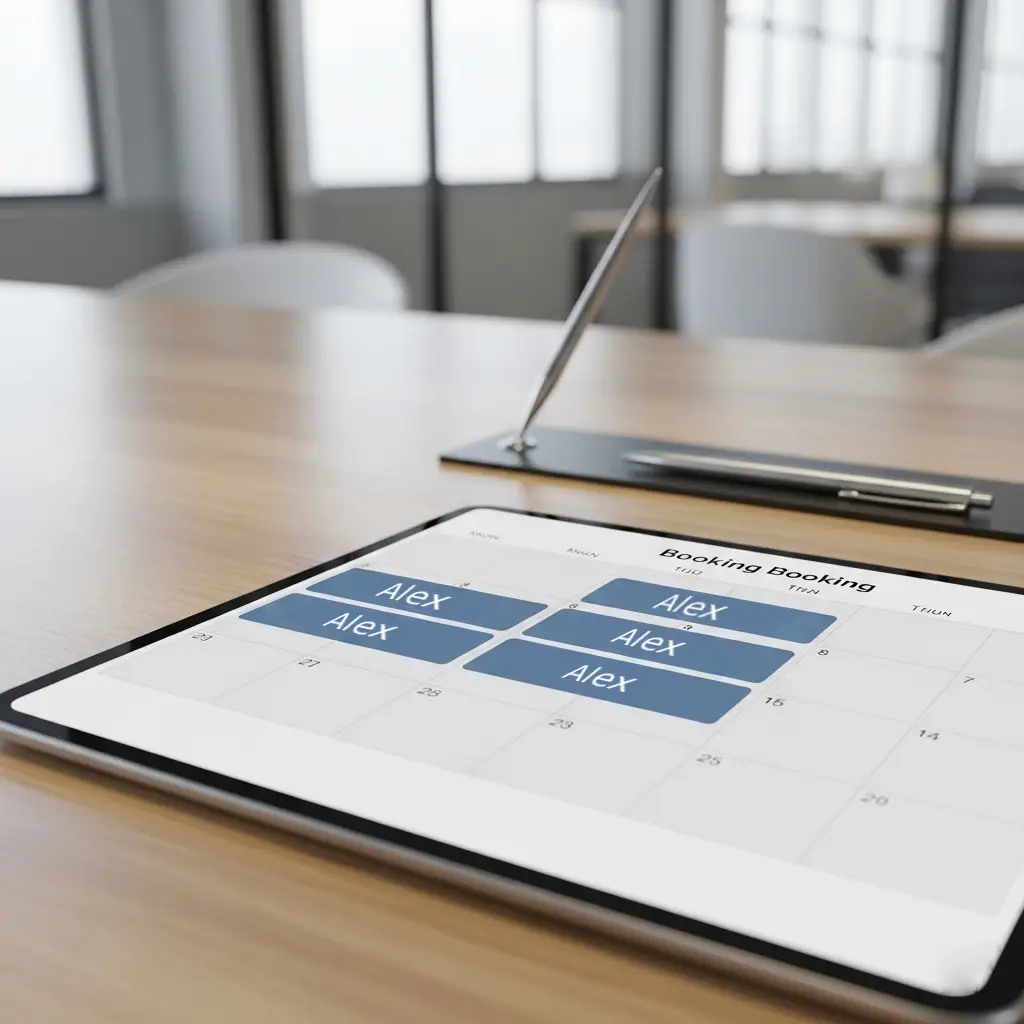
Offision fixed desk assigns permanent workspaces with real-time presence tracking and on-demand service requests. Ideal for executives and full-time staff who need dedicated, personalized work areas.
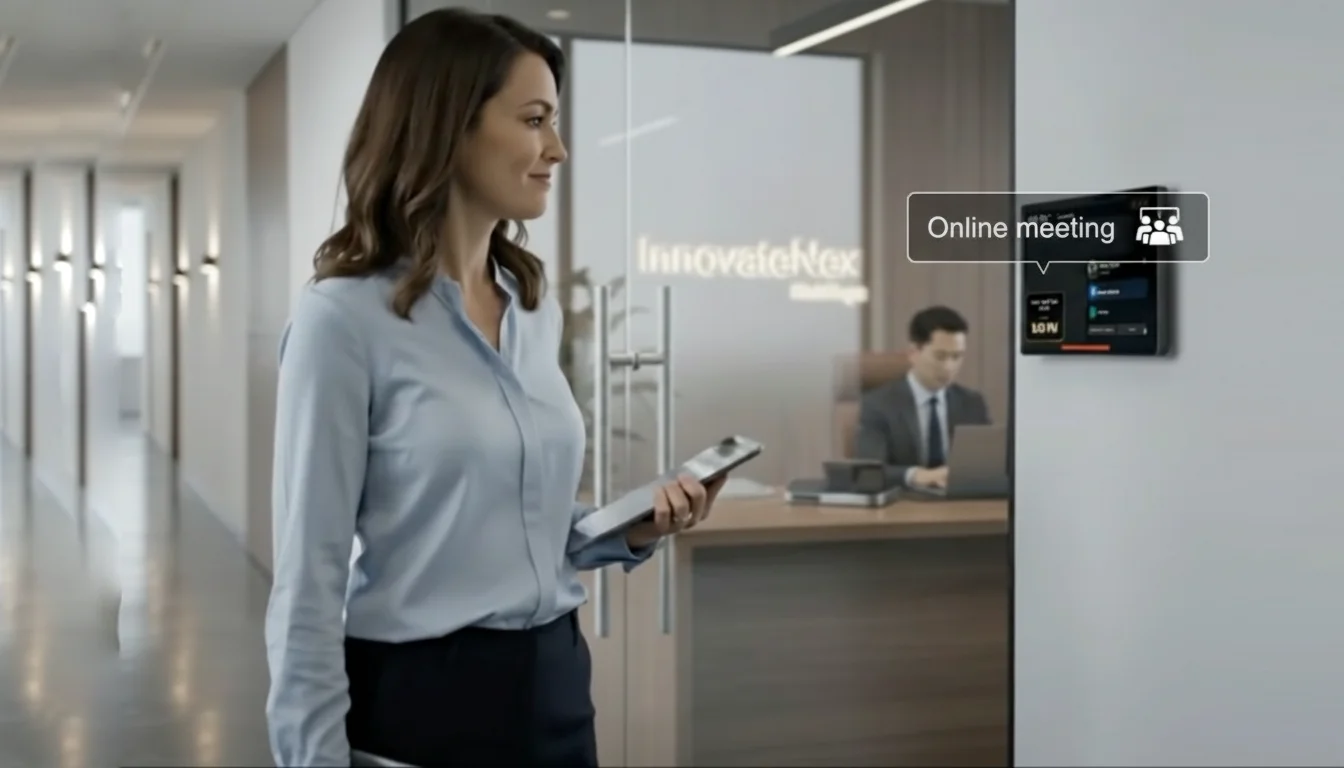
Checked in at this desk
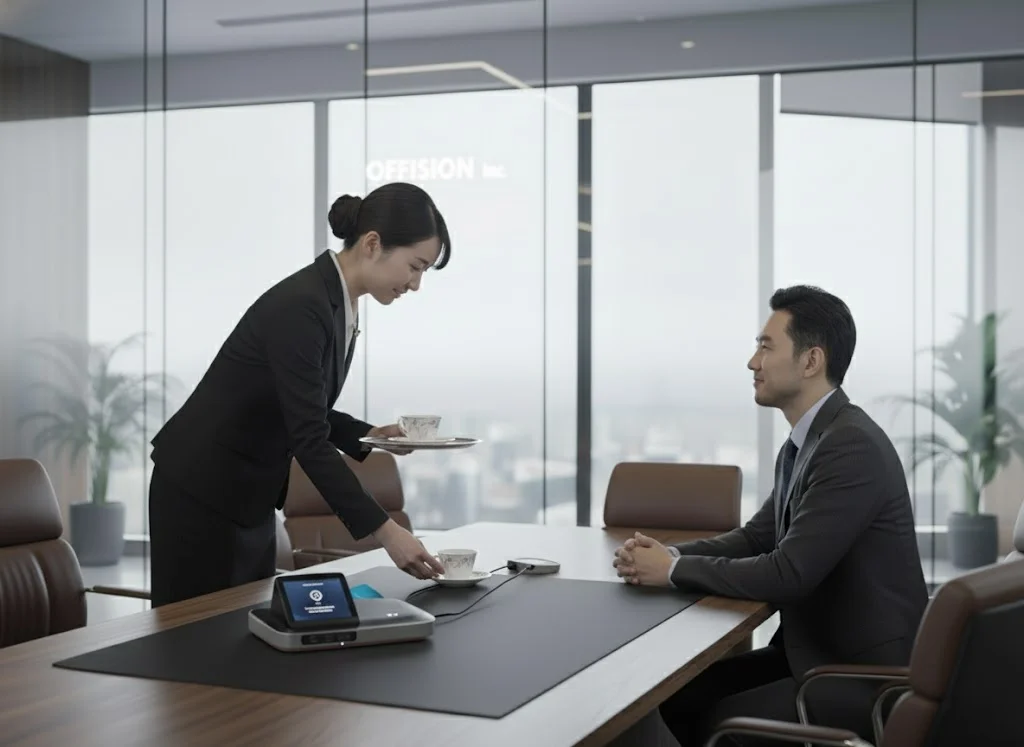
The Boss is In
While flexibility is great, fixed desks are essential for roles or people who need consistency.
C-suite and senior management who need a permanent, confidential space.
Departments like Legal, Finance, or HR that handle sensitive physical documents.
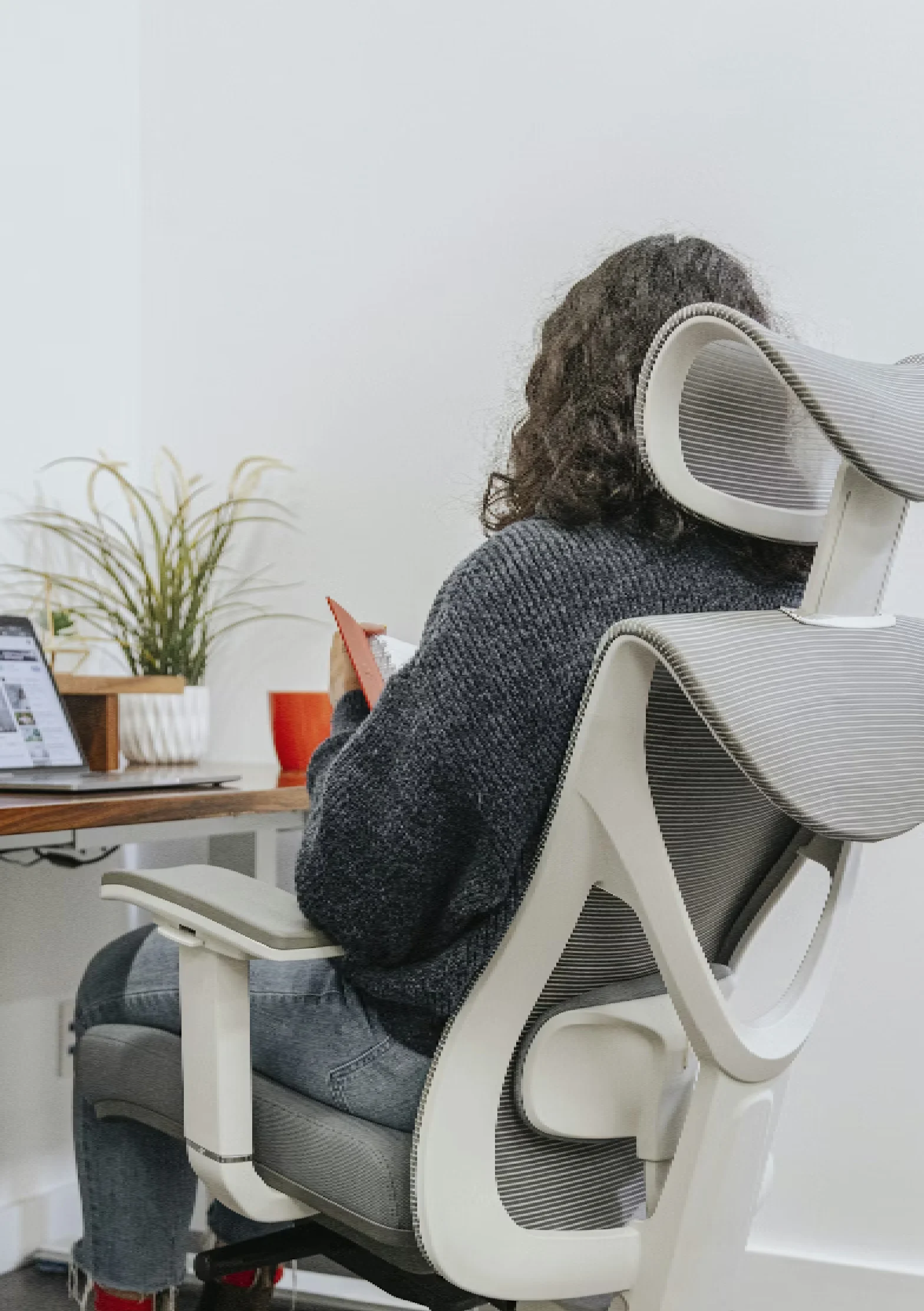
Employees who are in the office five days a week and benefit from a stable, personalized setup.
Team members who require specialized chairs, monitors, or other equipment that cannot be moved daily.
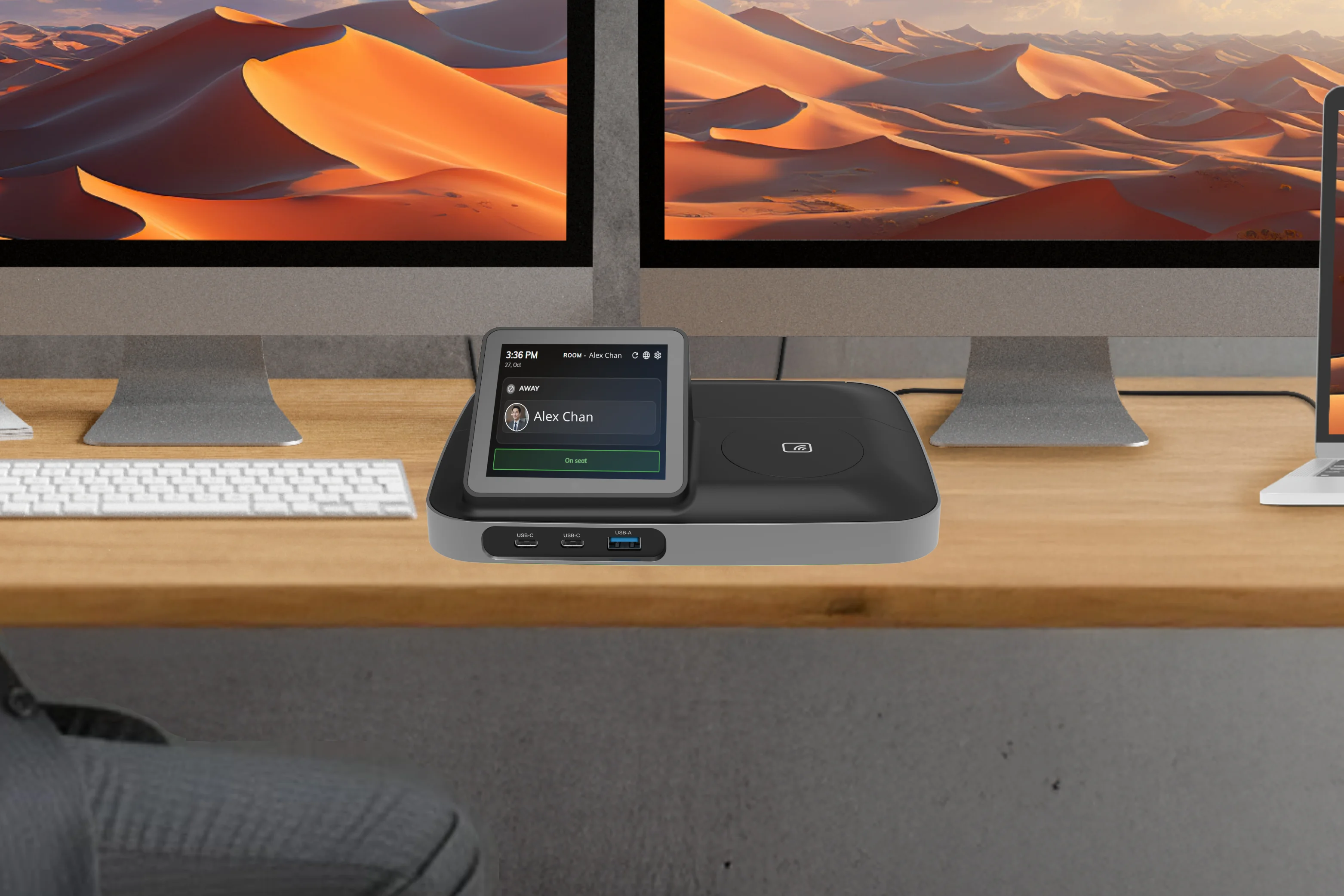
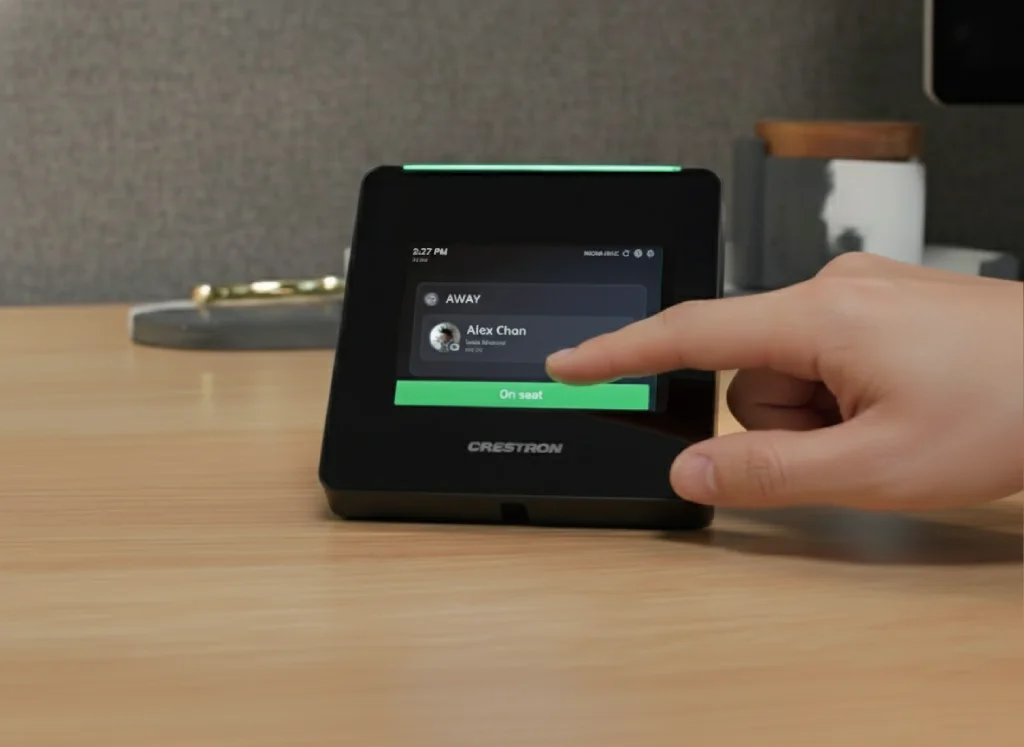
A fixed desk doesn't mean old-fashioned. Modern office technology transforms the simple fixed desk into a powerful, connected hub. This is where smart devices, like a Crestron Desk Touch or TDD-1000 BookBuddy Connect, come in.
The user can easily check in or out from their device. This lets colleagues and managers know if they are at their desk, in a meeting, or working from home for the day.
For HR or facilities managers, this provides invaluable, real-time data on office-space utilization.
This is where the desk becomes truly interactive. The on-desk device can act as a service portal. With the tap of a button, the employee can:
This integrates the employee's physical space directly into the building's facility management and hospitality services, improving efficiency and the employee experience.
A successful office isn't about choosing only fixed desks or only hot desks—it's about creating a balanced ecosystem that works for your entire team.
Offision is the all-in-one workspace management platform that simplifies your entire office. Whether you're assigning permanent desks to your executive team, managing high-tech service requests, or empowering your hybrid staff to book hot desks, Offision provides a single, easy-to-use system for HR and facilities managers.
But managing this mix can be complicated. How do you track which desks are fixed? How do you manage the status of employees? How do you handle service requests and booking for your flexible spaces?
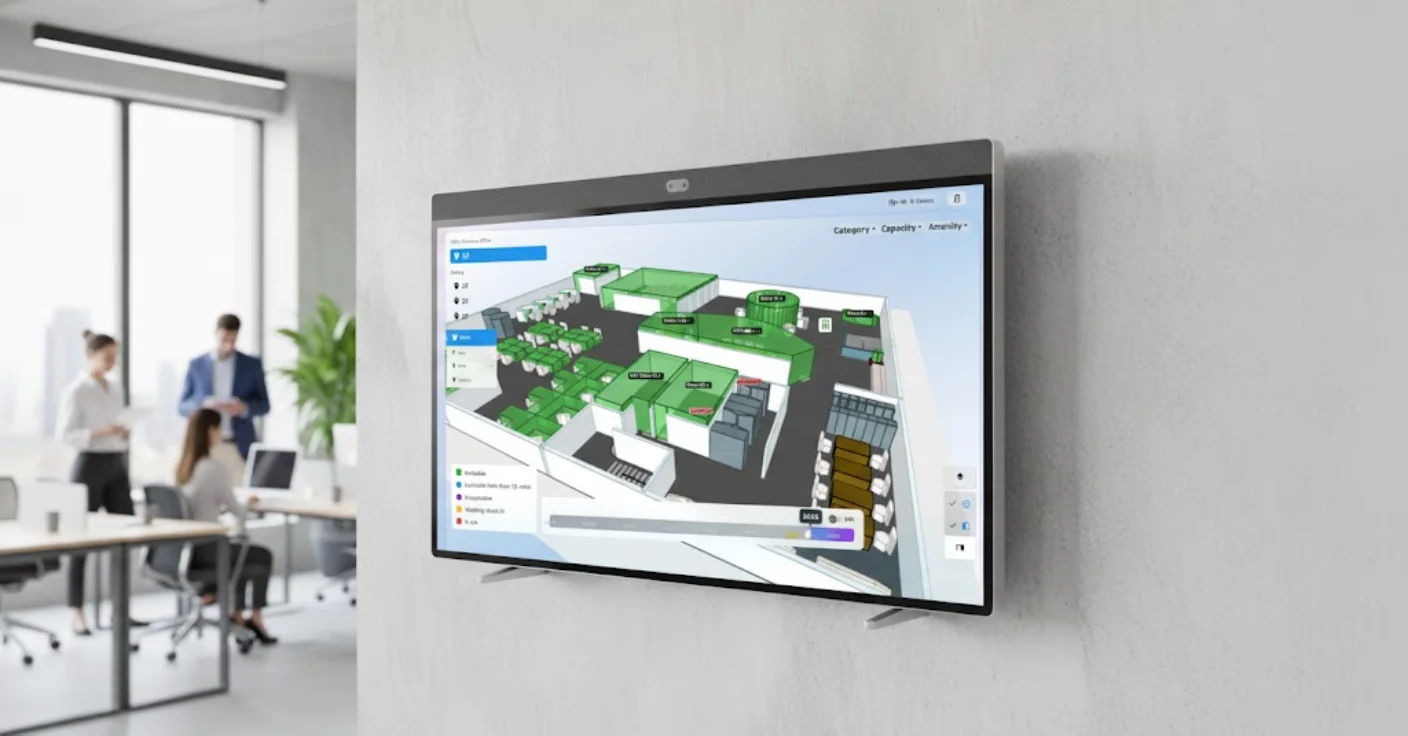
Get Started with OffisionProvide your office a interactive live view for quickly find and manage available hot desks, meeting rooms, car parks etc.
Track desk utilization and employee presence with live data insights
Assign, reassign, and manage fixed desks with a simple interface
Connect with Crestron, BookBuddy, and other smart desk devices
Enterprise-grade security for your workspace management platform
Enhance your fixed desk setup with cutting-edge hardware designed for modern workspaces. These solutions integrate seamlessly with Offision to provide a complete desk management experience.
The innovative desk booking docking station that transforms modern workstations. Instantly book your desk with a tap and connect all your devices in seconds, delivering a personalized BYOD-ready workspace experience.
A comprehensive desk scheduling solution that empowers employees to find and reserve desks easily. Features an intuitive touchscreen interface for seamless workspace management and real-time desk availability.
A compact indicator that is designed to enhance and simplify desk scheduling across an enterprise. Installs on the underside of a desk to provide a clear indication of the desk availability.
Seamlessly integrate with your existing workspace tools and platforms
Integrate Offision with Microsoft 365 for better meeting room management and user adoption.
Learn moreDirectly create meetings from your Outlook calendar and sync with Offision.
Install Offision App to search and book rooms on Teams directly.
Integrate Offision with Google Workspace to sync schedules on both sides easily.

Learn moreEverything you need to run your spaces — in one platform.
Book rooms on the go. Filter by capacity, equipment, or floor — right from your phone.
AI suggests the best room for your meeting. One tap to confirm.
Manage your workspace in one single office or multiple locations on one platform.

Define the user space to manage different office areas effectively.
Label areas with equipment, capacity, locations, and furnishings so that users can filter desks based on their needs.
Create regulations for venues such as meeting duration, check-in policy, and business hours.
Learn moreTackle the 'zombie meeting' problem — rooms booked but never used — that artificially constrains your office capacity. Auto-release detects no-shows and frees up unused spaces automatically, so rooms stay available for teams that actually need them.
Allow your employees to share concerns with office supplies directly to management via desktop, mobile app, or panel.
Each booking is a session you can start, extend, or end from mobile, web, or on-site devices. Admins configure desk types—hot, hotel, or assigned—with rules that match how your teams work.
An unassigned desk available for booking and use on the same day. This offers maximum flexibility and supports spontaneous office visits.
A flexible desk that can be reserved in advance for one or more days. This guarantees a workspace, allowing employees to plan their week with certainty.
A permanent workspace dedicated to a specific employee. This provides stability and a personalized space, fostering a sense of belonging.