

Read and close a poll
Read totals, named respondents and individual answers; filter by choice or rating, then close or reopen a poll without confusing its closing date or answer limit.
Open an existing poll under Broadcast → Poll and select Results.
The response count is the number of submitted responses; the audience count reflects the current audience. Optional questions can have fewer answers. Single-choice bars show selections. Multiple-choice percentages need not add to 100%, because one respondent can choose several options. Rating questions show an average and distribution; text questions list submitted text.
Anonymous results hide respondent names. Named results can show who answered. Employees see aggregate vote results only when that setting is enabled and they have responded; questionnaires do not show that view.
See who gave each answer
For a named poll, Summary includes a Respondents table under each question, with the person’s name, answer and submission time. Select a choice bar or a rating bar to filter that question’s respondents; select it again to clear the filter. Text answers also show their authors. Responses groups all answers by person, including Skipped for unanswered optional questions.
Anonymous polls keep aggregate results and anonymous text answers. They do not offer respondent tables, individual response cards or identity filters. A user whose record is unavailable is labelled as unavailable; that does not make the other answers anonymous.
Close or reopen
Close the poll from its list actions to stop new submissions. Reopen it to accept remaining eligible employees, but reopening does not extend an expired closing date: edit or remove the closing date too. Employees who already answered cannot submit again. Questions, type, and anonymity remain locked once a response exists.
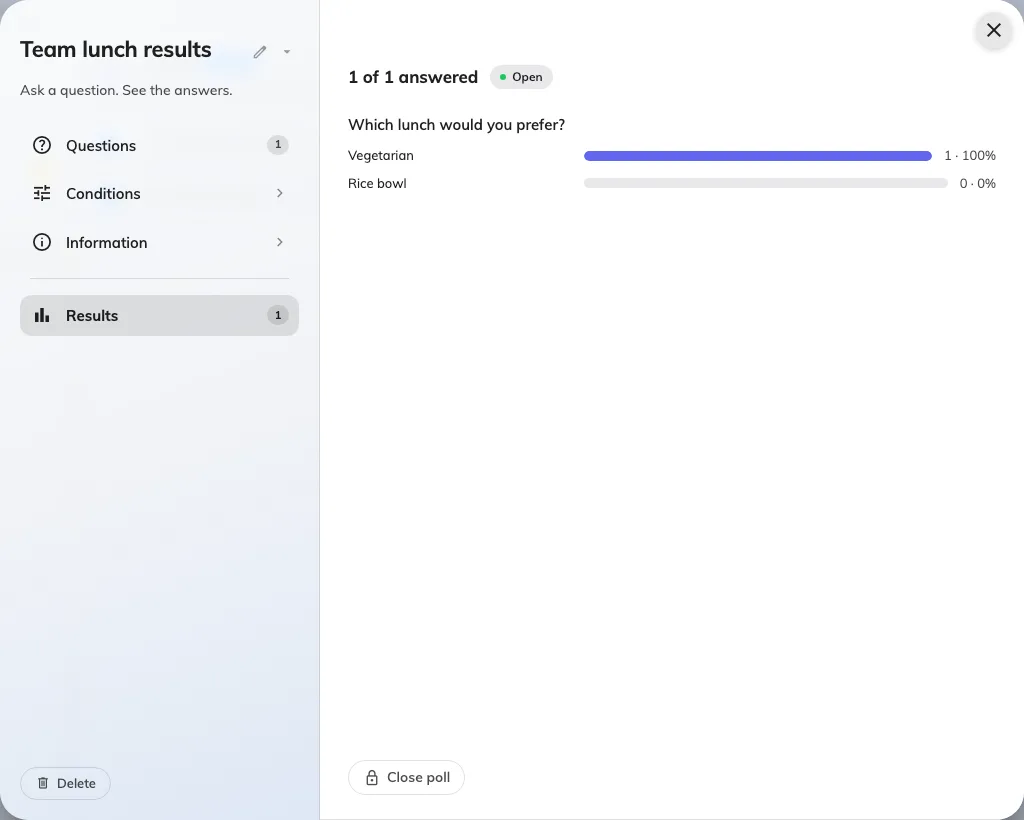
Named poll Summary: one question’s totals and Respondents table; select a bar to filter who gave that answer.