Daniel Lau
Office coordinator


Office coordinator

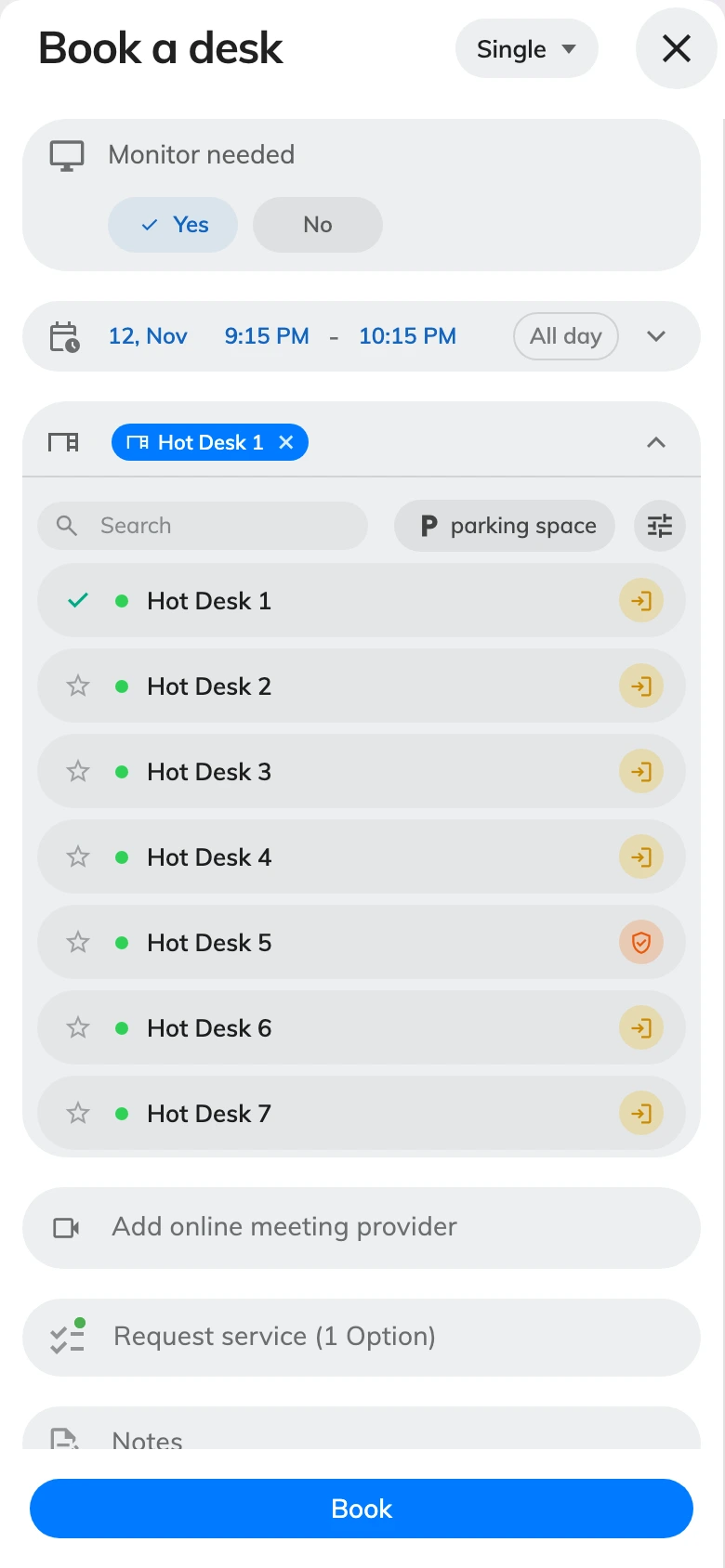
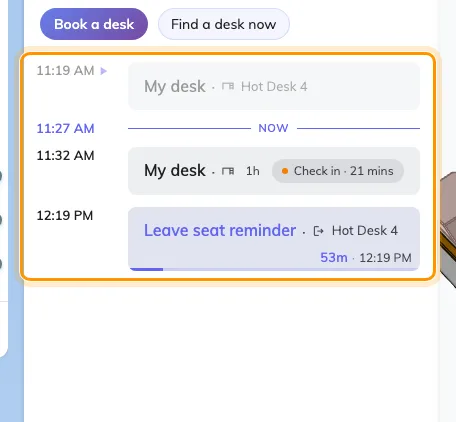
Hybrid employee




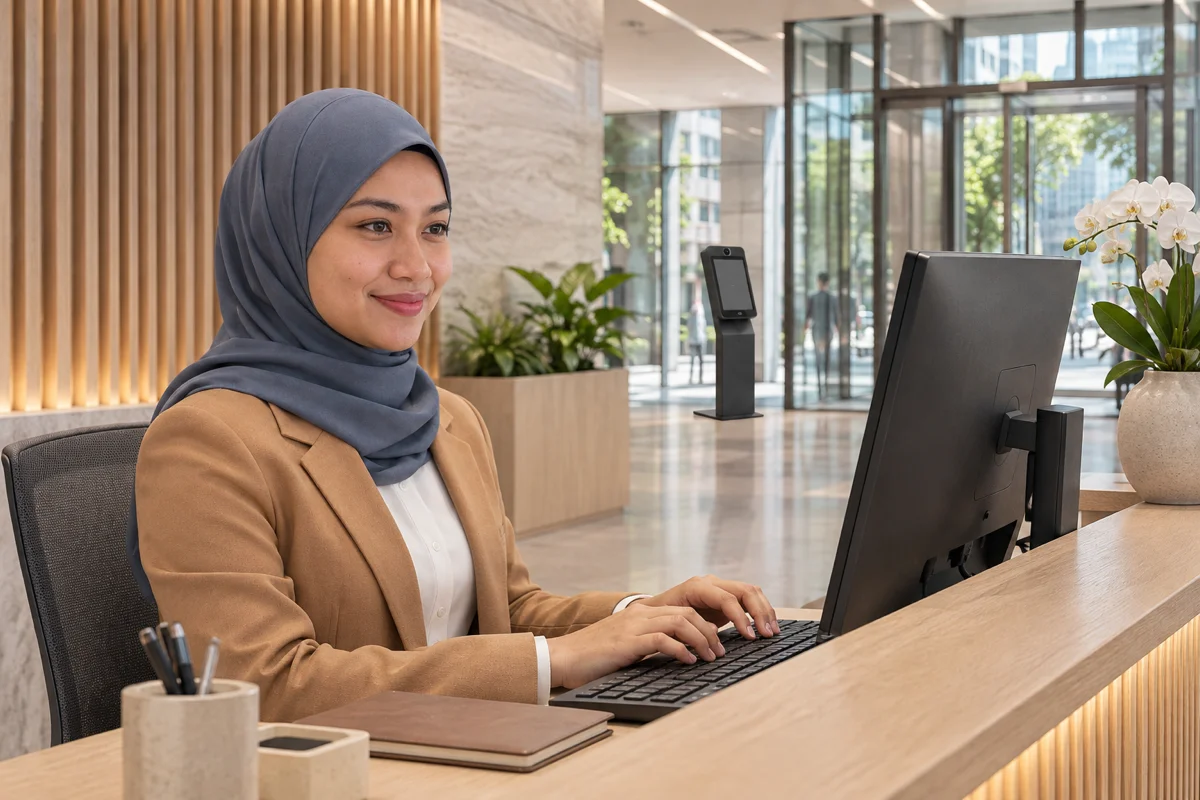
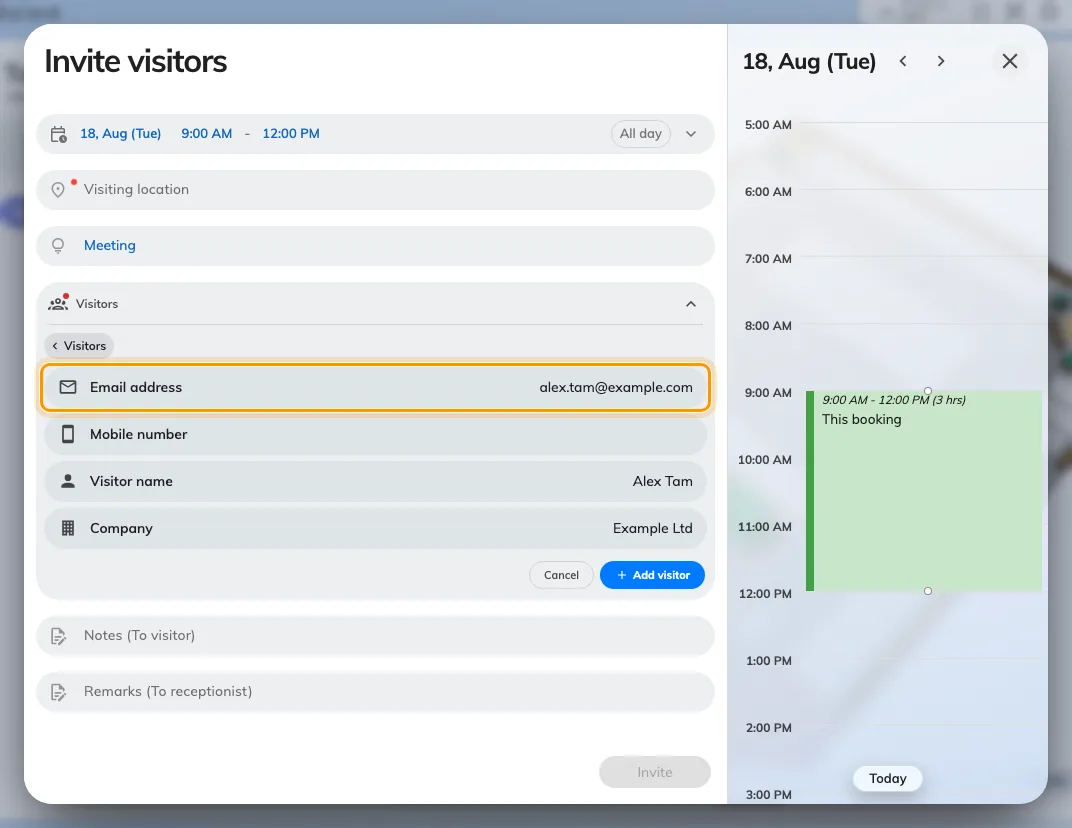
Receptionist
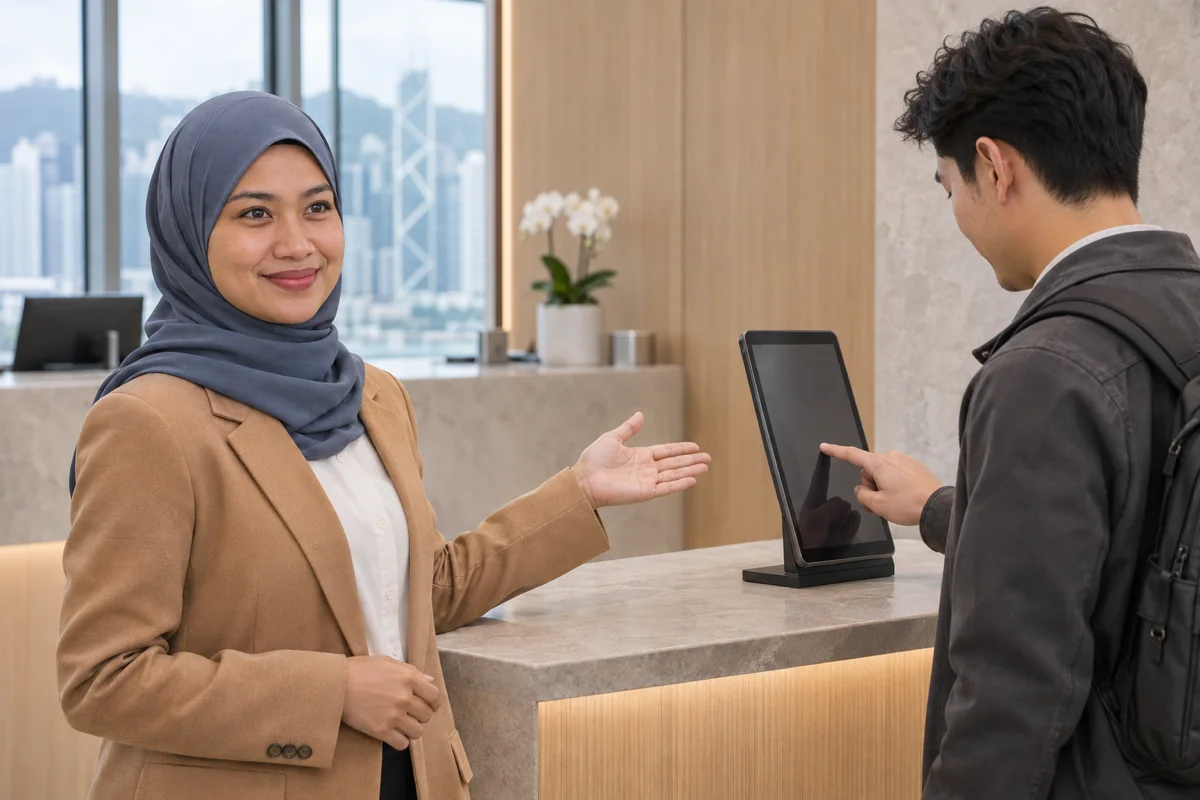
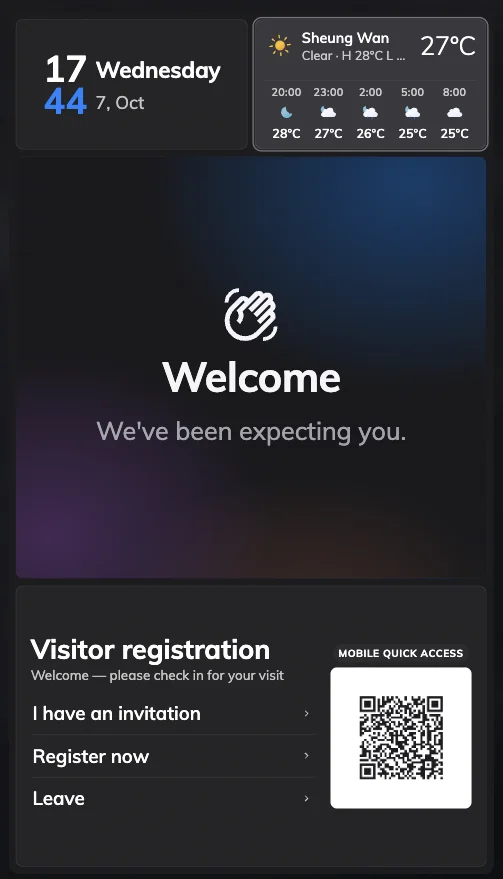

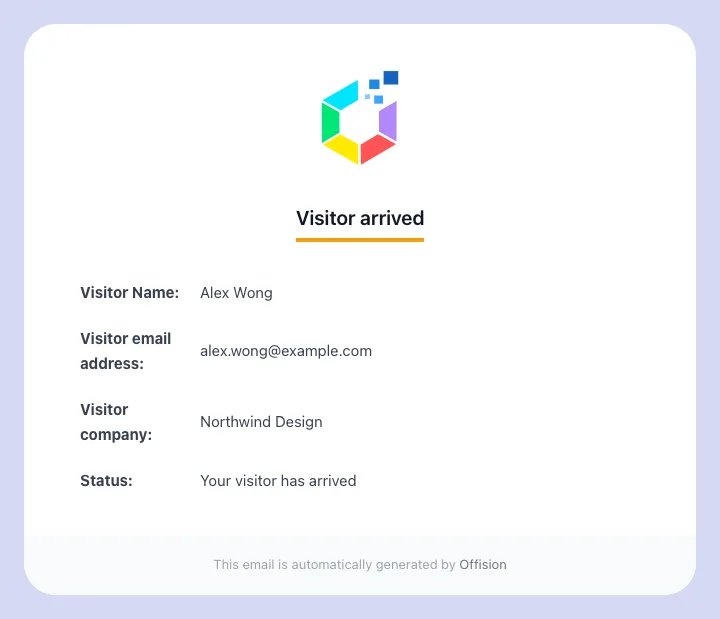
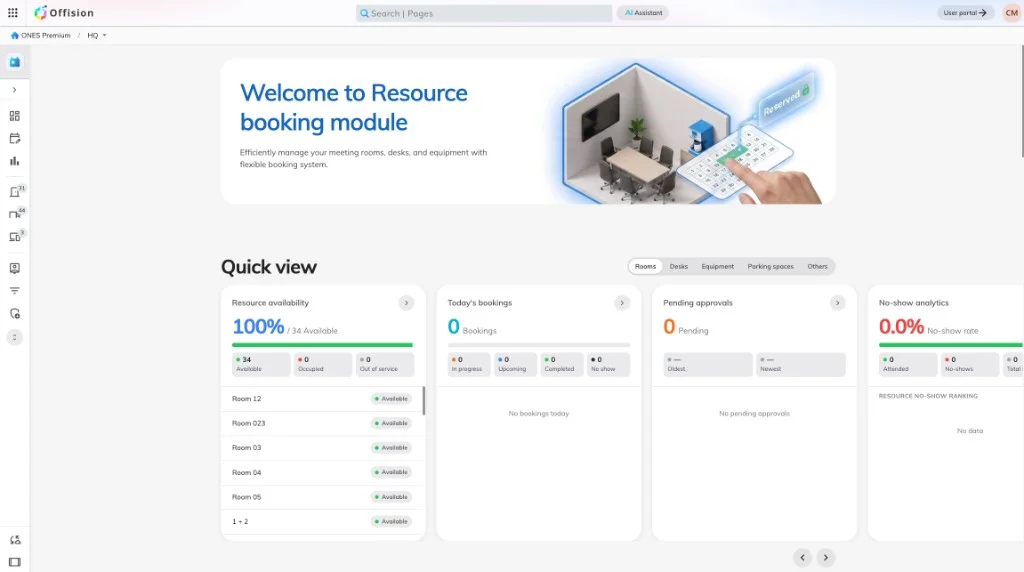
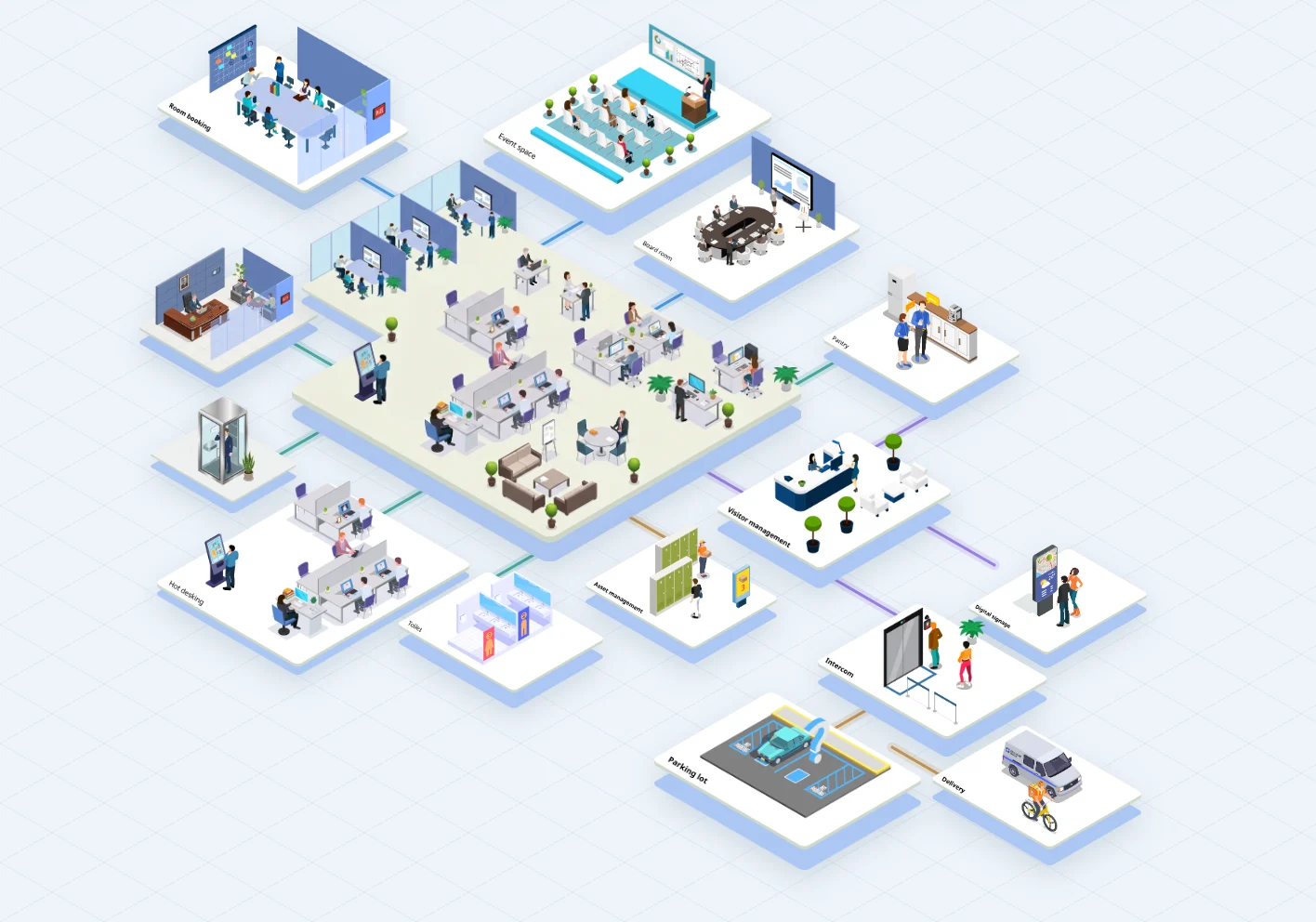
Offision is a unified workplace experience platform for modern hybrid offices—bringing together room booking, desk booking, visitor management, workplace services, parking, digital signage, floor plans, and analytics in one system. It connects to Microsoft 365, Google Workspace, and the panels and sensors you already deploy so workplace, facilities, IT, and HR teams manage spaces and operations from a single place instead of disconnected tools.
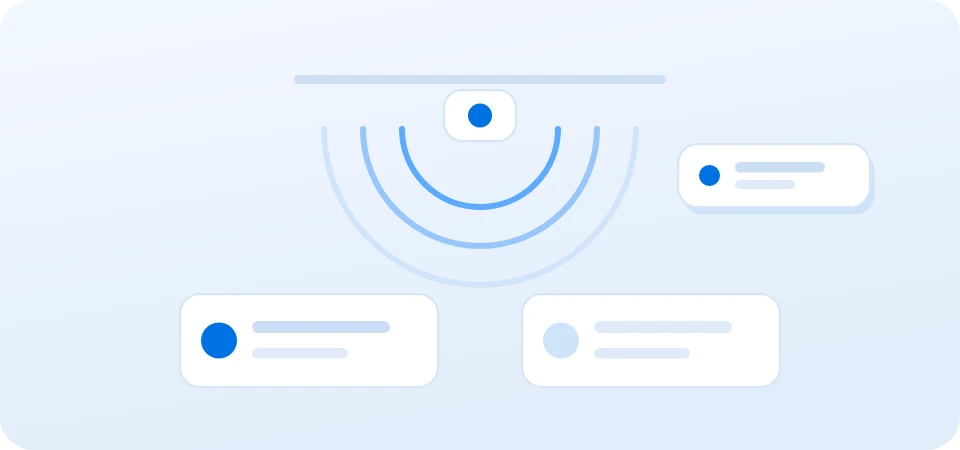
Connect Microsoft 365, Google Workspace, panels, sensors, and hardware—so admins configure once and teams stay in their flow.
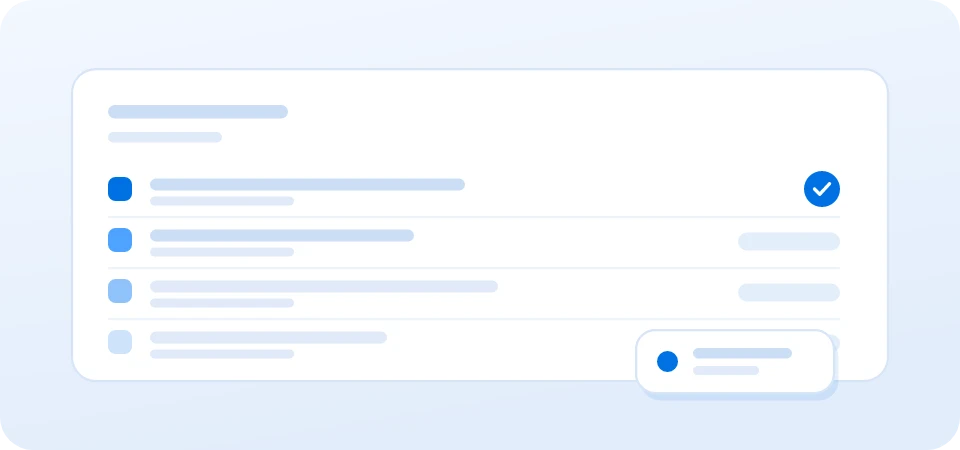
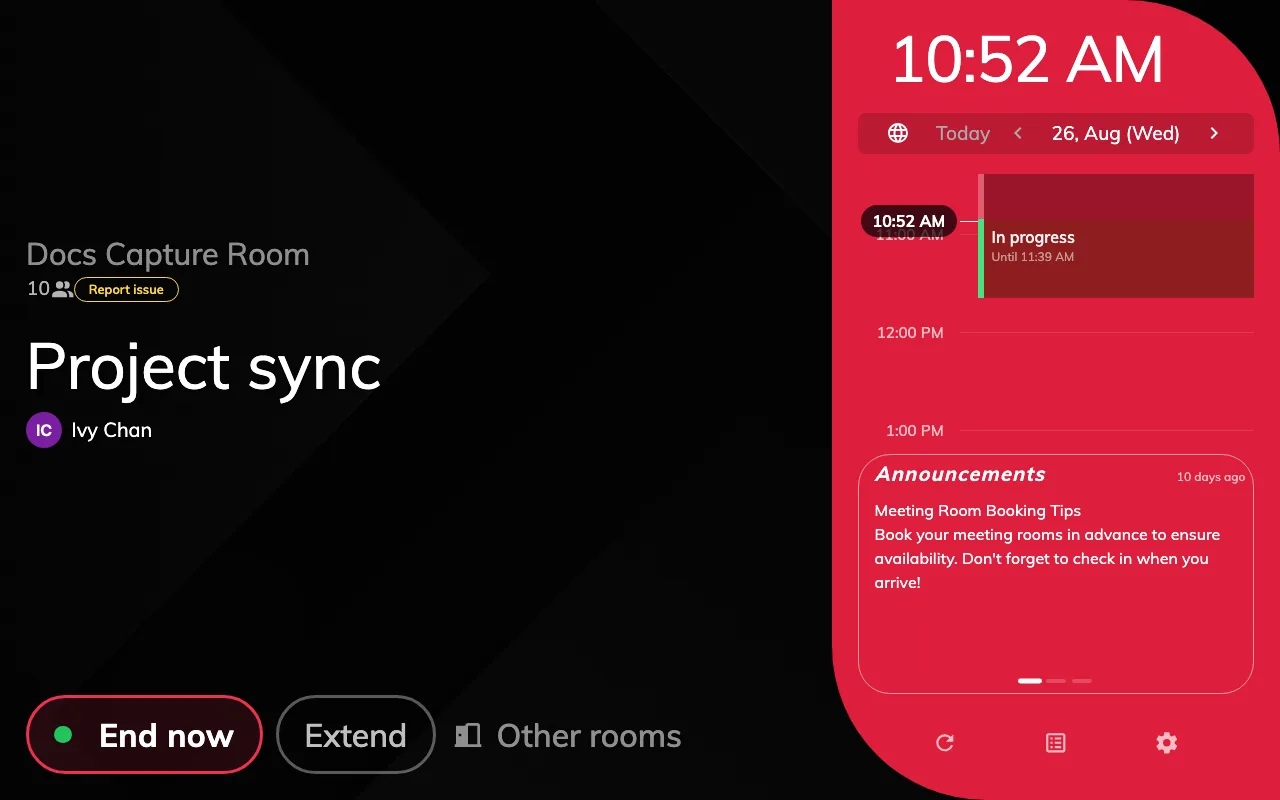
Run the office from every touchpoint—book on mobile, manage in the admin console, and act at the door with booking panels.
Start on the web, phone, Outlook, or Teams—the same availability shows on door panels and signage.
 Browser
 iOS
 Android
 Outlook
 Teams
Easily reserve desks, meeting rooms and more inside your favorite tools like Teams, Outlook and Google.
Explore integrations


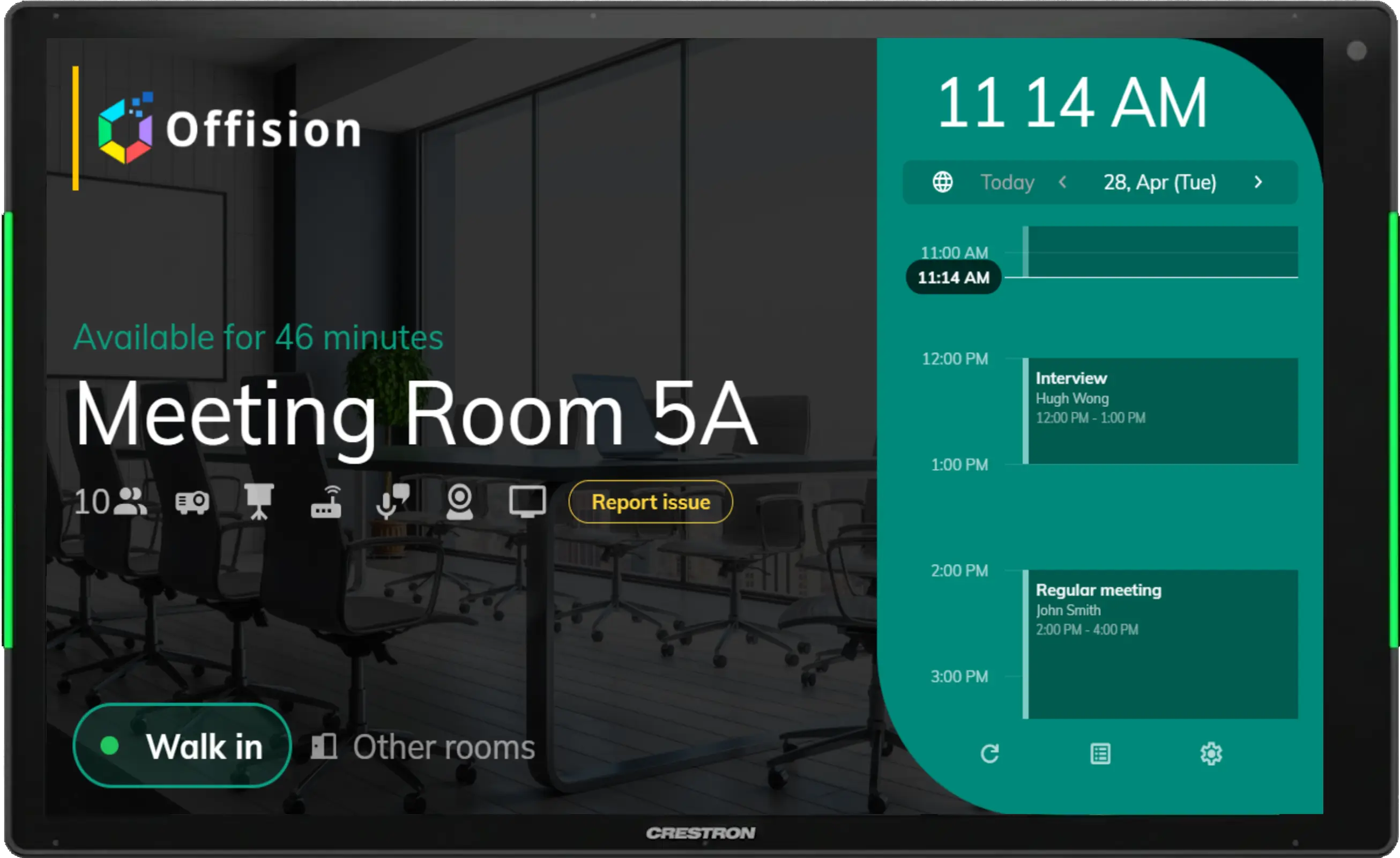
Room panels, desk devices, and signage work with Offision out of the box.
Learn more
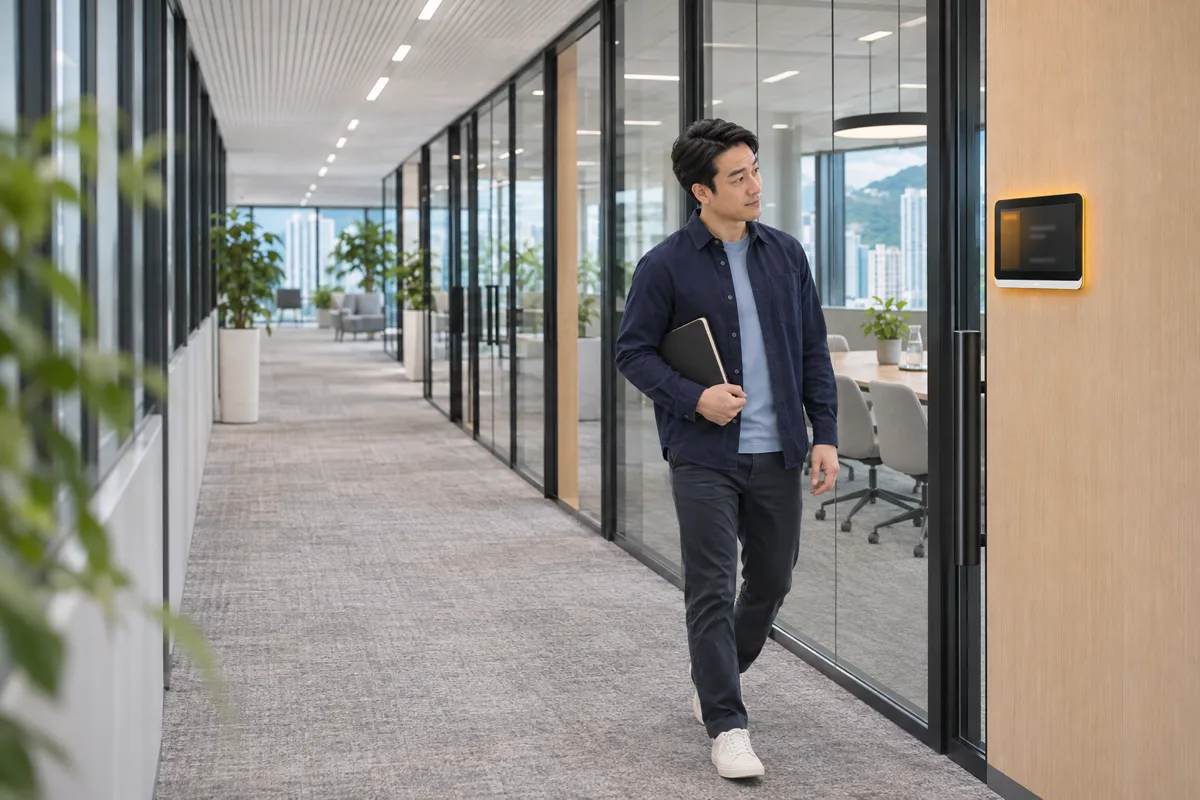
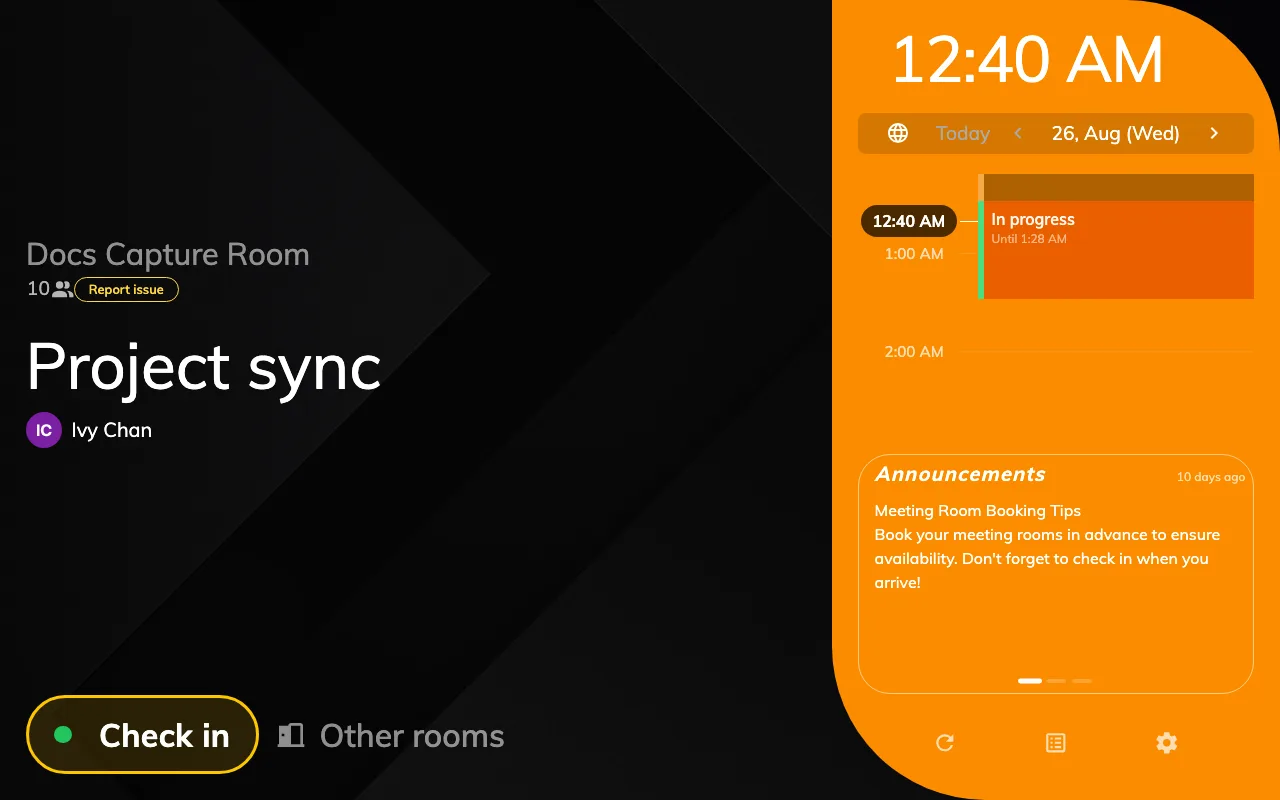
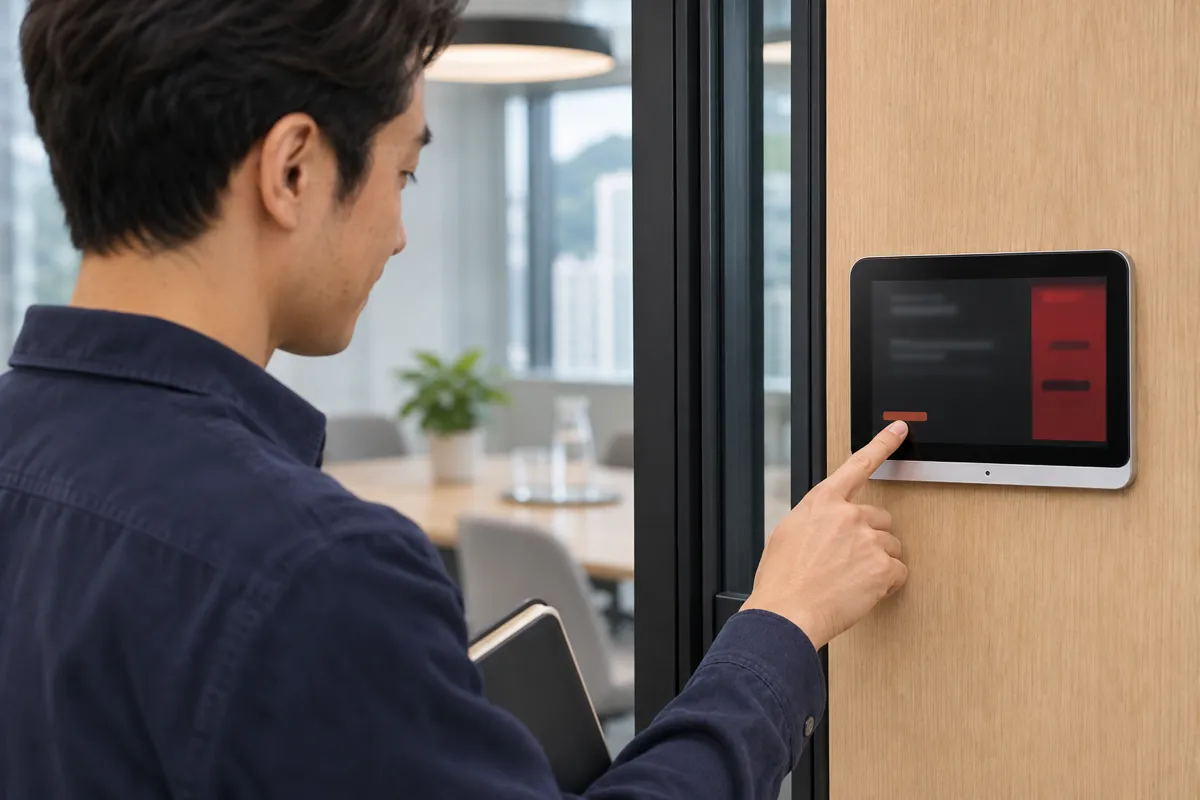
Use the touchscreen to book or check the status of a room at a glance.
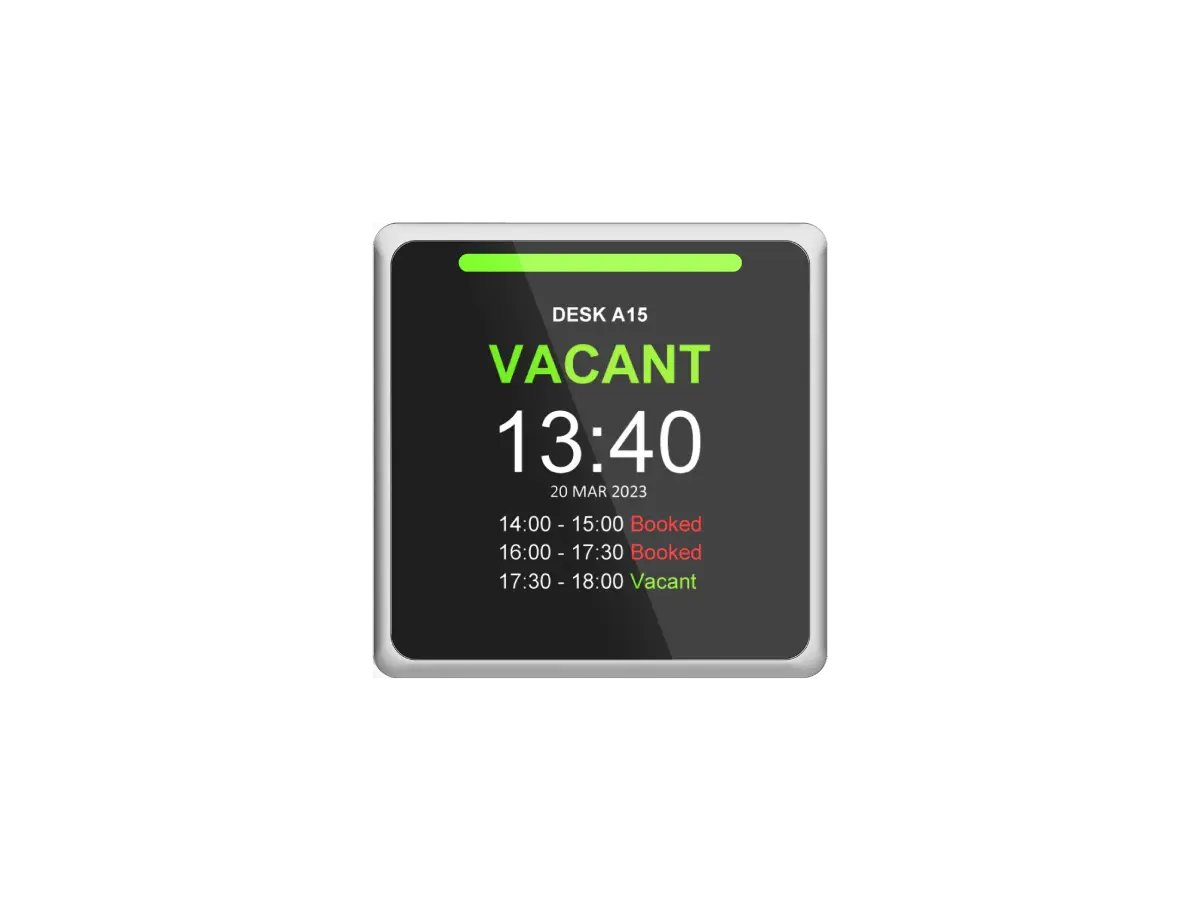
See which workstations are available or in use with LED status indicators.
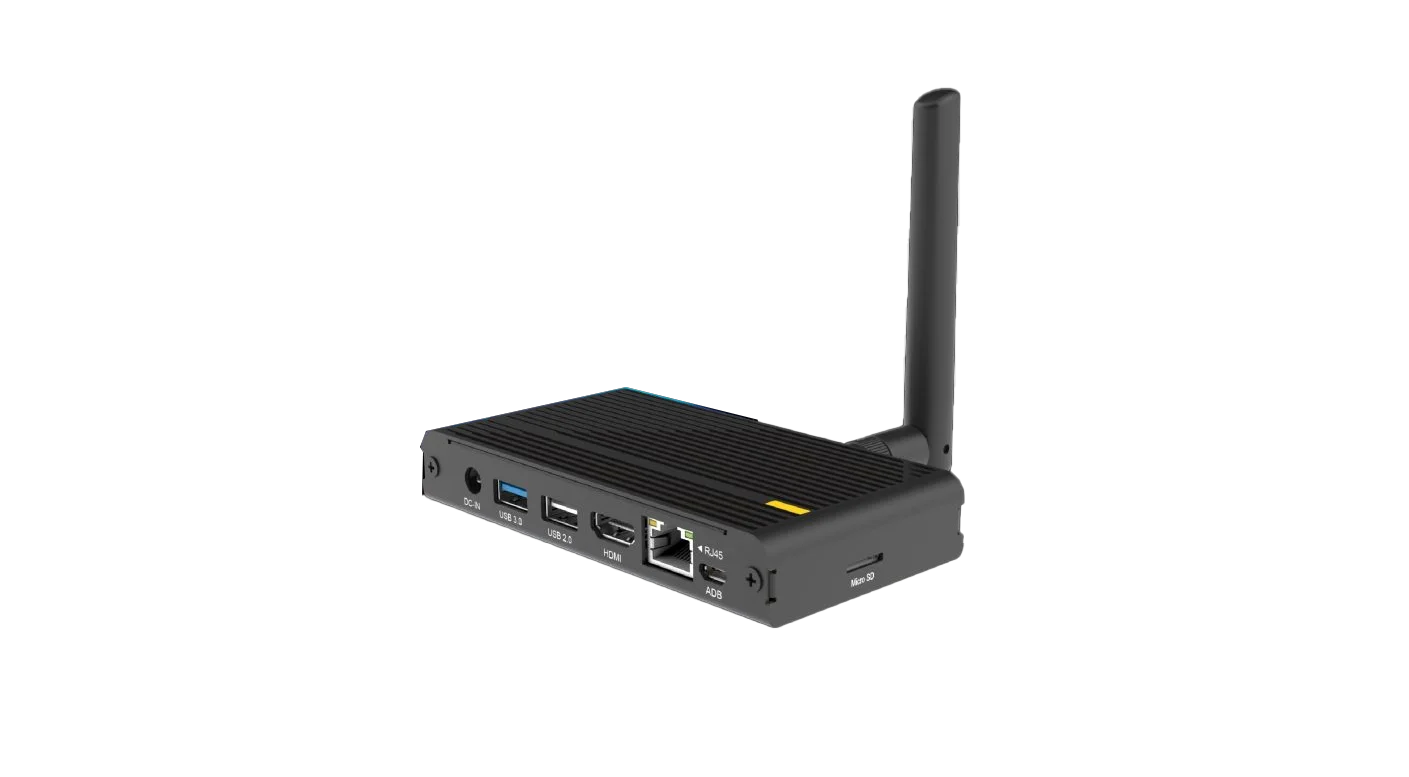
Make space booking intuitive and interactive with digital displays.
There are much more features for you to explore, assist you to improve workplace experience.
Monitor and maintain office devices for optimal performance and uptime.
Learn moreGain insights with detailed data and reports on space usage and productivity.
Learn moreRole-based web UI for booking, visitors, and signage—shaped for how each team works.
Learn moreBook from a browser, the app, Outlook or Teams — the same booking shows on the panel by the door.
Learn moreSupports various hardwares that can apply to different business requirements.
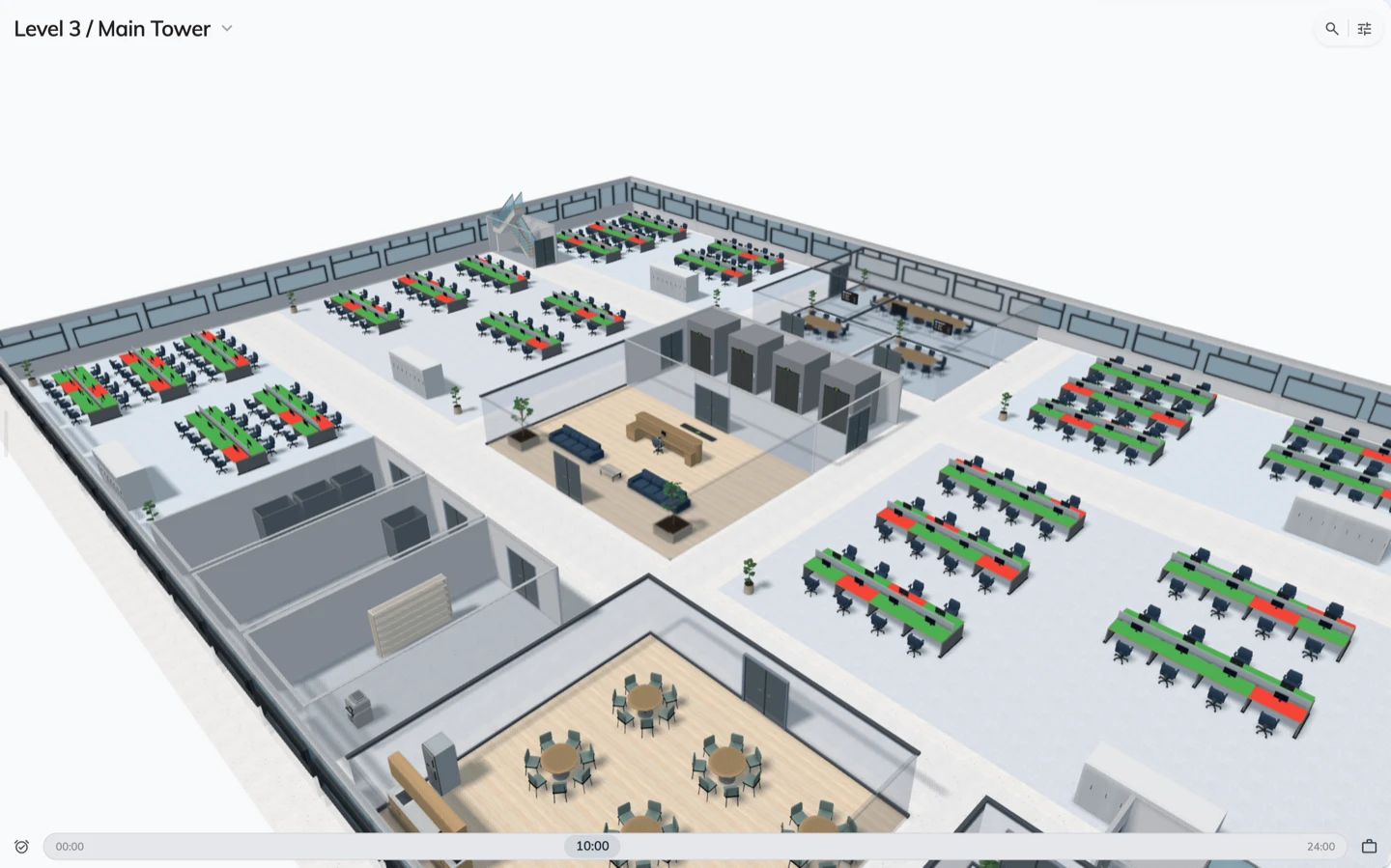
Learn moreNavigate office spaces with interactive, real-time indoor mapping. Companies can import images and arrange seats themselves for quick respond to sudden layout changes.
Learn moreIntegrate smart sensors to monitor occupancy, air quality, and more for a connected workplace.
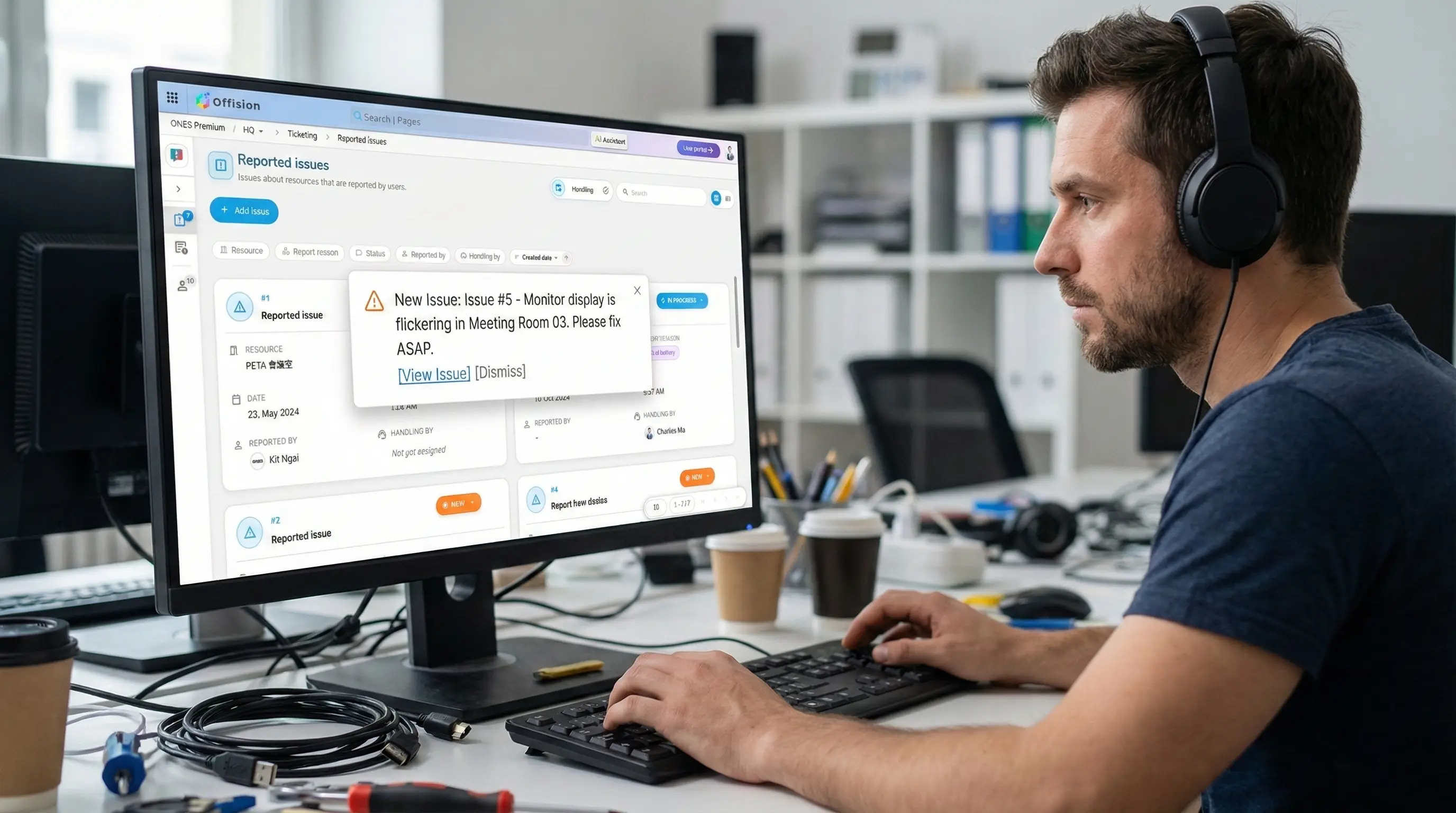
Learn moreReport issues, assign work orders, and track resolution with full visibility.
Learn moreIndependent certification for ISO/IEC 27001, plus single sign-on aligned with Active Directory, LDAP, and Microsoft Exchange.
Read our security practices
Active Directory LDAP Microsoft Exchange

Questions & answers
Learn how a unified workplace platform fits your teams, tools, and spaces.
A workplace platform brings together the tools your people use every day—from room and desk booking to visitors, services, and analytics—so admins can manage spaces and workflows in one place instead of juggling disconnected systems.
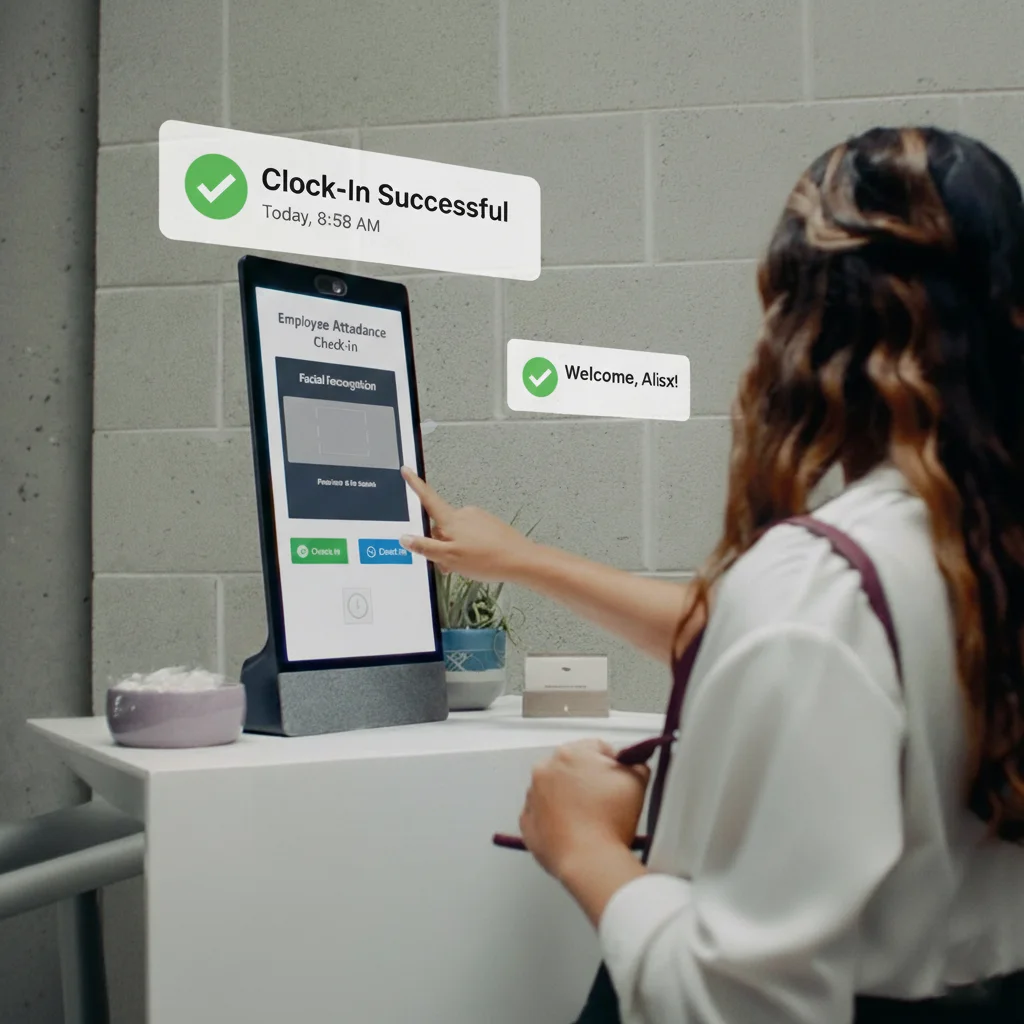
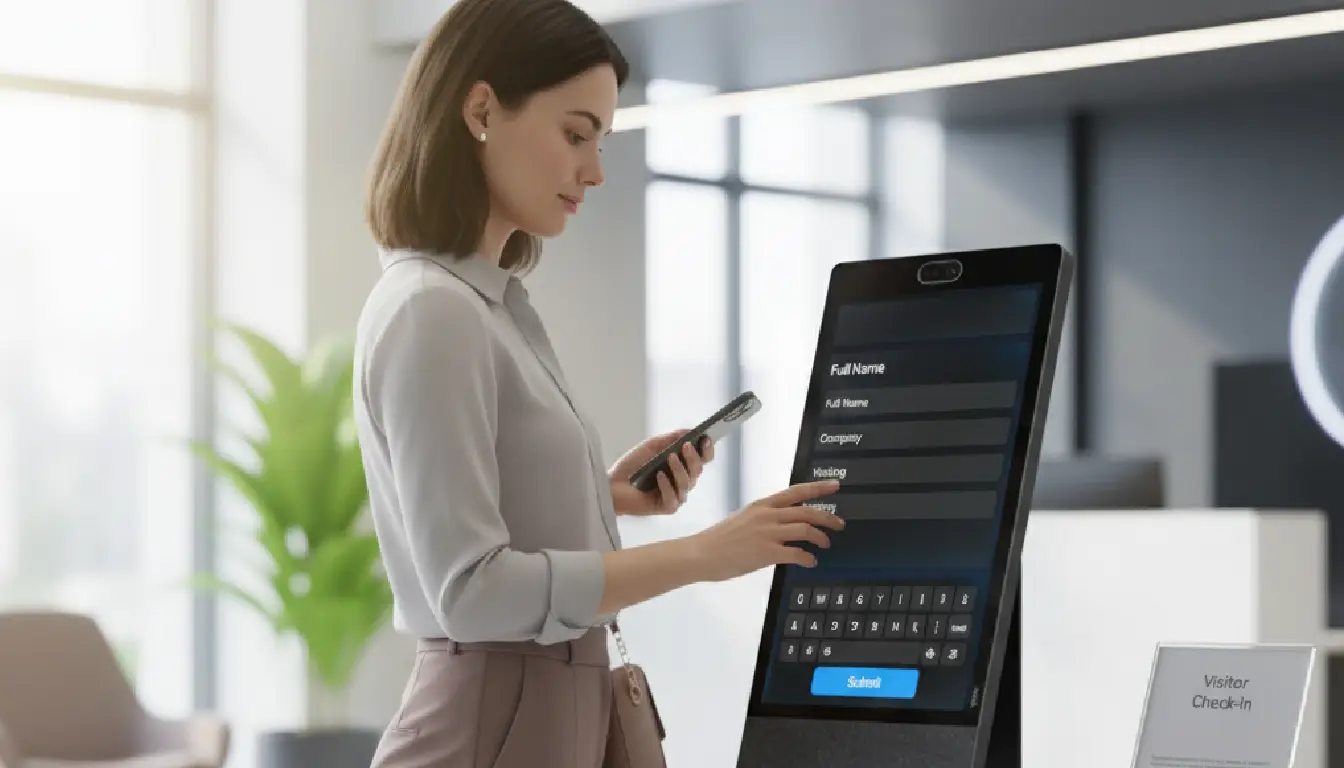
Offision covers resource booking (rooms, desks, parking, and more), visitor management, workplace services, analytics, and integrations with Microsoft 365, Google Workspace, and the hardware you already deploy.
When booking, visitors, and operations share one system, you get consistent data, fewer handoffs, and a simpler experience for employees—whether they work in the office, at home, or hybrid.
Offision connects to the tools teams already use—including Microsoft Teams, Outlook, and Google Calendar—so reservations and updates stay in sync across your stack.
Offision works with common room panels, desk devices, and digital signage so you can deploy the experience that fits your offices without lock-in to a single vendor.
Workplace and facilities teams, IT and HR, and communications leaders use Offision to coordinate spaces, visitors, and services—while employees get a consistent experience everywhere.
Our team can walk you through how Offision fits your organization.
Launch workplace booking and operations without a long IT project—start fast, scale when you are ready.