
Effortless Resource Booking with Service Coordination
Ask us about this feature
Questions about how this works for your team or workplace? Send a quick message and we'll help.
Thank you — we will look into it.
1 Month Free trialWhat is Effortless Resource Booking with Service Coordination?
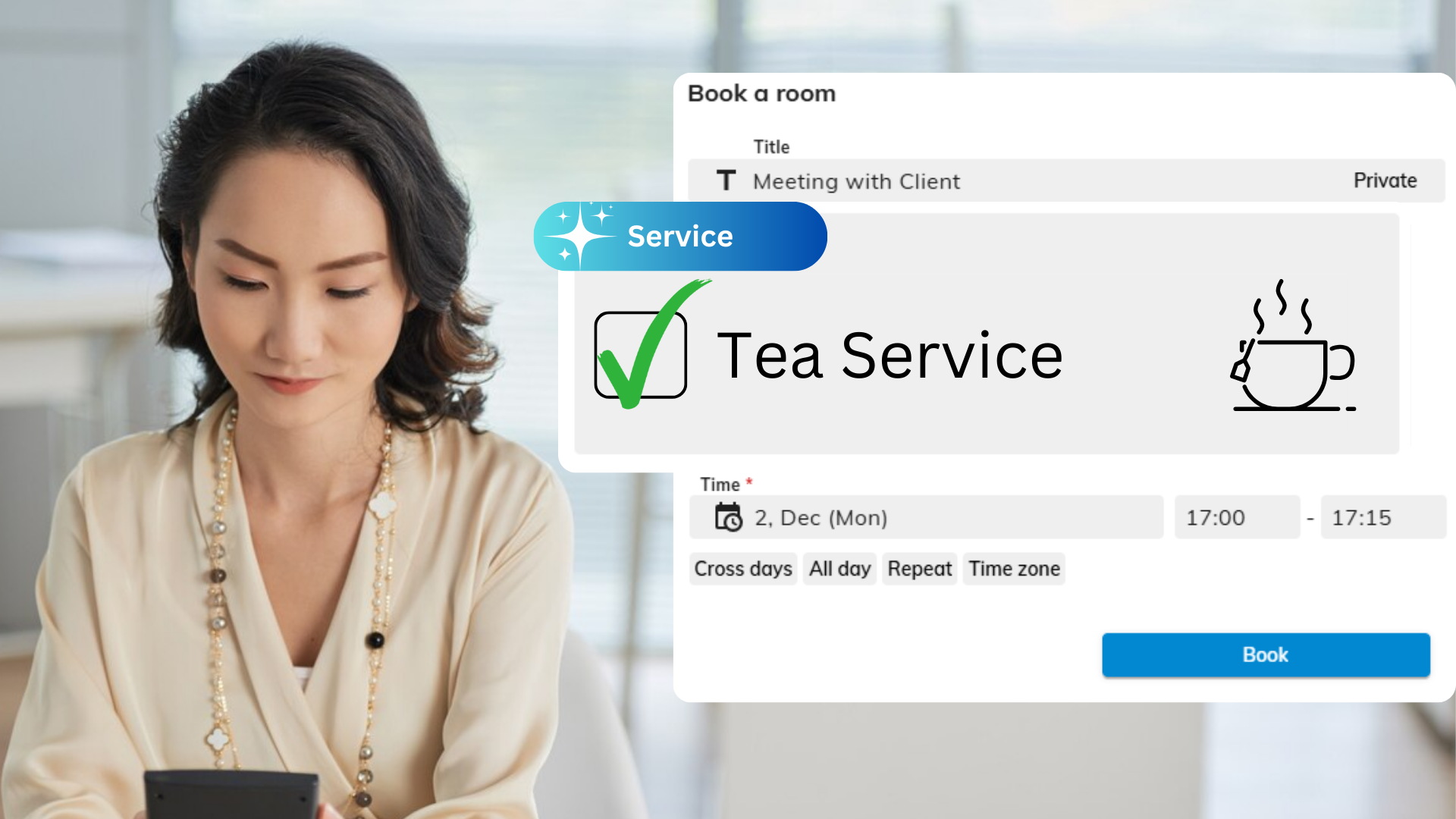
Offision’s service request feature allows users to request additional services, like catering or technical support, during bookings. It notifies providers, ensuring seamless event planning and coordination.
Gallery
Features Overview
Insights and best practices to optimize your workspace
Offision’s Integrated Service Selection for Resource Booking feature enhances the booking process by allowing users to request additional services, such as catering, technical support, or cleaning, alongside their resource reservations. This feature eliminates the hassle of managing separate service arrangements, saving users time and ensuring seamless coordination for events, meetings, or other activities.
Key Features:
- Service Integration: Users can add services like catering or technical support directly within the booking process.
- Service Notifications: The system automatically notifies relevant service providers about the request.
- Streamlined Coordination: Ensures that resources and services are aligned, reducing errors and miscommunication.
- Time-Saving: Avoids the need for users to contact service providers separately.
- Ideal for Various Events: Suitable for meetings, conferences, or events requiring multiple services.
This feature is particularly beneficial for organizations that frequently host events or meetings, as it simplifies event planning and coordination. By integrating service requests into the booking system, Offision ensures a smooth and efficient process, minimizing the chances of delays or oversights.
Pros
Streamlined Event Planning
- Users can request services like catering, tech support, or cleaning alongside bookings.
- Saves time by eliminating the need for separate service arrangements.
Improved Coordination
- Automatic notifications to service providers ensure timely delivery of requested services.
- Reduces miscommunication and errors during event planning.
Enhanced User Experience
- Simplifies the booking process by integrating services with resource reservations.
- Makes planning events or meetings more convenient for users.
Flexible Service Options
- Supports various services, from catering to technical support, making it adaptable for different event needs.
- Users can easily modify or update their service requests.
Ideal for Organizations with High Event Frequency
- Suitable for businesses that host frequent meetings, conferences, or events.
- Ensures seamless execution of events with effective resource and service coordination.
Reduces Administrative Work
- Centralizes both resource and service bookings in one system.
- Reduces the workload of manually coordinating with service providers.
Offision’s Integrated Service Selection for Resource Booking feature is a game-changer for simplifying event planning and coordination. While it requires service providers to respond promptly and may involve a slight learning curve for new users, the benefits of streamlined booking, improved coordination, and enhanced user experience make it an invaluable tool for managing meetings, events, and other resource-dependent activities.
Ready to set this up?
Start your free trial today and transform your workspace in minutes.
Configuration steps
Follow these steps
Step 1
Navigate to "Users", then assign "Service staff" permission to the appropriate users in the permissions settings
Step 2
Navigate to “Services” and create a booking service
Step 3
Input “Tea service” to name field and select “Before booking” service type
Step 4
Set the service period
Step 5
Enable "Must be selected"
Step 6
Add service staff to handle the service
1 Step 1
Navigate to "Users", then assign "Service staff" permission to the appropriate users in the permissions settings
2 Step 2
Navigate to “Services” and create a booking service
3 Step 3
Input “Tea service” to name field and select “Before booking” service type
4 Step 4
Set the service period
5 Step 5
Enable "Must be selected"
6 Step 6
Add service staff to handle the service
Trusted by organizations worldwide
Join hundreds of companies streamlining their workspace management with Offision