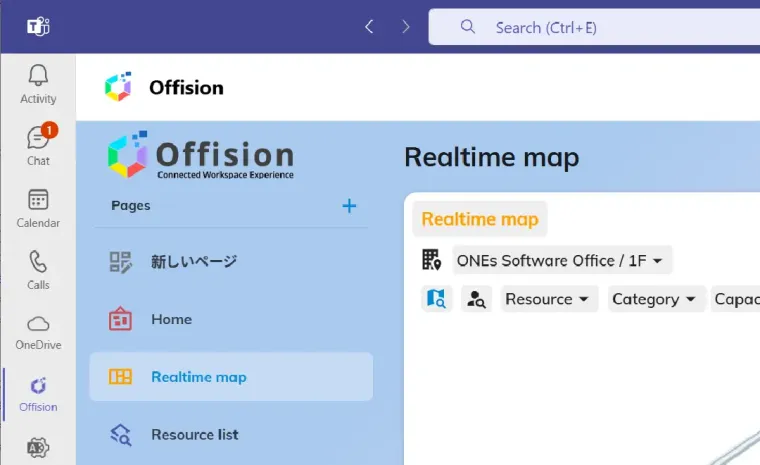
Give teams the ability to manage resources in the tools they already use — Outlook, Teams and Microsoft 365 — all with one integrated platform.
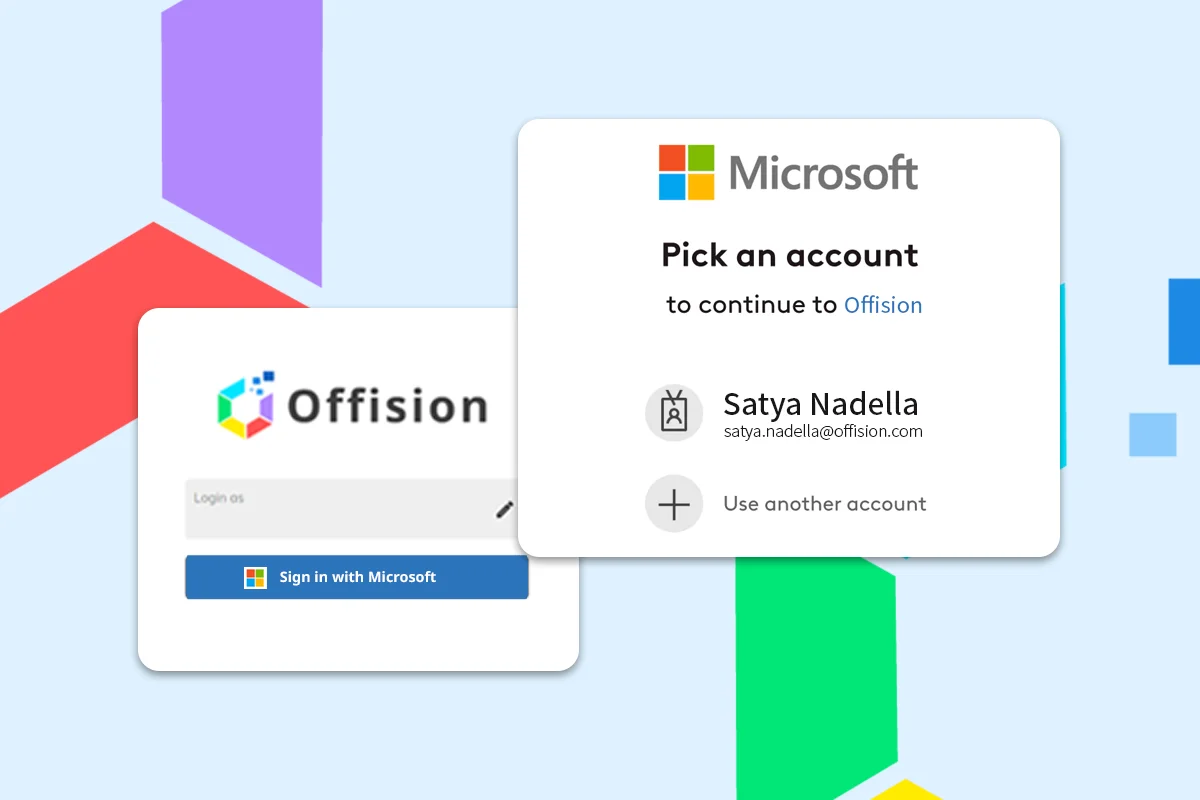
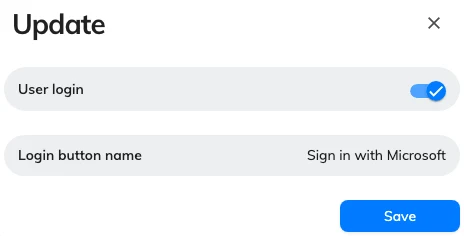
Help your employees easily manage their Offision account via Microsoft single sign-on. More configurable permissions and better reporting.
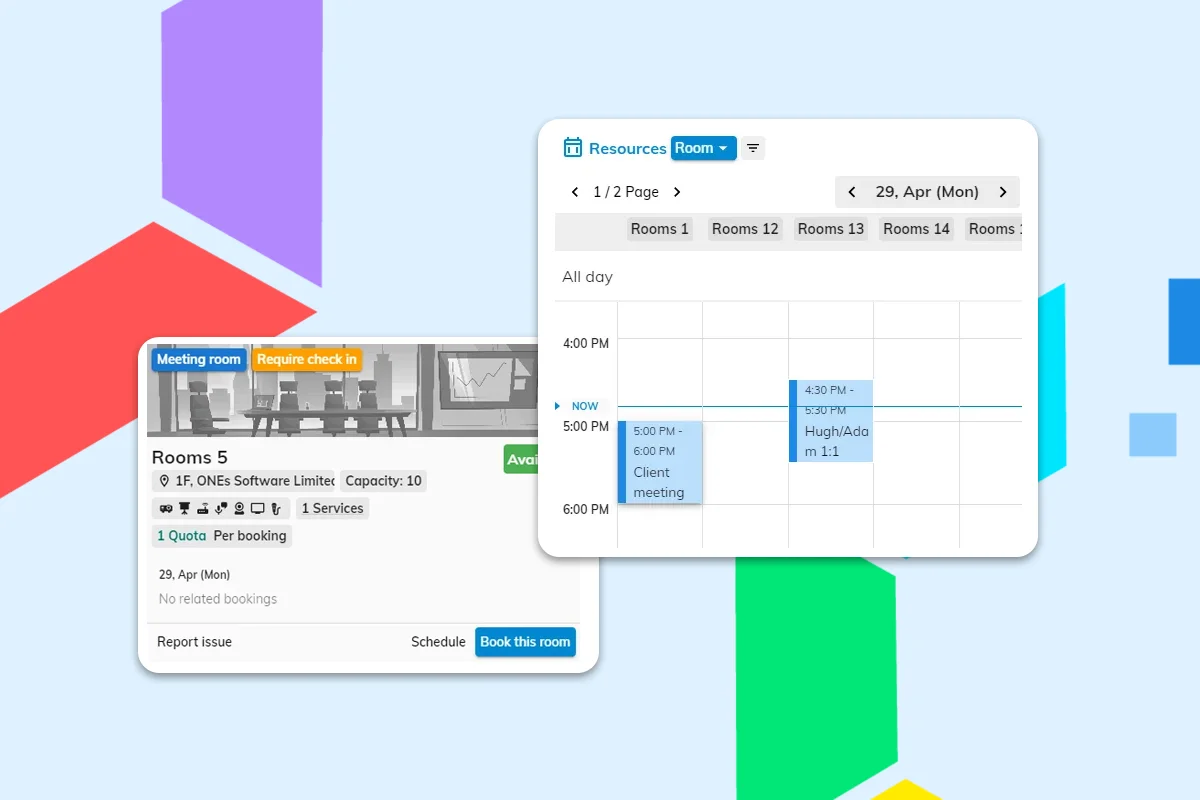
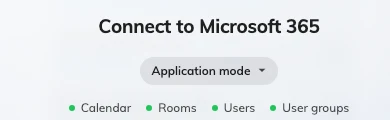
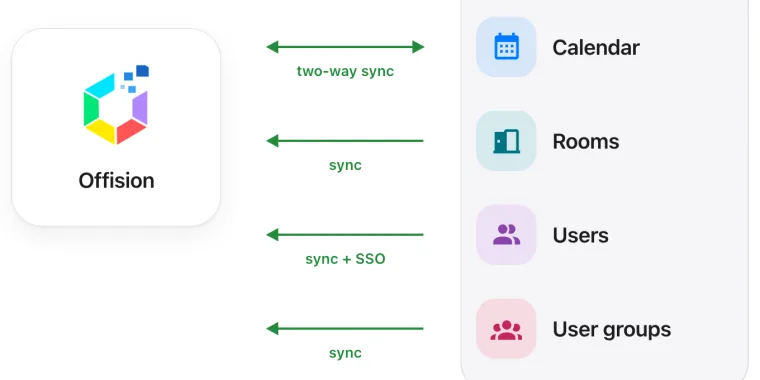
Sync Microsoft resources and meeting room calendars with Offision. Your employees can easily book on both platforms without scheduling conflicts.
Simplify access management with Entra ID SSO and sync user and group permissions to ensure your workplace is secure and compliant.
Connect Offision to your organization's Microsoft Entra ID for seamless single sign-on. Employees sign in once and access rooms, desks, and visitor management without extra passwords.
Keep meeting room and resource calendars in sync between Offision and Microsoft 365. Avoid double bookings and conflicting reservations across Outlook, Teams, and the Offision app.
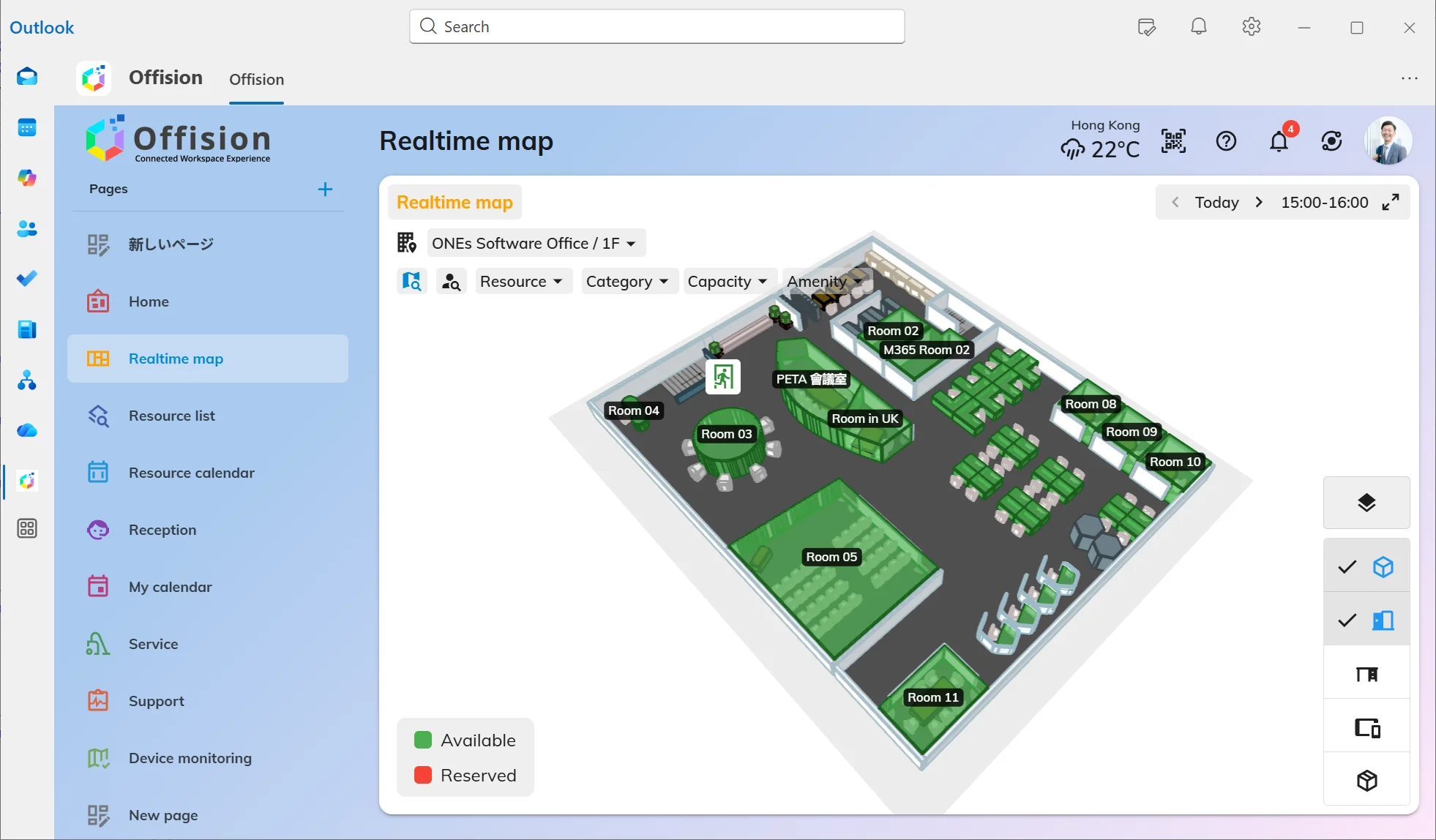
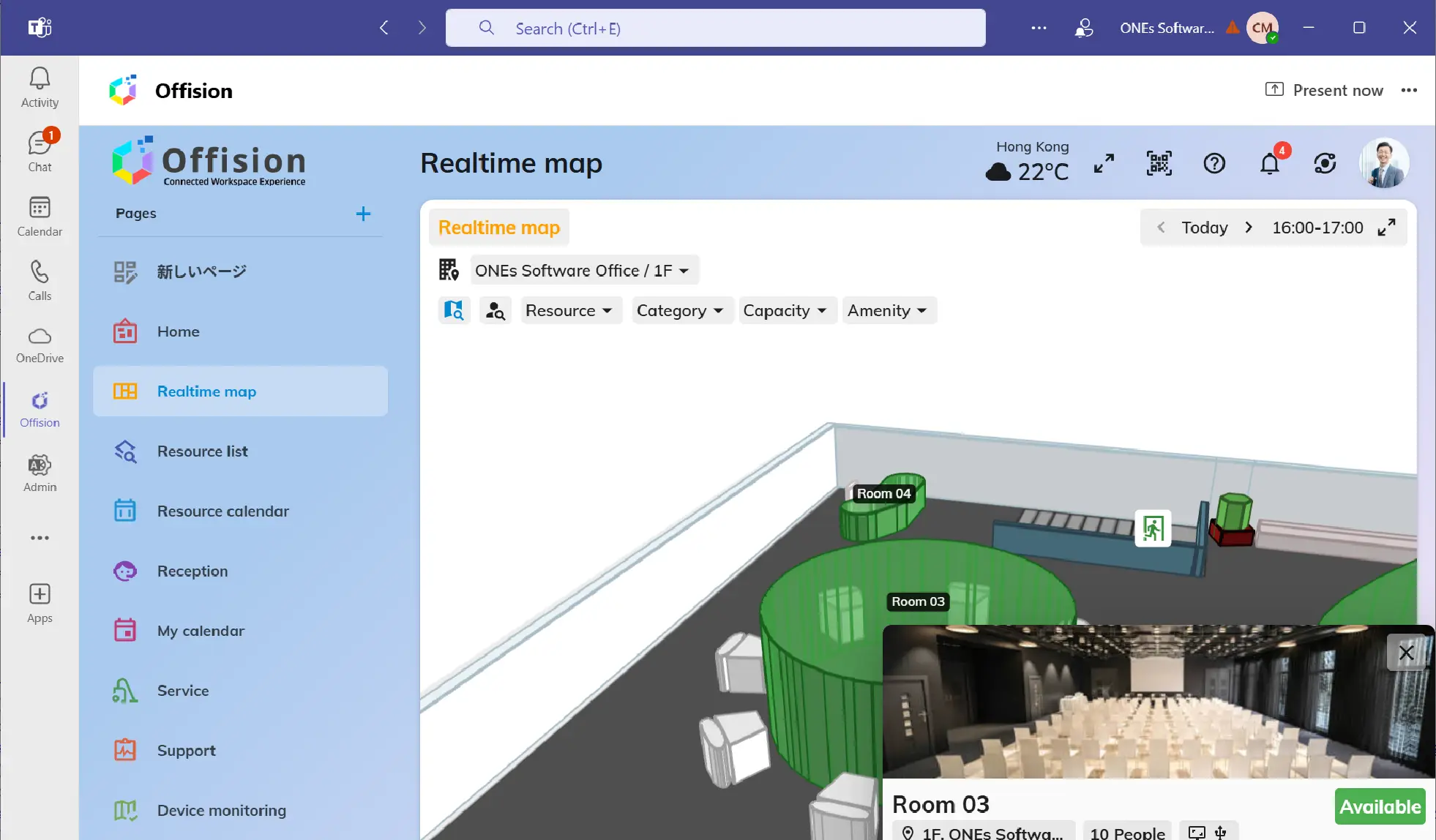
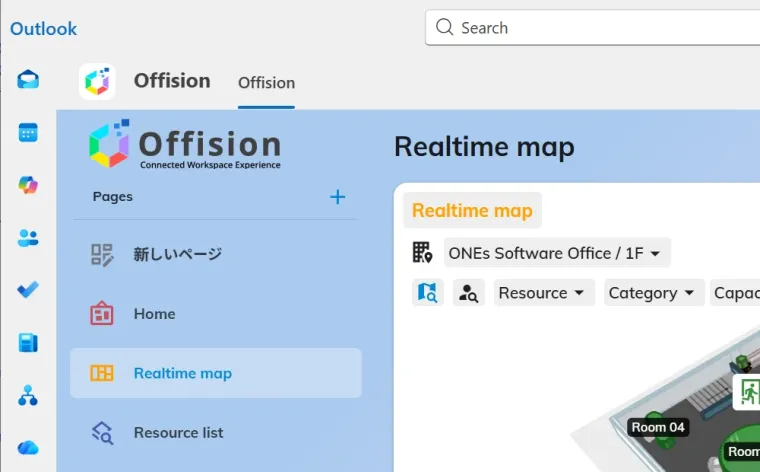
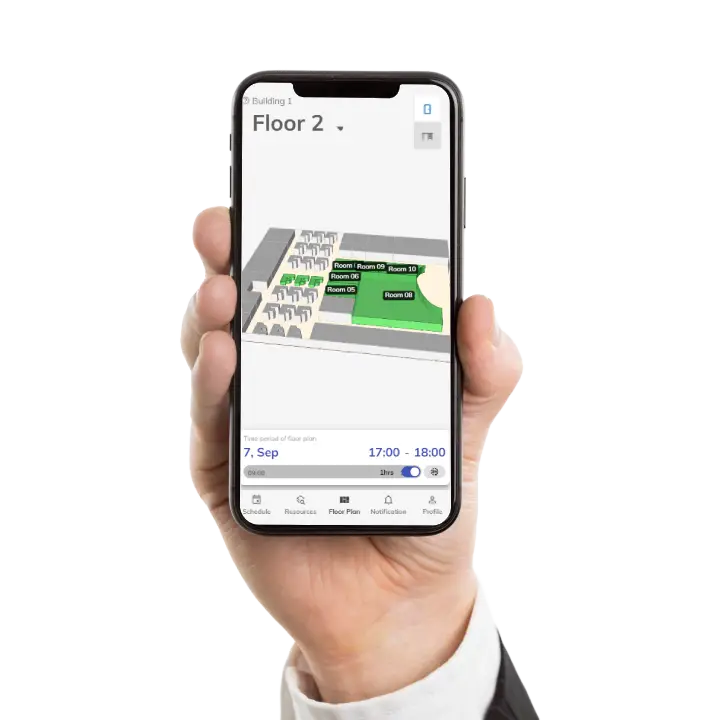
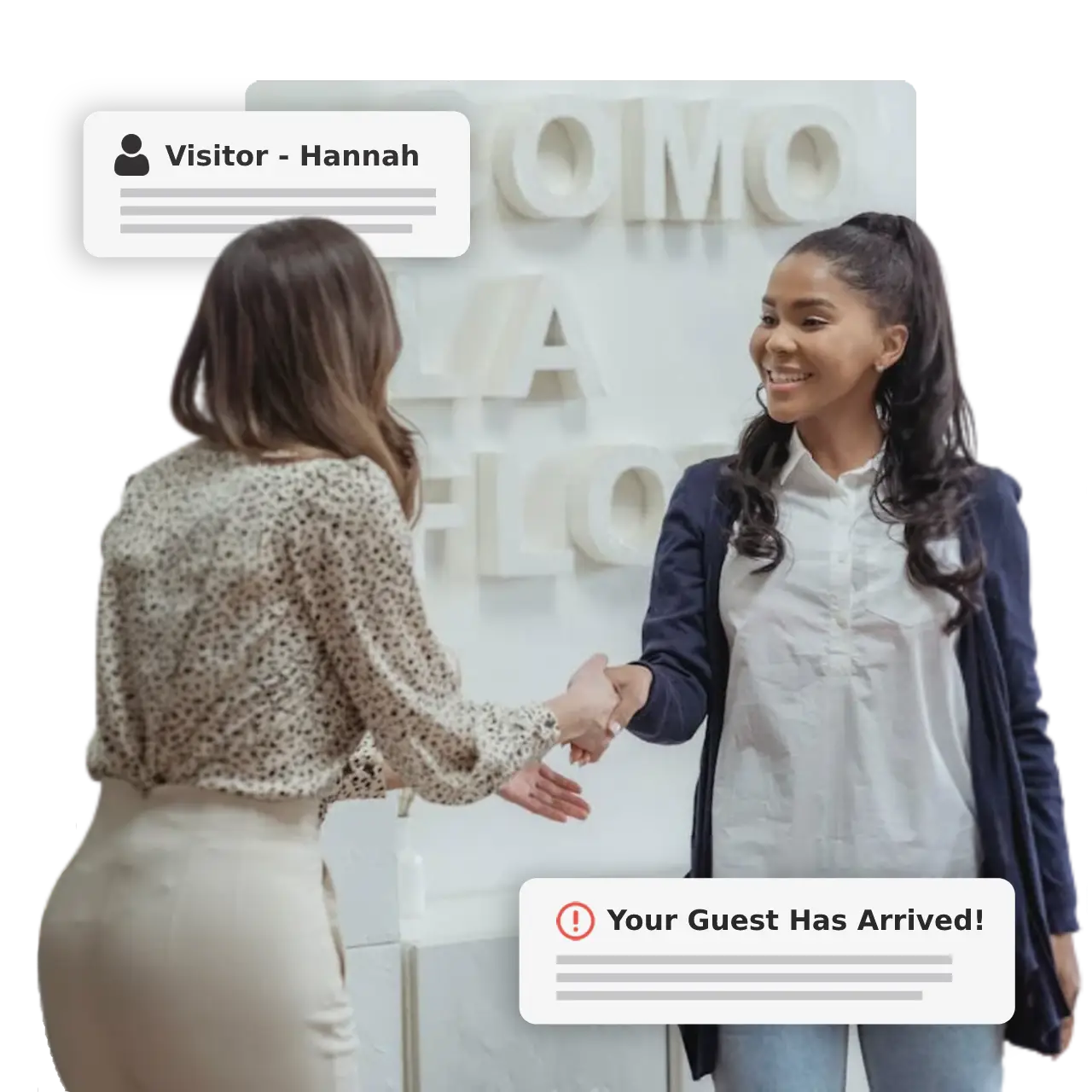
Book rooms, reserve desks, and manage visitors without leaving your Microsoft tools. Use the Outlook add-in or Teams app for a seamless experience.
Lock in AI-picked times and rooms, add services and guests — no tab-switching.
Explore OutlookReserve desks, get smart room picks, and see who’s in — without leaving Teams.
Explore TeamsSingle sign-on with Microsoft Entra ID for secure, passwordless access.
Automatically provision users and groups from Microsoft 365.
Two-way sync between Offision and Exchange for rooms and resources.
Book rooms and desks directly from Outlook calendar.
Reserve desks and get room suggestions right inside Teams.
Full Exchange Online support for calendar and resource sync.
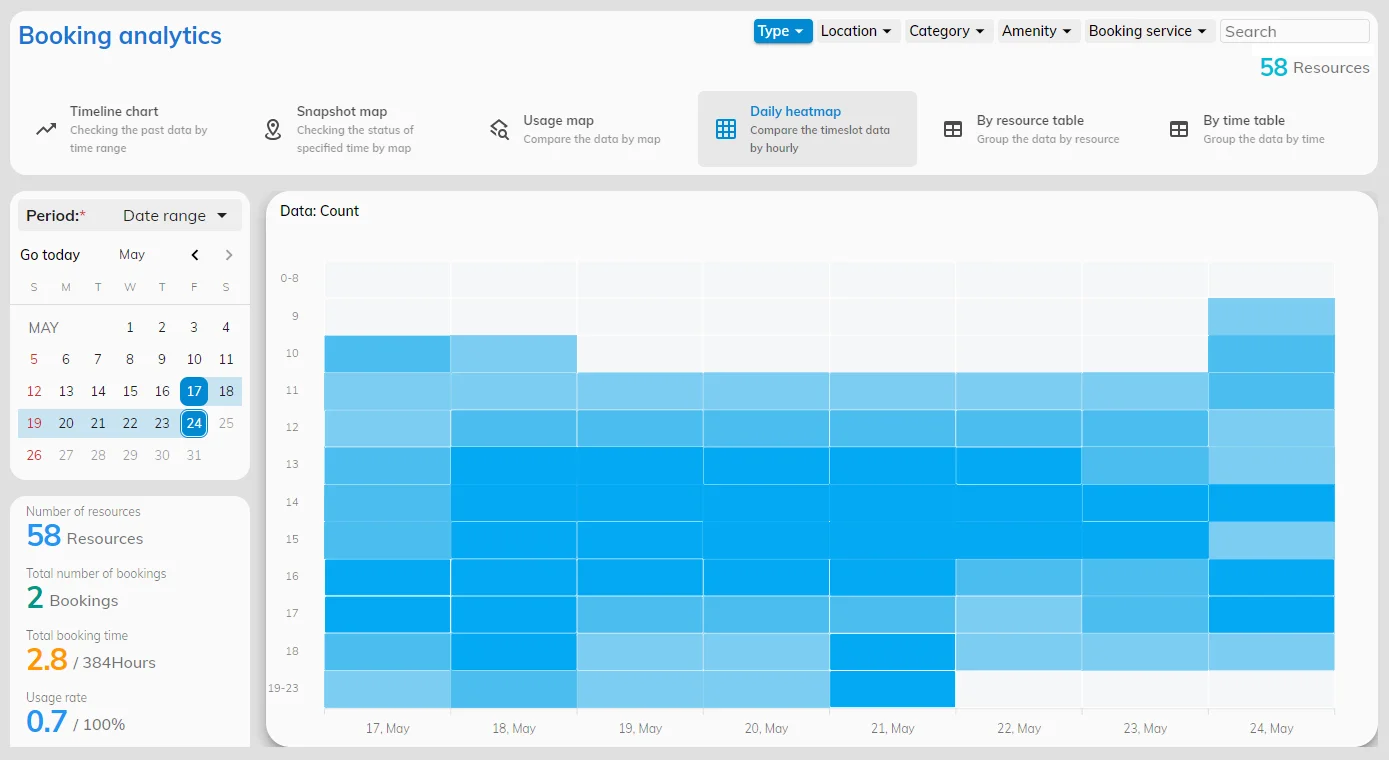
Unify your workplace operations and reimagine your offices with one integrated platform.
Everything you need to know about Microsoft 365 integration with Offision.
Our team is here to help. Reach out for setup support or a personalized demo.
Unify your workplace operations with Microsoft 365 and Offision. Get started today.