
Connection mode is a one-time decision
Connection mode decides what syncs — choose first.
Microsoft 365 and Google modes — one per tenant.
Microsoft 365 connection modesBefore you buy Why Offision?
IT needs SSO and calendar sync that fit existing Microsoft or Google estates, device heartbeats that show offline panels early, and security settings that still apply when sign-in moves to a provider.
Content reviewed: September 2026
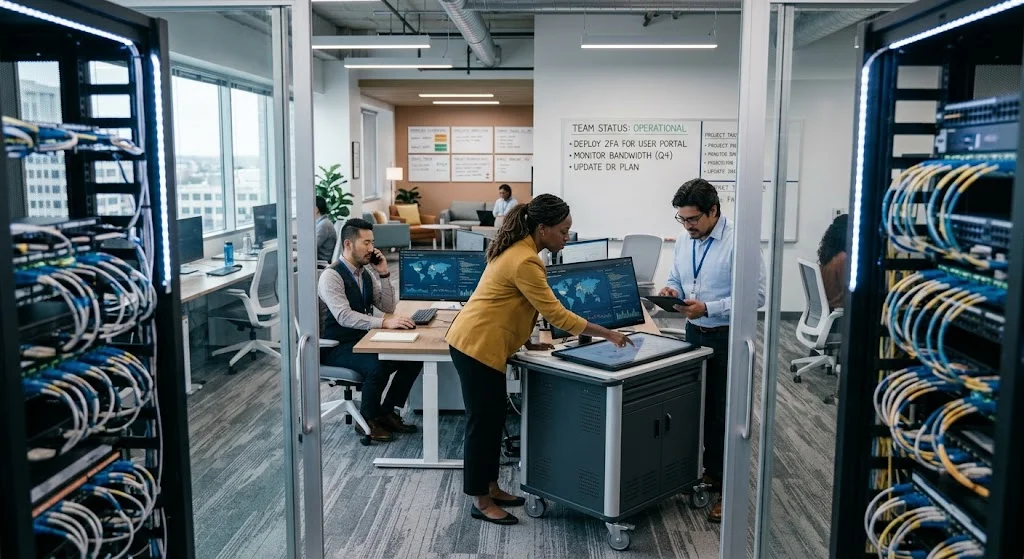
Connection mode decides what syncs — choose first.
Microsoft 365 and Google modes — one per tenant.
Microsoft 365 connection modesSSO and calendar sync are independent switches.
SSO in Directory, separate from calendar sync.
Sign in with Microsoft 365Password policy vs security profiles — different scopes.
Permission groups and profiles across every module.
Who can open the management consoleOffline panels noticed in the corridor, not in admin.
Heartbeat alerts when hardware goes offline.
Email when a device goes offlineThe same problem costs each group something different — and they rarely compare notes.
You keep identity, calendars and wall hardware healthy without owning facilities policy.
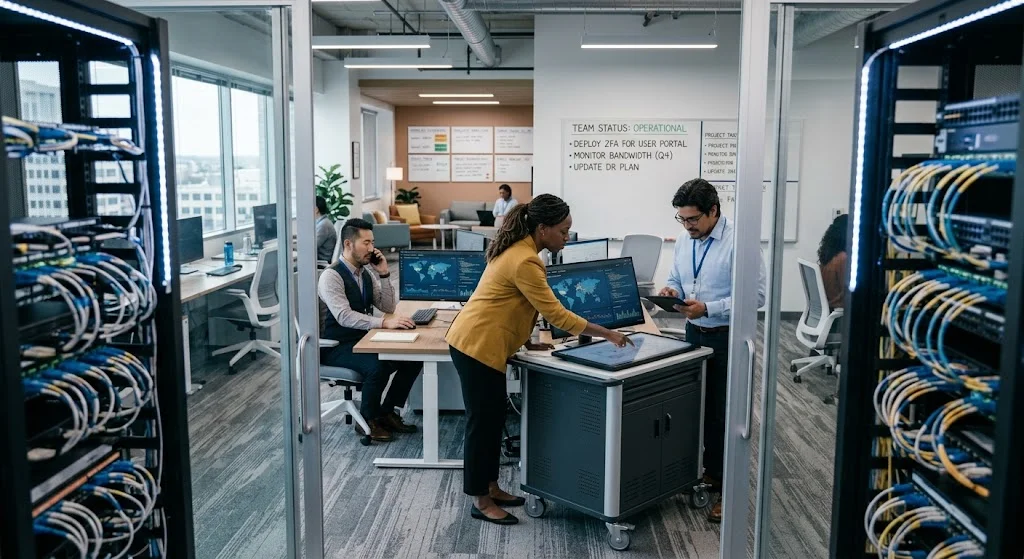
You set security profiles, login-device hygiene and branding/email that leave from your domain.
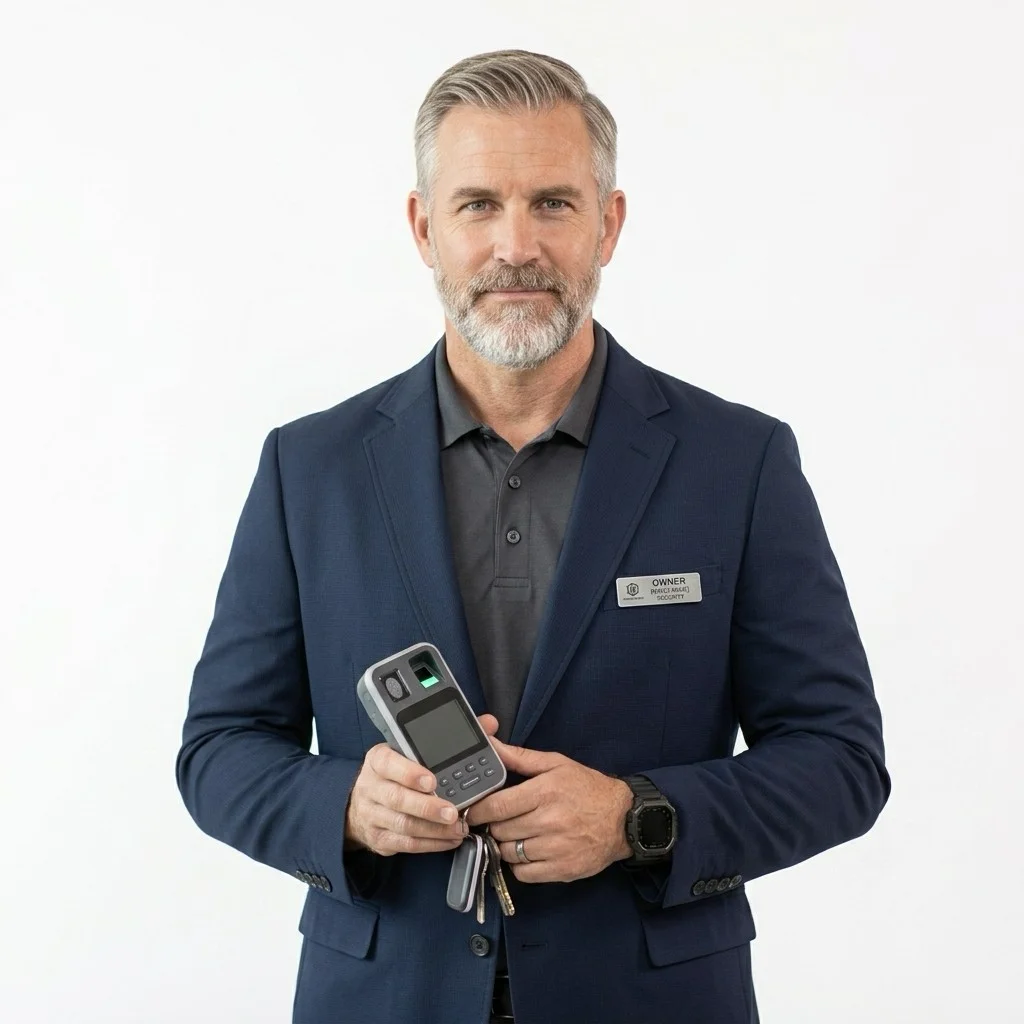
You bridge IT and facilities so sync, permissions and panels stay consistent.

No. Sync brings rooms and meetings across. Team spaces, booking windows and quota still live in Booking.
About thirty days. Deactivating an account or changing a password does not end a device session — signing the device out does.
Usually no. They can show Offision signage content while staying under their own management.

Walk through your estate, your booking rules and your calendar setup with our team — or start free and try it on one floor.
