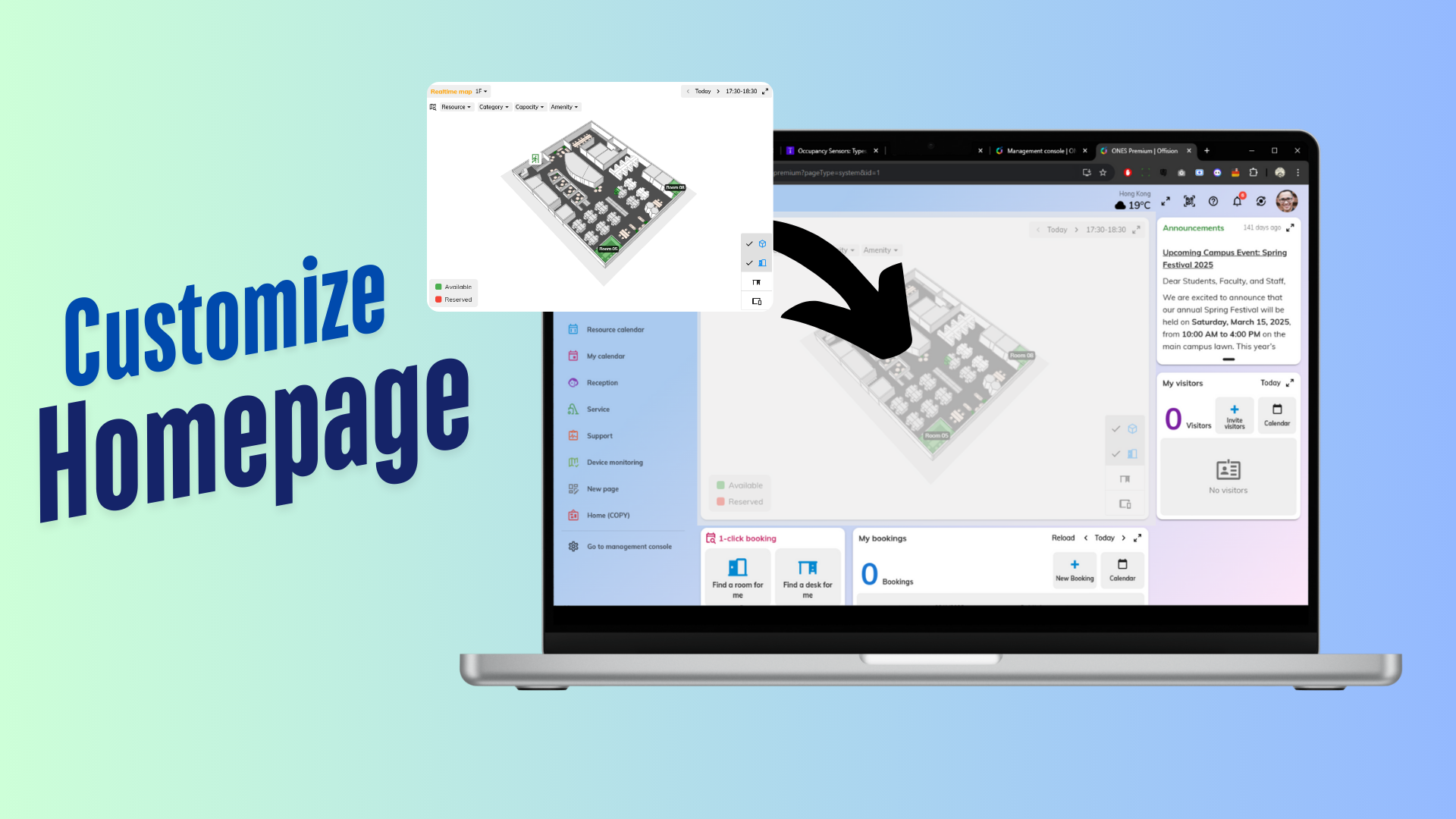
The **Add Customization Page** feature in Offision allows admins to design and personalize pages by adding widgets. This feature provides flexibility to create pages tailored to organizational needs.
洞察與最佳實踐,協助您優化工作空間
The Add Customization Page feature in Offision enables administrators to create personalized pages using widgets. This function allows you to add, arrange, and design widgets to build pages that suit your organization’s specific needs.
With this feature, admins have the flexibility to create pages that display essential information, tools, or data, improving usability and efficiency. Widgets such as booking data, clocks, or other tools can be selected and organized to ensure pages are both functional and visually appealing.
Whether you need a dashboard for quick insights, a client-facing page, or an internal tool for team collaboration, the Add Customization Page feature lets you tailor the system to meet your requirements.
Core Features:
Add Widgets
Custom Layout Options
Flexible Design
This feature is perfect for organizations looking to build a more personalized and efficient system.
Key Benefits:
Enhanced Customization
Improved Efficiency
Tailored User Experience
Supports Multiple Use Cases
Professional Appearance
Dynamic and Real-Time Updates
Encourages Collaboration
Scalable for Growth
Easy to Configure
Increased Productivity
The Add Customization Page feature in Offision is a powerful tool for creating personalized, widget-based pages that align with organizational goals. By enabling admins to design custom layouts, this feature enhances usability, improves efficiency, and ensures the system meets the unique needs of its users. While careful planning is required to optimize page designs and avoid clutter, this feature is an excellent addition for organizations looking to create a dynamic and user-friendly platform.
請依照以下步驟操作
Navigate to "System interface" and scroll down to "Home page settings"
Add a customization page
Drag the page to the top of the list and edite the layout
Click and drag the necessary widgets to the appropriate location
Click "Save" button after editing
Navigate to "System interface" and scroll down to "Home page settings"
Add a customization page
Drag the page to the top of the list and edite the layout
Click and drag the necessary widgets to the appropriate location
Click "Save" button after editing
備受全球機構信賴
加入數百間使用 Offision 提升工作空間管理效率的企業


©2026 ONES Software Ltd. All rights reserved.

 Neat 裝置
 Crestron