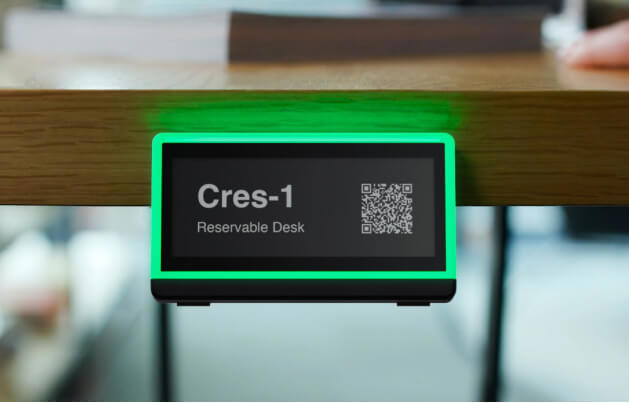
Enhance your workspace management with Offision and Crestron Desk Q. This seamless integration provides clear occupancy indications and an easy 2-step reservation process, ensuring efficient use of your office spaces.
洞察與最佳實踐,協助您優化工作空間
請依照以下步驟操作
Navigate to "Tag groups" and add a new tags group
Select "Crestron" and follow the guildelines to add a tags group
Click "Add tag", then select the tags which you want to integrate to Offision
Click the "Change" in the "Resources" column to assgin a resource to the tag
Click "Batch Download" next to the "Desk Q Placard" to download the placard file for Desk Q, which you can then use to create a booking
Print out the placard, then insert it into the corresponding Desk Q
Navigate to "Tag groups" and add a new tags group
Select "Crestron" and follow the guildelines to add a tags group
Click "Add tag", then select the tags which you want to integrate to Offision
Click the "Change" in the "Resources" column to assgin a resource to the tag
Click "Batch Download" next to the "Desk Q Placard" to download the placard file for Desk Q, which you can then use to create a booking
Print out the placard, then insert it into the corresponding Desk Q
備受全球機構信賴
加入數百間使用 Offision 提升工作空間管理效率的企業


©2026 ONES Software Ltd. All rights reserved.

 Neat 裝置
 Crestron