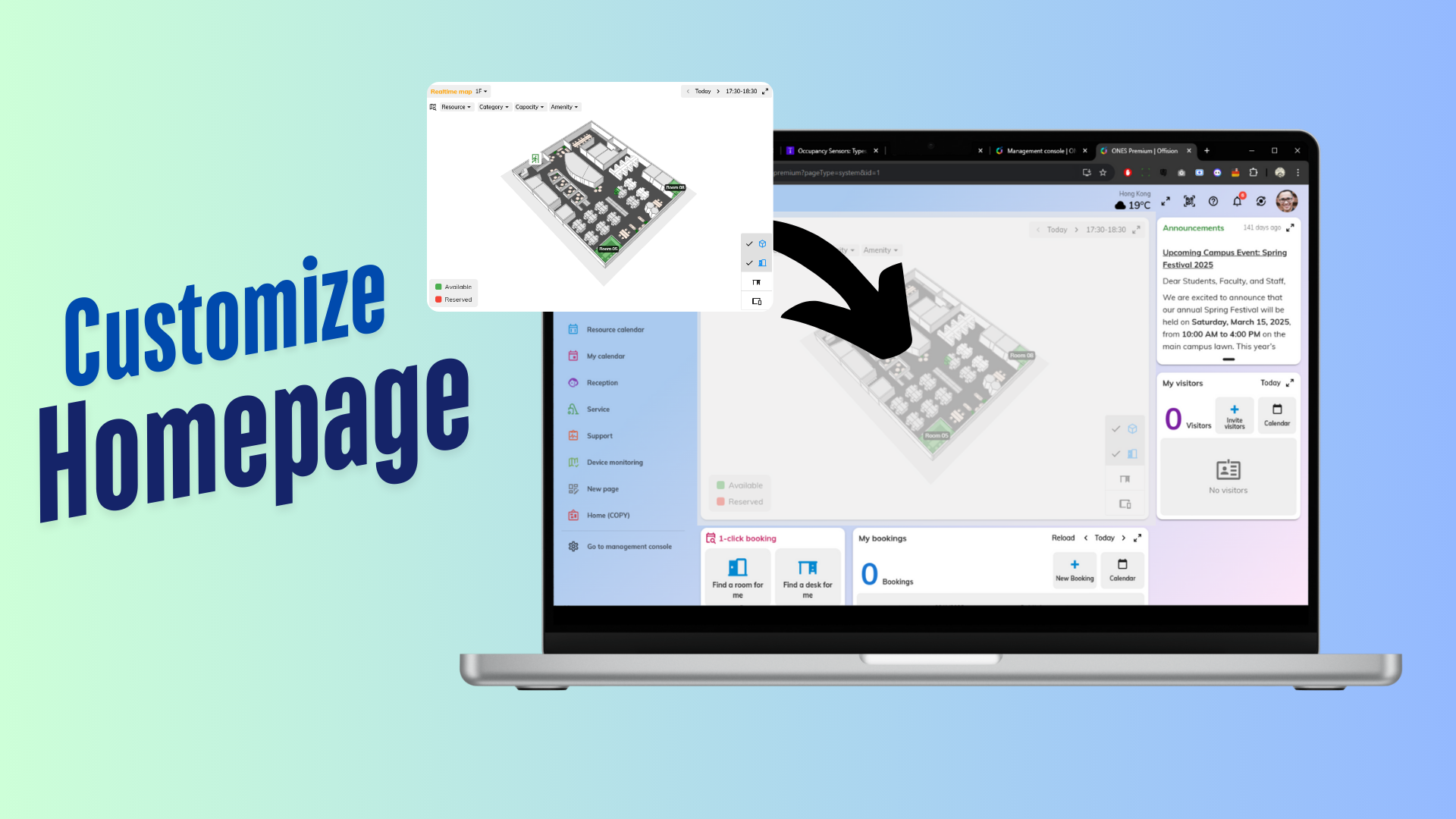
The Add Customization Page feature in Offision enables administrators to create personalized pages using widgets. This function allows you to add, arrange, and design widgets to build pages that suit your organization’s specific needs.
With this feature, admins have the flexibility to create pages that display essential information, tools, or data, improving usability and efficiency. Widgets such as booking data, clocks, or other tools can be selected and organized to ensure pages are both functional and visually appealing.
Whether you need a dashboard for quick insights, a client-facing page, or an internal tool for team collaboration, the Add Customization Page feature lets you tailor the system to meet your requirements.
Core Features:
Add Widgets
- Select and add widgets like booking data, clocks, or other tools to the page.
Custom Layout Options
- Arrange widgets to create a functional and user-friendly page layout.
Flexible Design
- Create pages for different purposes, such as dashboards, reports, or client interfaces.
This feature is perfect for organizations looking to build a more personalized and efficient system.
Key Benefits:
- Personalizes pages for specific tasks or goals.
- Improves user experience with tailored layouts.
- Increases productivity by centralizing important tools and information.
Pros
Enhanced Customization
- Admins have the flexibility to design pages that cater to specific organizational needs.
- Widgets can be added and arranged to create functional, task-focused layouts.
Improved Efficiency
- Custom pages consolidate important tools and information, reducing the time users spend navigating the system.
- Makes it easier for users to focus on their tasks.
Tailored User Experience
- Pages can be personalized for different user roles, ensuring everyone has access to the tools they need.
- Enhances usability and satisfaction for both internal and external users.
Supports Multiple Use Cases
- Create pages for dashboards, reports, client-facing interfaces, or internal team collaboration.
- Adaptable to any organizational structure or workflow.
Professional Appearance
- Custom pages with widgets look polished and professional, leaving a positive impression on users.
- Improves the branding and design consistency of the platform.
Dynamic and Real-Time Updates
- Widgets like booking data or live clocks provide real-time updates, ensuring pages remain relevant and up-to-date.
- Keeps users informed with the latest information.
Encourages Collaboration
- Custom pages can serve as centralized hubs for teams, improving communication and collaboration.
- Simplifies team workflows by consolidating tools and data.
Scalable for Growth
- Custom pages can evolve with your organization, allowing you to add new widgets or redesign layouts as needed.
- Suitable for businesses of all sizes and industries.
Easy to Configure
- Admins can create and update pages without technical expertise.
- Changes can be implemented quickly and easily.
Increased Productivity
- Users can access the tools and information they need on a single page, saving time and effort.
- Reduces the need to switch between different sections of the system.
The Add Customization Page feature in Offision is a powerful tool for creating personalized, widget-based pages that align with organizational goals. By enabling admins to design custom layouts, this feature enhances usability, improves efficiency, and ensures the system meets the unique needs of its users. While careful planning is required to optimize page designs and avoid clutter, this feature is an excellent addition for organizations looking to create a dynamic and user-friendly platform.

 Neat
Neat
 Crestron