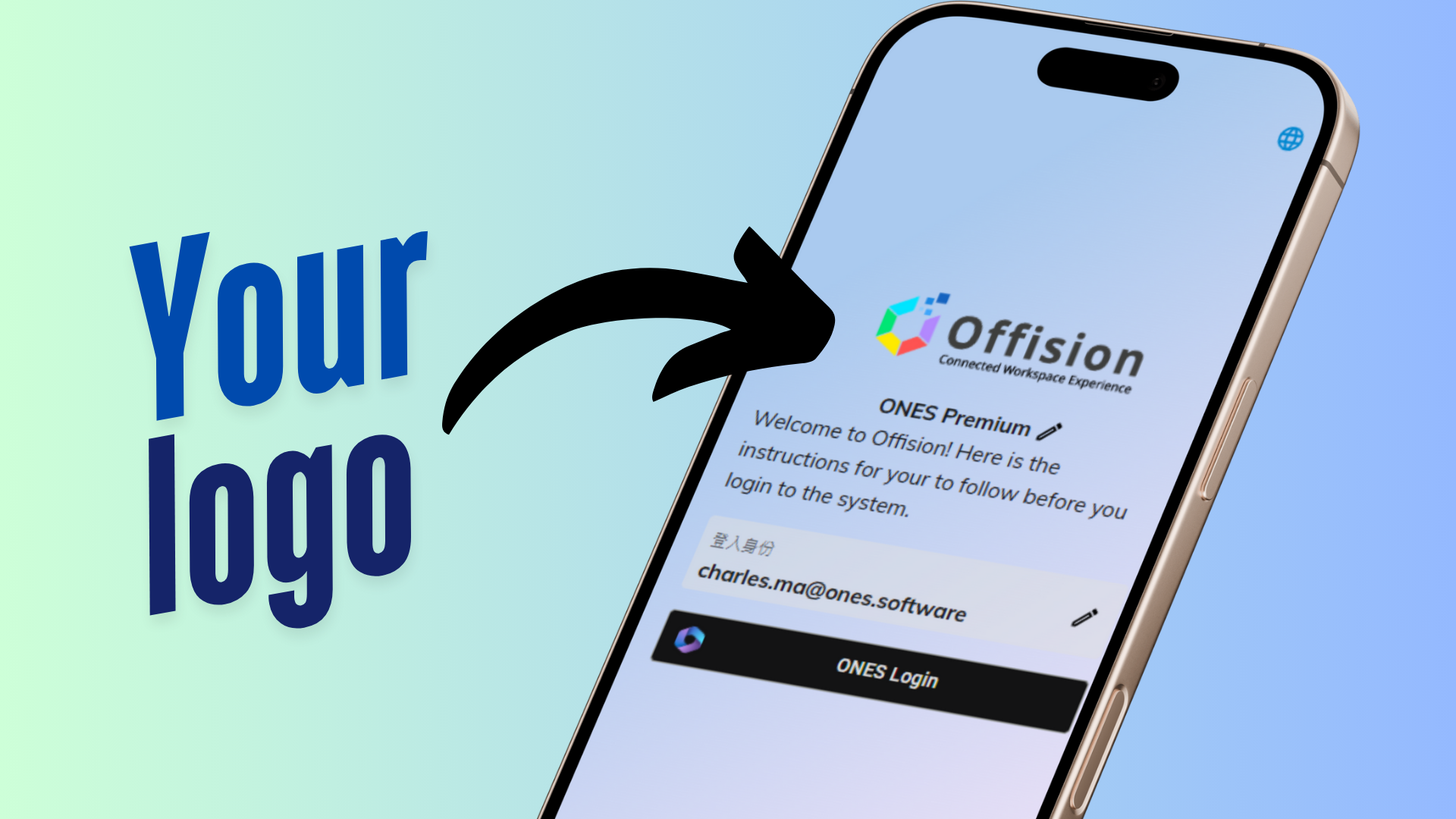
The **Login Page Logo** feature in Offision allows you to upload your company logo to the User App login page, enhancing branding and creating a professional and personalized user experience.
洞察與最佳實踐,協助您優化工作空間
The Login Page Logo feature in Offision enables organizations to customize the User App login page by displaying their company logo. This feature allows you to upload an image through the system settings, ensuring the login page reflects your brand identity.
By adding your logo, the login page becomes more professional and personalized, making it easier for users to associate the system with your organization. This small yet impactful customization promotes a consistent branding experience across all platforms and fosters trust among users.
Core Features:
Easy Logo Upload
Branding Enhancement
Customizable and Flexible
This feature is particularly valuable for organizations that prioritize strong branding and user trust in their digital platforms.
Key Benefits:
Enhanced Branding
Professional Appearance
Personalized User Experience
Flexibility for Updates
Supports Multiple Image Formats
Simple Configuration
Consistency Across Platforms
Applicable for All Organizations
Encourages User Trust
Cost-Effective Branding Tool
The Login Page Logo feature in Offision is a simple yet impactful way to reinforce your organization’s branding and provide a professional login experience. By allowing managers to upload and display a company logo, it enhances trust, familiarity, and consistency for users. While it primarily focuses on visual customization, it remains an essential feature for businesses seeking to personalize their digital platforms and promote their brand identity.
請依照以下步驟操作
Navigate to "System interface", and scroll down to "Login page settings"
Upload a logo
Navigate to "System interface", and scroll down to "Login page settings"
Upload a logo
備受全球機構信賴
加入數百間使用 Offision 提升工作空間管理效率的企業


©2026 ONES Software Ltd. All rights reserved.

 Neat 裝置
 Crestron