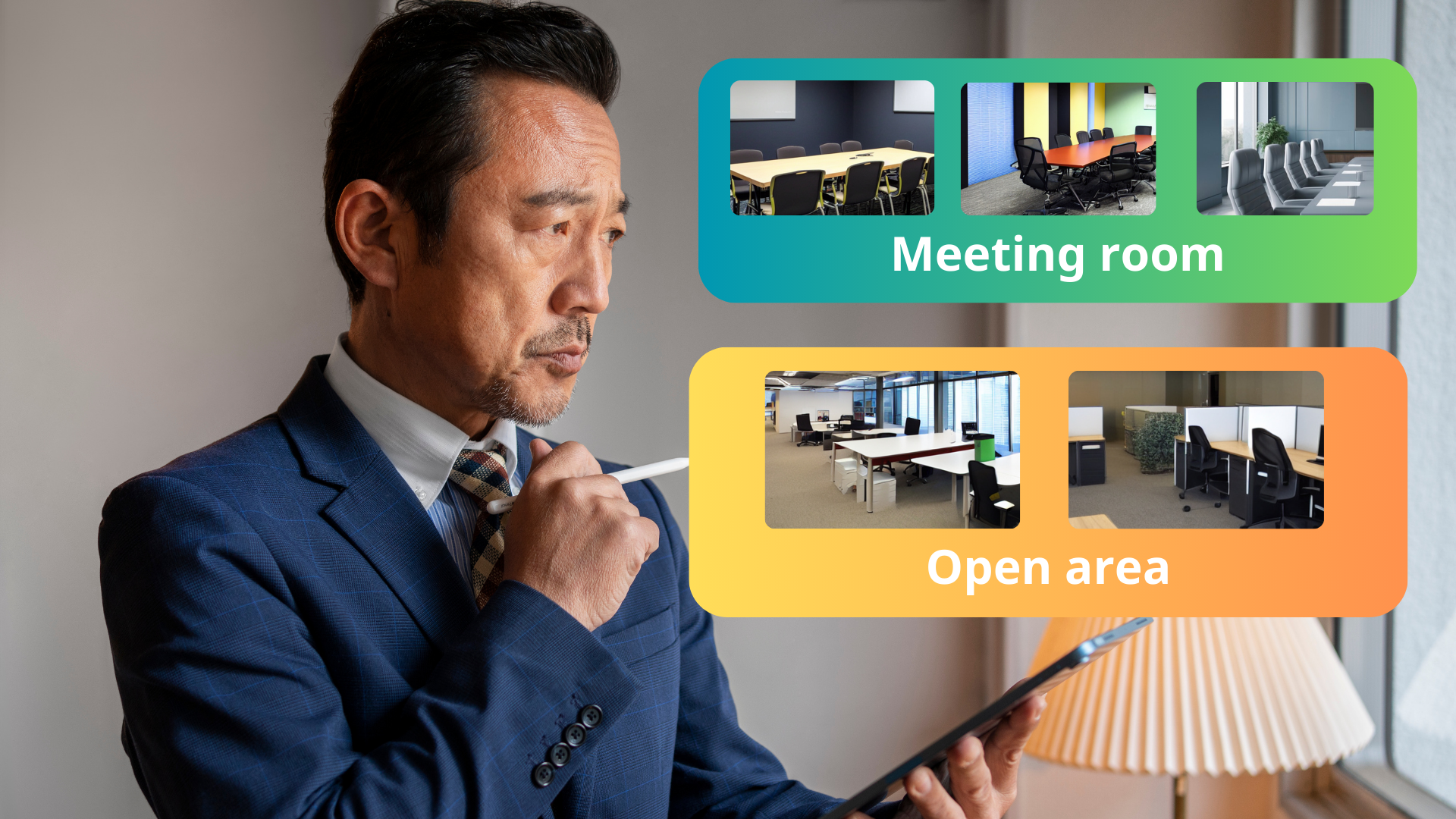
The **Organize Resources with Custom Categories** feature in Offision allows admins to create custom categories for resources (e.g., meeting rooms, event spaces). Users can filter resources by category for easier and faster booking.
洞察與最佳實踐,協助您優化工作空間
The Organize Resources with Custom Categories feature in Offision enables administrators to organize resources into customizable categories, enhancing the booking process for users. By assigning resources to categories such as meeting rooms, event spaces, or training rooms, admins create a more structured system for both resource management and user access.
Key highlights of this feature include:
Customizable Categories:
Admins can define and assign categories to resources based on their purpose, such as meeting rooms, training spaces, or event venues.
Enhanced User Filters:
Users can filter resources by categories, allowing them to search and book the most relevant option faster and with fewer steps.
Improved Organization:
Categorizing resources ensures a well-structured system, making it easier for admins to manage and for users to navigate.
Scalable for Multiple Resources:
This feature works seamlessly for organizations with numerous resources, ensuring clarity and simplicity even as the system grows.
The Resource Categories feature not only simplifies booking for users but also streamlines resource management for administrators, ensuring an efficient and user-friendly system.
Simplifies Booking Process:
Customizable Categories:
Improved Resource Organization:
Scalable for Large Organizations:
Enhanced User Experience:
Efficient for Admins:
Supports Various Use Cases:
The Organize Resources with Custom Categories feature in Offision is a powerful tool for optimizing the booking process. While it requires careful setup and ongoing management, the ability to organize resources into meaningful categories significantly improves both user experience and administrative efficiency.
請依照以下步驟操作
Navigate to "Categories" and create / edit a category
Select the resource type
Navigate to the "Room," "Desk," and "Equipment" to create / edit resources
Set the category to the resources
Navigate to "Categories" and create / edit a category
Select the resource type
Navigate to the "Room," "Desk," and "Equipment" to create / edit resources
Set the category to the resources
備受全球機構信賴
加入數百間使用 Offision 提升工作空間管理效率的企業


©2026 ONES Software Ltd. All rights reserved.

 Neat 裝置
 Crestron