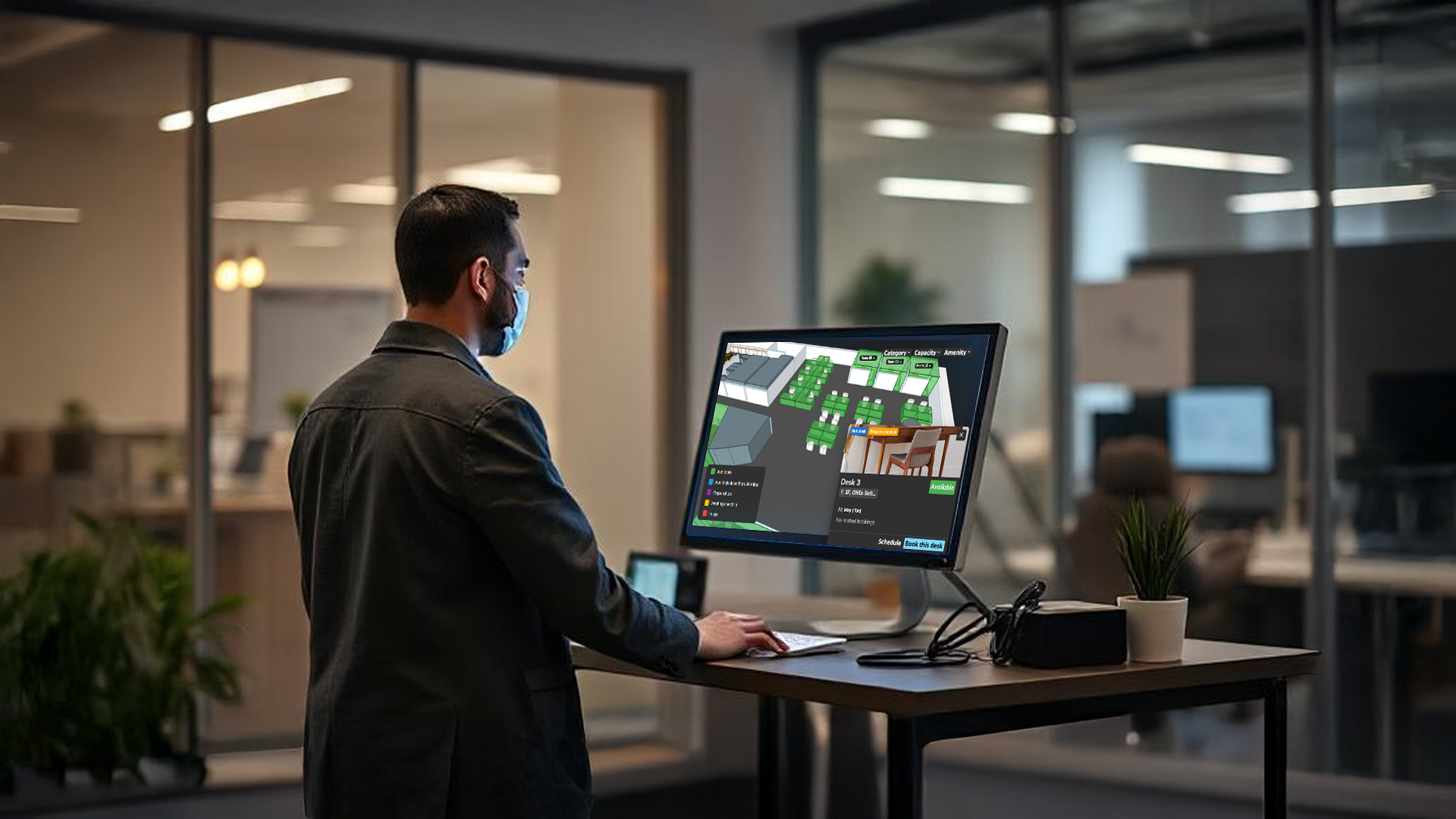
The Offision Check-In Kiosk is a cutting-edge solution designed to enhance hot desking in hybrid workplaces. Intuitive self-service technology, it simplifies desk booking, check-in, and workspace management, fostering flexibility and efficiency for employees and organizations alike.
洞察與最佳實踐,協助您優化工作空間
Real-Time Desk Availability: Displays up-to-date desk availability on an interactive floor plan, allowing employees to select and reserve desks instantly.
3D Floor Map: Provides navigation assistance to guide employees to their reserved desks or nearby amenities via integrated office maps.
Personalized Greetings: Offers a welcoming check-in experience with customized messages for employees and visitors.
Security Features: Issues temporary ID badges for secure access to restricted areas, enhancing workplace safety.
Analytics Dashboard: Tracks desk usage and occupancy patterns, enabling data-driven decisions for space optimization.
Accessibility Options: Includes screen reader compatibility, adjustable text sizes, and touchless options for inclusivity.
Seamless App Integration: Syncs with mobile apps for desk booking and check-in, offering flexibility for remote or on-site employees.
Enhanced Efficiency: Streamlines the check-in process, eliminating long queues and reducing wait times for employees.
Cost Savings: Optimizes office space usage, reducing the need for large office footprints and lowering real estate costs.
Increased Collaboration: Encourages spontaneous interactions by allowing employees to choose desks near different teams, fostering cross-functional teamwork.
Employee Flexibility: Empowers workers to select workspaces that suit their tasks, boosting productivity and satisfaction.
Data-Driven Insights: Provides analytics on space utilization, helping businesses make informed decisions about office layouts.
User-Friendly Interface: Intuitive design ensures high adoption rates, requiring minimal training for employees.
The Offision Check-In Kiosk is a game-changer for organizations embracing hot desking in hybrid work environments. By real-time desk management, and robust analytics, it addresses the challenges of flexible workspaces while maximizing efficiency and employee satisfaction.
Its accessibility features and seamless integration with mobile apps make it a versatile solution for modern offices. For businesses looking to optimize space, reduce costs, and foster collaboration, the Offision Check-In Kiosk is an essential tool to create a dynamic and productive workplace.
請依照以下步驟操作
Navigate to "Hot desks", and create desks
Navigate to "Content", and create a new customize signage content
Edit the page and add "Booking list", "Booking status - Map" and "Booking buttons" widgets
Edit the settings of "Booking list" and "Booking buttons" widgets to set "Selection scope", "Location" and "Specify resource type" for filtering resources
Edit the settings of "Booking status -Map" widgets to select "Location"
Click the style settings button of the widgets and change the style to meet your requirements
Reposition and resize the widgets
Save the changes and connect a device to the content
Navigate to "Hot desks", and create desks
Navigate to "Content", and create a new customize signage content
Edit the page and add "Booking list", "Booking status - Map" and "Booking buttons" widgets
Edit the settings of "Booking list" and "Booking buttons" widgets to set "Selection scope", "Location" and "Specify resource type" for filtering resources
Edit the settings of "Booking status -Map" widgets to select "Location"
Click the style settings button of the widgets and change the style to meet your requirements
Reposition and resize the widgets
Save the changes and connect a device to the content
備受全球機構信賴
加入數百間使用 Offision 提升工作空間管理效率的企業


©2026 ONES Software Ltd. All rights reserved.

 Neat 裝置
 Crestron