
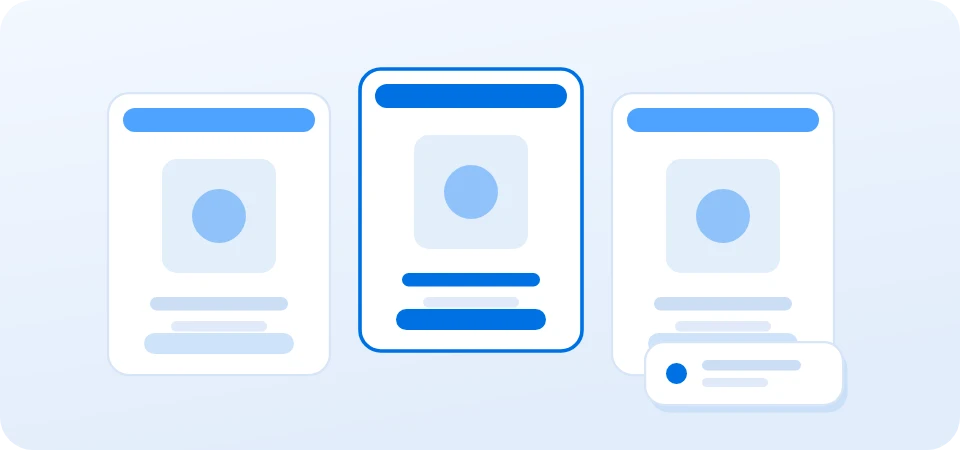
One company-wide badge design
Choose a complete layout from the Offision gallery and apply it consistently across every location and visiting purpose.
Turn each arrival into a clear printed badge using visitor details collected by Offision and one consistent company-wide design.
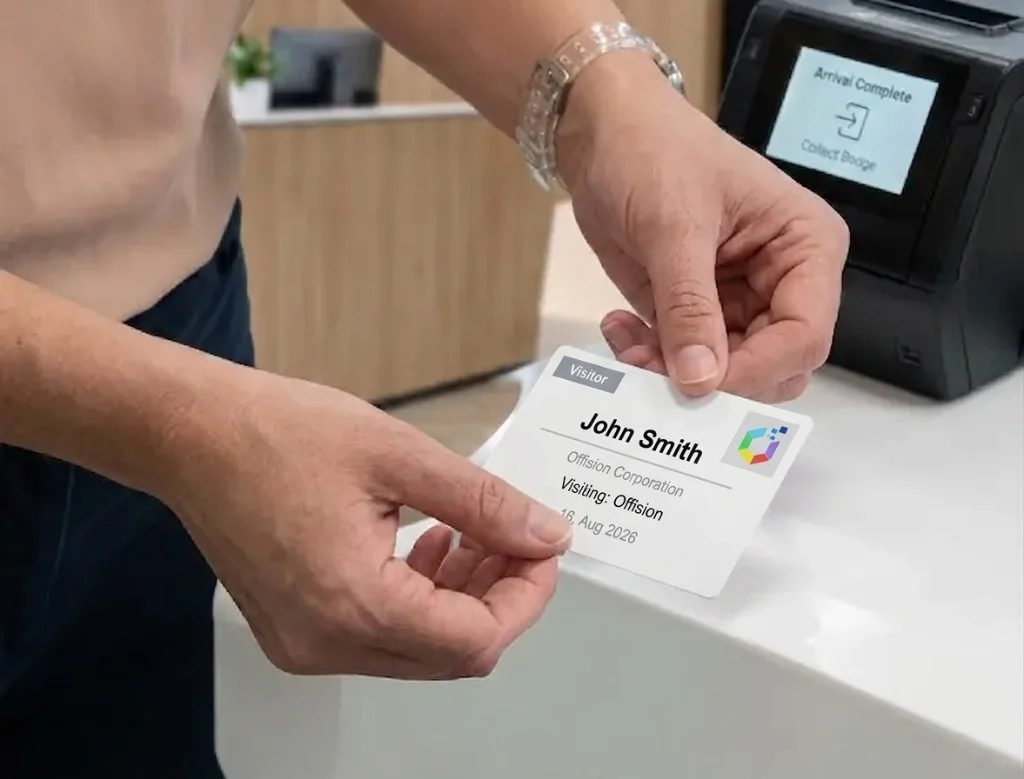
A visitor badge is a printed identification card issued at workplace check-in so staff can see who is on site. It typically shows the guest's name, company, host, visit date, and a QR or visitor code, and sometimes a photo. Offision prints the badge from details collected at reception or a self-service lobby kiosk, using one company-wide design and a connected Brother QL label printer.
Choose a complete layout from the Offision gallery and apply it consistently across every location and visiting purpose.
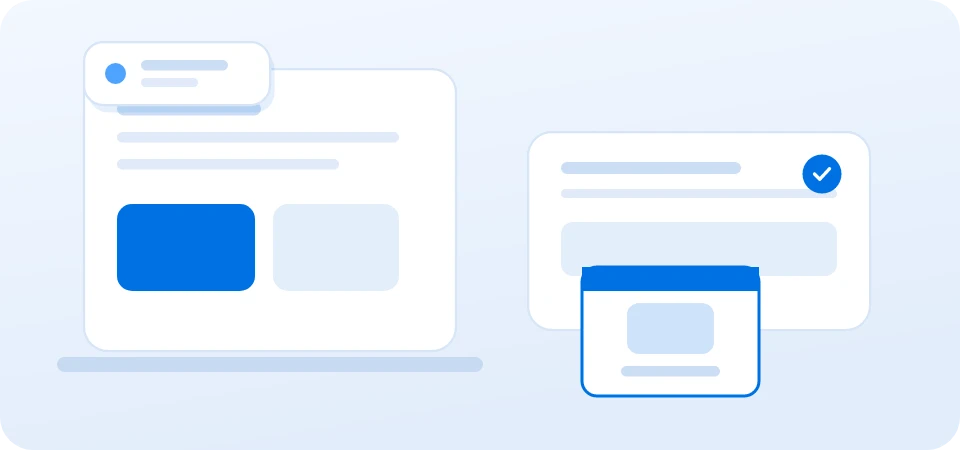
Print from the installed Offision app at a staffed reception desk or self-service lobby screen. Ordinary web browsers cannot connect to a badge printer.
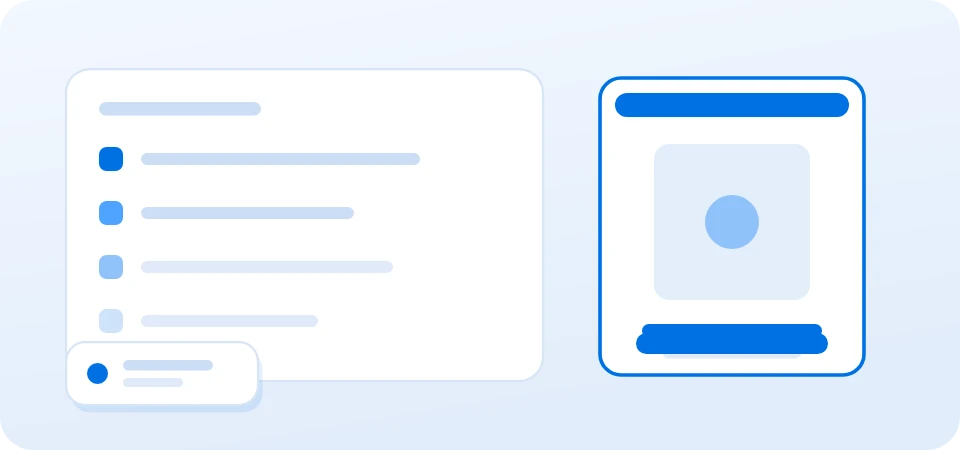
Use the visiting purpose to decide which fields, photo, terms, and surveys are collected. Available details fill the selected badge design at print time.

Find an invited guest by code or reception search, or register an unannounced visitor as a walk-in.

Collect the fields, photo, terms, and surveys configured for the selected visiting purpose.

Admit the visitor, notify the host, add the guest to the on-site list, and print the badge through the Offision app.
Offision supports network-connected Brother QL printers, including the QL-820NWB and QL-810W. Mobile devices can also use Bluetooth, while the USB-only QL-800 is not supported.
No. One badge design applies across the whole company. A visiting purpose controls which details, photo, terms, and surveys are collected, but it does not carry its own layout.
Yes, with limits. QR or visitor-code visibility follows the location policy. A photo prints only with the photo-and-Wi-Fi design and only when the visiting purpose collects one.