

How attendance works
A working schedule joins a working hour, the workers who clock in against it, the supervisors who read the results, and the rules a punch must pass — GPS, IP, selfie, timing. Understand this one object and the rest of the module is just its screens.
Attendance records who was at work and when, and it does it with one object: the working schedule. A person with no working schedule cannot clock in at all — the buttons simply never appear in their app. Everything the module does is decided on a schedule, so the first surprise is worth stating plainly: there is no company-wide attendance setting. Two teams under two schedules can live under completely different rules.
What a working schedule joins together
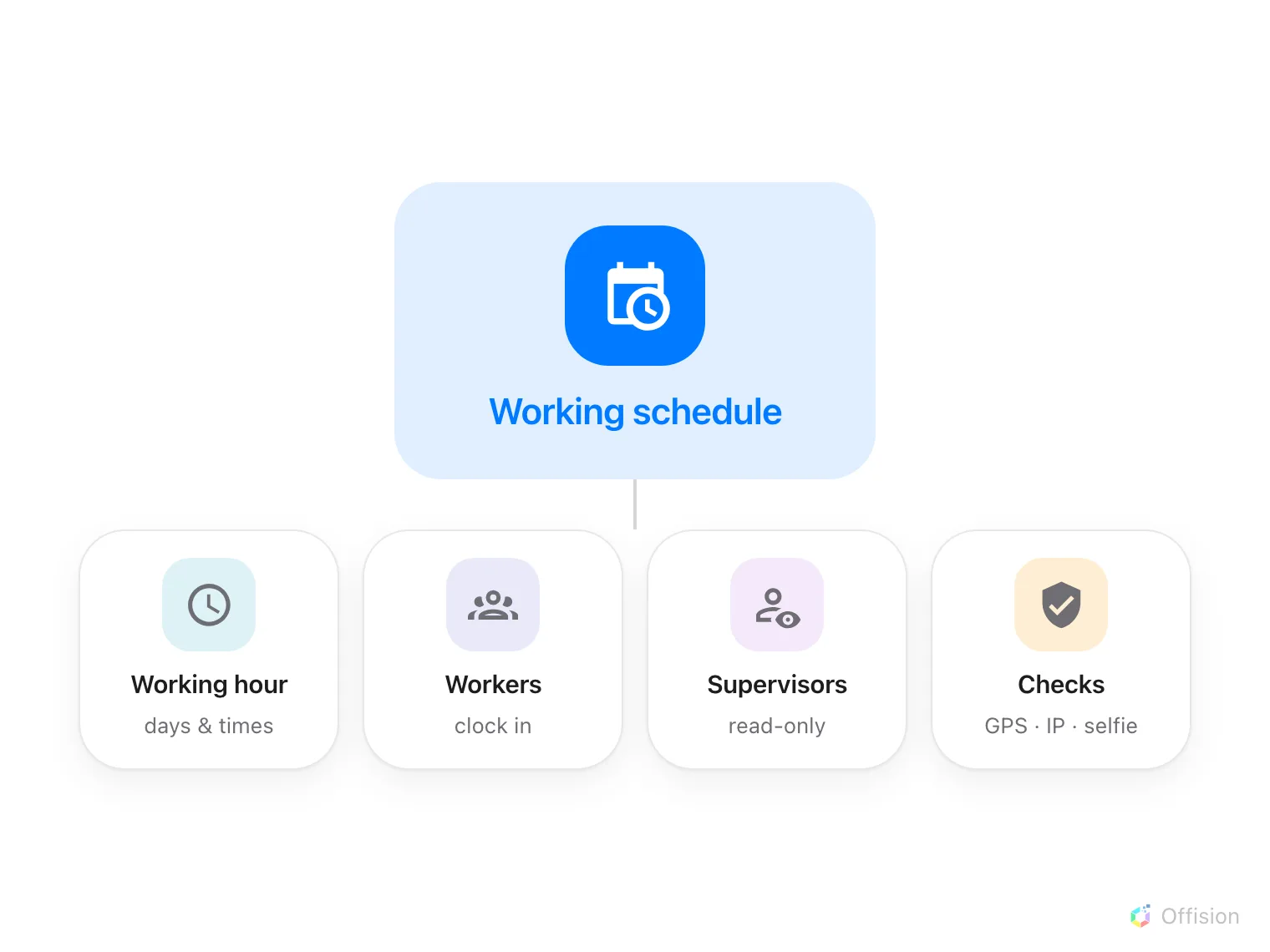
One schedule, four parts: when work happens, who clocks in, who may look, and what a punch must prove.
- A working hour says when work happens: which weekdays are working days, what time work starts and ends, and which dates are holidays. The schedule does not carry times of its own — it points at a working hour, so several schedules can share one and a changed start time propagates to all of them.
- Workers are the people who clock in against it — assigned one by one, or as whole user groups. Assigning a group is the practical choice: a new hire added to the department group is on the schedule the same moment.
- Supervisors may read this schedule’s results in their own app — a team list, not the console — and nothing more. They cannot edit a record.
- Rules are what a punch must pass before it counts: which channels are open, how early or late a punch may come, and what proof it must carry — a GPS position inside a geofence, an IP address on the office network, a selfie.
Where a punch comes from
Staff clock in from two places. The user app carries Sign in and Sign out on the home screen; the punch is checked live and the person sees which conditions passed or failed before confirming. A kiosk — a signage screen or panel running the Take attendance widget — takes the punch at the door instead, after the person identifies themselves at the screen. Each of the four combinations (in or out, app or kiosk) is a separate switch on the schedule, so a team can be required to sign in at the lobby kiosk but allowed to sign out from their phone.
Attendance can also arrive from a desk booking. Desk check-in signs in records arrival when someone checks in to a reserved desk or walks up and claims one. Desk check-out signs out and Booking ending signs out are separate switches; enabling sign-in alone does not enable sign-out. Records are marked Auto and identify the desk. Making a future reservation alone records no arrival.
The rules can be restricted to selected buildings and floors. For people on several schedules, a matching floor takes precedence over a matching building. If equally suitable schedules tie, nothing is recorded. See Working schedule settings.
What comes out the other end
Every accepted punch is an attendance record: who, when, in or out, from which channel, and whatever proof was demanded. Records are raw material — the attendance report reads a month of them against the working hour and delivers a verdict per person per day: On time, Late, Early leave, Absent, and so on. The verdicts live in the report, not on the records, so correcting a record is enough to correct the month.
Open Working scheduleWhat a working schedule does not control
It does not decide who may be at work — it only measures who was. Booking check-in is a different mechanism with its own GPS setting, decided per resource in Booking, and event check-in belongs to Events. And a person on no schedule is not “absent” — they are simply invisible to this module.