
Direct answer
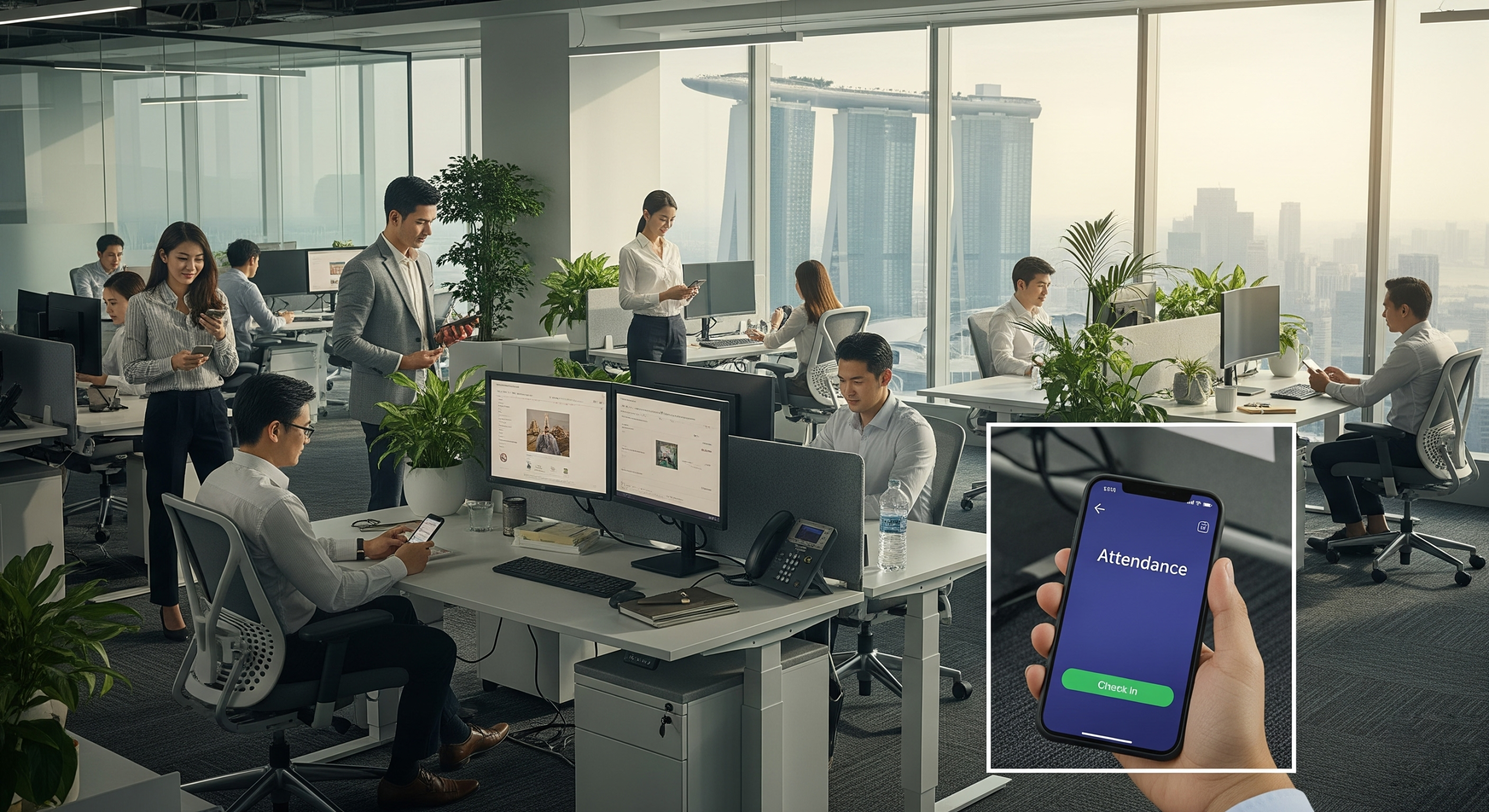
Workplace management software is a platform that helps organizations run their physical offices—especially hybrid ones—by coordinating desk and room booking, visitor check-in, floor plans and wayfinding, digital signage, and occupancy analytics in one system. In 2026, the goal is not just “reserving a seat.” It is giving employees a reliable in-office experience while giving facilities, IT, and workplace teams live data to manage capacity, reduce no-shows, and justify real-estate decisions.
If attendance varies by day, team, or location, a workplace management platform replaces disconnected calendars, paper visitor logs, and guesswork with one operational layer.
Vendors cluster into a few shapes (calendar-native, workplace ops, experience suites). Choose by primary job—not by feature-list length.
What is workplace management software?
Workplace management software (also called hybrid workplace software or a smart office platform) connects people, spaces, and policies.
Instead of treating the office as a fixed set of assigned desks, these platforms assume attendance will fluctuate. Employees book what they need. Admins set rules. Leaders see how space is actually used.
For seating models, see desk booking vs assigned seating. For why calendars alone stop short, see Microsoft 365, Outlook, and Places. For the equipment side of flexible seating, see the hot desking equipment checklist.
Workplace management software vs. calendar apps
| Need | Outlook / Google Calendar alone | Workplace management software |
|---|---|---|
| Book a meeting room | Yes (basic) | Yes, with policies and check-in |
| Hot desk / desk booking | Limited | Core feature |
| Live floor plans | No | Yes |
| Visitor registration & badges | No | Yes |
| No-show / auto-release rules | Limited | Yes |
| Occupancy & utilization reports | No | Yes |
| Lobby signage & wayfinding | No | Often included |
| Microsoft 365 / Google sync | Native calendars | Two-way integrations |
Bottom line: Calendars record events. Workplace platforms govern how the office runs.
Types of vendors (how the market splits)
Most buyers are not choosing “good vs bad.” They are choosing which primary job the stack should own. In practice, workplace software vendors fall into three overlapping types:
(A) Calendar / room-native
Built around meeting invites, free/busy, and room resources—often inside Microsoft 365, Google Workspace, or a thin booking add-on. Strong when the job is “schedule the meeting in the tool people already open.” Weaker when you need map-first desks, lobby visitors, live signage, or building-wide ops beyond the calendar.
Typical buyer: IT-led, Microsoft- or Google-first, rooms first, desks and visitors still informal.
(B) Workplace ops / booking + space planning
Built for hybrid desk and room booking, interactive maps, check-in / no-show policy, utilization analytics, and often visitors or service workflows. Space planning and layout tools sit next to day-to-day booking. Signage and wayfinding may be included or paired, but the center of gravity is running the floor.
Typical buyer: Facilities / workplace ops owning capacity, neighborhoods, and real utilization—not only invites.
(C) Workplace experience suites
Unify intranet / employee communications, digital signage, reservations, visitors, and often mobile/app surfaces into one experience platform. Strong when internal comms and screens are strategic, and space booking is one channel among many. Overlap with (B) is real on rooms, desks, and wayfinding—the difference is whether communications + signage or ops + booking policy is the primary purchase driver.
Typical buyer: Internal comms + facilities jointly; multi-site screens and content as important as seats.
Selection rule: Write the primary job in one sentence (“stop midweek desk chaos,” “replace static lobby slides,” “one intranet + screens + rooms”). Then shortlist vendors whose center of gravity matches that sentence. Overlap is normal; fit is not.
Why hybrid offices need it in 2026
Hybrid work is no longer experimental. Many organizations still split time between home and office; others tighten return-to-office (RTO) policies—three, four, or five days on site.
Both models create the same operational problem: demand for desks and rooms spikes on certain days and drops on others.
Without a system, teams face:
- Double-booked rooms and “phantom” recurring meetings
- Employees commuting in only to find no desk
- Reception overload when visitors arrive without prep
- Real-estate decisions based on anecdotes, not utilization data
Workplace management software turns those failure points into managed workflows.
Core features to look for
1. Desk booking and hot desking
Employees should reserve desks by day (or half-day), see availability on a map, and check in on arrival. Good systems support policies—quotas by team, neighborhood seating, and auto-release after no-shows. Decide when desks should stay assigned vs bookable.
2. Meeting room booking
Room booking should go beyond “free/busy.” Look for amenities and capacity filters, approval workflows for high-demand spaces, check-in / no-show handling, and sync with Outlook and Google Calendar.
3. Interactive floor plans and wayfinding
A live floor plan helps people find desks, rooms, colleagues, and amenities. Interactive wayfinding goes further: admins draw paths on the map and display routes on lobby signage or kiosks. Prefer wayfinding on the same map as booking, so routes point at live availability—not a stale PDF. Deep dive: interactive wayfinding for the workplace.
4. Visitor management
Modern visitor management covers pre-registration, host notifications, QR or lobby check-in, badge printing, and (where needed) NDA or security flows. Ask whether visitors and lobby screens share one expected-guest list.
5. Digital signage (live, not static)
Lobby boards, room panels, and kiosks should show live booking status, directories, wayfinding, and announcements—not static slides that go stale. Signage that reads the same booking and visitor data as the rest of the platform stays honest.
6. Occupancy and workplace analytics
Utilization reports answer questions leaders actually ask: Which floors are over/under used? Which rooms are chronically no-show? Do we need more collaboration space—or less?
7. Attendance / on-site proof (when policy requires it)
Booking check-in confirms a resource was used. Separate attendance (GPS, office IP, or other proofs against a working schedule) answers who was at work. Hybrid RTO buyers should know which problem they are solving—and whether one product covers both.
8. Services, tickets, and events
Day-to-day ops often need more than seats: service requests (catering, cleaning, help), ticketing for broken equipment, and events with sign-up and check-in. If those workflows already live in three tools, ask whether the workplace platform can consolidate them.
9. Integrations (Microsoft 365 and Google Workspace)
Employees will not adopt a tool that lives outside their daily workflow. Prefer platforms that sync with Outlook, Teams, Google Calendar, and enterprise SSO (e.g., Entra ID). See also: why M365 / Outlook / Places still need a workplace layer.
10. Security and admin controls
Enterprise buyers should expect SSO, role-based access, audit exports, and certifications such as ISO/IEC 27001 where claimed by the vendor.
How workplace management software works (simple flow)
- Admins map the office — Upload floor plans, define rooms, desks, parking, and policies.
- Employees book in context — Via web, mobile, Outlook/Teams, or lobby kiosks.
- People check in — Panels, QR, sensors, or app check-in confirm attendance at the resource.
- Visitors are expected — Hosts invite guests; reception and lobby screens see the day’s list.
- Signage stays live — Screens reflect bookings, routes, and status.
- Analytics close the loop — Workplace teams adjust capacity and policy with data.
Benefits by team
Employees
Find a desk or room quickly, sit near teammates, and spend less time hunting for space.
Facilities / workplace
Run one system for booking, visitors, and utilization instead of four vendors.
IT
Central integrations, SSO, and fewer shadow tools.
Leadership / real estate
Evidence for lease decisions, densification, or redesign—based on actual use, not badge folklore alone.
How to choose workplace management software (checklist)
Use this buying checklist when comparing vendors:
- Primary job / vendor type — Calendar-native (A), workplace ops (B), or experience suite (C)? Match the center of gravity to the problem you will fund first.
- Scope — Desks only, or rooms + visitors + signage + analytics + services?
- Hybrid fit — Variable attendance, neighborhoods, check-in, and auto-release?
- Policy depth — Quotas, approvals, neighborhoods, advance windows, no-show release—without a custom project for every rule?
- Map experience — Book and navigate from one interactive floor plan?
- Wayfinding on the same map as booking — Routes and availability from one source of truth?
- Signage: live vs static — Do lobby/room screens read live bookings and visitor status, or play a slideshow?
- Visitors + lobby screens — Pre-registration, host notify, badges, and lobby UX on the same day’s list?
- Attendance / on-site proof — Do you need schedule-based attendance (GPS/IP/selfie) beyond booking check-in?
- Services / tickets / events — Catering, facility help, issue tickets, and event sign-up in-platform—or still separate?
- Calendar depth — Is Microsoft 365 / Google sync two-way and reliable?
- Hardware — Room panels, kiosks, and sensors you already own?
- Pricing model — Per user vs per resource (room/desk/locker). Resource-based pricing often fits hybrid better when headcount is high and attendance varies.
- Admin effort — Can workplace teams configure policies without a six-month IT project?
- Proof — Pilot one floor with real booking and visitor volume.
- Security — SSO, permissions, audit trail, data residency as required.
- Support & languages — Multi-site and multi-language matter for regional rollouts.
Common mistakes to avoid
- Buying only desk booking when visitors and rooms are already broken
- Ignoring no-shows — without check-in or auto-cancel, calendars lie
- Skipping floor plans — lists of rooms do not match how people navigate buildings
- Static signage sold as “workplace UX” — slides that ignore live bookings go stale on day one
- Wayfinding disconnected from booking — two maps means two truths
- Forcing a separate app with no Outlook/Teams path
- Confusing booking check-in with HR attendance — different questions, different proof
- No analytics owner — data without a workplace owner does not change decisions
Where Offision fits
Offision is an AI-powered smart office / workplace management platform built for hybrid offices. It sits primarily in the workplace ops shape (type B)—booking, maps, visitors, live signage, and analytics—while also covering services, tickets, events, and attendance when those are part of the same ops story.
It unifies:
- Desk and meeting room booking
- Visitor management
- Interactive floor plans and wayfinding
- Digital signage fed by live workplace data
- Occupancy and workplace analytics
- Attendance with on-site proof options
- Services, ticketing, and events
- Integrations with Microsoft 365 and Google Workspace
Pricing is typically per resource (room, desk, or locker) with unlimited users—useful when attendance fluctuates but headcount is high. Offision also supports enterprise SSO and publishes ongoing product updates for booking UX, signage, and admin controls.
Useful pages: Features · Floor plan & wayfinding · Smart office · Microsoft integration · Help Center · Release notes
FAQ
What is workplace management software in simple terms?
It is software that helps companies run the office day to day: booking desks and rooms, checking in visitors, showing maps and signage, and reporting how space is used.
Is workplace management software the same as IWMS?
Not exactly. Traditional IWMS platforms often focus on enterprise real-estate portfolios and facilities operations. Workplace management software focuses on the daily employee and visitor experience—booking, presence, and hybrid coordination—usually with faster rollout.
What are the main types of workplace software vendors?
Three overlapping types: (A) calendar/room-native tools, (B) workplace ops platforms centered on booking and space planning, and (C) workplace experience suites that combine intranet/comms, signage, reservations, and visitors. Choose by primary job; overlap is common.
Do hybrid companies still need an office management platform if people only come in 2–3 days a week?
Yes. Hybrid offices often need it more, because every in-office day is intentional. Peak days create scarcity; quiet days create waste. Booking + analytics manage both.
What features matter most for return-to-office (RTO) policies?
Desk and room capacity management, check-in / no-show controls, visitor flow, and utilization analytics. When attendance jumps overnight, facilities stress shows up first in booking conflicts and lobby queues. Some buyers also need schedule-based attendance proof—not only desk check-in.
Can workplace software replace Outlook room booking?
It usually extends Outlook or Google Calendar rather than replacing them. Employees keep familiar calendars; the workplace platform adds policies, maps, check-in, visitors, and reporting. See Outlook / Places vs workplace ops.
How long does implementation take?
A single-floor pilot can often start in days to a few weeks once floor plans and resources are mapped. Multi-building rollouts depend on integrations, hardware (panels/signage), and change management.
What is interactive wayfinding?
Interactive wayfinding lets admins define routes on a digital floor plan and display them on signage or apps so employees and visitors can follow a path to a room, desk, or event space. More: interactive wayfinding guide.
Key takeaways
- Workplace management software is the operational system for hybrid offices—not just another calendar.
- Vendors split into calendar-native, workplace ops, and experience-suite shapes—pick by primary job.
- Prioritize policy depth, live signage, one map for booking + wayfinding, visitors + lobby screens, and clear attendance vs booking check-in.
- Cross-check seating models, wayfinding, and Microsoft stack fit with deeper posts before you RFP.
- Pilot on one floor, measure no-shows and utilization, then scale.
Leave a Reply