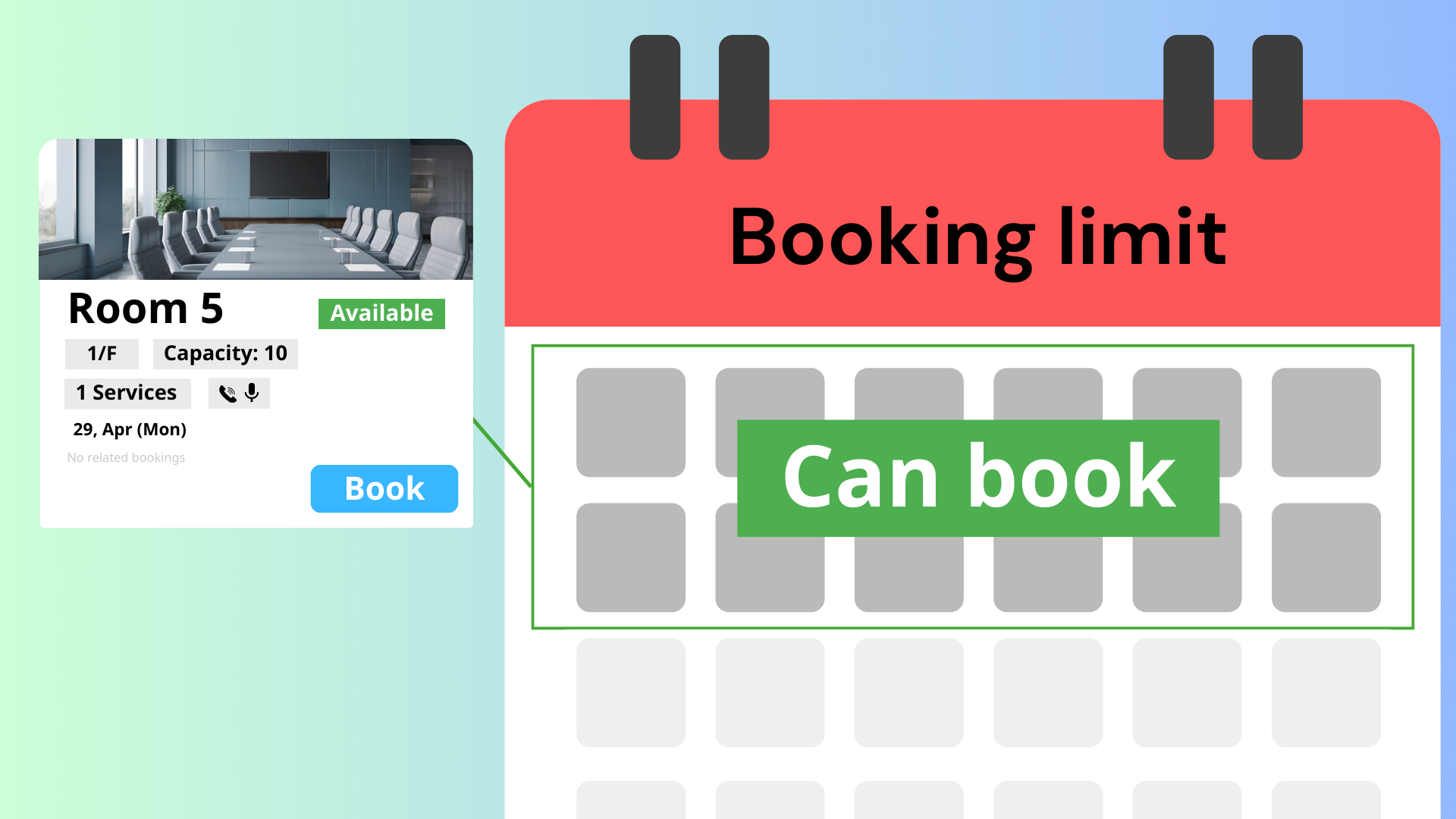
The Offision booking system offers a feature that allows administrators to limit when users can create bookings. This function is particularly useful for managing resources and maintaining an organized booking schedule.
Key Features:
- Set a Deadline: Administrators can specify a date after which users are unable to create new bookings.
- User-Friendly Interface: The feature is easy to navigate, making it simple for administrators to set or adjust booking limits.
- Resource Management: By limiting bookings, organizations can better manage their resources and avoid overbooking.
- Flexibility: Administrators can change the limit as needed, ensuring that booking policies can adapt to changing circumstances.
How to Use:
- Access Settings: Log in to your Offision account and navigate to the booking settings.
- Set the Limit: Enter the specific date after which users cannot create bookings.
- Save Changes: Ensure you save your settings to activate the limit.
- Notify Users: Consider informing users about the new booking limit for transparency.
This feature is designed to ensure that your organization can maintain control over its booking processes, providing a structured approach to reservations.
Pros:
- Improved Resource Management: By setting booking limits, organizations can prevent overbooking and ensure resources are available when needed.
- Better Planning: Knowing the cut-off date for bookings allows for better planning and organization of resources and events.
- User Clarity: Users are clear on when they can book, which helps avoid confusion and frustration.
- Easy to Implement: The feature is straightforward to set up, requiring minimal training for administrators.
- Flexibility: Administrators can adjust the booking limits as necessary, responding to changes in demand or resource availability.
In summary, the booking limit feature in Offision provides a robust tool for managing reservations and resources. While it enhances planning and organization, clear communication with users is essential to maximize its benefits.

 Neat
Neat
 Crestron