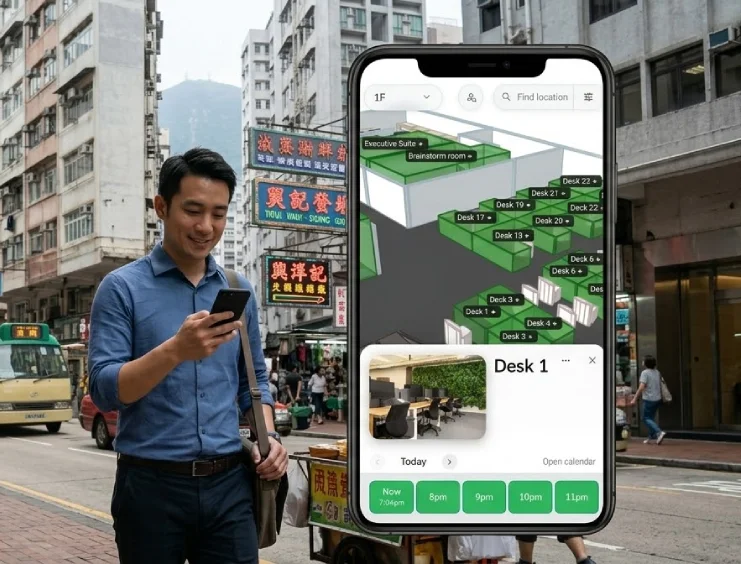
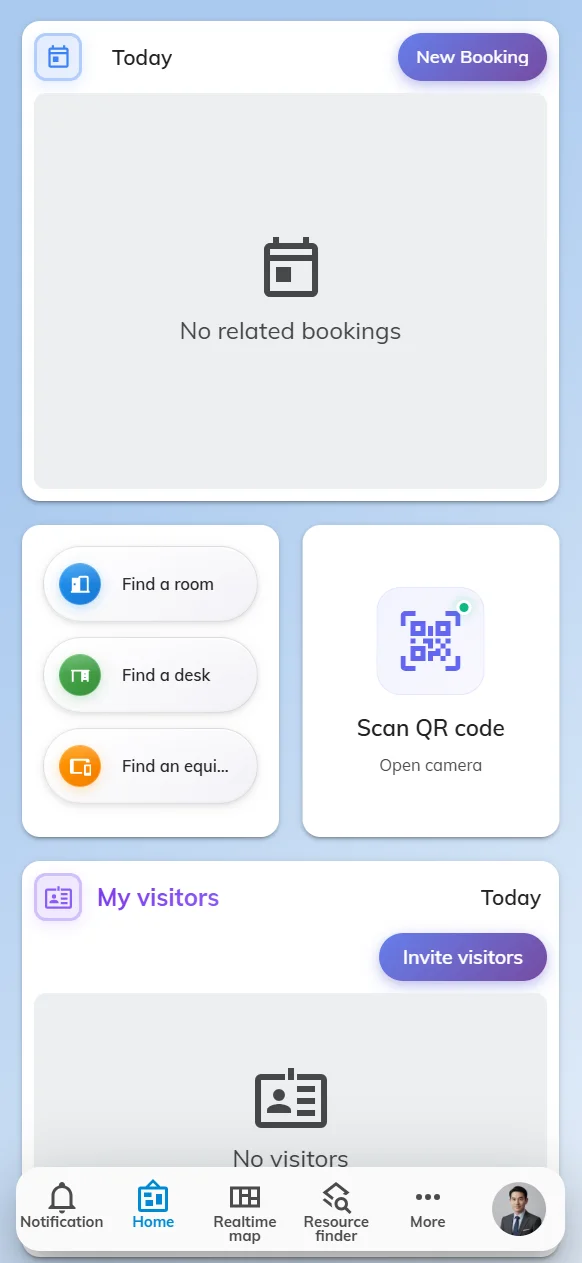
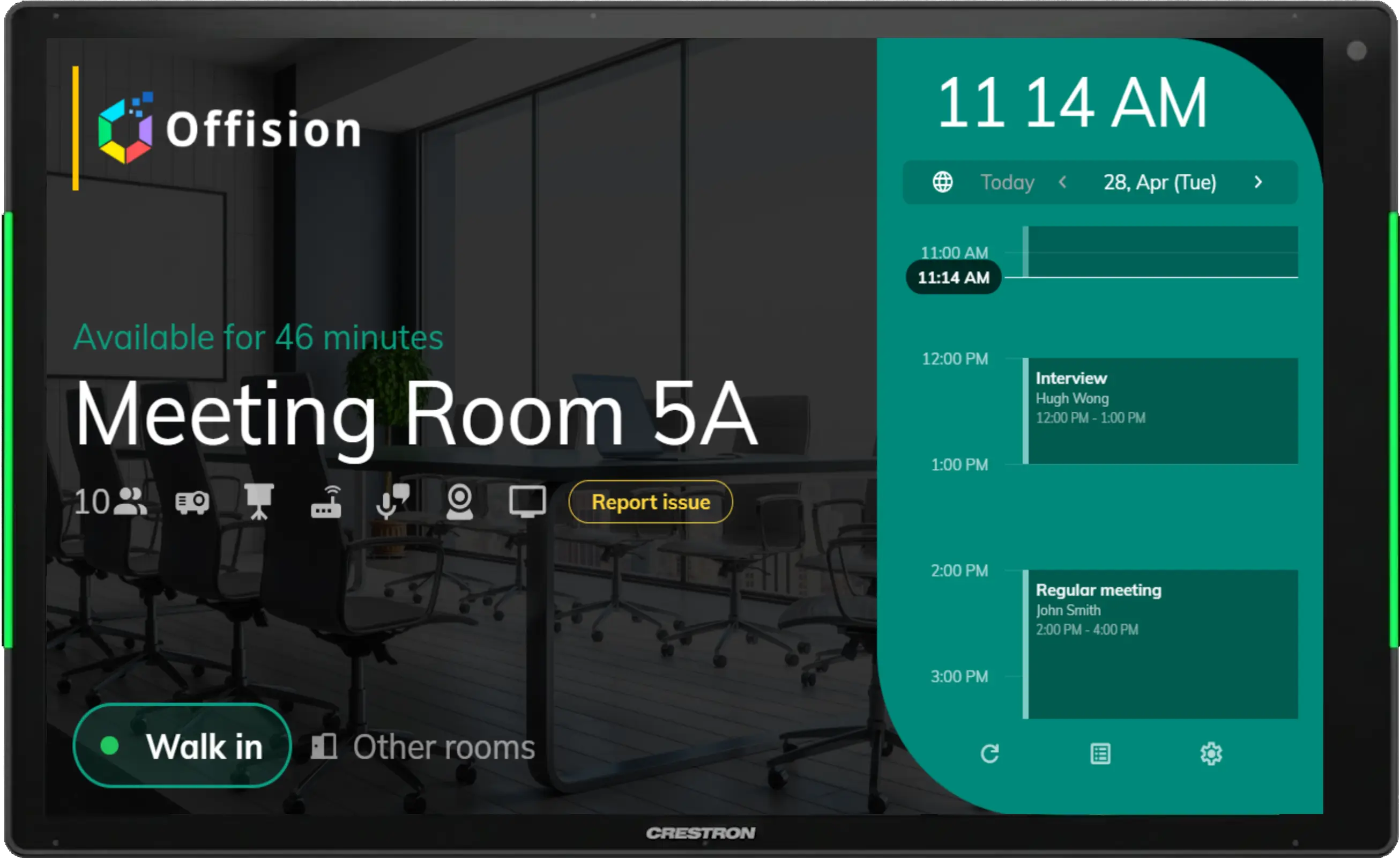
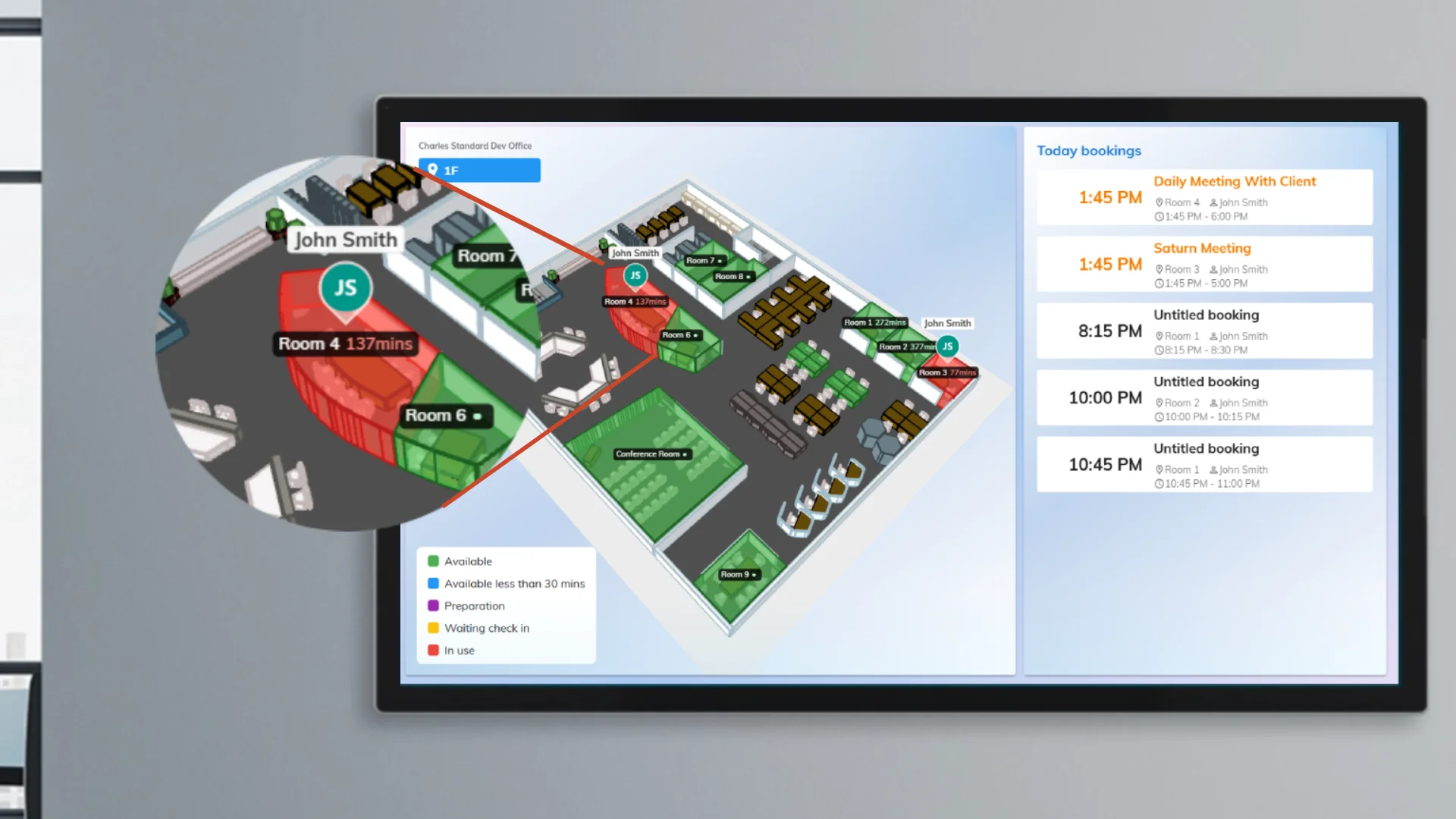
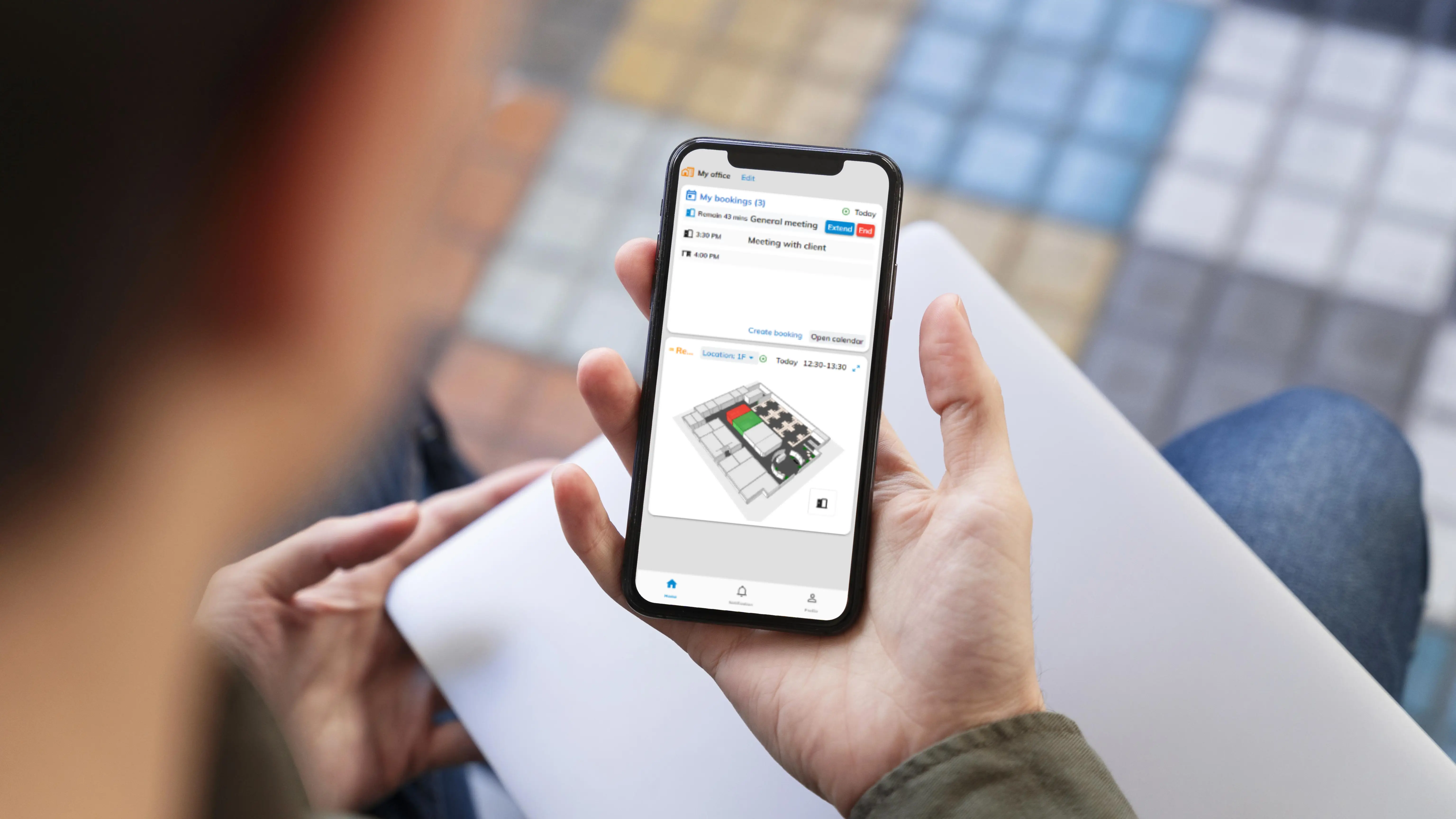
Day-to-day Offision happens in a browser, on a phone, or from Outlook and Teams. The panel by the door and the screen in the lobby read the same bookings.
Browser · phone · Outlook · Teams · panels
This is the half of Offision you use without administering anything: your bookings, your visitors, your account. Which surface you open is under Apps.
Offision drives Crestron, Qbic, IAdea, Neat, iPads, and ordinary Android and Windows tablets the same way: enrol the panel, pair it to a room, hand it a configuration.
Lobby screens, availability walls and corridor displays play content built from live widgets — not a stale picture of data.
Where a room requires check-in, turning up is not enough. Someone checks in at the panel, by QR, or with a staff card — or the booking is released and the room goes back to the pool.
In a browser, on a phone, and from Outlook and Teams. Room panels sit by the door. Signage plays in the lobby and corridors. How to get each app is on Downloads.
The browser needs nothing. Windows, macOS and Android employee apps are on the Downloads page. Booking-panel software for iPad, Android and Windows kiosks is listed separately — it is not the employee app.
Yes. The panel holds almost nothing of its own. It shows the same bookings the rest of Offision does, including Outlook and Teams.
No. A panel is paired to one room. Signage is the lobby, the lift bank, the corridor — screens that are not attached to a single door.
Open Offision in a browser today, then add the app, Outlook, Teams or a panel when you are ready.
Get started in minutes