Select another country/region to browse the content applicable to your location.
Cross-Platform

Cross-platform support

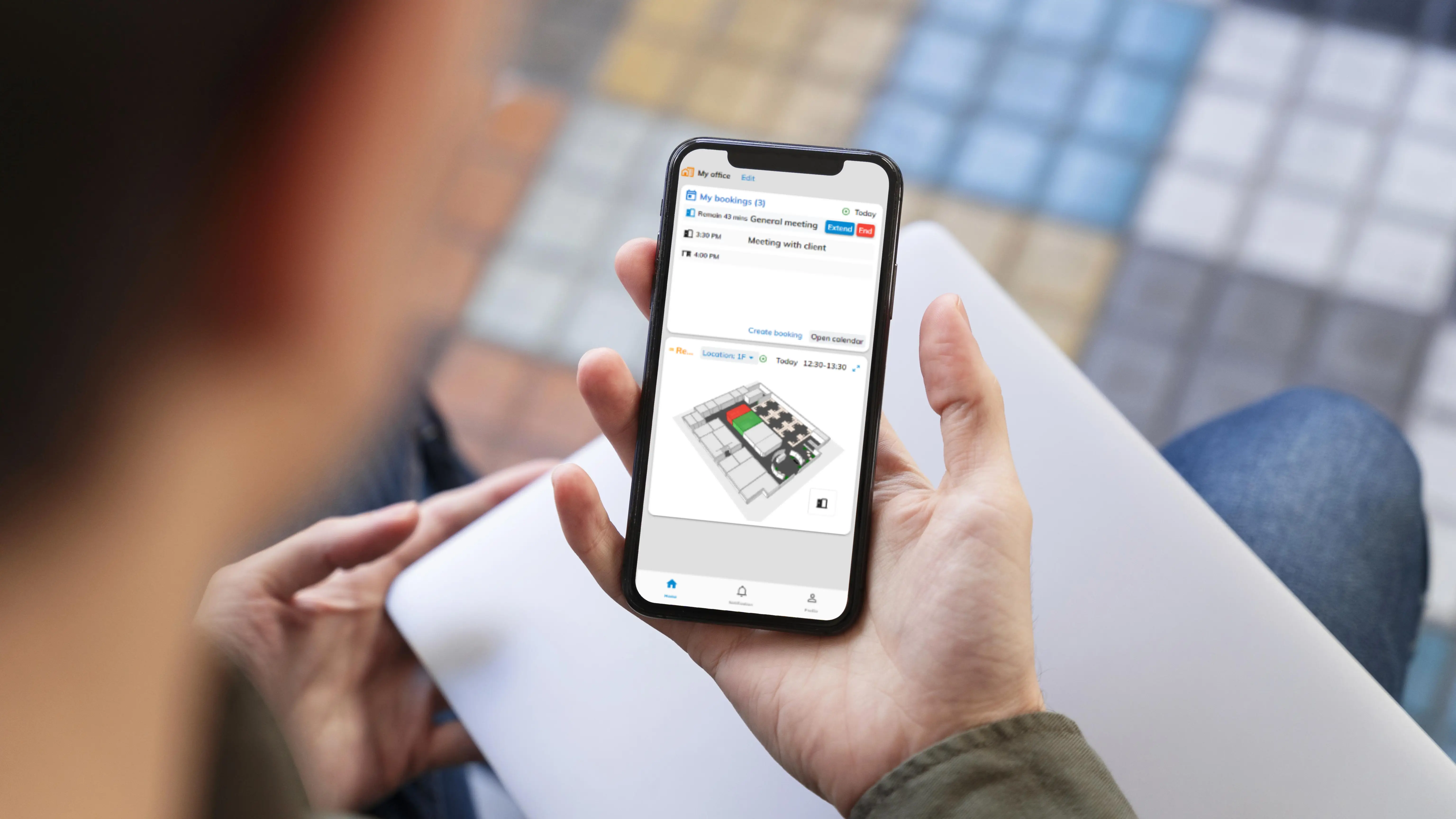
Use our all-in-one integrated office platform on your desktop and mobile anywhere, anytime.

Offision cross-platform dashboard

Why Cross-Platform Matters

Access your workplace tools seamlessly from any device, anywhere in the world.

Multi-Device Access

Use Offision on desktop, mobile, or tablet with a consistent experience across all platforms.

Seamless Integrations

Connect with Outlook, Google Workspace, Microsoft Teams, and more out of the box.

Unified Platform

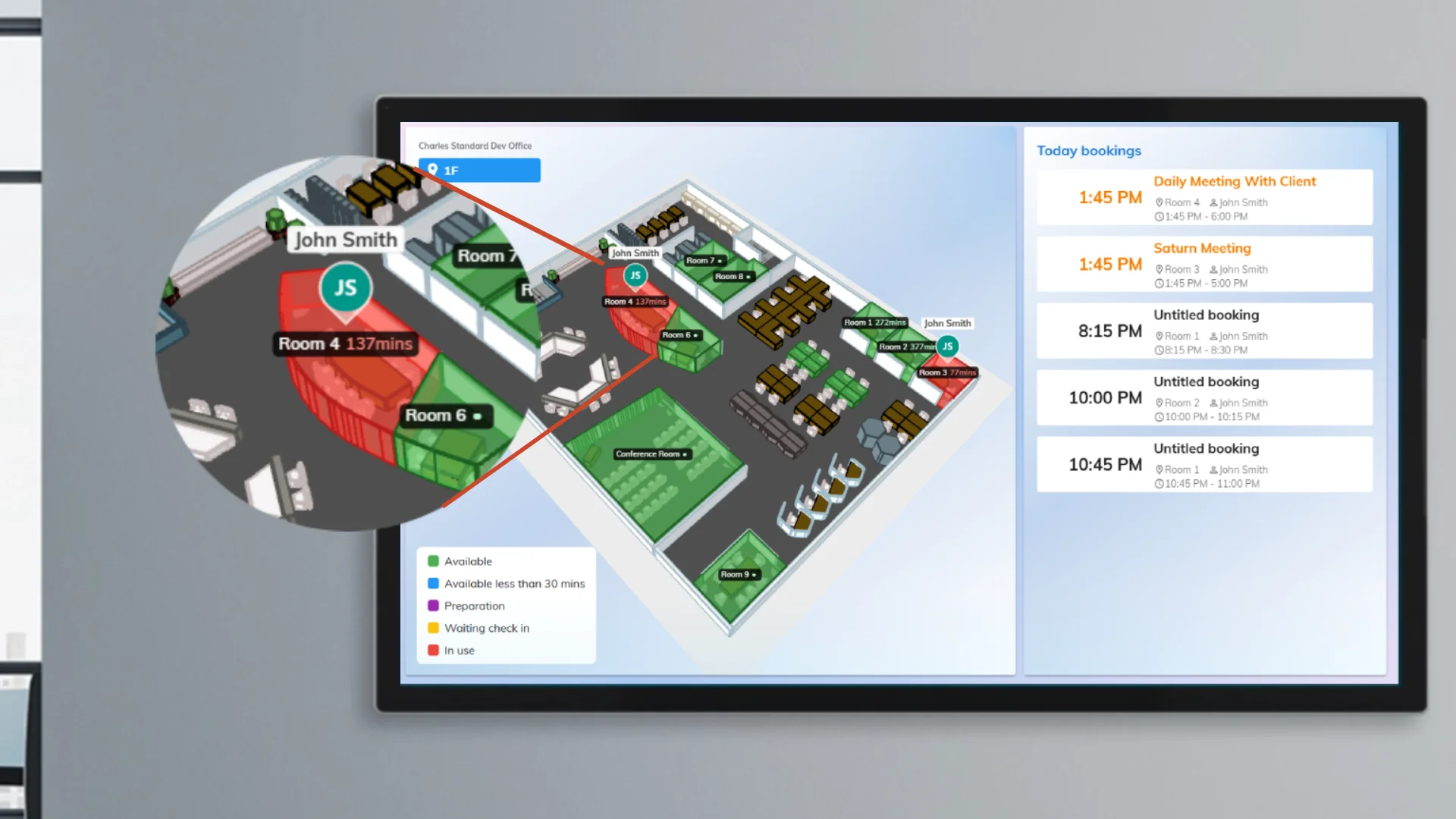
Manage rooms, desks, visitors, and services all from one integrated platform.

Offision desktop support
Multi-Device

Support various devices

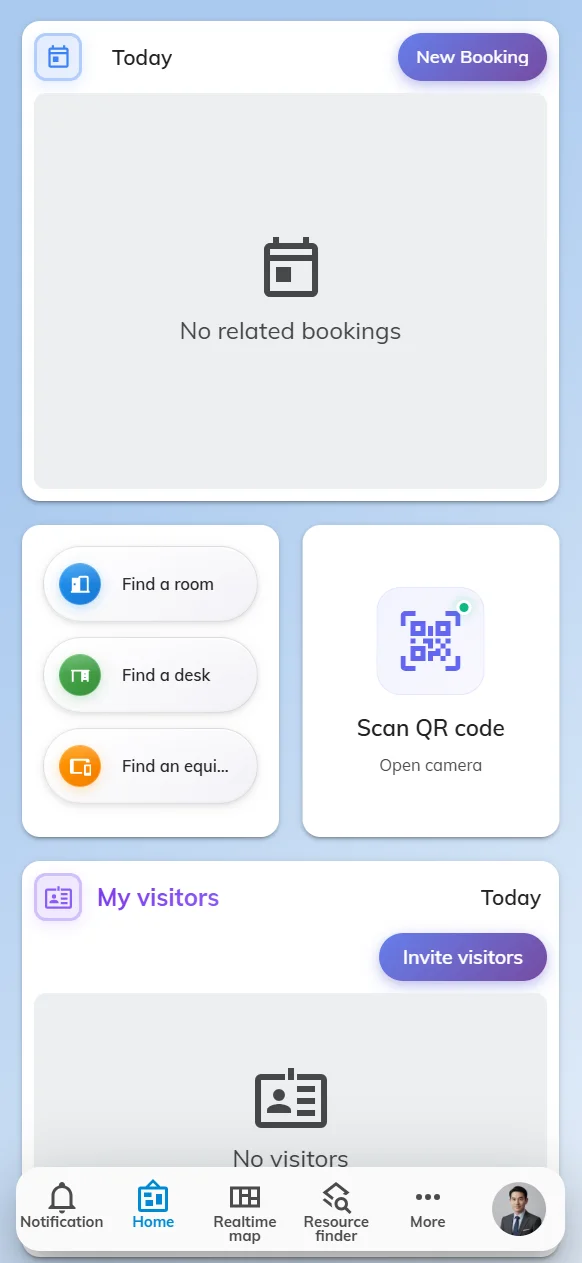
Our application works across a wide variety of devices including Windows, iOS, and Android applications, to make sure you can use our service anywhere.

Windows & macOS

Full-featured desktop experience with native browser support.

iOS & Android

Manage bookings and check-ins on the go with our mobile apps.

Offision integrations
Integrations

All integrations you love

Connect Offision with your favorite tools using ready-made integrations or custom APIs.

Microsoft 365

Outlook, Teams, and Exchange integration for seamless scheduling.

Google Workspace

Calendar and Meet integration for Google-first organizations.

Offision all-in-one platform
All-in-One

All-in-one office platform

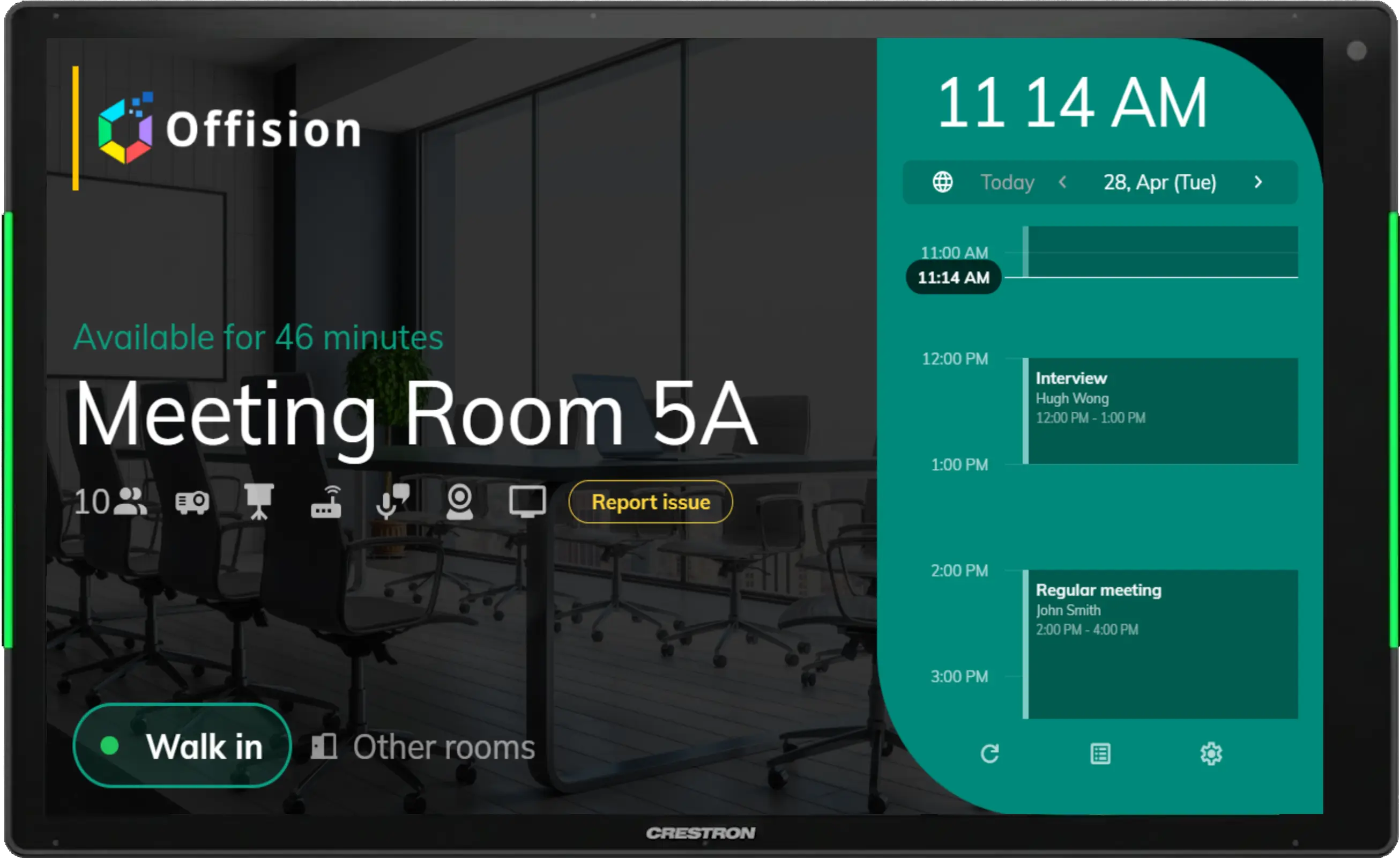
You can enjoy our office management services such as room booking, desk booking, and visitor management on various platforms.

Room & Desk Booking

Reserve meeting rooms and desks from any device in seconds.

Visitor & Service Management

Handle visitor check-ins and service requests across all platforms.

Capabilities

Everything You Need, Everywhere

Real-Time Sync

Changes sync instantly across all devices and platforms.

Offline Mode

Access essential features even without internet connectivity.

Push Notifications

Stay updated with instant alerts on booking changes and approvals.

Single Sign-On

Log in once with your company credentials across all devices.

API Access

Build custom integrations with our comprehensive REST API.

Multi-Language

Available in multiple languages with automatic locale detection.

FAQ

Frequently Asked Questions

Offision works on Windows, macOS, iOS, and Android. You can also access the full platform through any modern web browser including Chrome, Firefox, Safari, and Edge.

Offision integrates with Microsoft Outlook, Microsoft Teams, Microsoft Exchange, Google Workspace (Calendar, Meet), and more. We also provide a comprehensive API for custom integrations.

No installation is required for the web version. For mobile, download the Offision app from the App Store or Google Play. The desktop experience works directly in your browser.

Yes! Offision provides a consistent user experience across all devices. Your settings, preferences, and bookings sync in real-time so you can switch between devices seamlessly.

Still have questions?

Our team is here to help you get the most out of Offision's cross-platform capabilities.

Ready to Work From Anywhere?

Get started with Offision today and experience seamless cross-platform workspace management.