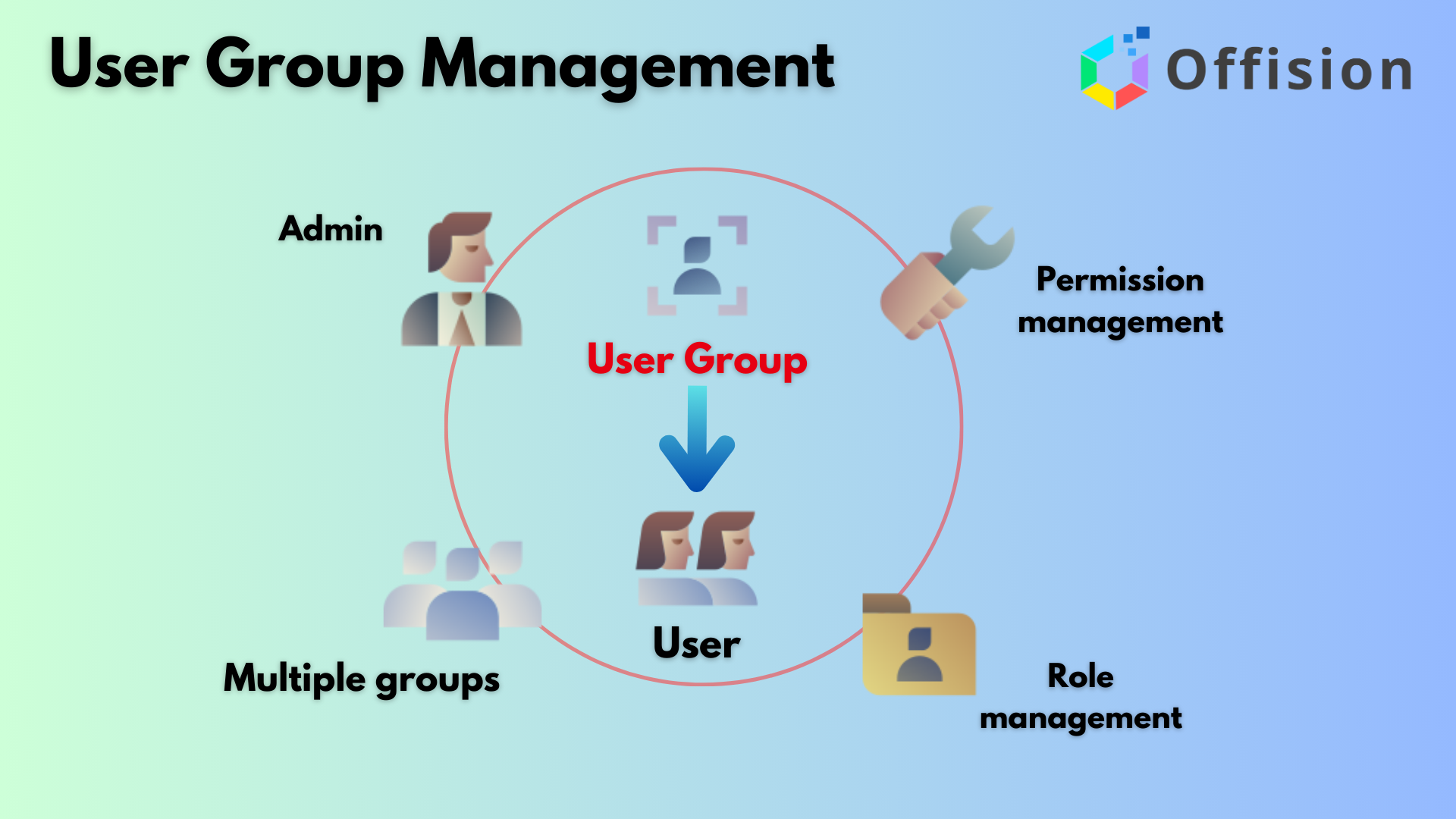
The User Groups: Efficient Group Permission Management feature in Offision is designed to help administrators efficiently organize and manage user permissions. By grouping users based on their roles, responsibilities, or departments, admins can streamline the process of managing access and permissions within the system.
Key points about this feature:
- Create User Groups Easily: Admins can set up user groups tailored to specific needs, such as teams, departments, or project roles.
- Group-based Permission Management: Permissions can be assigned to entire groups, eliminating the need to assign roles individually.
- Flexible User Assignment: Each user can belong to more than one group, ensuring they have all the permissions they need across their responsibilities.
- Simplified System Control: By managing permissions at the group level, admins can reduce errors and maintain better oversight of access controls.
- Enhanced Security: Organizing users into groups with clearly defined permissions improves data security and prevents unauthorized access.
This feature not only saves time for admins but also ensures that the system remains secure and organized, allowing teams to work more effectively.
Pros:
Improved Organization:
- Groups help neatly organize users based on roles or teams.
- Makes managing large user bases easier for admins.
Efficient Permission Management:
- Assigning permissions to groups saves time compared to assigning them individually.
- Ensures consistency in permissions for all users in a group.
Flexibility for Users:
- Users can belong to multiple groups, giving them access to multiple roles or projects.
- Helps accommodate users with responsibilities across different departments.
Time-Saving for Admins:
- Reduces repetitive tasks by applying permissions at the group level.
- Changes to a group automatically apply to all its members, simplifying updates.
Enhanced Security:
- Permissions are easier to track and control through groups.
- Reduces the chances of accidental over-permissioning by centralizing control.
Scalable for Growing Teams:
- Works well with larger teams or expanding organizations.
- Easy to add new users to existing groups without disrupting workflows.
Transparency and Accountability:
- Groups clearly show who has access to what, improving system transparency.
- Helps in audits and tracking access permissions quickly.
The User Groups: Efficient Group Permission Management feature in Offision is a powerful tool for managing permissions and organizing users. While it offers significant advantages like efficiency, scalability, and security, it requires thoughtful setup and oversight to prevent potential pitfalls.

 Neat Devices
 Crestron