Select another country/region to browse the content applicable to your location.

Find Room and Desk by Talking to AI Assistant

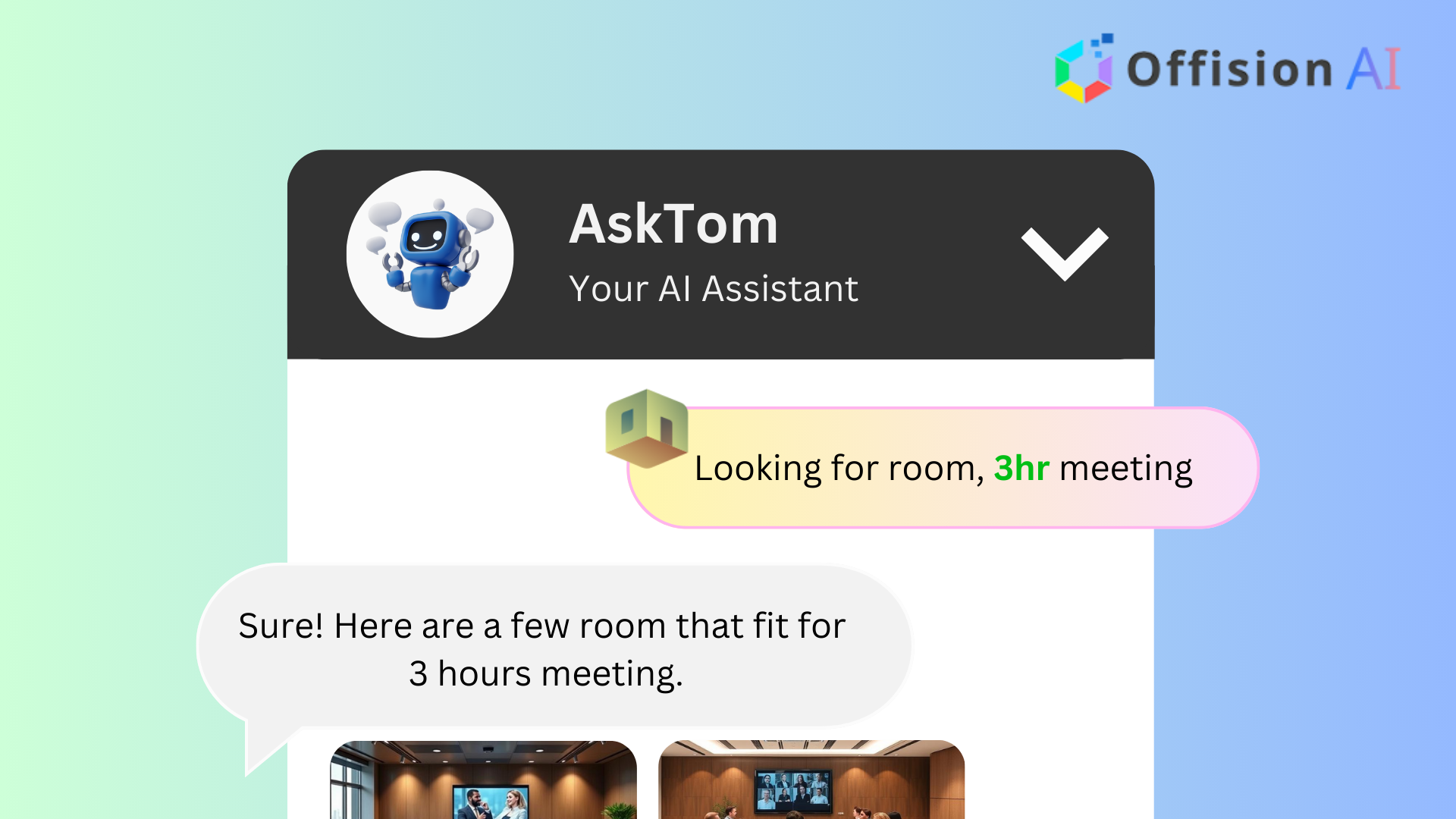
Use the AI Assistant to find and book resource by voice. Specify capacity, location, date, and time. Confirm booking instantly or customize details like attendees and agenda.

Find Room and Desk by Talking to AI Assistant

Knowledge Center

Find Room and Desk by Talking to AI Assistant

Insights & Tips

Features Overview

Insights and best practices to optimize your workspace

The AI Find Available Resource by Voice feature in Offision allows you to book resources quickly and effortlessly using simple voice commands. Here's how it works:

  • Speak Your Needs: Just tell the AI Assistant your requirements, such as room capacity, location, date, and time.
  • Instant Suggestions: The system analyzes your input and suggests the best available rooms.
  • Book Instantly: If you're happy with the suggestion, click "Book Directly" to confirm the reservation.
  • Customize Your Booking: Need to add more details? Open the booking form to include attendees, meeting agenda, or notes.
  • Flexible and Fast: Get the perfect room in seconds, whether you're in a hurry or need to customize the booking.

This feature makes room booking easier than ever, saving you time and effort while ensuring you get the right resources for your meetings.

Ready to set this up?

Start your free trial today and transform your workspace in minutes.

How It Works

Configuration steps

Follow these steps

Step 1

Navigate to the "Room," "Desk," and "Equipment" to create resources

Step 2

Navigate to "Users", then invite and assign "User" permission to the new users

Step 3

Assign "Premium AI pack" license to the appropriate users

Step 4

Navigate to "System interface" and scroll down to "Home page settings"

Step 5

Enable "Home" and save

Navigate to the "Room," "Desk," and "Equipment" to create resources

Navigate to "Users", then invite and assign "User" permission to the new users

Assign "Premium AI pack" license to the appropriate users

Navigate to "System interface" and scroll down to "Home page settings"

Enable "Home" and save

Trusted by organizations worldwide

Join hundreds of companies streamlining their workspace management with Offision

30-day Free Trial
No Credit Card
Setup in Minutes
ISO 27001
Get Started Free