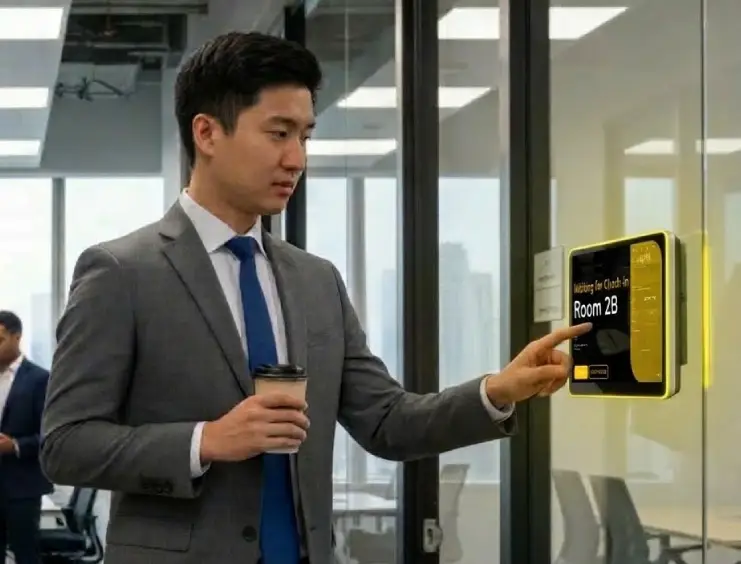
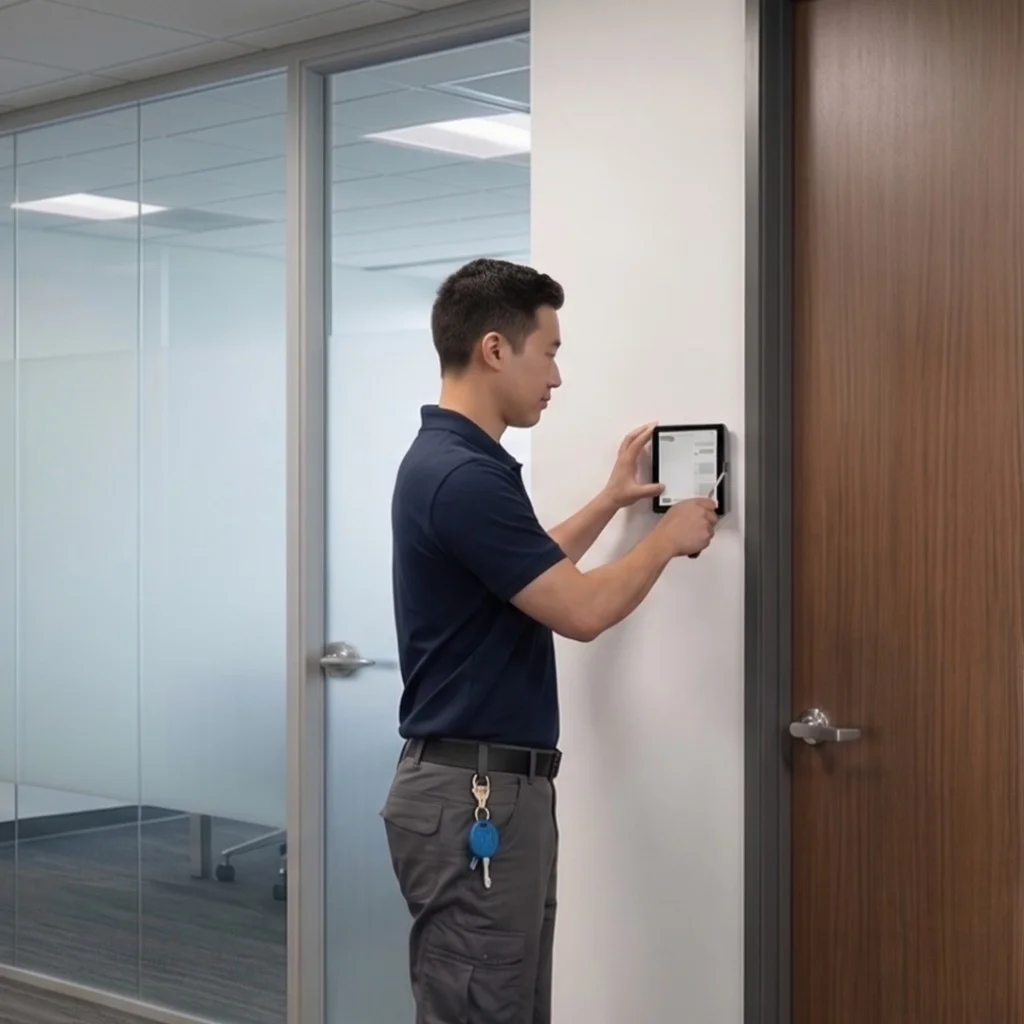
Pair an AXIS lock to any Offision booking panel. People with the booking press Open door. The strike releases — then locks itself again.
During the meeting
Open door
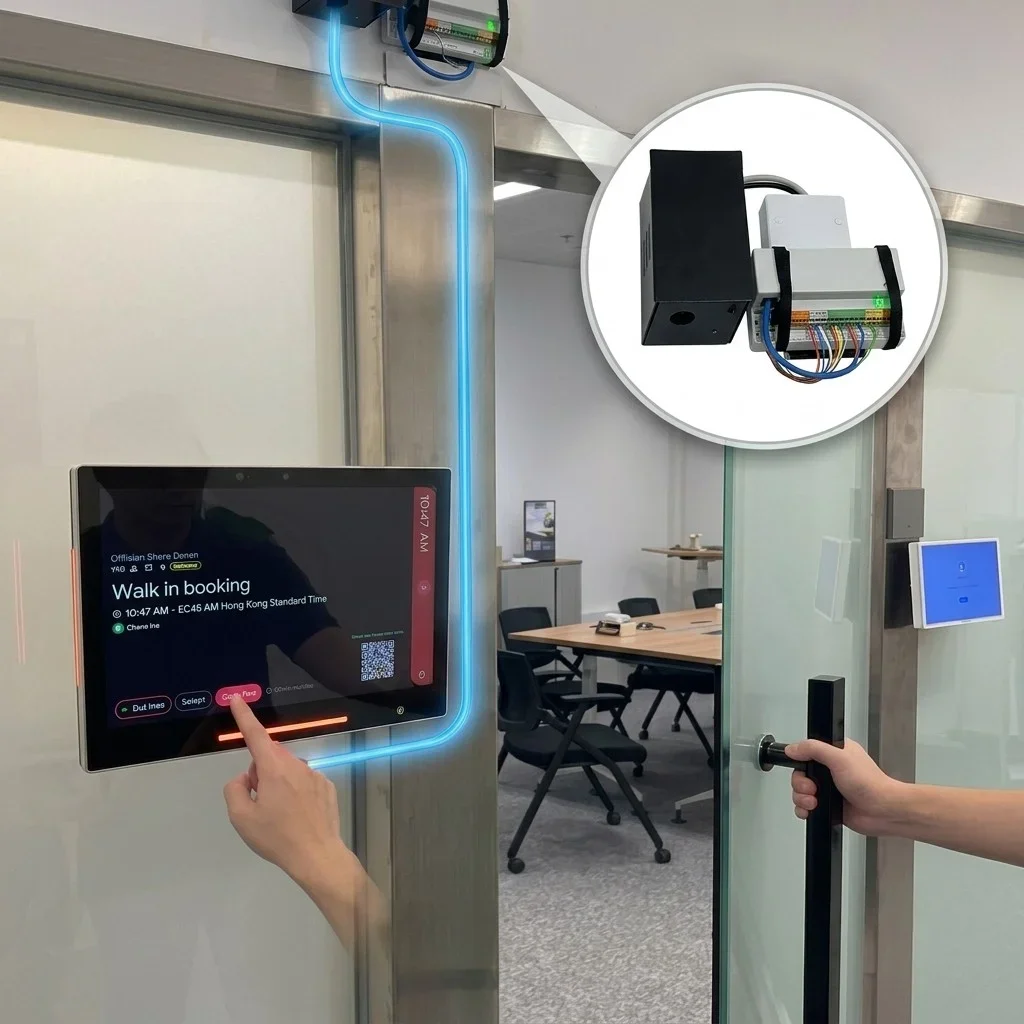
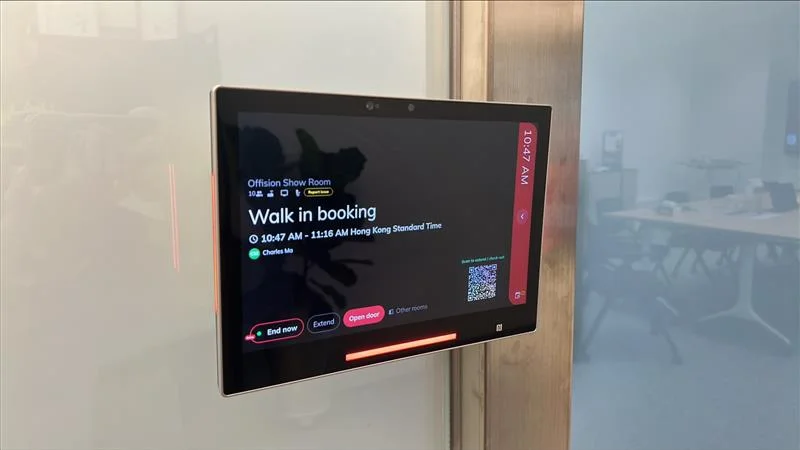
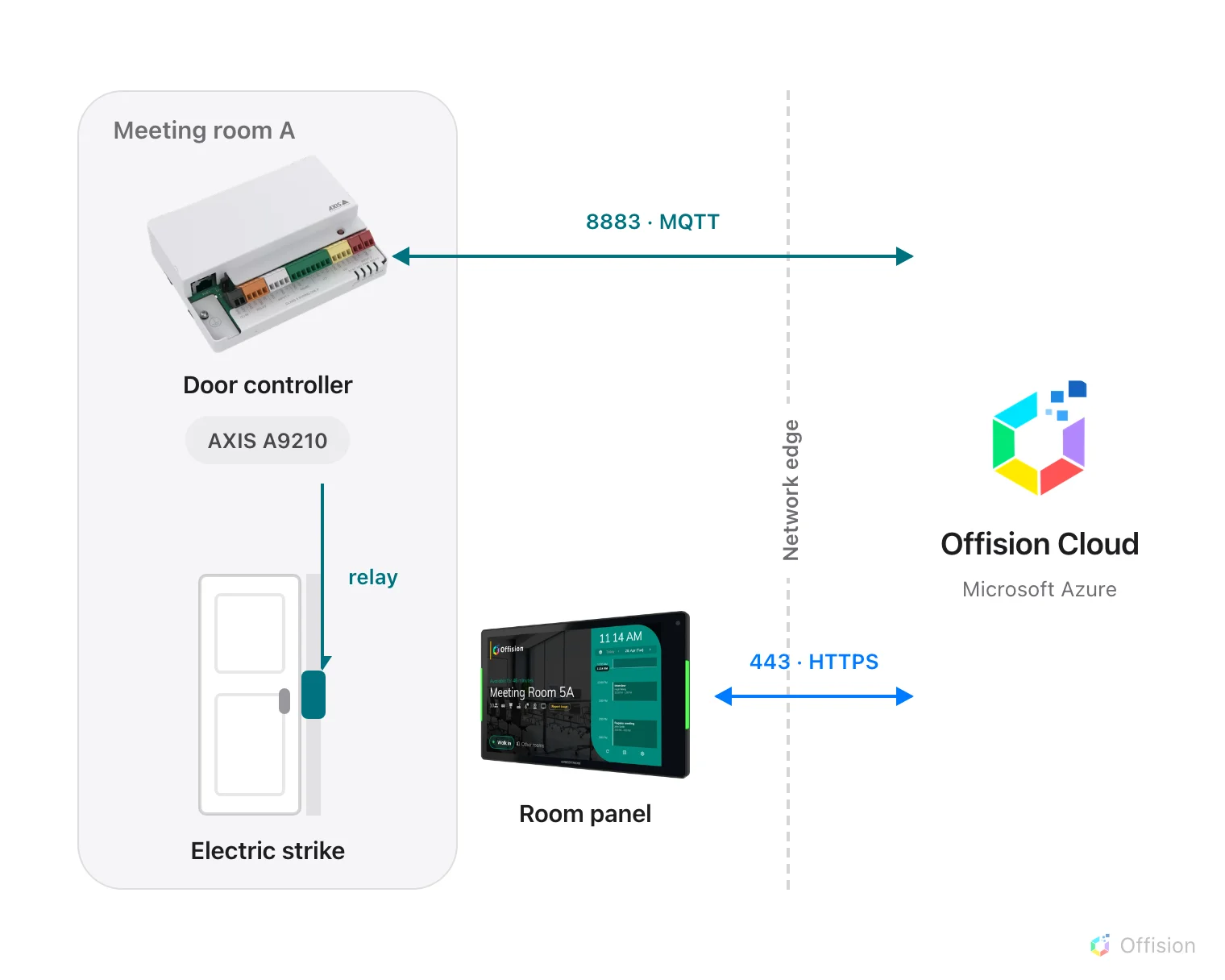
Offision door access connects an AXIS door lock to any booking panel. During a meeting, people tap Open door on the panel beside the room; Offision sends the unlock command to AXIS and the strike releases — no extra app, key card, or inbound network access.
From the booking panel outside the room — no extra app, no extra key.
The lock finds Offision. Offision never reaches in.
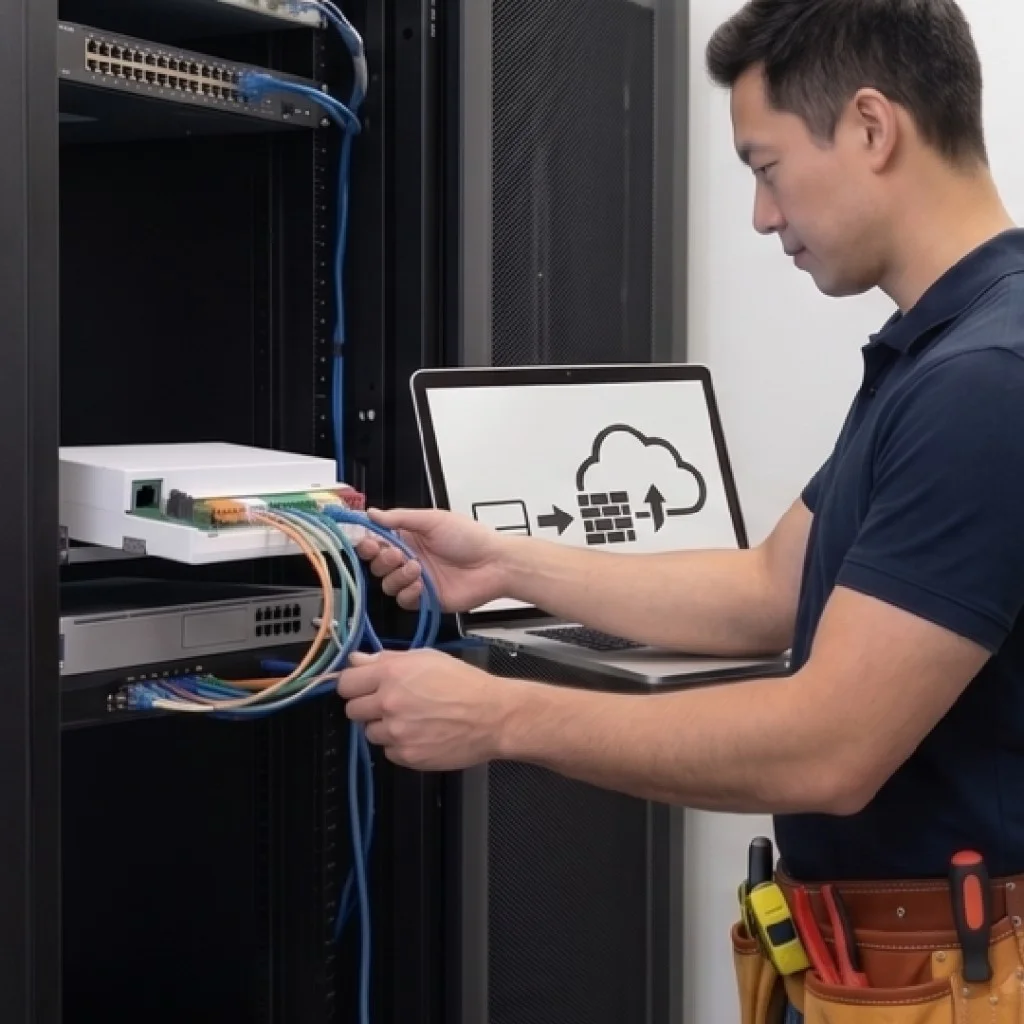
The controller and the panel both dial out to Offision Cloud on Azure. No inbound port. No VPN.
Two doors, two panels, two pairings. Move a panel — take its locks with it.
Fail-secure: relay at rest means locked. Duration lives in Offision, not on the box.
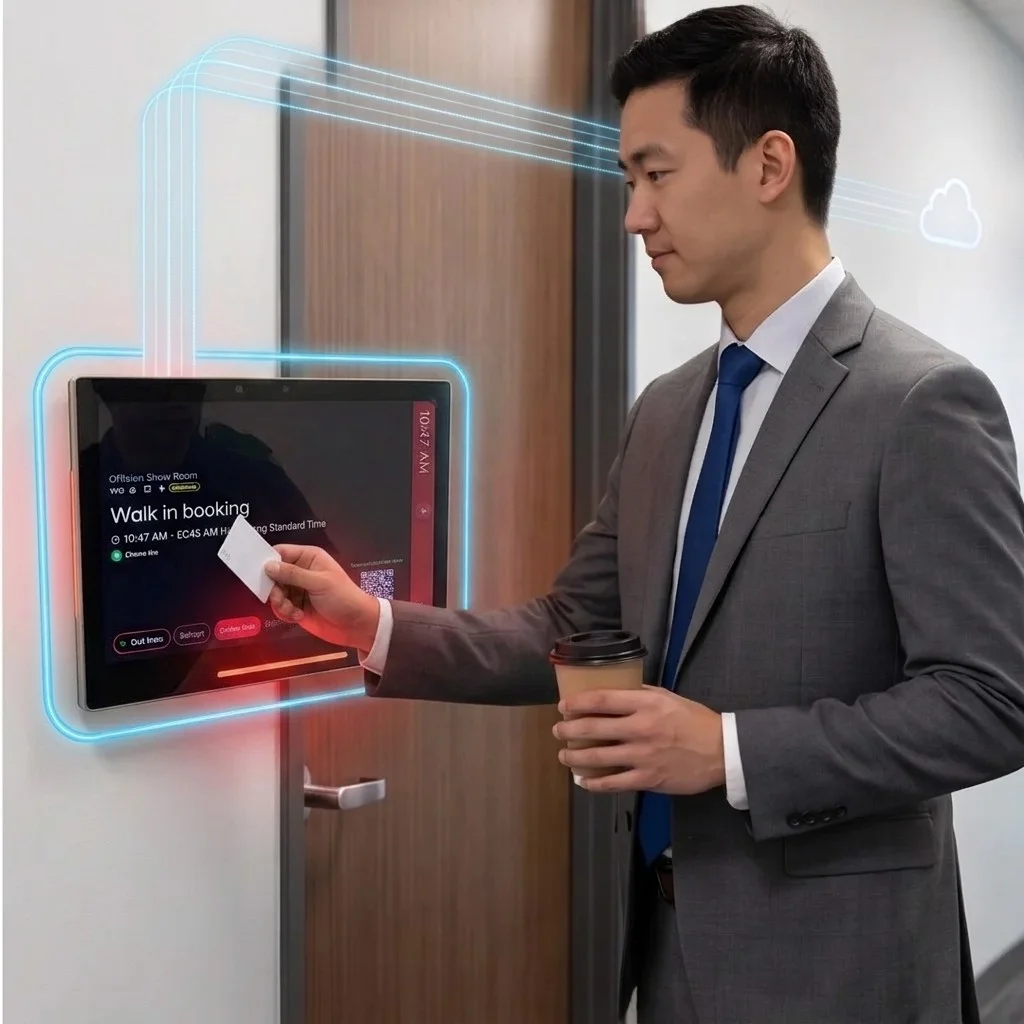
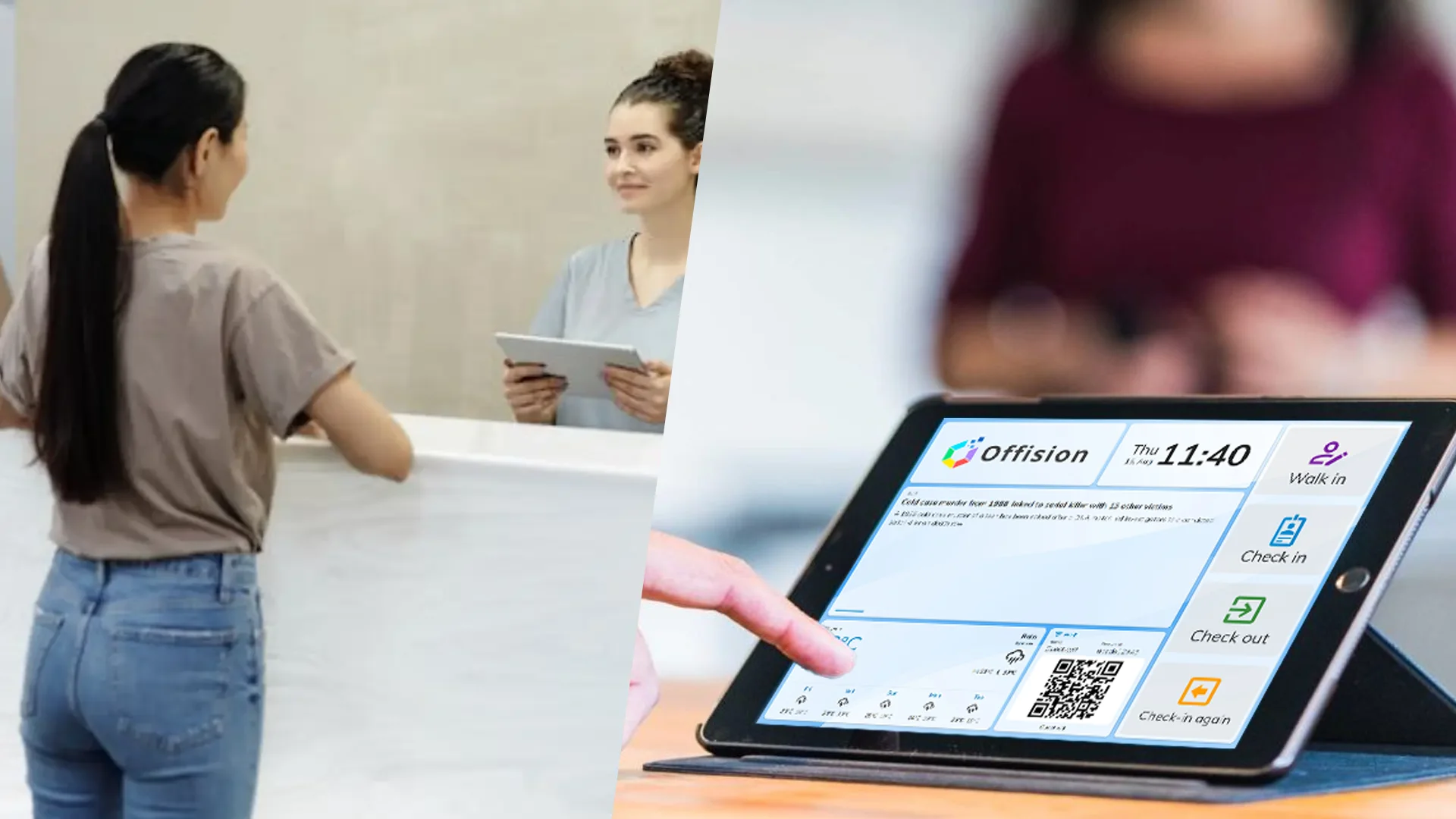
The same booking panel becomes the key — for the meeting, a badge tap, a visitor, or an operator.
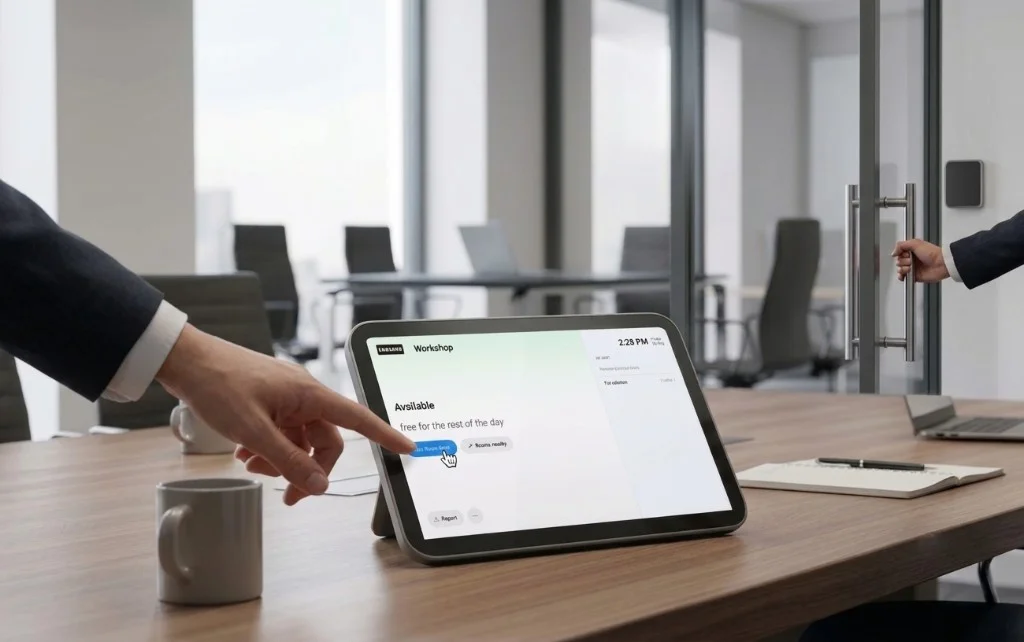
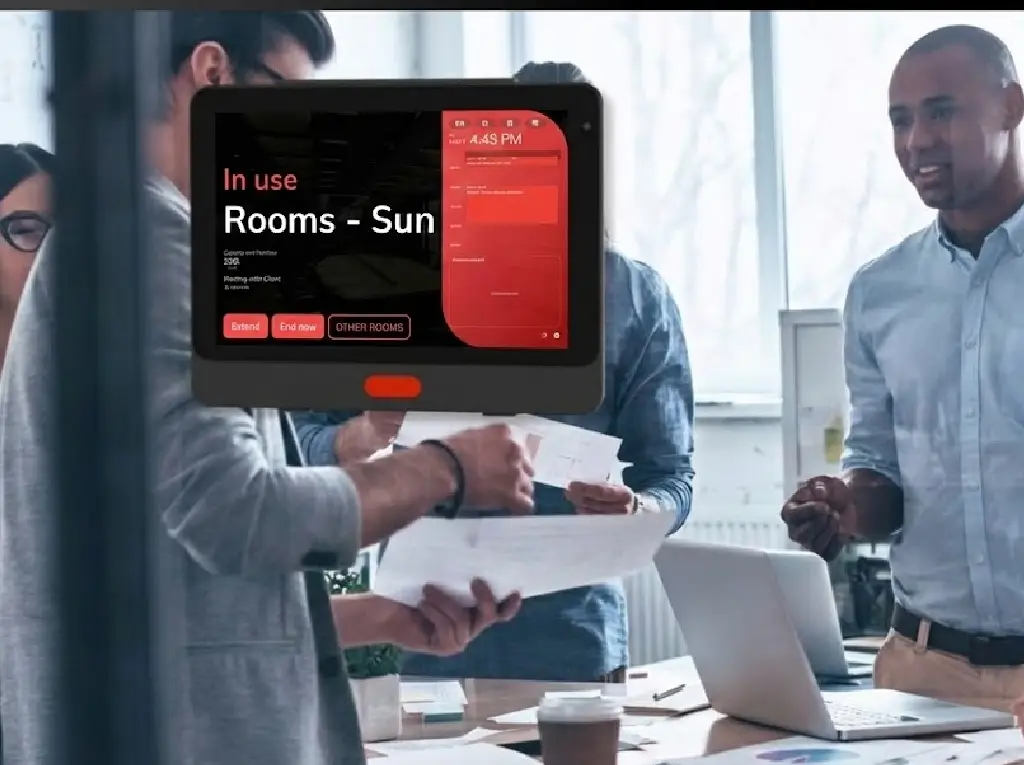
The button sits next to End and Extend. It shows while a booking is running.
A card scan can check people in and release the strike in the same motion.
Guests checked in to the meeting get the same button — no extra keys to manage.
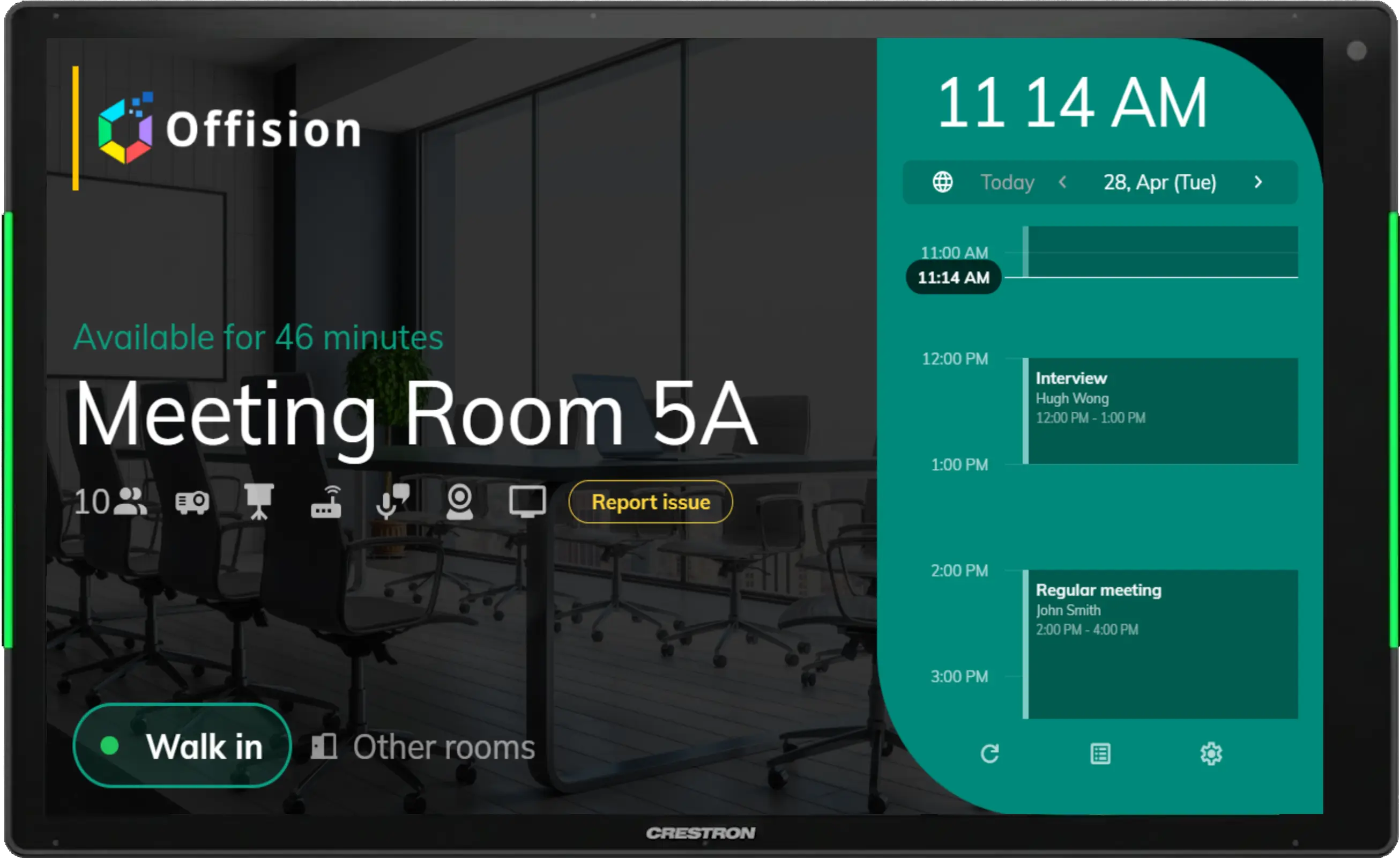
Keep the button on a free room for workplace teams who need to get in.
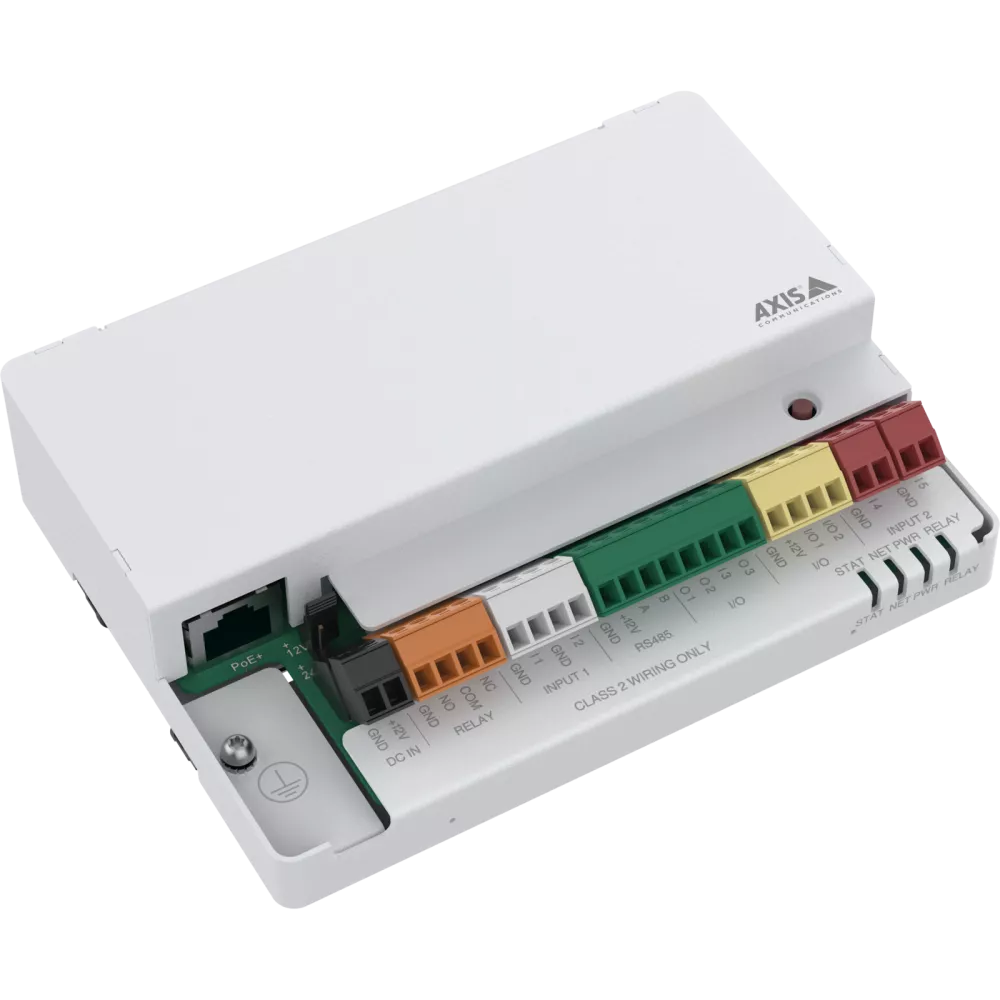
The A9210 turns an electric strike into something Offision can release. Pair it to the panel you already have.
PoE network rail. The strike wires to RELAY. Other AXIS I/O relays set up the same way.
Crestron, Qbic, Neat, iPad, and more. The lock pairs to the panel — not the brand.
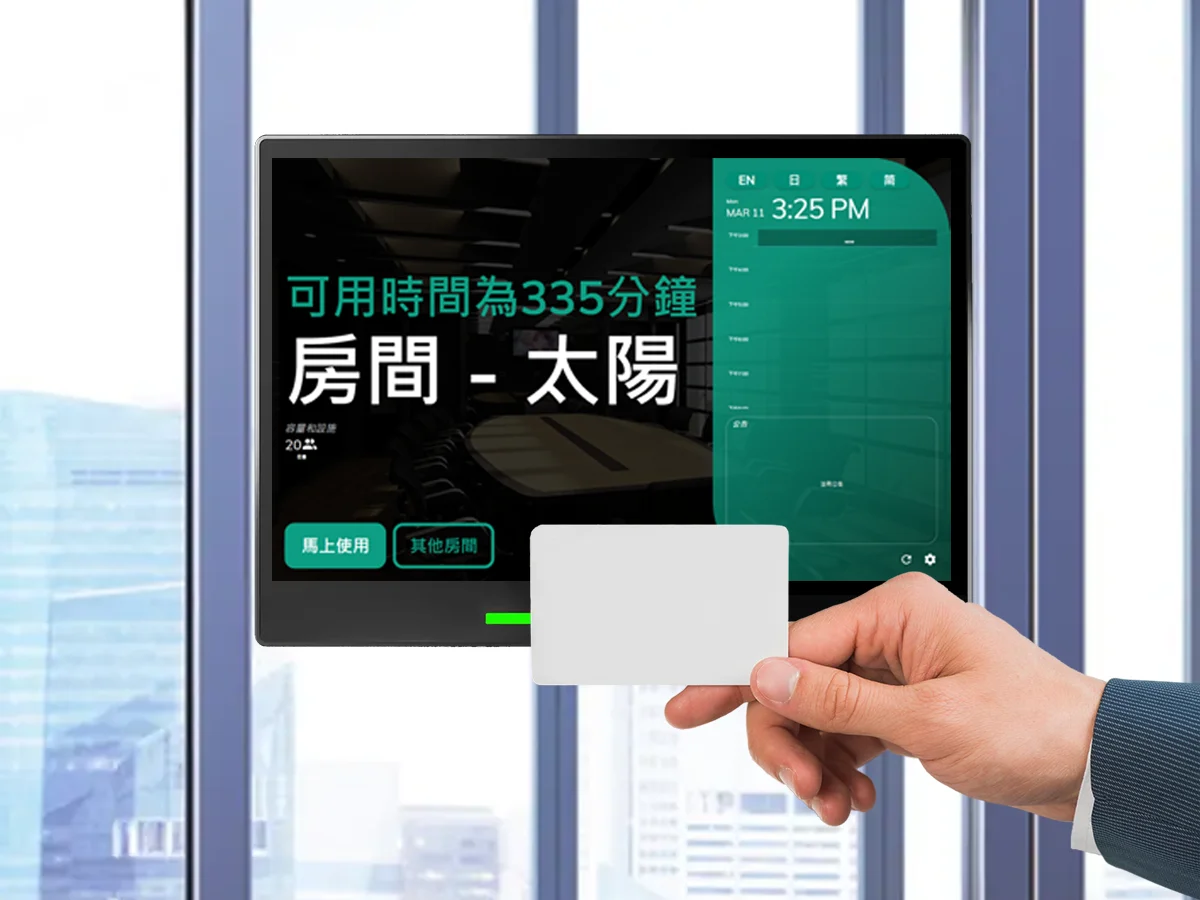
The 10.1′′ Touch LCD Panel PC that is designed to be an all-purpose informational display which can be installed on any surface.
MQTT client, the trailing /# on the subscription, four event rules, and the mistakes that look healthy but never open a door.
Q&A
The short version of what usually comes up on the first install.
An AXIS I/O relay — A9210 or similar — powered up, with the electric strike already wired to the RELAY port.
No. Offision never reaches into your network. It generates a client ID, username, and password. You paste them into the AXIS page.
Any Offision booking panel. The lock is paired to a panel, so a room with two doors is two pairings.
During a running booking, once Show open door button is on in the panel configuration. On a free room, also turn on Booking operators open door any time.
Connected only means the box reached the broker. Check the subscription filter still ends with /#, the rule has no filter topic, Duration is 00:00:00, and the port is RELAY — not O1.
Yes. During a running booking, press Open door on the panel outside the room. Offision signals your AXIS door lock and the strike releases — no extra app or key card needed.
Any Offision booking panel — Crestron, Qbic, Neat, iPad, IAdea, and more. Pair an AXIS A9210 (or similar I/O relay) to the panel, not the room name.
No. The AXIS controller and booking panel both connect outbound to Offision Cloud. No inbound port, VPN, or device IP stored in Offision.