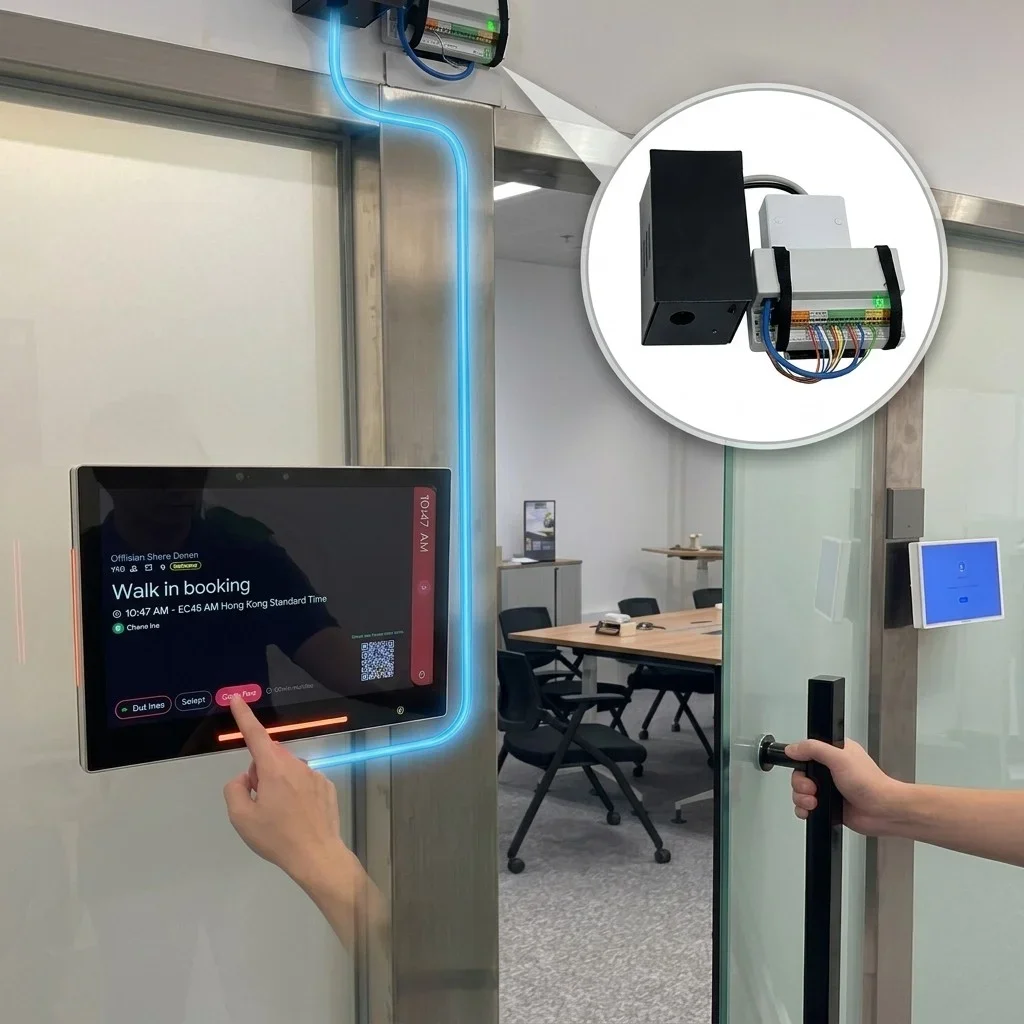
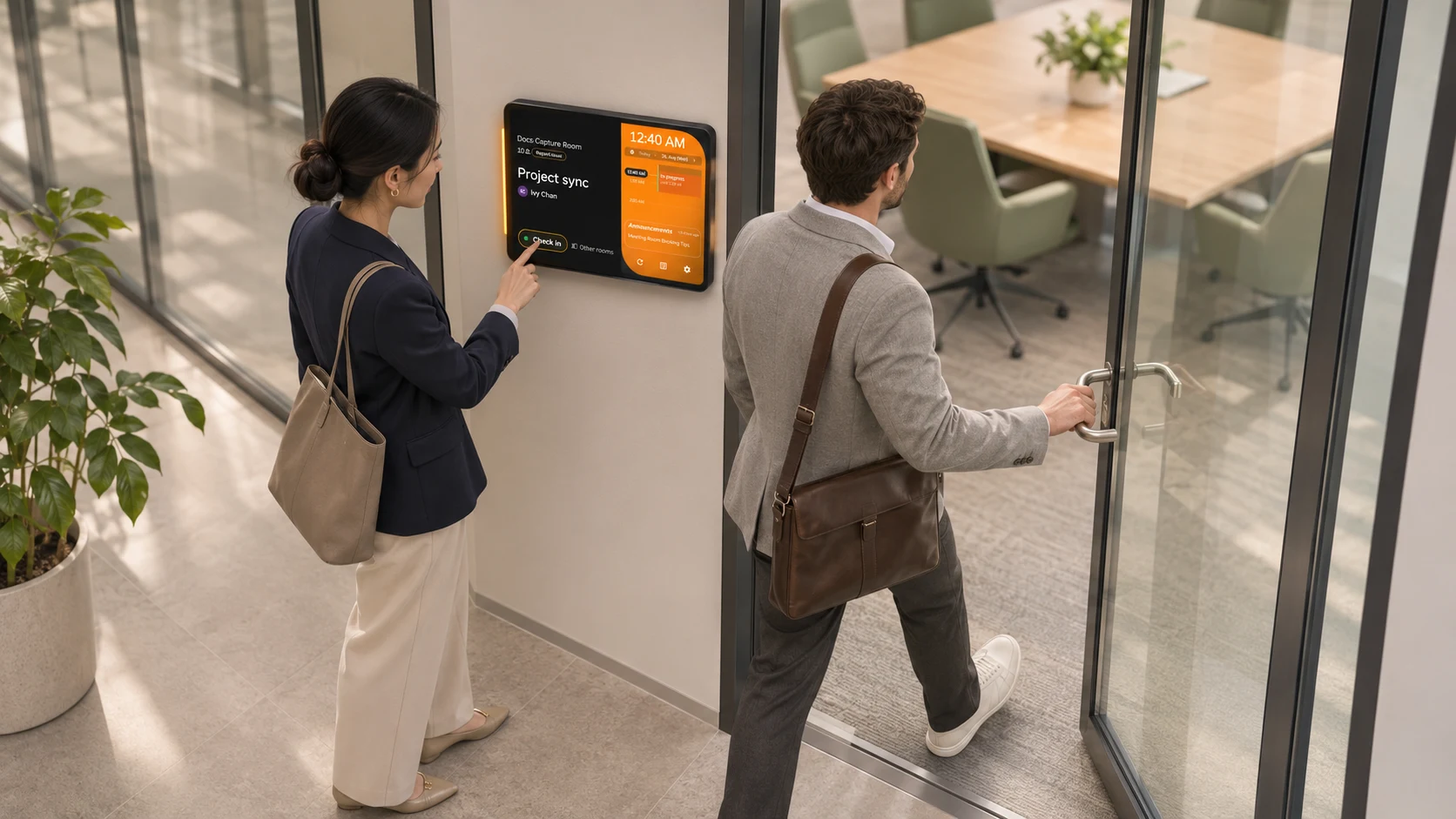
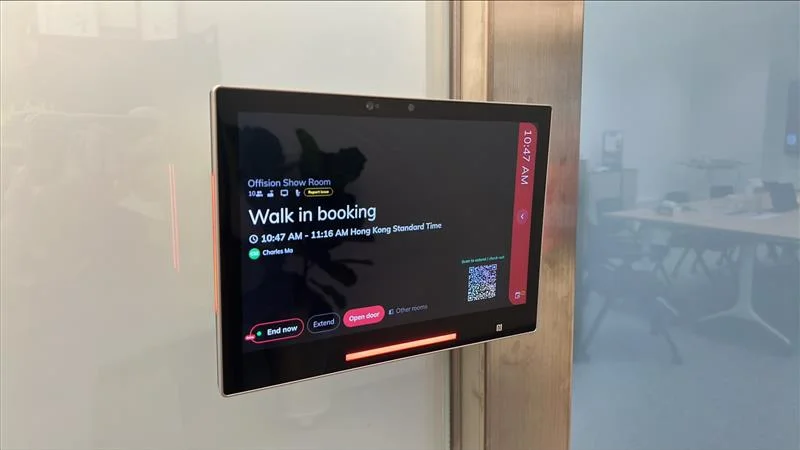
Offision door access connects an AXIS door lock to any booking panel. During a meeting, people tap Open door on the panel beside the room; Offision sends the unlock command to AXIS and the strike releases — no extra app, key card, or inbound network access.
Which AXIS device do I need?
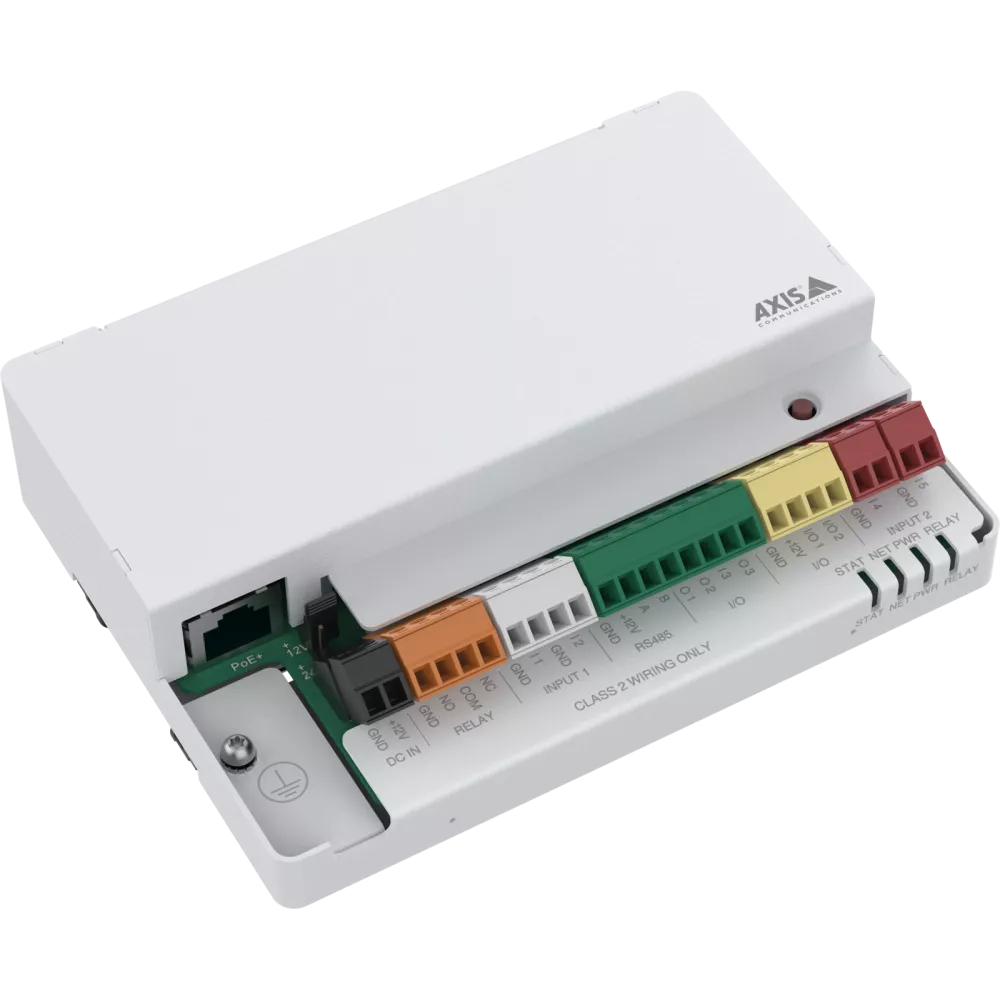
An AXIS I/O relay — A9210 or similar — powered up, with the electric strike already wired to the RELAY port.
Does Offision need the device IP or password?
No. Offision never reaches into your network. It generates a client ID, username, and password. You paste them into the AXIS page.
Which panels work?
Any Offision booking panel. The lock is paired to a panel, so a room with two doors is two pairings.
When does Open door show?
During a running booking, once Show open door button is on in the panel configuration. On a free room, also turn on Booking operators open door any time.
It says Connected, but the door never opens?
Connected only means the box reached the broker. Check the subscription filter still ends with /#, the rule has no filter topic, Duration is 00:00:00, and the port is RELAY — not O1.
Can I unlock a meeting room door from the booking panel?
Yes. During a running booking, press Open door on the panel outside the room. Offision signals your AXIS door lock and the strike releases — no extra app or key card needed.
Which booking panels support Open door?
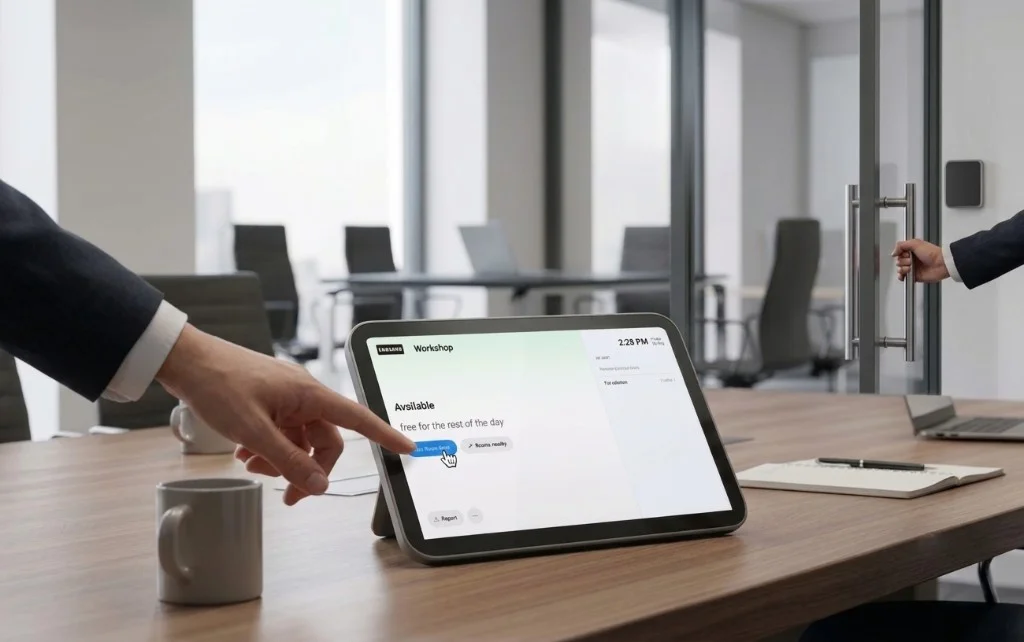
Any Offision booking panel — Crestron, Qbic, Neat, iPad, IAdea, and more. Pair an AXIS A9210 (or similar I/O relay) to the panel, not the room name.
Do I need to open firewall ports for door access?
No. The AXIS controller and booking panel both connect outbound to Offision Cloud. No inbound port, VPN, or device IP stored in Offision.

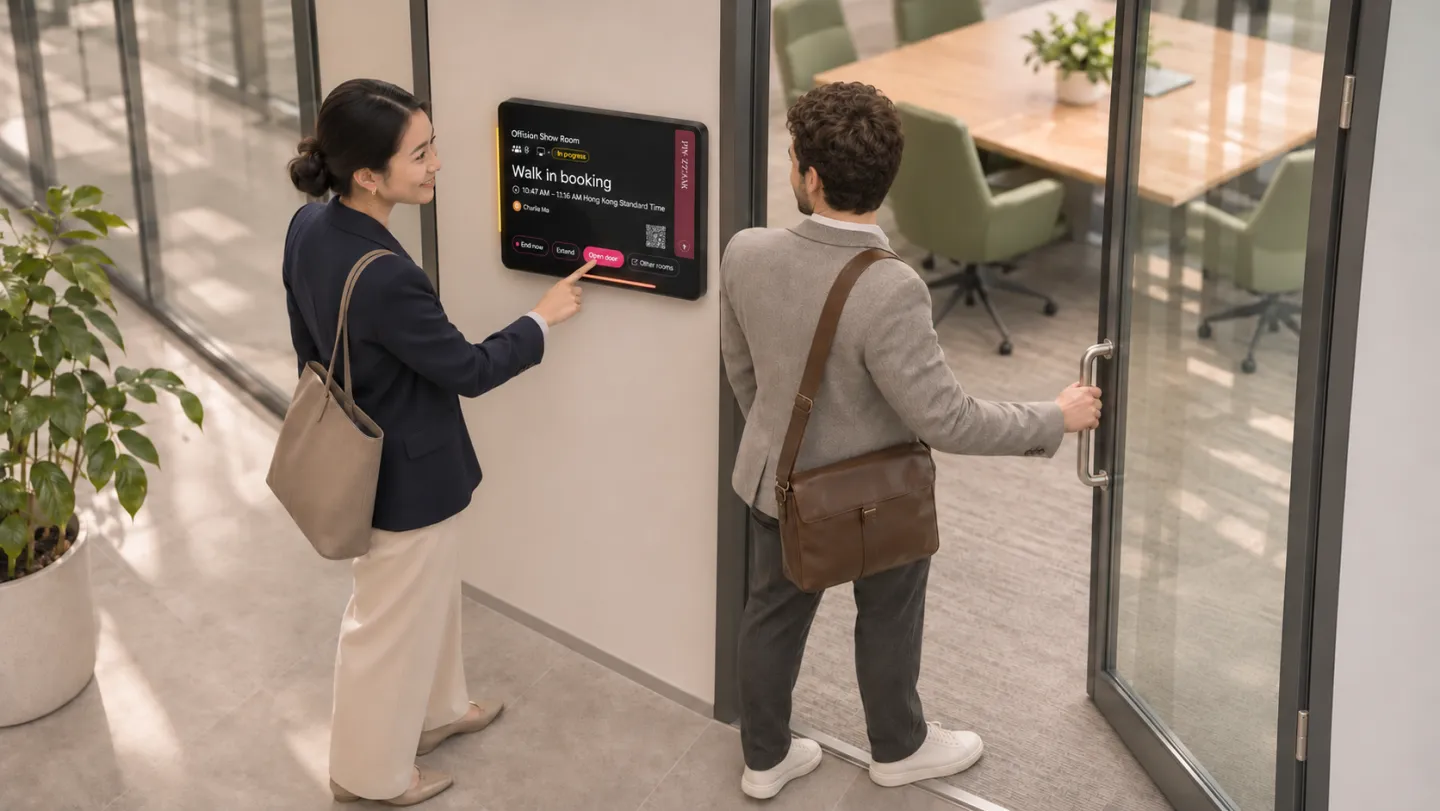


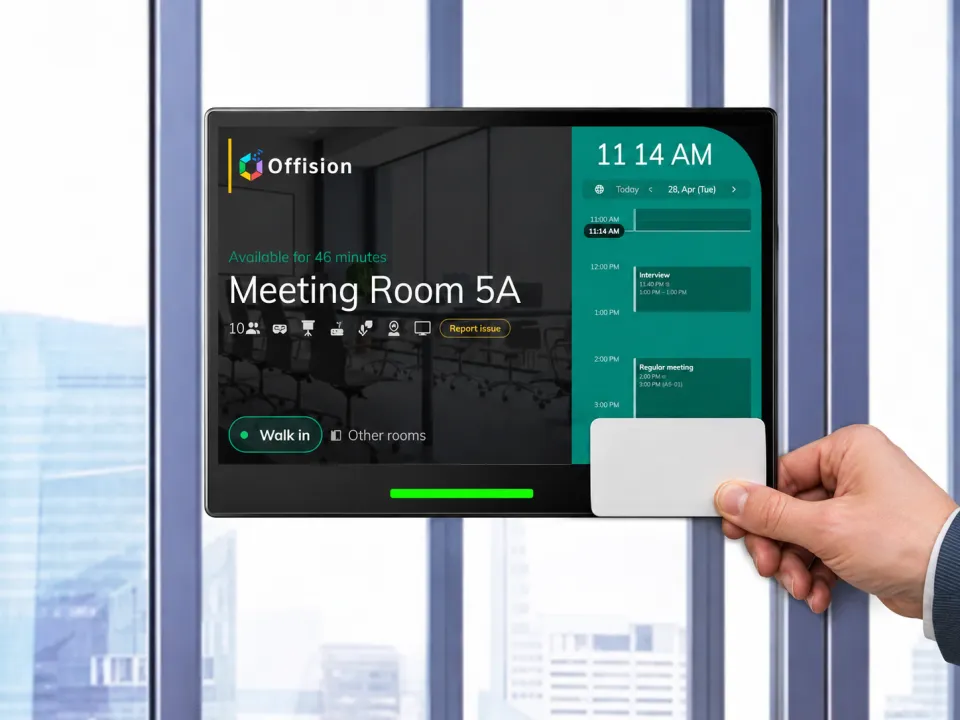 Badge tap opens the door