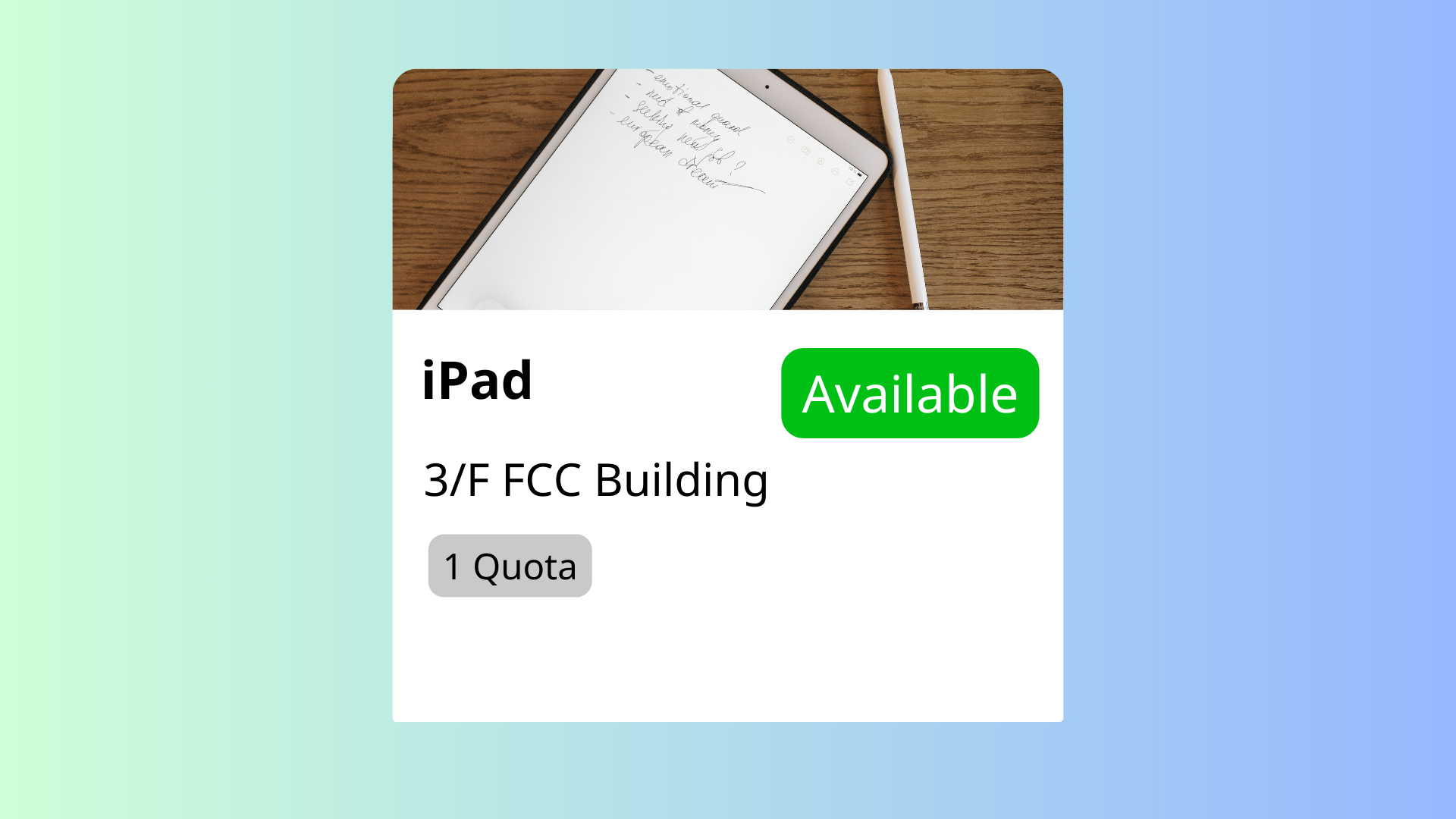
Offision allows admins to create and manage custom resources for user bookings. Admins can define resource details, assign them to floor plans, and simplify user searches with filters and organized listings.
洞察與最佳實踐,協助您優化工作空間
The Add Other Resources feature in Offision enables administrators to create and manage any type of bookable resource for users. This flexible feature is designed to accommodate diverse organizational needs, making it easier for users to reserve resources efficiently.
Core Capabilities:
Create Bookable Resources
Input Resource Details
Assign Resources to Floor Plans
This feature is ideal for managing non-standard resources, such as training equipment, shared tools, or items unique to specific industries. By providing detailed resource information and visual organization, Offision ensures users can easily book and utilize the resources they need without confusion or delays.
Key Benefits:
Flexibility for Any Resource
Improved Resource Management
Enhanced User Experience
Visual Organization with Floor Plans
Optimized Resource Utilization
Streamlined Booking Processes
Supports Unique Requirements
Scalable for Any Organization
Error Reduction
Professional and User-Friendly
The Add Other Resources feature in Offision provides an adaptable and efficient solution for managing diverse bookable resources. While it requires ongoing maintenance and attention to detail, its ability to streamline bookings, improve resource utilization, and provide flexibility makes it an essential tool for modern organizations.
請依照以下步驟操作
Navigate to "Location", and create a building
Input name, country or regions, address, and location on Google map
Add / edit a floor in the building
Navigate to "Map", and click "Map editor" to import / create a floor plan to the floor
Navigate to "Other resources", and create a resource
Edit the resource, then set the capacity, location, position, and any other necessary settings
Navigate to "Location", and create a building
Input name, country or regions, address, and location on Google map
Add / edit a floor in the building
Navigate to "Map", and click "Map editor" to import / create a floor plan to the floor
Navigate to "Other resources", and create a resource
Edit the resource, then set the capacity, location, position, and any other necessary settings
備受全球機構信賴
加入數百間使用 Offision 提升工作空間管理效率的企業


©2026 ONES Software Ltd. All rights reserved.

 Neat 裝置
 Crestron