Problems you recognise Floor space
The pantry panel is for speed — four taps and it is done. Write back from the Offision app when the meeting should be told the tea is on the way.
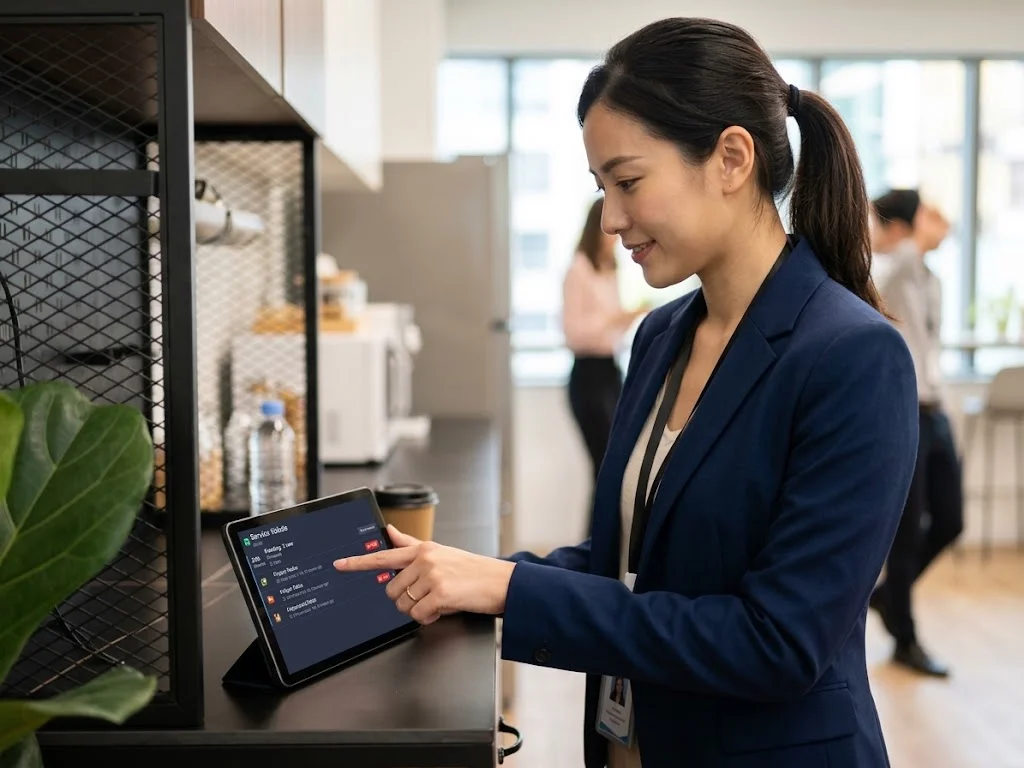
The panel on the pantry wall is the team's shared screen: every open request, grouped by floor, with a timer running since somebody asked. Four taps and a ticket is done. It notifies nobody and records no name — that is the trade for speed. Write back from the app if the person who asked should be told.
No. The panel is for speed. The person who asked is notified only when a staff member writes back from the app.
Room service is the hospitality moment people remember. Most offices still run it on a chat thread and a shout down the corridor.
Full article ›Offision puts tea, chairs and mid-meeting help in one queue with New, In progress, Finished and Rejected — an owner, not a chat thread.
Read this guide ›Offision splits booking services (ordered with the room) from in-use services (asked mid-meeting). Set up both if people need tea either way.
Read this guide ›Give them the Service staff permission. Offision adds a Booking service page — the full queue, with filters, attachments and a reply the requester is told about.
Read this guide ›Walk through your estate, your booking rules and your calendar setup with our team — or start free and try it on one floor.