
Problems you recognise Rooms and desks
Dual sources of truth
If a room can be booked in Outlook and in the workplace tool, and neither is authoritative, the two will disagree the first time someone edits a meeting.
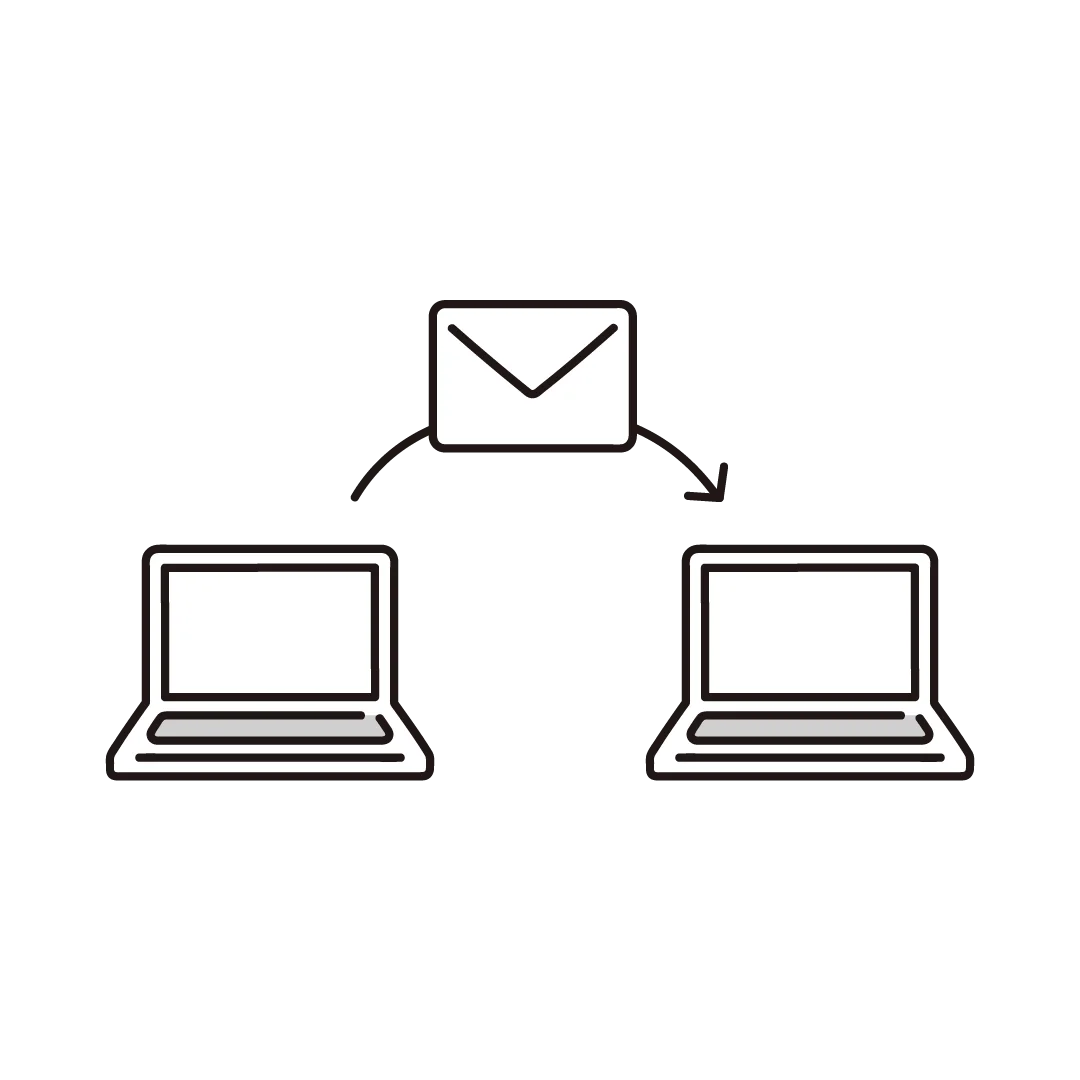
How Microsoft 365 connection modes work
Offision connection modes pick one authoritative path for rooms and calendars — Microsoft 365 or Google Workspace syncs resources and meetings so Outlook, Teams and Offision read the same availability instead of maintaining parallel inventories.
Common questions
Do employees have to stop using Outlook?
No — that is usually the wrong trade. Offision syncs both ways with Microsoft 365 and Google Workspace, so people keep booking where they already work.


Part of a larger guide
Outlook says one thing, the room panel says another
When bookings live in two systems that sync loosely, people stop trusting both — and start double-booking on purpose.
Full article ›One-way sync
Pushing bookings out but not reading changes back means every reschedule, shortened meeting and cancellation made in Outlook silently goes missing.
Read this guide ›Room mailboxes
Exchange resource mailboxes accept invitations by their own policy, not by your booking rules, so quotas, approvals and check-in requirements never apply.
Read this guide ›Room time zones
A meeting organised from another region lands at the wrong local hour when the room's own time zone is not part of the record.
Read this guide ›See it against your own rooms
Walk through your estate, your booking rules and your calendar setup with our team — or start free and try it on one floor.