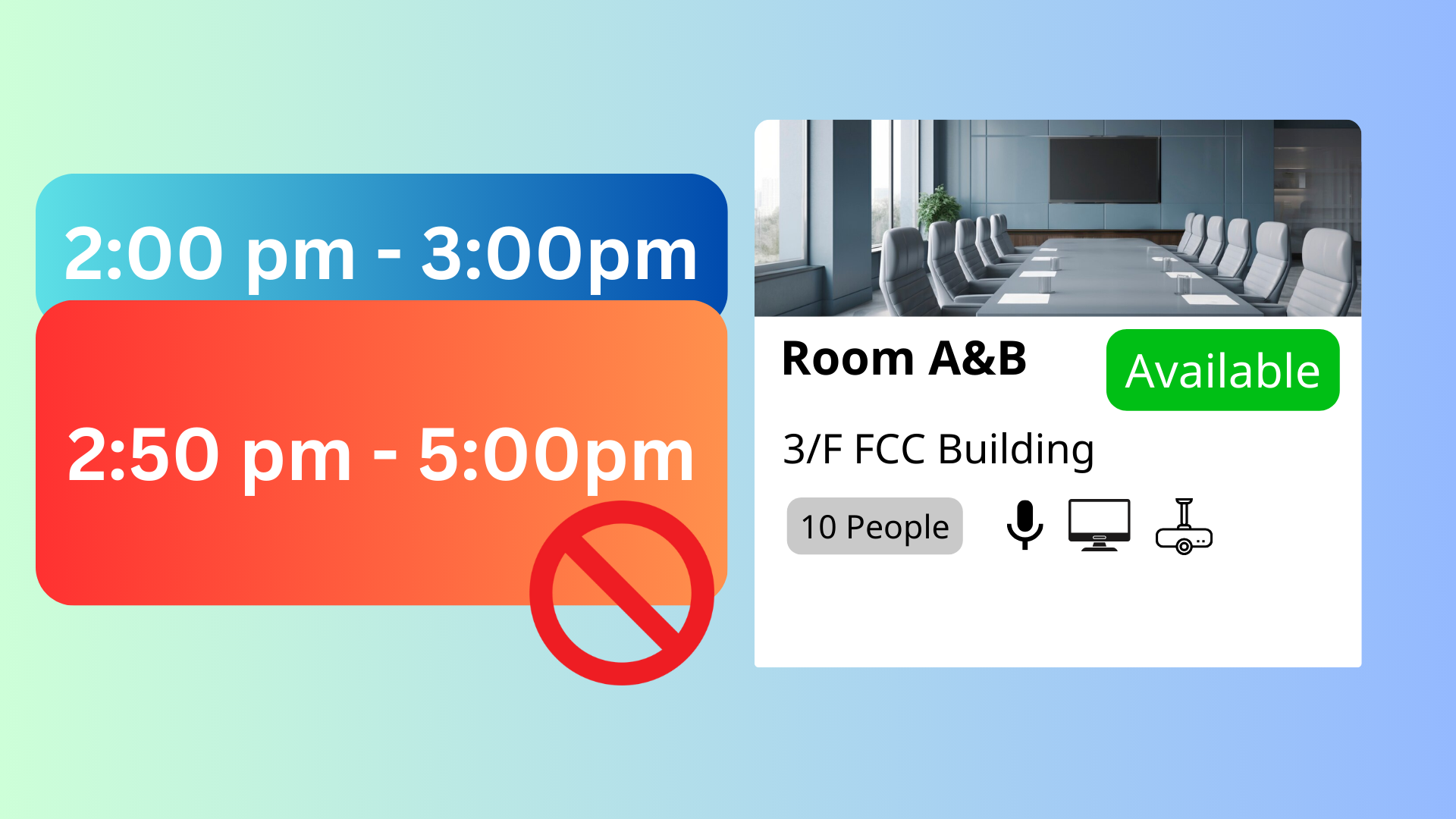
The Restrict Users from Creating Overlapping Bookings feature in Offision is designed to prevent users from creating multiple bookings that overlap in time. When this setting is enabled, users will be restricted from making another booking during a time slot that conflicts with an existing booking.
This feature ensures that resources are fairly allocated and prevents scheduling conflicts that could arise from overlapping bookings. It is particularly useful for organizations with shared resources where double-booking could cause disruptions or inefficiencies.
Key highlights of this feature include:
Conflict-Free Scheduling:
Automatically blocks users from creating bookings that overlap with an active reservation.
Fair Resource Allocation:
Ensures resources are used one at a time and are not monopolized by overlapping bookings.
Improved Booking Transparency:
Provides users with a clear view of resource availability, reducing confusion or accidental overlaps.
Supports High-Demand Resources:
Ideal for managing shared resources like meeting rooms, equipment, or facilities to maintain order and efficiency.
This feature simplifies booking management, ensuring a smooth and conflict-free scheduling process for both users and administrators.
Pros:
Prevents Scheduling Conflicts:
- Ensures users cannot book resources for overlapping time periods, avoiding double-booking issues.
Fair Resource Usage:
- Promotes equal access to resources by ensuring only one user can reserve a resource at a time.
Improves User Clarity:
- Provides immediate feedback to users when attempting to book an overlapping time, helping them adjust their schedules.
Streamlines Booking Management:
- Reduces the need for administrators to resolve conflicts or disputes caused by overlapping reservations.
Enhances System Reliability:
- Builds trust in the booking system by ensuring conflict-free scheduling and clear resource allocation.
Supports High-Demand Resources:
- Prevents monopolization of resources and ensures fair distribution, particularly important in organizations with limited availability.
Encourages Better Scheduling Practices:
- Prompts users to carefully plan their bookings without conflicts.
Customizable Settings:
- Admins can enable or disable this feature based on organizational needs and policies.
Reduces Admin Workload:
- Eliminates the need for manual intervention to resolve overlaps, saving time for administrators.
Simplifies Resource Tracking:
- Ensures each booking is tied to a specific, conflict-free time slot, making it easier to monitor and manage.
The Restrict Users from Creating Overlapping Bookings in Offision is an essential tool for maintaining order and fairness in resource scheduling. While it eliminates conflicts and ensures clear bookings, it requires careful implementation and communication to balance user needs with organizational policies.

 Neat
Neat
 Crestron