
Problems you recognise Rooms and desks
Desk, kiosk and room panel share one list
Offision uses one visitor record. Check-in at the desk, a kiosk or the room panel all update the same list reception sees.
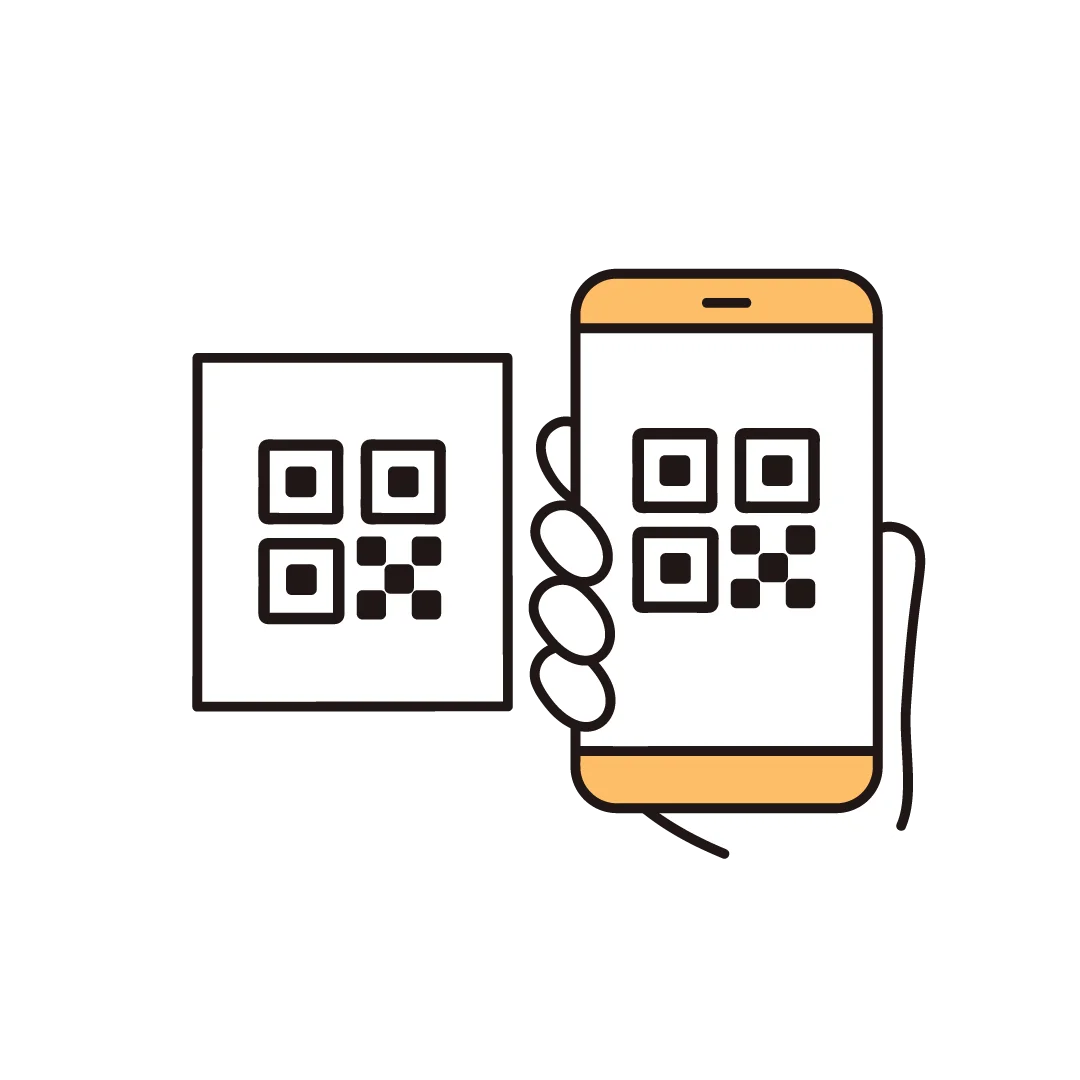
How Offision keeps one visitor record
A guest can check in at the staffed desk, a lobby kiosk, or the panel outside the meeting room. Offision writes the same visitor record each time. The receptionist page updates wherever they arrived — the desk does not need a second diary.
Common questions
Where can a guest check in?
Three places: a staffed desk, a lobby screen, and the panel outside the room they were invited to. All three write the same record.


Part of a larger guide
The desk cannot see today's visitors
The desk should know who is coming before they reach the glass. Most offices still find out when someone is already waiting.
Full article ›Give reception a desk page
Offision opens a receptionist page for anyone with that permission — today's guests, walk-ins and who is on site, in one list.
Read this guide ›Invitations fill today's list
Offision puts every host invitation on the desk list for that day, so reception knows who is coming before the lobby fills.
Read this guide ›Check-out keeps who-is-here current
Offision's on-site list updates when a guest checks out. Reception or the guest marks them out; security sees who is still here.
Read this guide ›See it against your own rooms
Walk through your estate, your booking rules and your calendar setup with our team — or start free and try it on one floor.