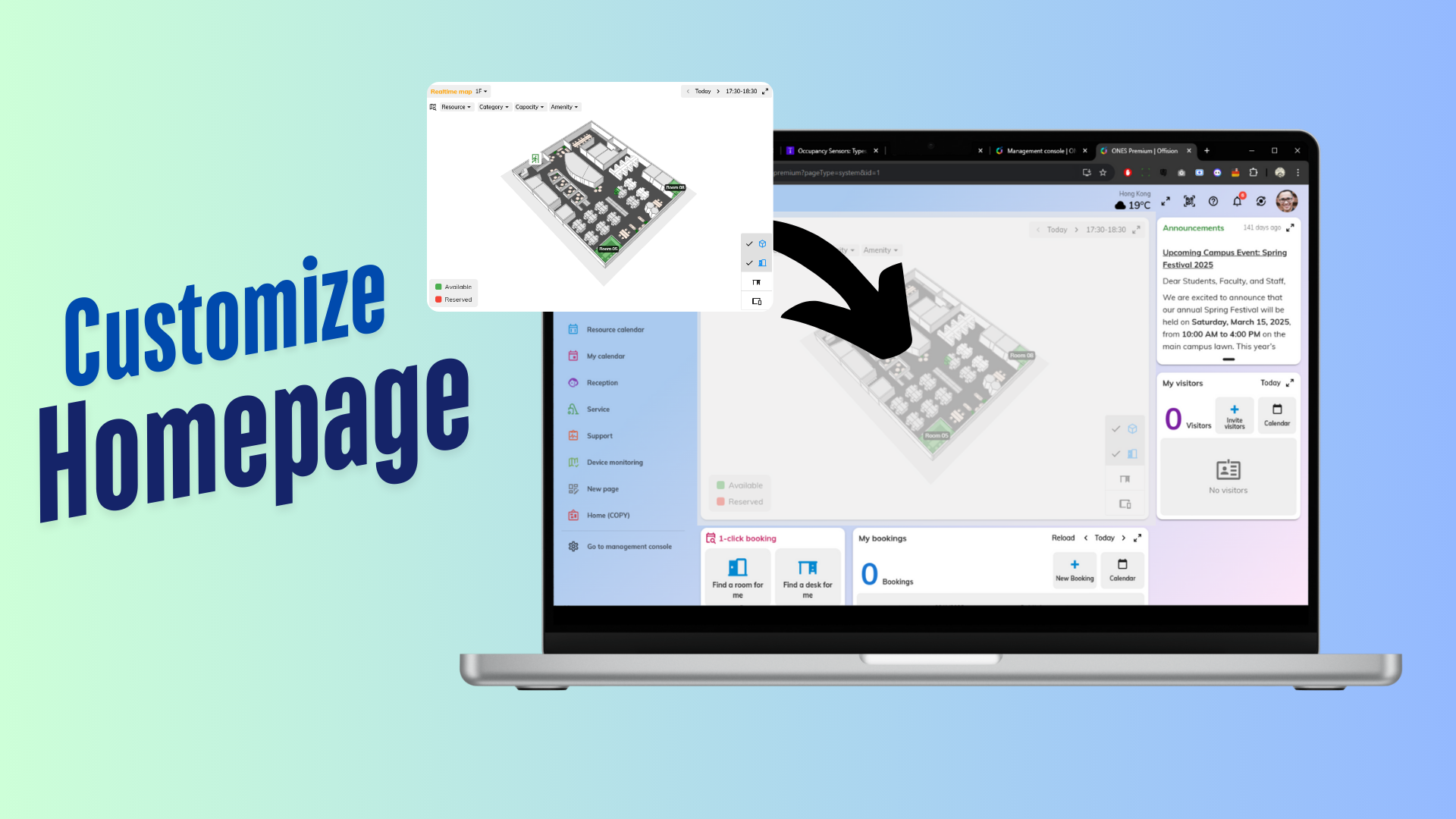
The Customizable Page Order Configuration feature allows admins to manage how users interact with the homepage layout. This feature provides flexibility and control over the arrangement of pages, ensuring the homepage meets both administrative preferences and user needs.
Key Features:
- Admin Control: Administrators can decide whether users have the option to reorder pages.
- Customizable Homepage: If enabled, users gain the flexibility to design their homepage layout by rearranging pages in their preferred order.
- Default Order Option: If this feature is disabled, all users will see the homepage in the default order defined by the admin.
- User-Friendly Setup: Simple toggling options for admins to enable or disable the reorder functionality.
This feature is ideal for organizations that value user customization while maintaining the ability to enforce a standardized layout when necessary. Whether you want to empower users or ensure consistency, this configuration offers a balance between flexibility and control.
Pros:
Enhanced User Experience
- Allows individual users to customize their homepage layout, tailoring it to their specific needs.
- Improves user satisfaction by offering a personalized interface.
Flexible Administrative Control
- Admins have full authority to decide whether to allow or restrict customization.
- Provides a streamlined system for enforcing standard layouts when necessary.
Improved Organization
- Users can prioritize their most-used pages by placing them in the desired order.
- Helps admins maintain order and consistency across the platform by default.
Simplicity in Design
- The configuration process is straightforward, making it easy for admins to toggle the feature on or off.
- Users find it intuitive to rearrange pages when enabled, requiring minimal training or guidance.
Versatility
- Suitable for teams that require both structure and flexibility in their system setup.
- Balances the needs of admins and end-users effectively.
Time-Saving
- Users spend less time navigating through irrelevant pages, as they can reorder based on their workflow.
- Admins set up the default order once and have the option to lock it for all users.
Overall, this feature adds value by combining customization with administrative control, catering to diverse preferences and organizational needs.

 Neat
Neat
 Crestron