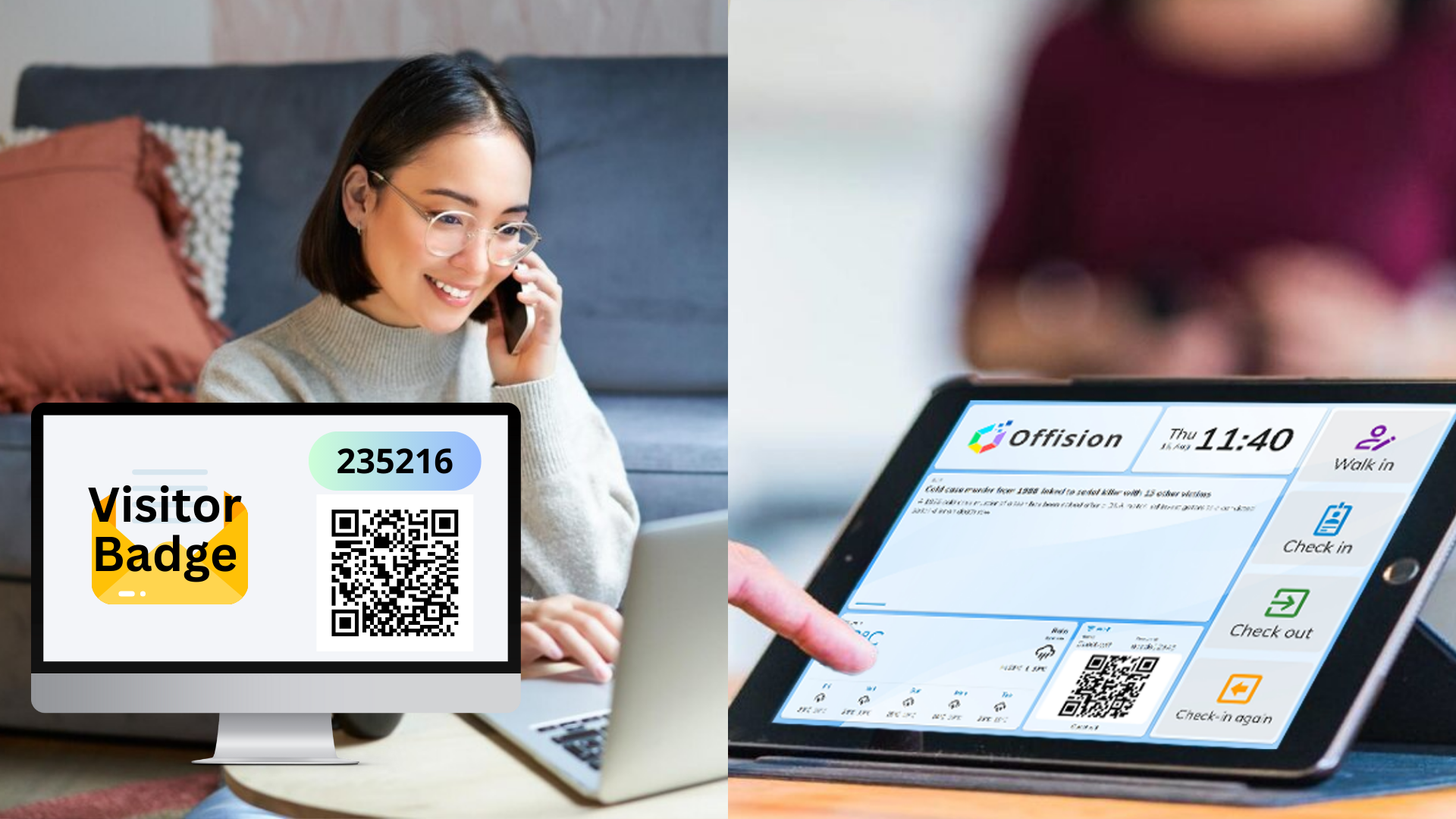
Offision’s Visitor Pre-Invite and Self-Service Kiosk Check-In workflow is designed to create a seamless and efficient visitor experience. Here’s how it works step-by-step:
Pre-Invite Visitors:
- Users initiate the process by sending an invitation email to visitors.
- The email includes visit details and an option for visitors to save the event to their e-calendar.
Provide Registration and QR Code:
- Visitors receive an email with:
- A registration form link to input necessary details before their visit.
- A unique QR code for streamlined check-in at the self-service kiosk.
Arrival and Kiosk Check-In:
- Upon arrival, visitors proceed directly to the self-service kiosk.
- They scan their QR code on the kiosk, which retrieves their visit data instantly.
Verify Registration Information:
- Visitors review their registration details on the kiosk screen.
- They confirm their arrival by clicking the “Check-In” button.
Send Notifications and Print Badge (if applicable):
- Offision automatically notifies the inviter of the visitor’s check-in via email and system notification.
- If a label printer is connected, Offision prints a visitor badge instantly, ensuring professional identification.
This workflow eliminates the need for receptionist involvement during check-in, offering a completely self-service solution. It enhances efficiency, reduces wait times, and ensures a seamless, professional visitor experience.
Pros:
Contactless and Self-Service Convenience:
- Visitors can check in without assistance, ensuring a smooth and modern self-service experience.
- The process minimizes face-to-face interactions, making it ideal for a safer and faster workflow.
Streamlined Visitor Experience:
- Pre-invites provide visitors with all necessary details in advance, including a QR code and registration form.
- Visitors can save time by completing the registration form before their arrival.
Efficient Kiosk Check-In:
- QR code scanning at the kiosk retrieves visitor data instantly, reducing wait time and manual processes.
- The self-service panel ensures visitors can confirm their details quickly and independently.
Real-Time Notifications:
- Offision notifies the inviter immediately after a visitor checks in, ensuring prompt communication.
- System notifications keep everyone informed in real time.
Automatic Badge Printing:
- If a label printer is connected, visitor badges are printed automatically after check-in, improving professional identification.
- Customized badges enhance security and visitor tracking.
Time-Saving for Staff:
- Reception staff are freed from handling manual check-ins, allowing them to focus on other tasks.
- The kiosk takes over most of the check-in responsibilities, reducing workload.
Professional and Modern Solution:
- Self-service kiosks create a high-tech, professional impression for visitors.
- The automation of tasks like badge printing and notifications ensures professionalism and accuracy.
Improved Record Management:
- All visitor data is securely stored within Offision, making it easy to track visits and review records.
- The digital process eliminates paperwork, making the workflow not only efficient but also environmentally friendly.
By combining pre-invites with self-service kiosk check-ins, Offision delivers a fast, professional, and contactless visitor management solution. This feature eliminates bottlenecks, improves communication, and enhances the overall visitor experience for both the guest and the host.

 Neat
Neat
 Crestron