Neat
Neat
 Crestron






Draw routes yourself
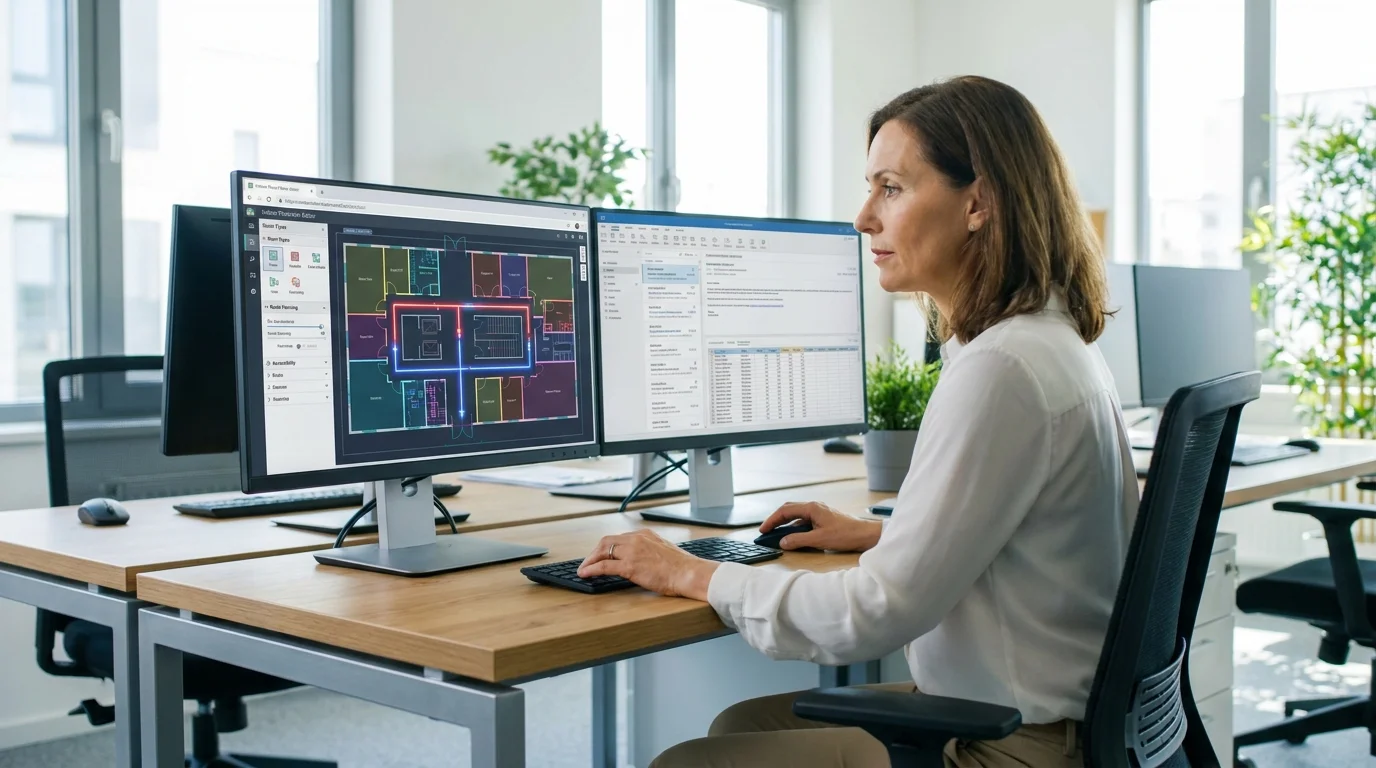
Mark paths and connections on your floor plan in the editor—no GIS team required.
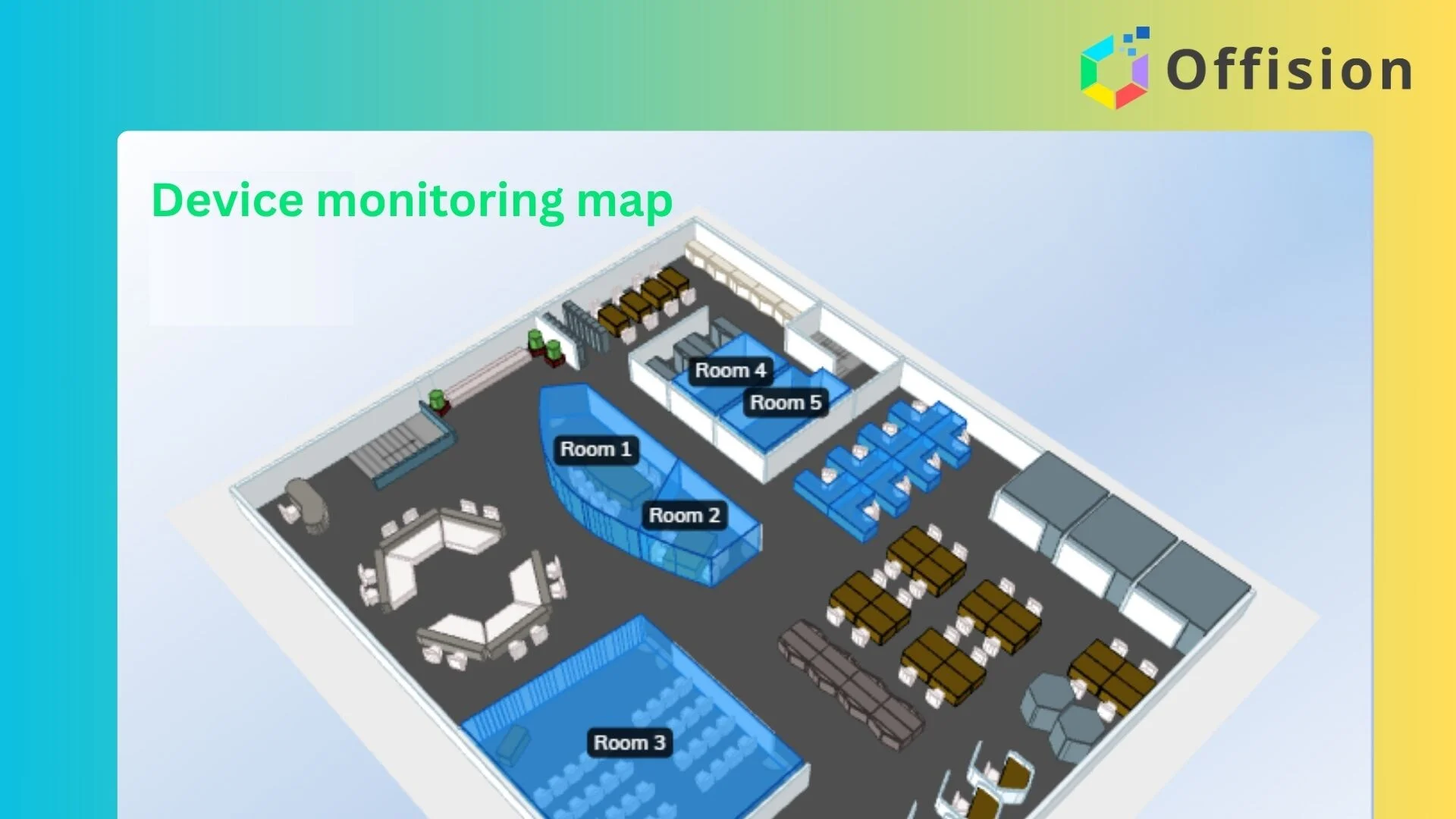
3D Floorplan
Upload a floor plan, add rooms and desks, and give everyone real-time booking and wayfinding on web, mobile, and kiosks.
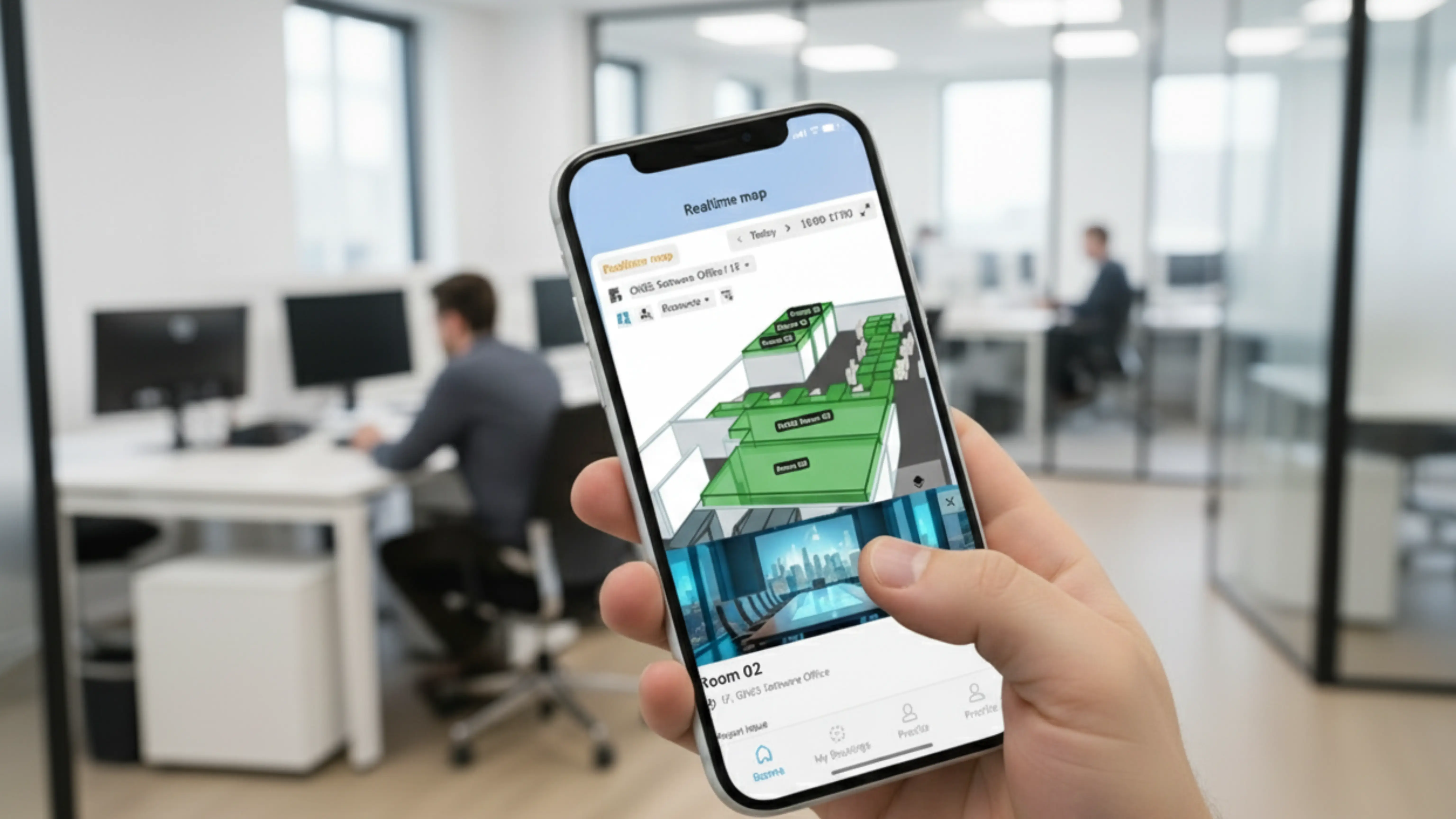
Interactive floor plan software turns a building layout into a live workplace map—showing real-time room and desk availability, helping people find colleagues and amenities, and guiding them with indoor wayfinding. Offision lets you upload floor plans, map spaces, add routes, and publish the same interactive map on web, mobile, and lobby kiosks, connected to room booking, desk booking, and parking.
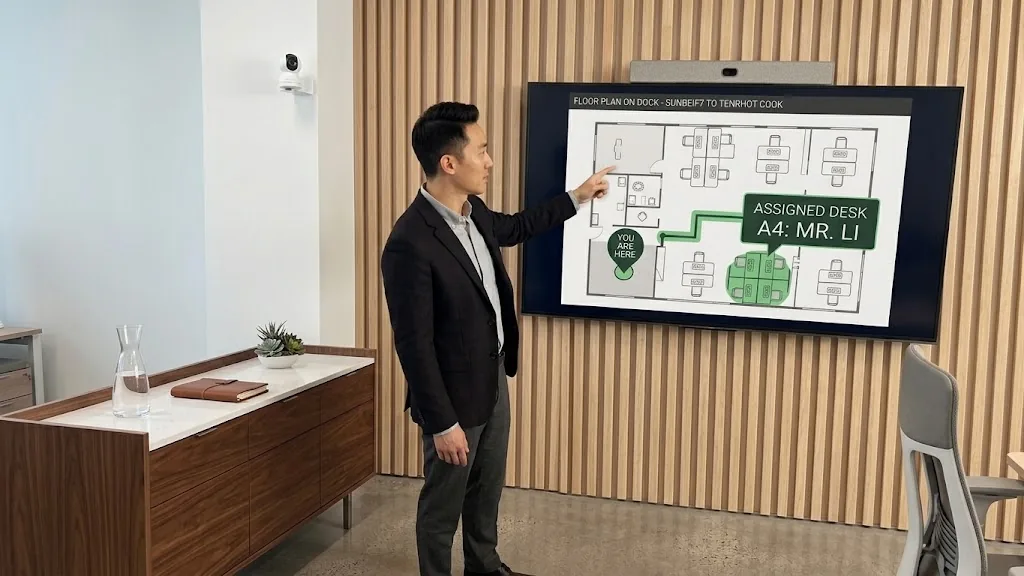
Turn your map into indoor navigation. Add routes and destinations so employees and visitors find rooms, desks, and amenities without asking for directions.
Mark paths and connections on your floor plan in the editor—no GIS team required.
Link wayfinding to rooms, desks, parking, and facilities for clear turn-by-turn guidance.
The wayfinding you add appears on mobile, desktop, and lobby kiosks from the same map.
Get your interactive floor plan up and running in minutes. No technical expertise required.
Start by uploading your floor plan image. Create it using PowerPoint, Photoshop, or any design tool you prefer.
Define clickable areas on your floor plan and assign them to rooms, desks, or equipment in your workspace.
Review your interactive floor plan and make any adjustments before publishing.
Your interactive floor plan is now ready to use. Display it on digital signage, mobile apps, or kiosks.
Free to start, no credit card required
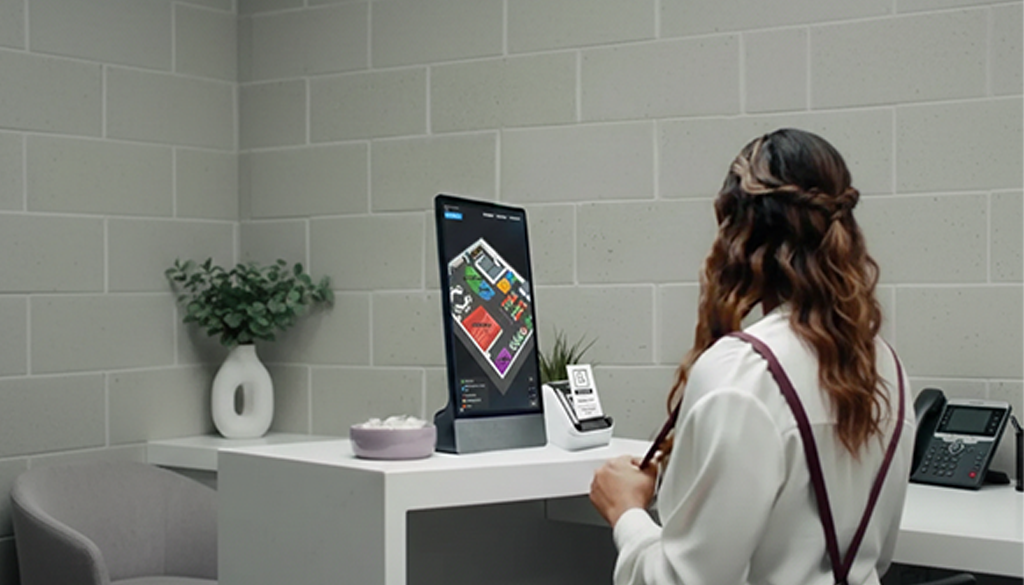
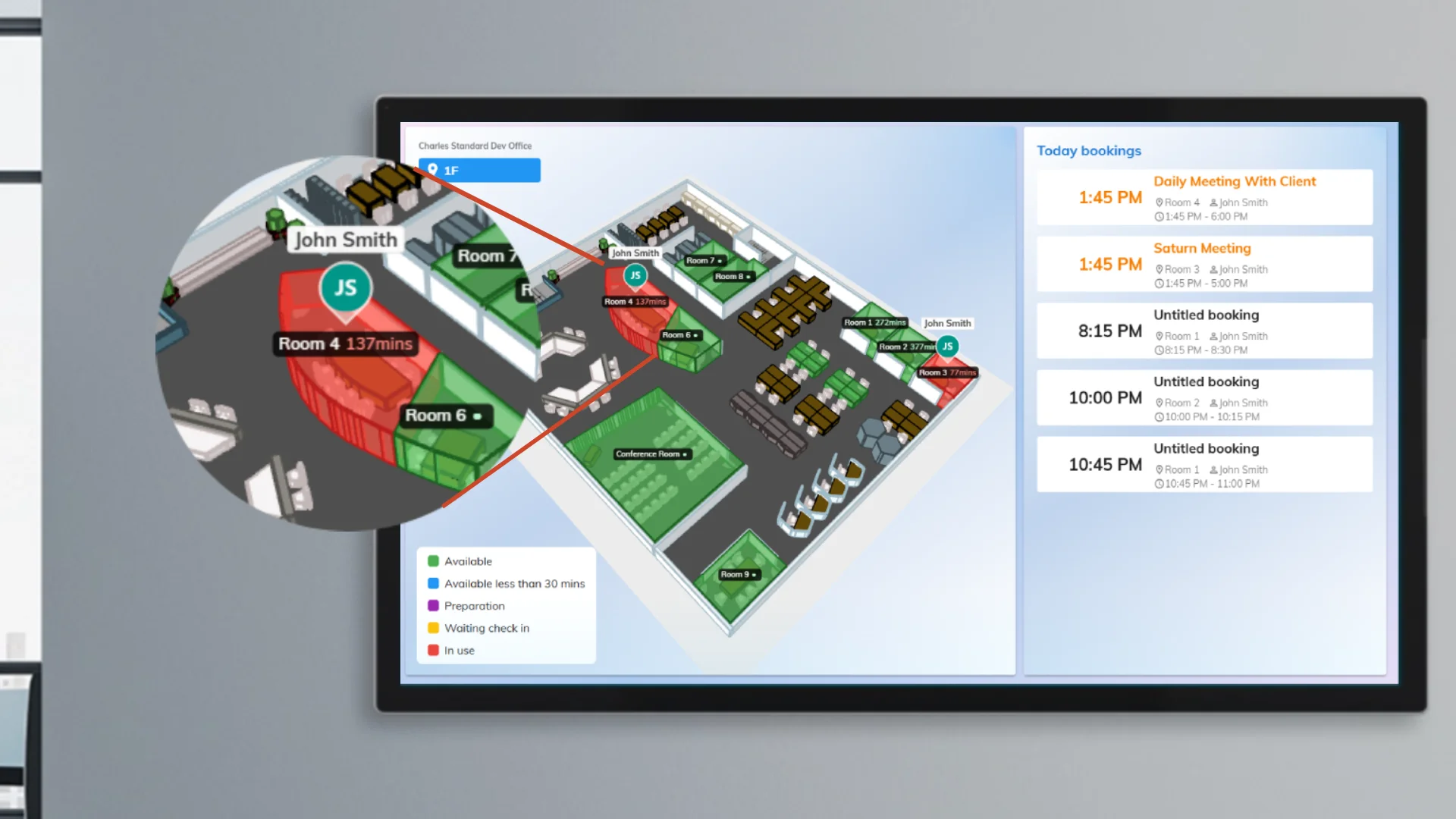
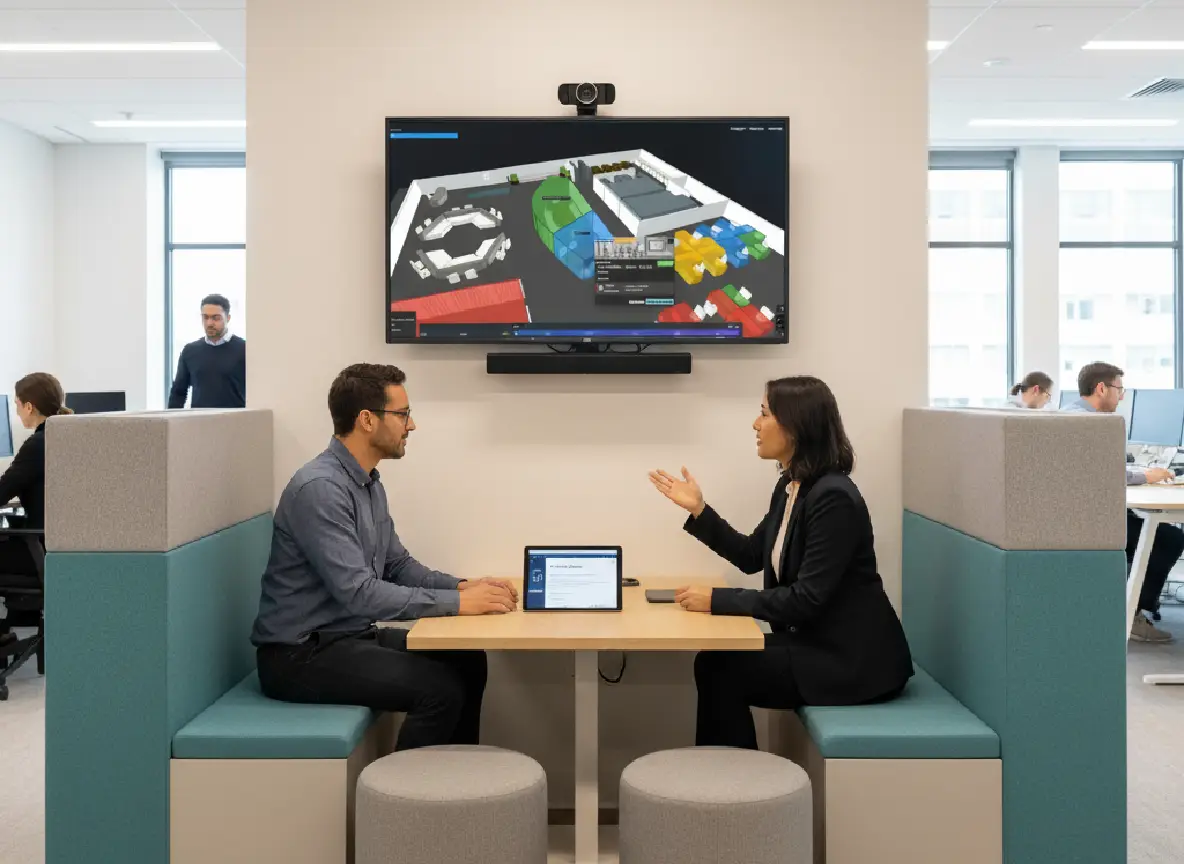
Put the same map on a lobby display. Colour every room and desk by booking availability, or by what occupancy sensors see.
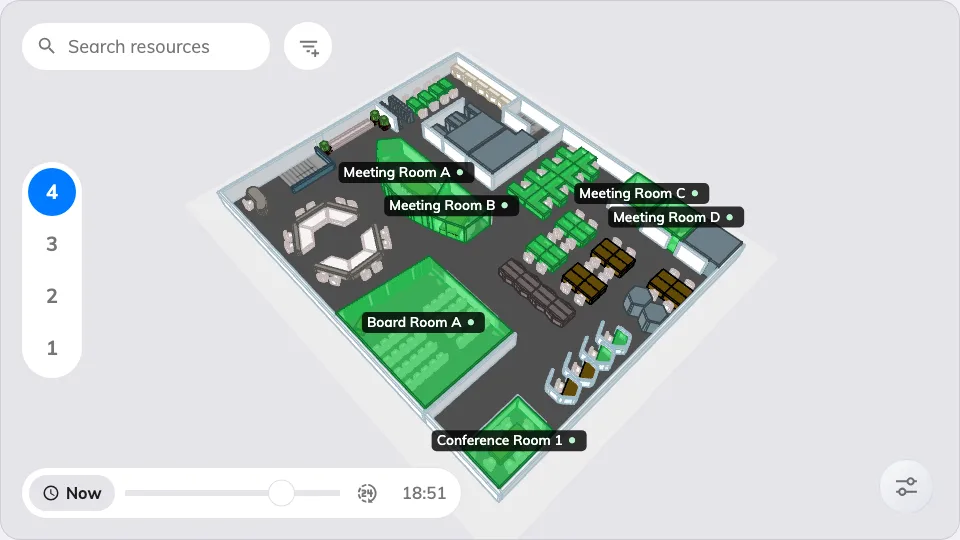
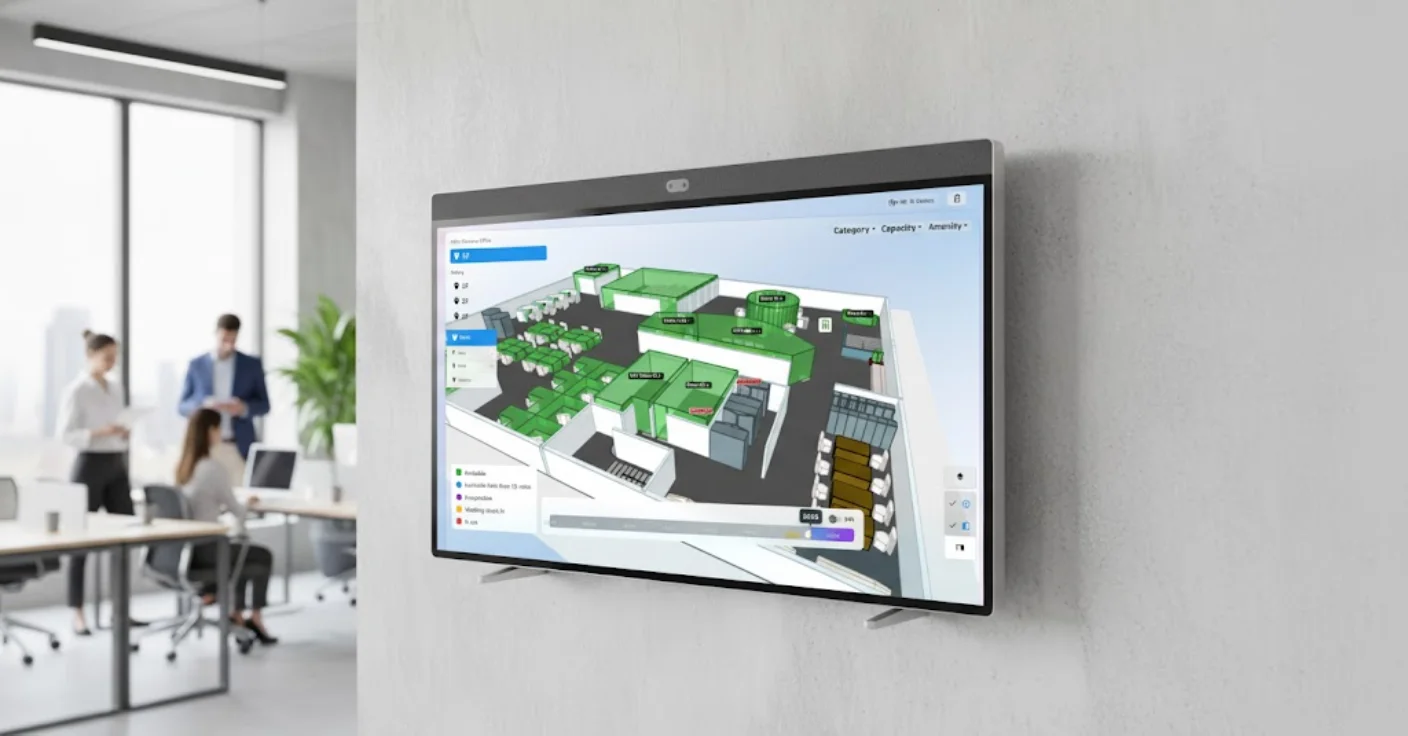
Every room and desk drawn where it stands and coloured by whether it is free. On a touch screen, search, book, and take a route away by QR code.
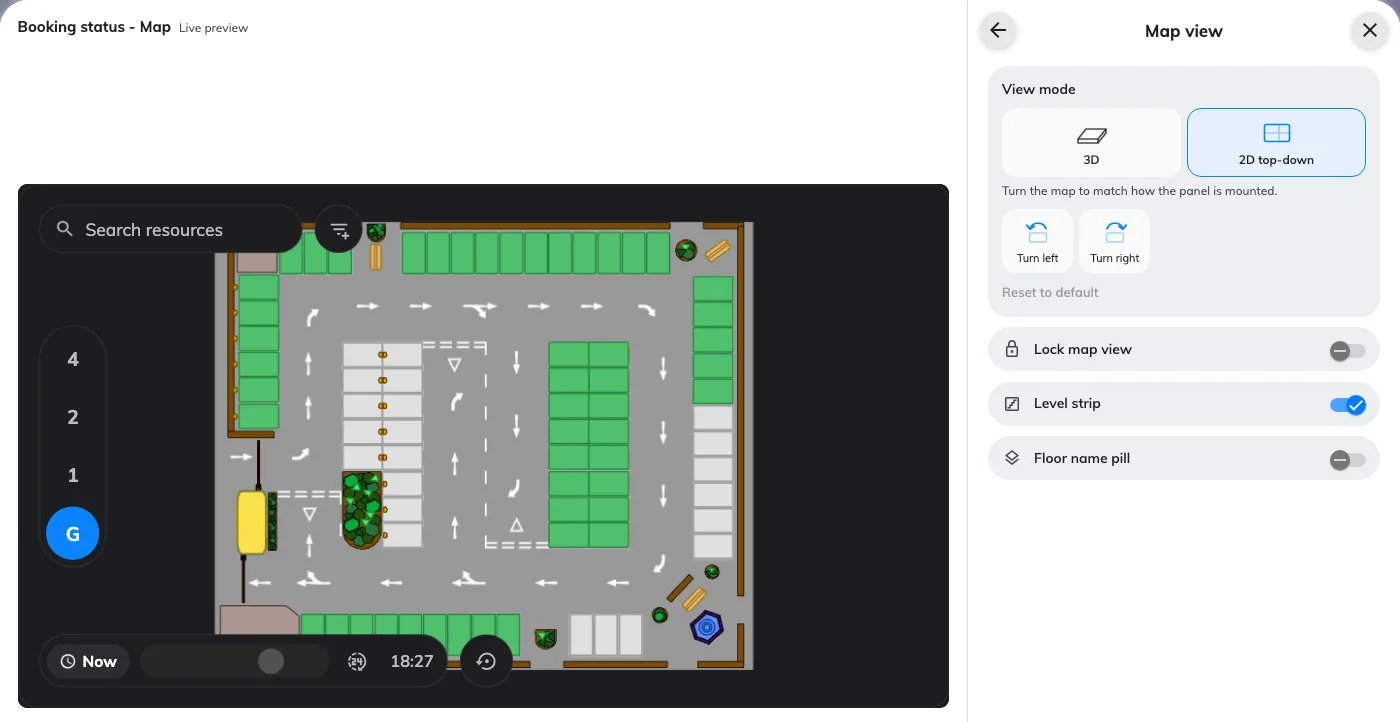
Learn moreShow the plan flat instead of in 3D. Turn it to match how the panel is mounted, lock the view, and keep or hide the floor switcher.
Learn moreRooms and desks with occupancy sensors paint red where someone is present and blue where they are not — the “where is there space” screen for a lift lobby or an open floor.
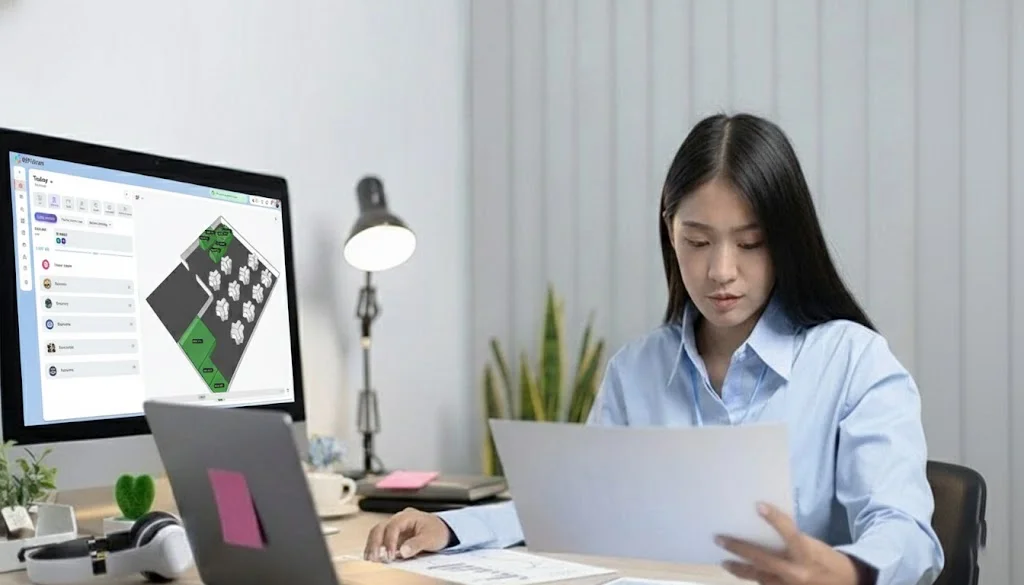
Learn moreCreate interactive directories to help people see where they are and where they need to go. If your office has flexible seating – like desk hoteling or hot desking – employees can easily find out who's working where and book a desk nearby.
Find colleagues, meeting rooms, and facilities instantly with smart search
See who's in the office today and where they're seated in real-time
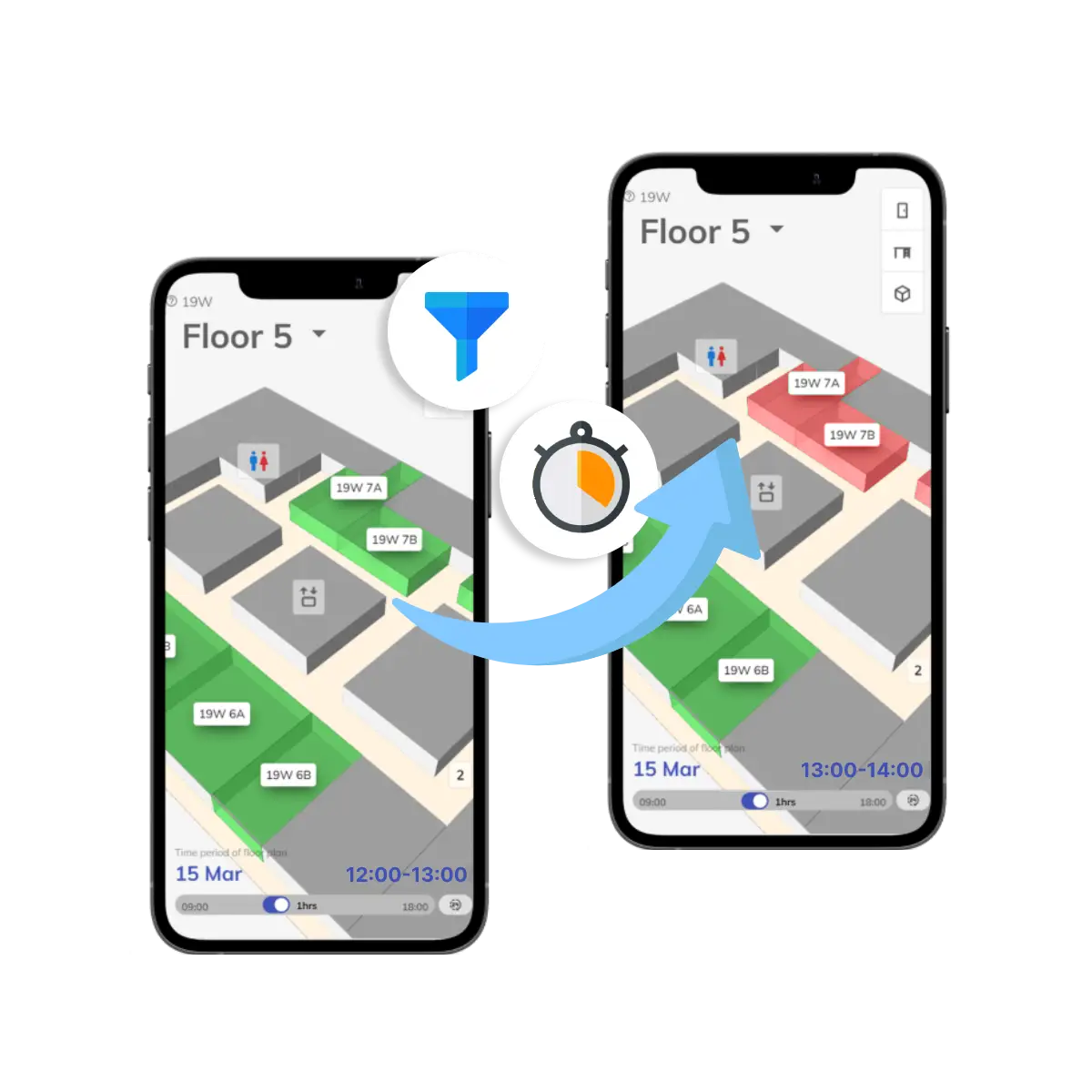
Filter by department, floor, availability, and resource type
Give everyone a clear view of your workspace with interactive floorplans. Immersive 3D floorplans offer a realistic, walk-through experience, letting people explore the space before they even arrive.
Realistic walk-through experience for immersive navigation
Make even the biggest, most complex buildings simple to navigate
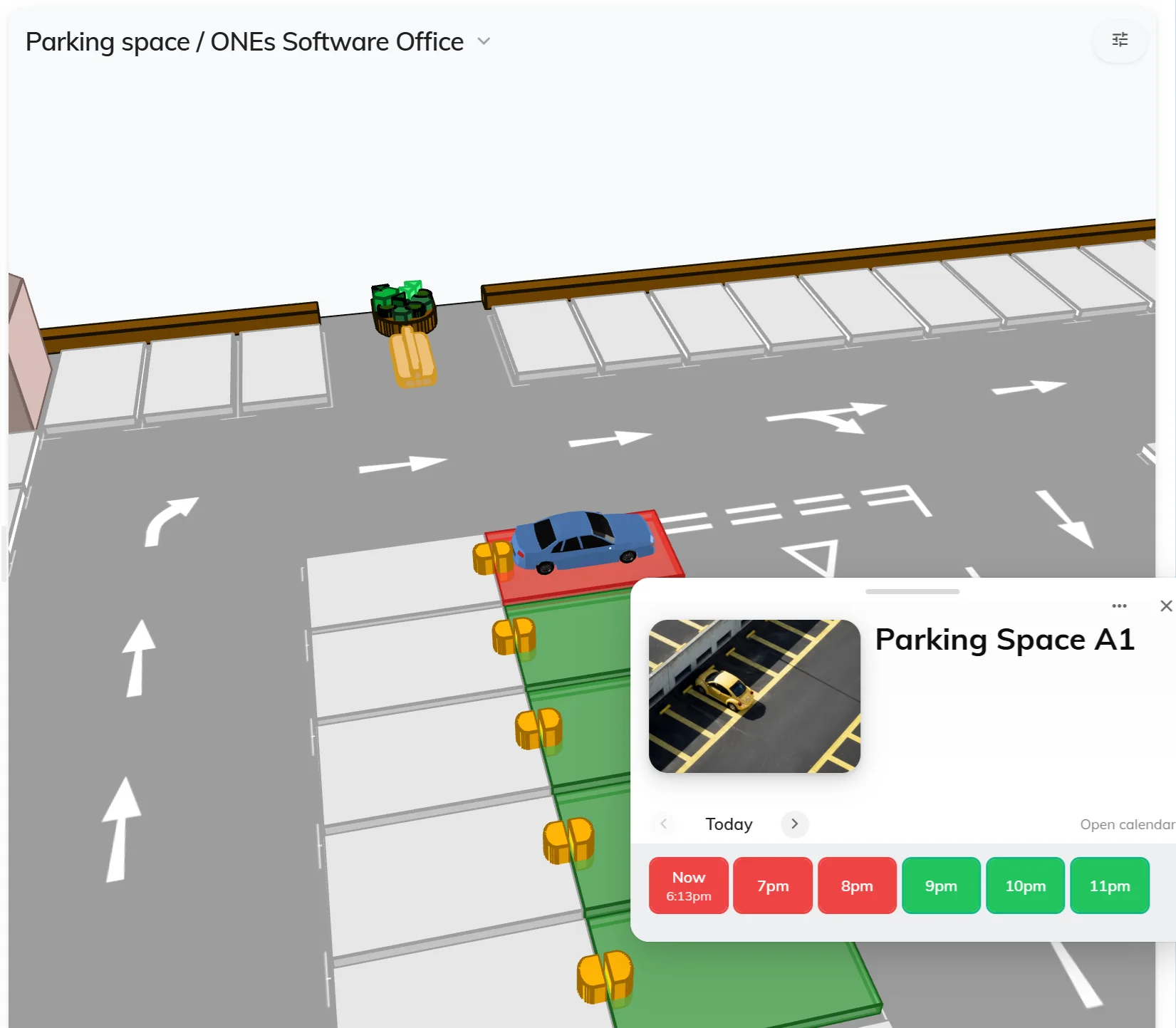
Display and manage multiple resource types on your floor plan. From meeting rooms to parking spaces, visualize everything your team needs in one interactive
Conference rooms, huddle spaces, and collaborative areas
Learn moreHot desks, fixed desks, and workstations with real-time availability
Learn moreCar parks, EV charging stations, and reserved parking spots
Learn moreProjectors, screens, laptops, and other bookable equipment
Learn moreCafeteria, lounges, kitchens
Learn morePantries, lockers, and shared facilities
Learn moreCustom resource types
Learn moreAll resource types display on the same floor plan with color-coded availability status and easy filtering options
Use Offision for wayfinding on your office computers or mobile devices. Whatever suits your team's needs.
Navigate on the go with smartphone and tablet apps for iOS and Android
Full-featured wayfinding experience on office workstations and computers
Self-service touchscreen kiosks for easy access in lobbies and common areas
Your teams can access the same tools on both desktop and mobile with seamless synchronization
Straight answers about interactive maps, live availability, and rollout.
Upload an image of your layout (from PowerPoint, a CAD export, or any design tool), draw spaces in the editor, and link them to rooms, desks, parking, and equipment. Offision turns that into an interactive 2D/3D map your team can search, book on, and navigate.
Yes. When you use Offision room booking, desk booking, and parking, availability overlays stay in sync as people reserve or release spaces—so what you see on the floor plan reflects what is actually free.
Smart pathfinding suggests routes based on your floor plan, accessibility needs, and live updates. Employees and visitors can use it on mobile, desktop, and lobby kiosks.
Use the employee web and mobile apps, reception touchscreens, and digital signage templates. The same map stays consistent everywhere Offision runs.
It depends on workspace size, number of locations, and which Offision modules you enable. Contact us and we will align a quote to your buildings and feature set.
In the Offision floor plan editor, draw paths and connections between spaces, then link destinations such as rooms, desks, parking, and amenities. The wayfinding you add appears on mobile, desktop, and lobby kiosks from the same map.
Our team is here to help you find the perfect solution for your workplace Contact us