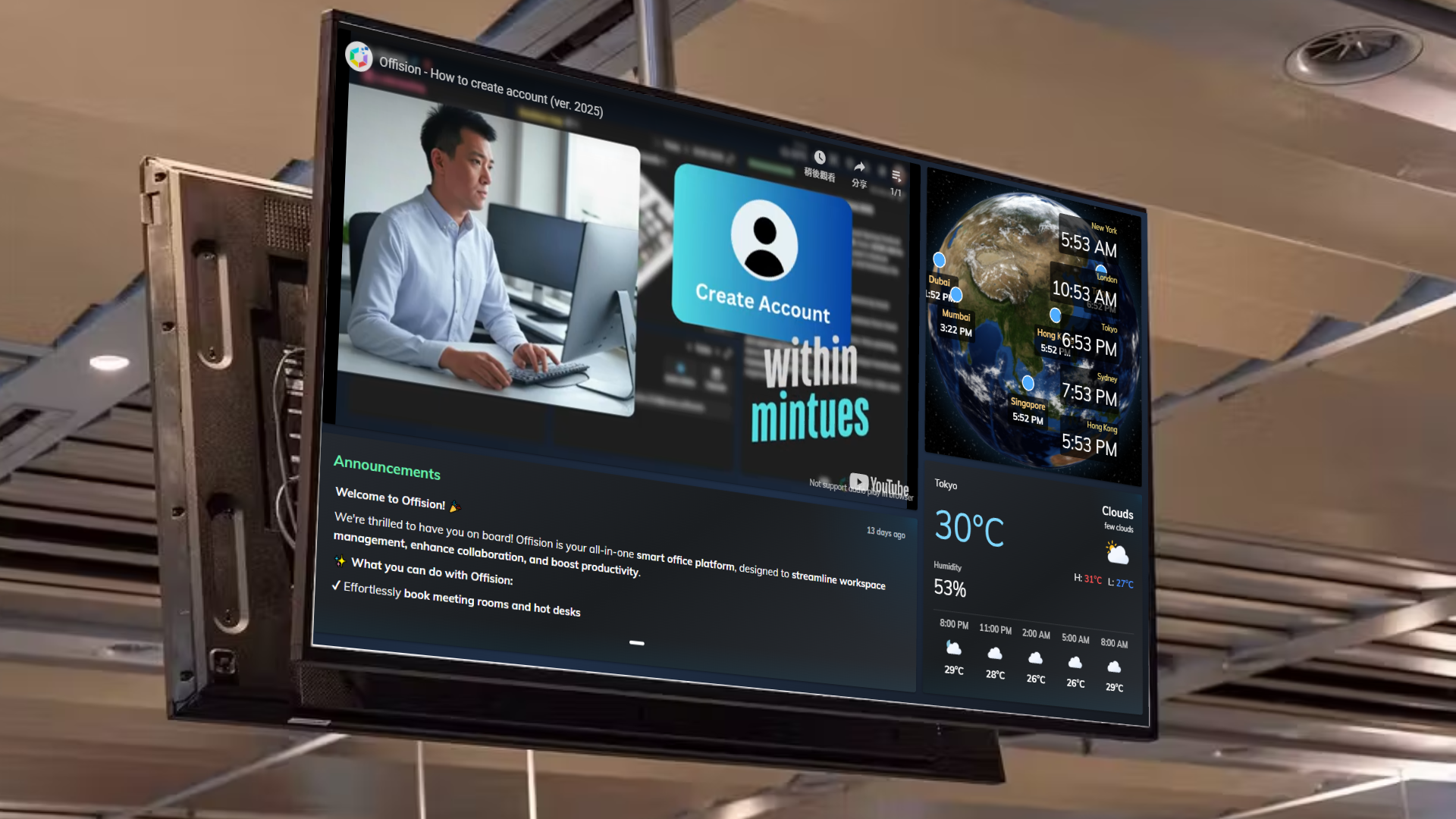
The "Signage Device Connection" feature in Offision simplifies how admins manage and control signage devices. It provides a powerful and easy-to-use interface for connecting devices, configuring their content, and keeping track of their status in real-time. Here’s how it helps:
- Device Connection: Quickly add devices to the signage system with minimal setup.
- Content Assignment: Assign specific content or designs to individual devices, ensuring the right message is displayed on the correct screen.
- Status Monitoring: Stay informed about the device’s status, such as whether it is online or offline, ensuring you can address issues promptly.
- Real-Time Screen Capture: View live snapshots of what is being displayed on any connected device to ensure content accuracy.
- Remote Reboot: Reboot devices remotely from the admin panel to troubleshoot or refresh the system without physical access.
This feature streamlines signage management, allowing admins to maintain high efficiency and reliability in their digital displays.
Pros
The "Signage - Connect Device" function offers multiple benefits for admins managing digital signage systems:
Easy Device Setup:
- Quickly connect devices to the system with straightforward steps.
- No complicated configurations or technical expertise required.
Centralized Content Management:
- Assign, change, and customize content for each device directly from the admin panel.
- Manage multiple devices and ensure consistency in displayed messages.
Real-Time Monitoring:
- Monitor the status of each device at a glance (online/offline).
- Get updates instantly to identify and resolve issues before they escalate.
Content Accuracy:
- Use real-time screen capture to verify that devices are displaying the correct content without needing to be physically present.
Remote Control:
- Reboot devices remotely to resolve technical problems or refresh the display system.
- Save time and reduce the need for on-site maintenance.
Improved Efficiency:
- Simplifies the management of a large signage network.
- Helps ensure minimal downtime and maximum uptime for digital displays.
Enhanced User Experience:
- Intuitive interface that makes managing signage devices stress-free.
- Designed with simplicity and ease of use in mind, ensuring admins can focus on content strategy rather than technical challenges.
By integrating this feature into Offision, users can ensure a seamless signage management experience that is both efficient and reliable.

 Neat
Neat
 Crestron