
Crestron × Offision
Room booking, automation and digital signage on Crestron hardware.

From the door to the display.
Room booking
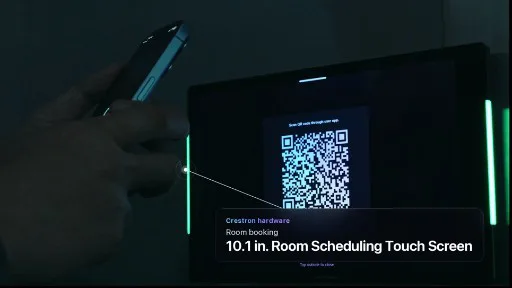
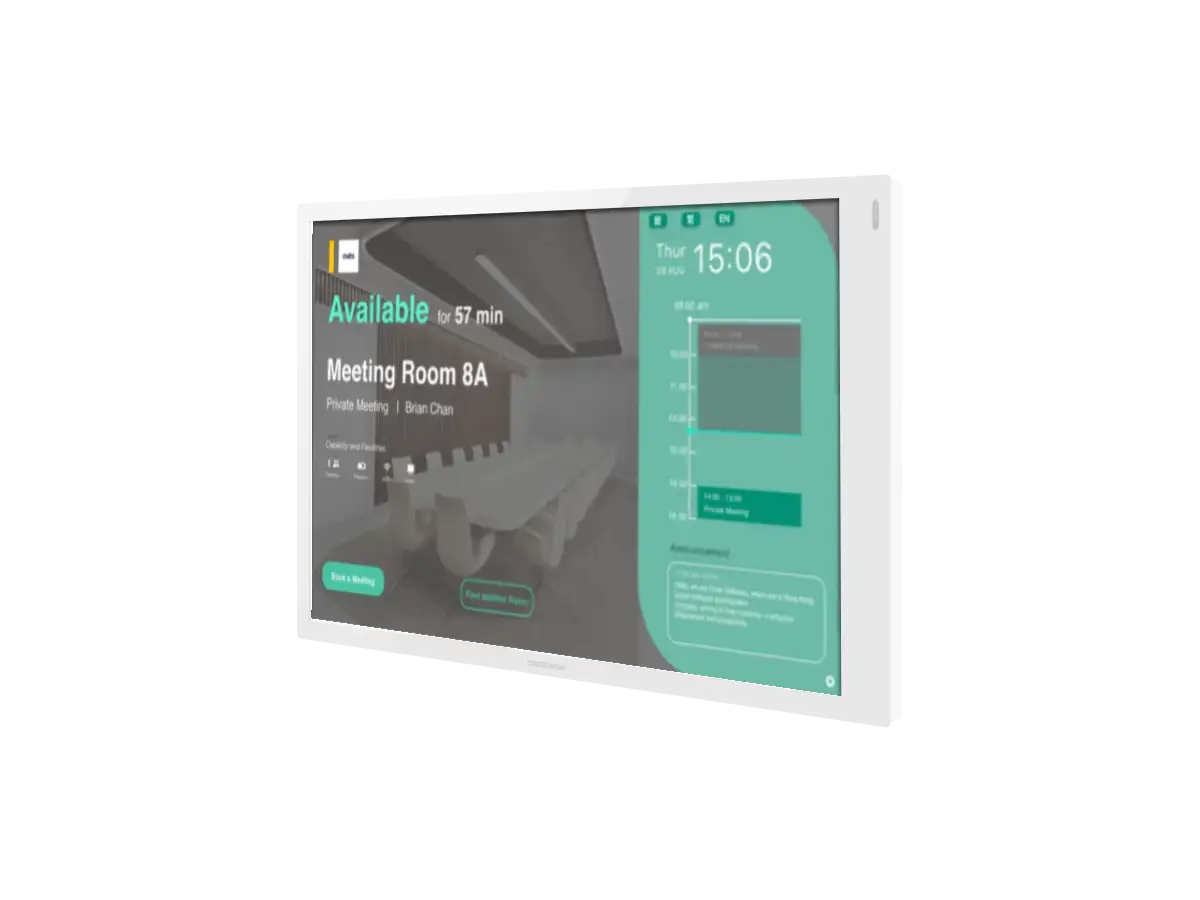
The 10.1 in. Room Scheduling Touch Screen shows the booking Offision already made — green to enter, red when occupied, QR to check in from the user app.
Room control
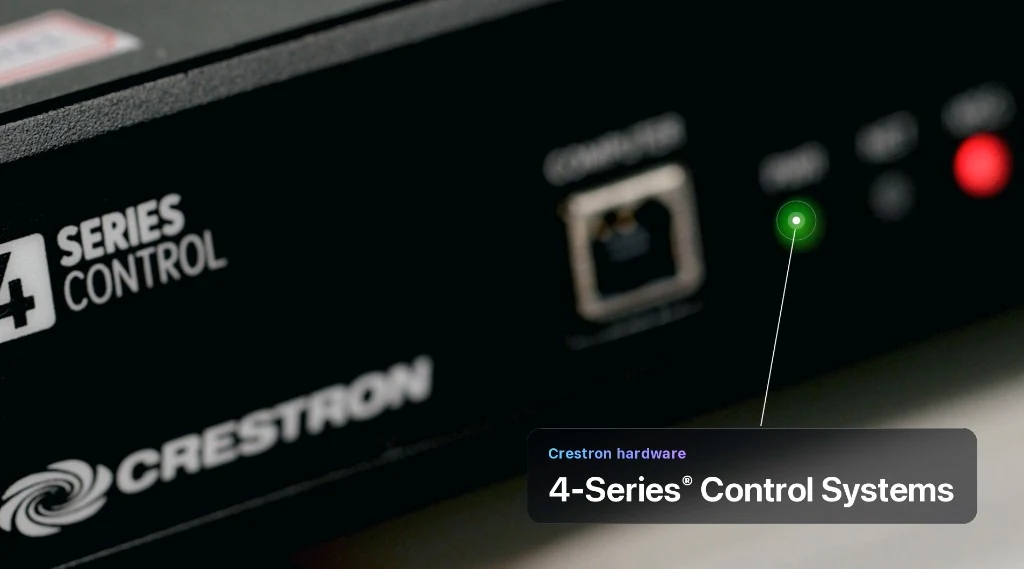
4-Series Control Systems are the backbone of the room. Offision tells them when a meeting starts and ends; Crestron drives the glass, sensors, and AV below.
Room automation
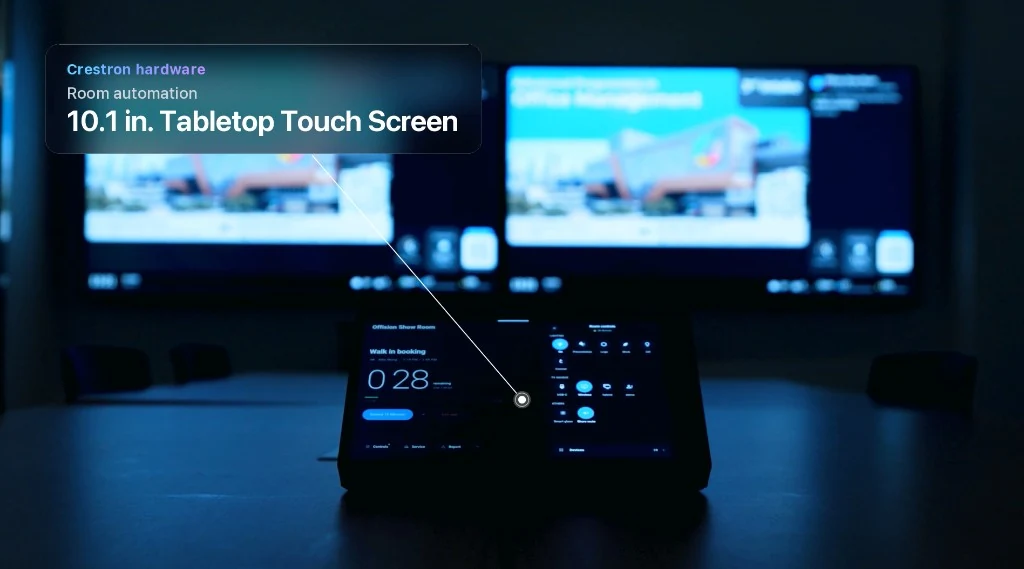
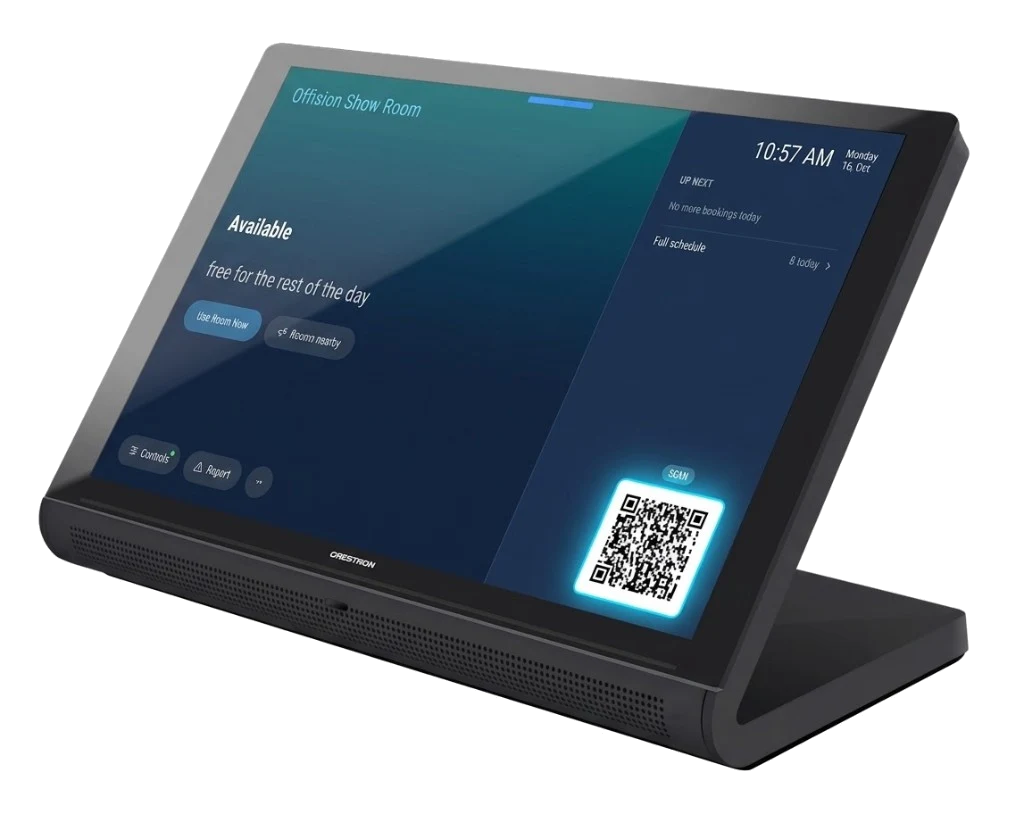
The 10.1 in. Tabletop Touch Screen puts lights, displays, volume, and timers in reach — the same booking that lit the door now runs the room from the table.
Automation
Auto light up
Ceiling fixtures come on with the meeting — no wall switch hunt.
Attendee lock control
Door and access logic follow who is on the attendee list.
Auto mute microphone
Ceiling mic arrays mute when the room should stay quiet.
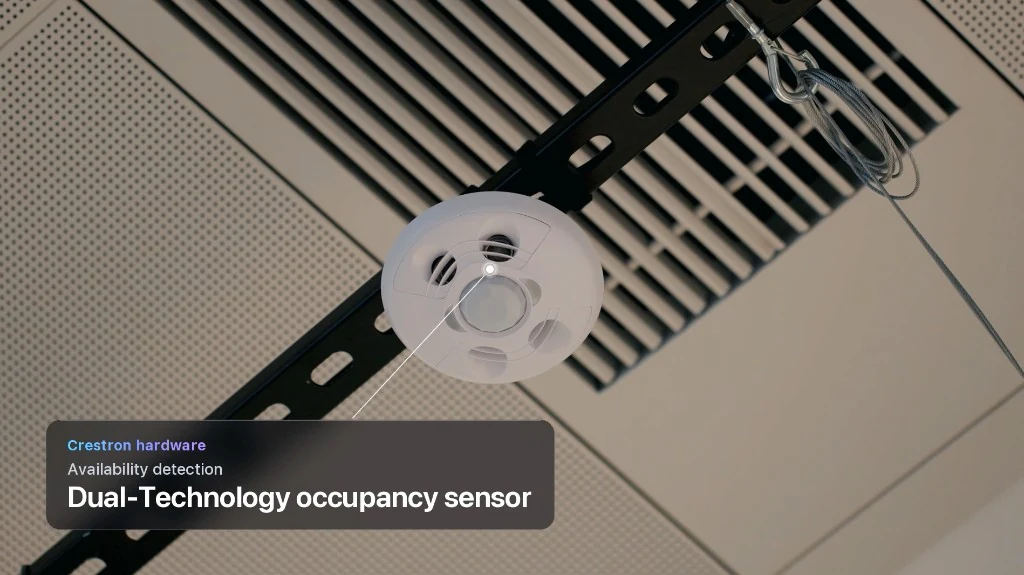
Availability detection
Sensors confirm real presence so ghost bookings release.
Signage and presentation
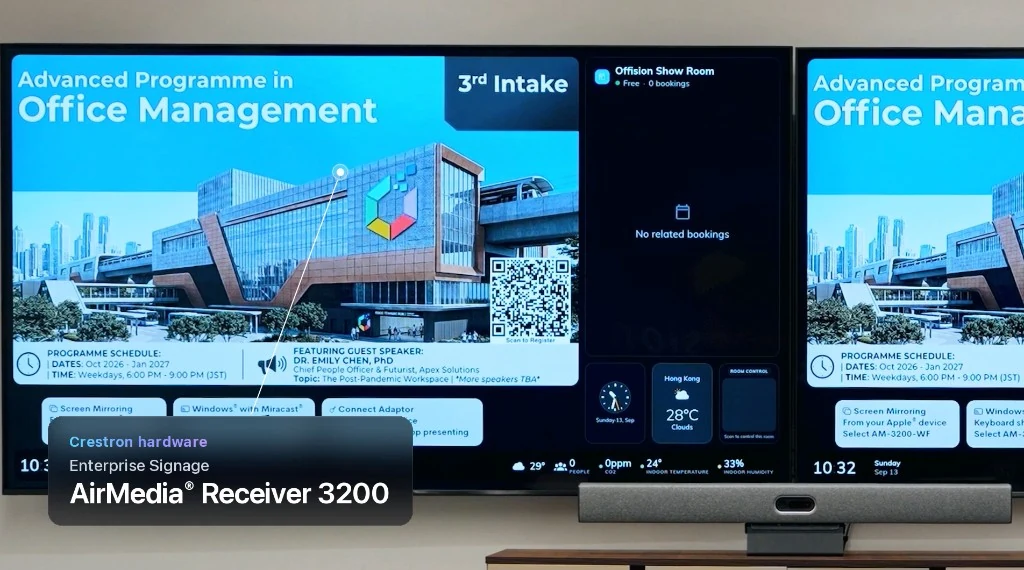
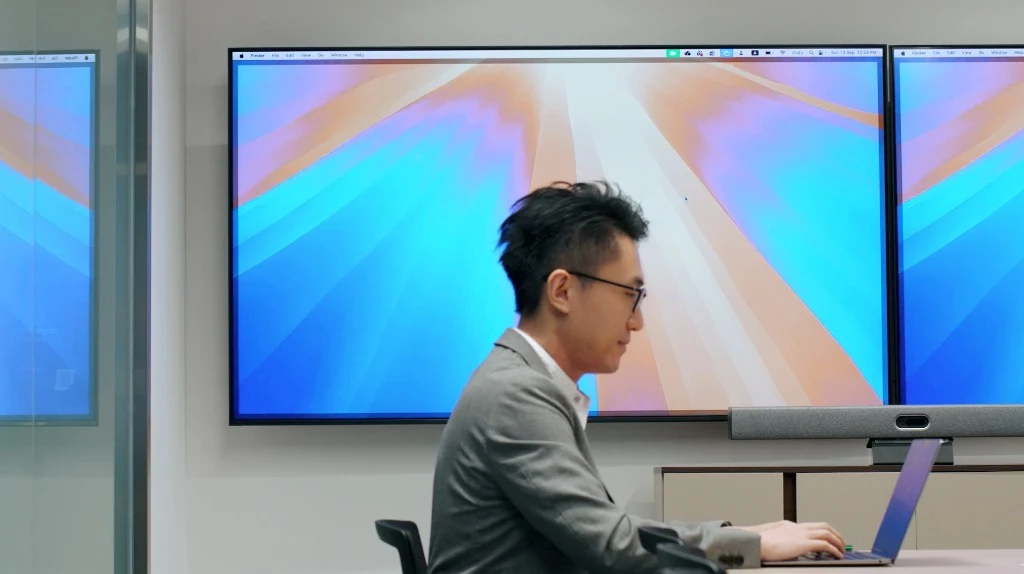
Enterprise Signage
Programme boards, announcements, and room status on Crestron displays — Offision content, Crestron glass.
Wireless presentation
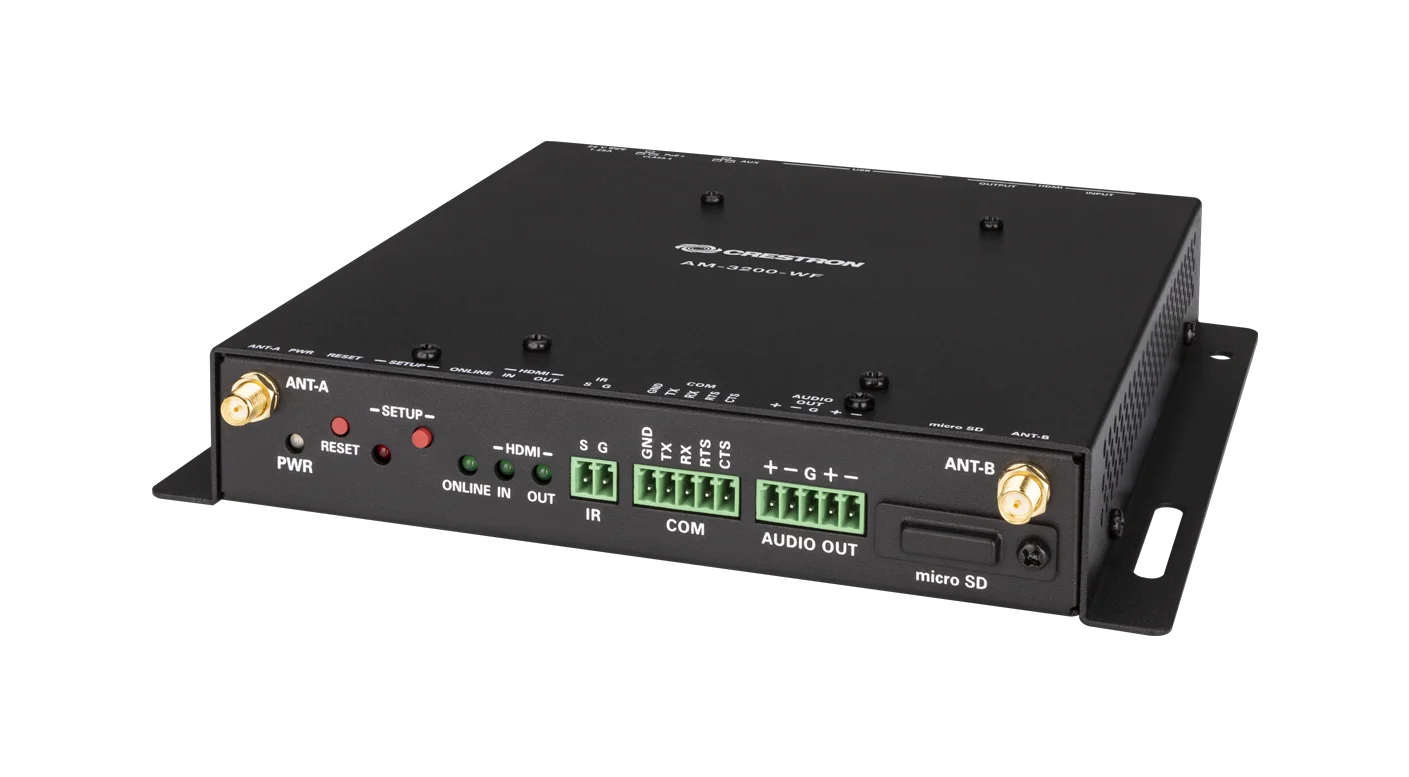
One tap on the desk adaptor to present — no guest cable hunt for every meeting.



Official Crestron Integrated Partner
Learn more
Offision is published in Crestron’s Integrated Partners directory — the same listing your AV and workplace teams use to validate supported software. No unofficial workaround: this is the partner path Crestron documents for a connected workspace.