
Your bay—booked before you drive in.
Add a spot when you book a desk or invite a visitor. Live floor plans show what's free, booked, or assigned—one flow, one place.

Real-Time Visibility
Parking B-12 Booked
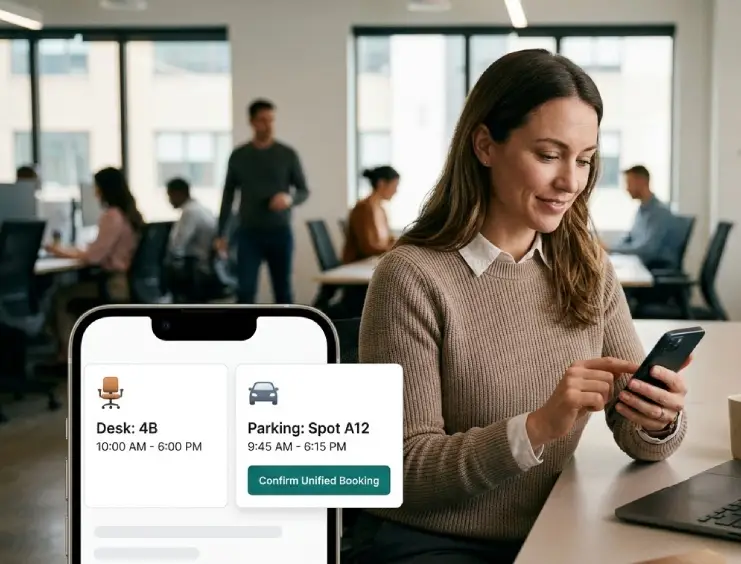
Why smart parking booking?
Find spots effortlessly. Parking fits into your existing booking flow.
- Book with desk & visitor — Add parking when you book a desk or schedule a visitor. One flow, one confirmation.
- Live status on floor plan — See every spot's status on the floor plan — free, booked, or reserved.
- Effortless management — Assign spots, set policies, track utilisation — all from one dashboard.
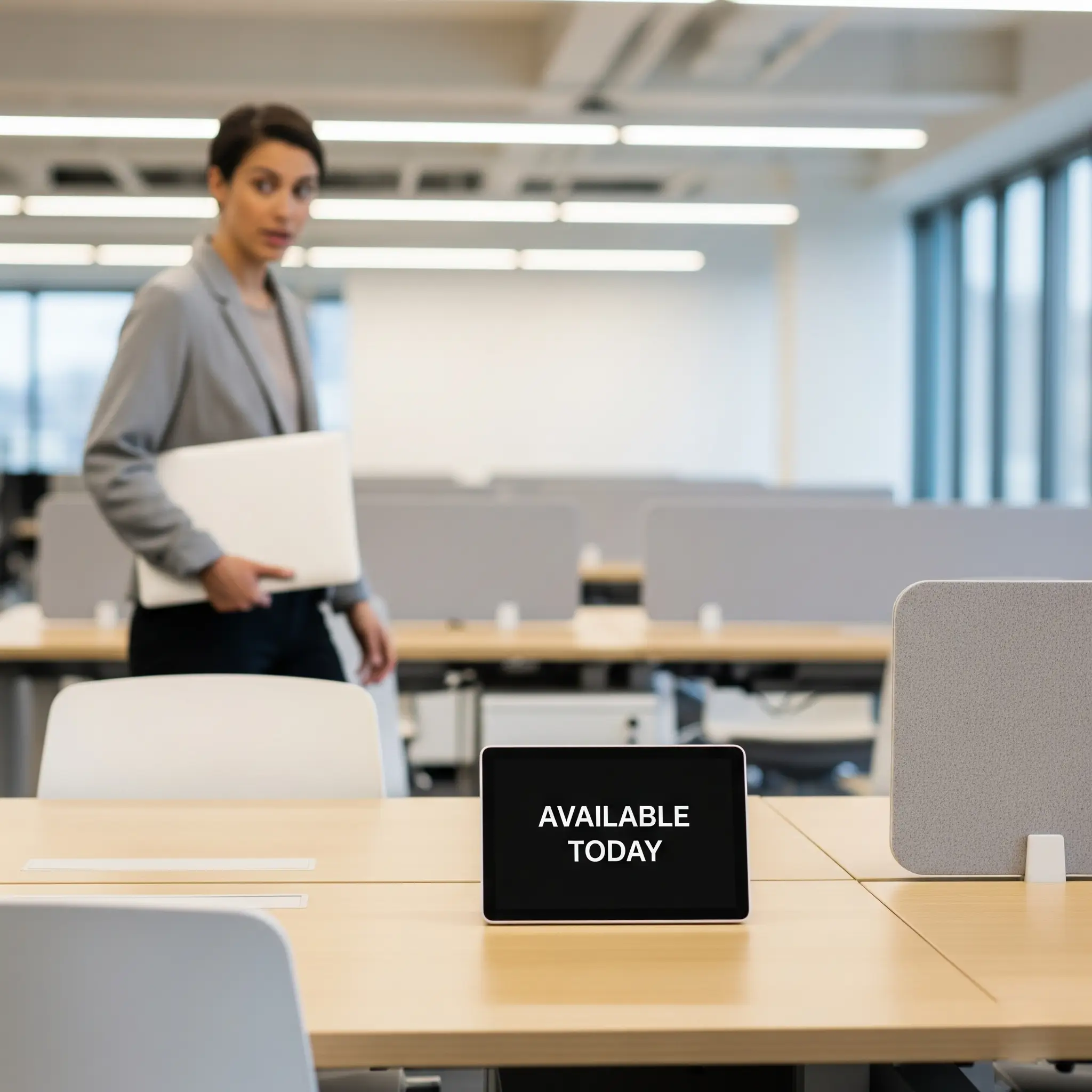
Book parking with your desk or visitor
Add parking when you book a desk or visitor. One flow, one confirmation.
- Desk Booking — Desk + parking together. Know where to park and sit before you arrive.
- Visitor Management — Reserve a spot with the visitor invite. Smooth arrival.
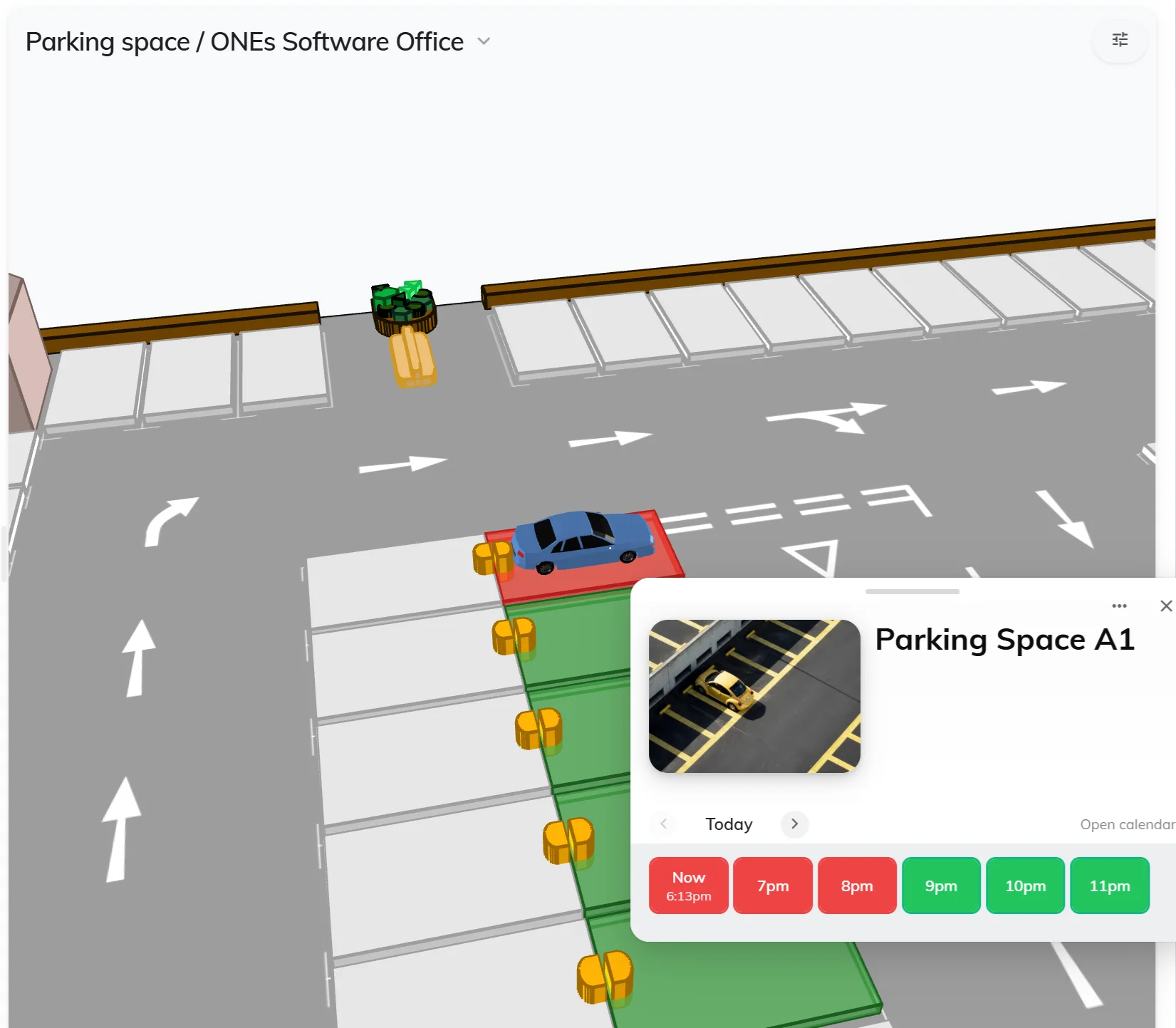
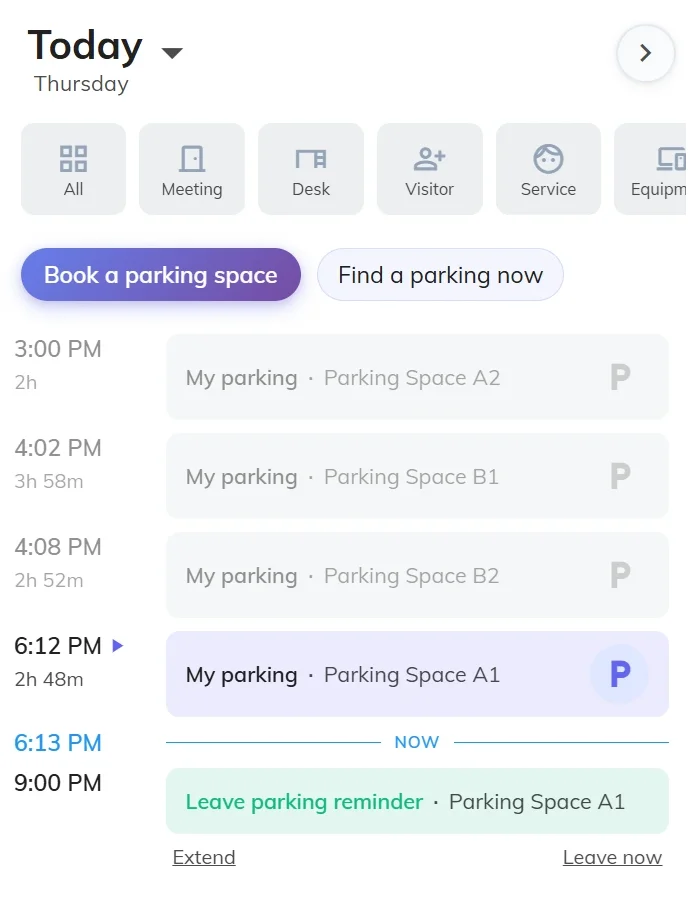
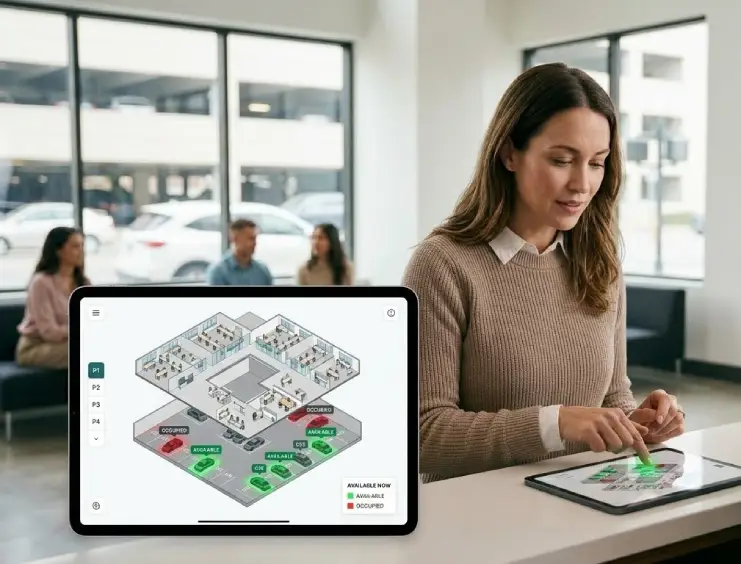
See live parking status on your floor plan
Parking on the same floor plan as your office. See what's free, booked, or reserved.
- Instant availability — Colour-coded spots. No need to walk the car park.
- Unified floor plan view — Parking, desks, rooms — one map. Navigate from one interface.
- Access on any device — Check availability from mobile, desktop, or lobby kiosk.
How parking booking works
Four simple steps. Same flow as desk booking.
- 1Browse the floor plan — Open the floor plan. View colour-coded spots.
- 2Select your spot — Tap a spot. Filter by location or EV charging.
- 3Book in one flow — Add to desk or visitor booking. One confirmation.
- 4Check in & go — Check in on arrival. Floor plan updates live.
Everything you need for parking management
From individual spot booking to fleet-wide management, Offision has you covered.
Custom time slots
Hours, full day, or recurring schedules.
Assigned parking
Assign spots to executives, visitors, or teams.
Amenity filters
Filter by EV, covered, accessible.
Booking reminders
Notifications for bookings and check-ins.
Usage analytics
Utilisation, peak hours, trends.
Policy controls
Rules, max duration, cancellation. Fair access for all.
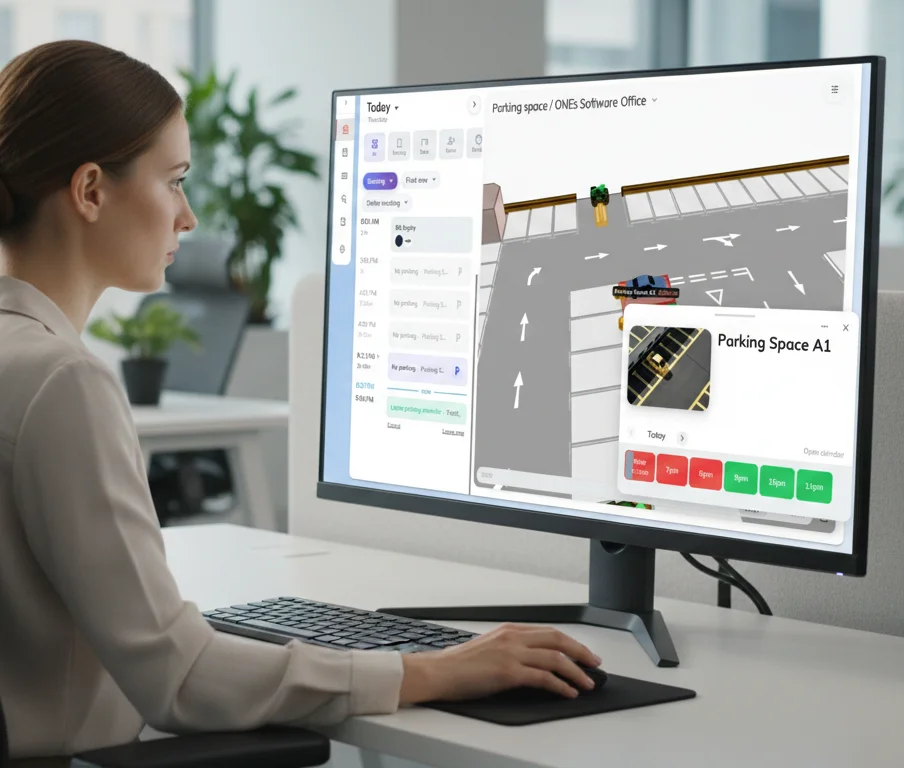
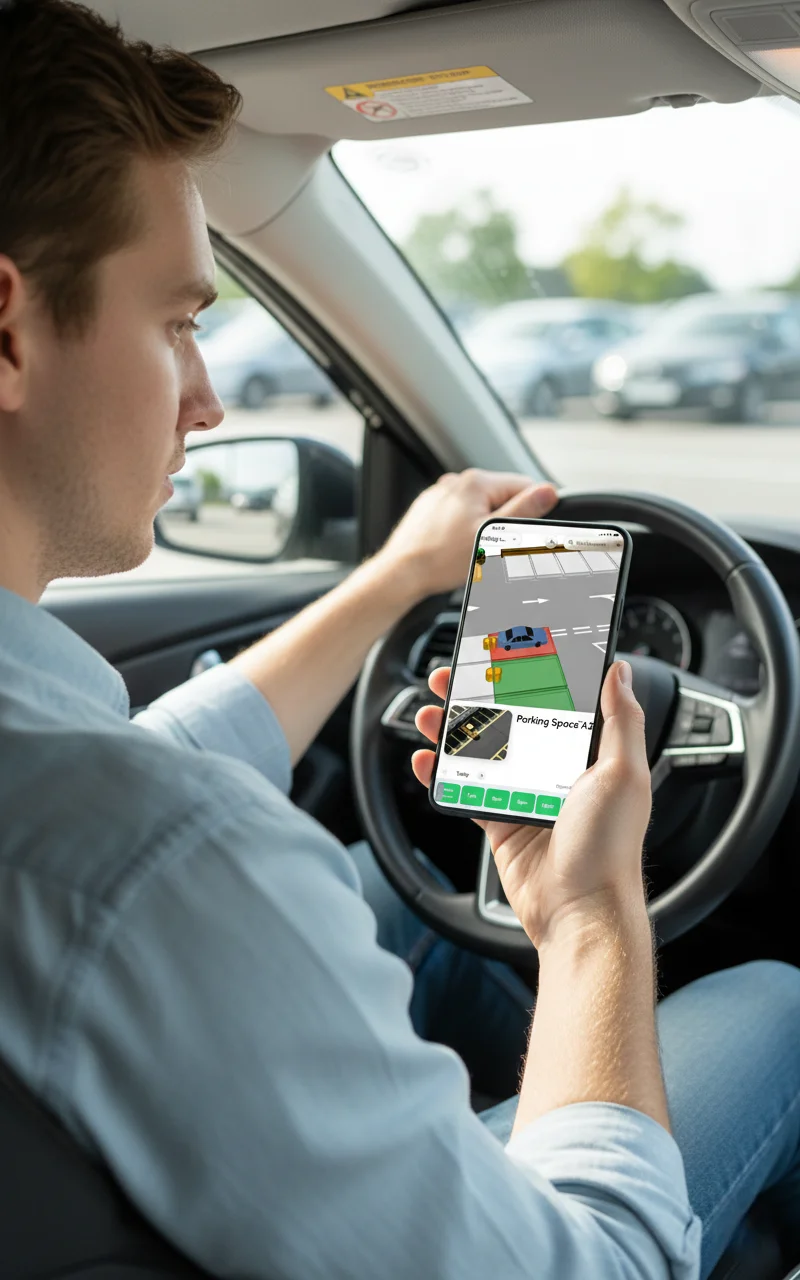
Book & check availability on any device
Book from phone, desktop, or lobby kiosk.
Mobile App
Book on the go from the Offision mobile app.
Web Portal
Full management view from any web browser.
Lobby Kiosk
Quick booking at the office entrance kiosk.
Perfect for every workplace
No matter your office size or work model, smart parking fits right in.
Hybrid offices
Book parking with desk — both ready when you arrive.
Visitor hosting
Reserve a spot with the visitor invite.
Large campus
Multiple lots on one map. Pick the nearest.
Facility management
Bird's-eye view. Assign spots, set policies, view analytics.
FAQ
Frequently asked questions
Everything you need to know about parking space booking in Offision.
How does parking booking work with desk booking?
Add a parking spot in the same flow when booking a desk. Both linked in one place.
Can I reserve parking for visitors?
Yes. Allocate a spot when creating the visit. They get directions in their invite.
How does the live floor plan status work?
Colour-coded on the floor plan. Updates live as bookings and check-ins happen.
Can specific spots be permanently assigned?
Yes. Admins assign spots to people or teams. Won't show as available to others.
Which devices can I use to book parking?
Mobile app, web browser, or lobby kiosk. Works on all devices.
Still have questions?
Our team is happy to help you set up parking management for your workplace.
Ready to simplify your parking?
Start managing parking spaces alongside desks and visitor bookings — all from one platform.