Offision Microsoft Exchange
Microsoft Exchange integration

Keep Outlook room mailboxes in step with the workplace

Connect Exchange as a directory in Offision. Room mailboxes sync both ways, Outlook stays the calendar people already live in, and Offision applies the booking rules the mailbox cannot.

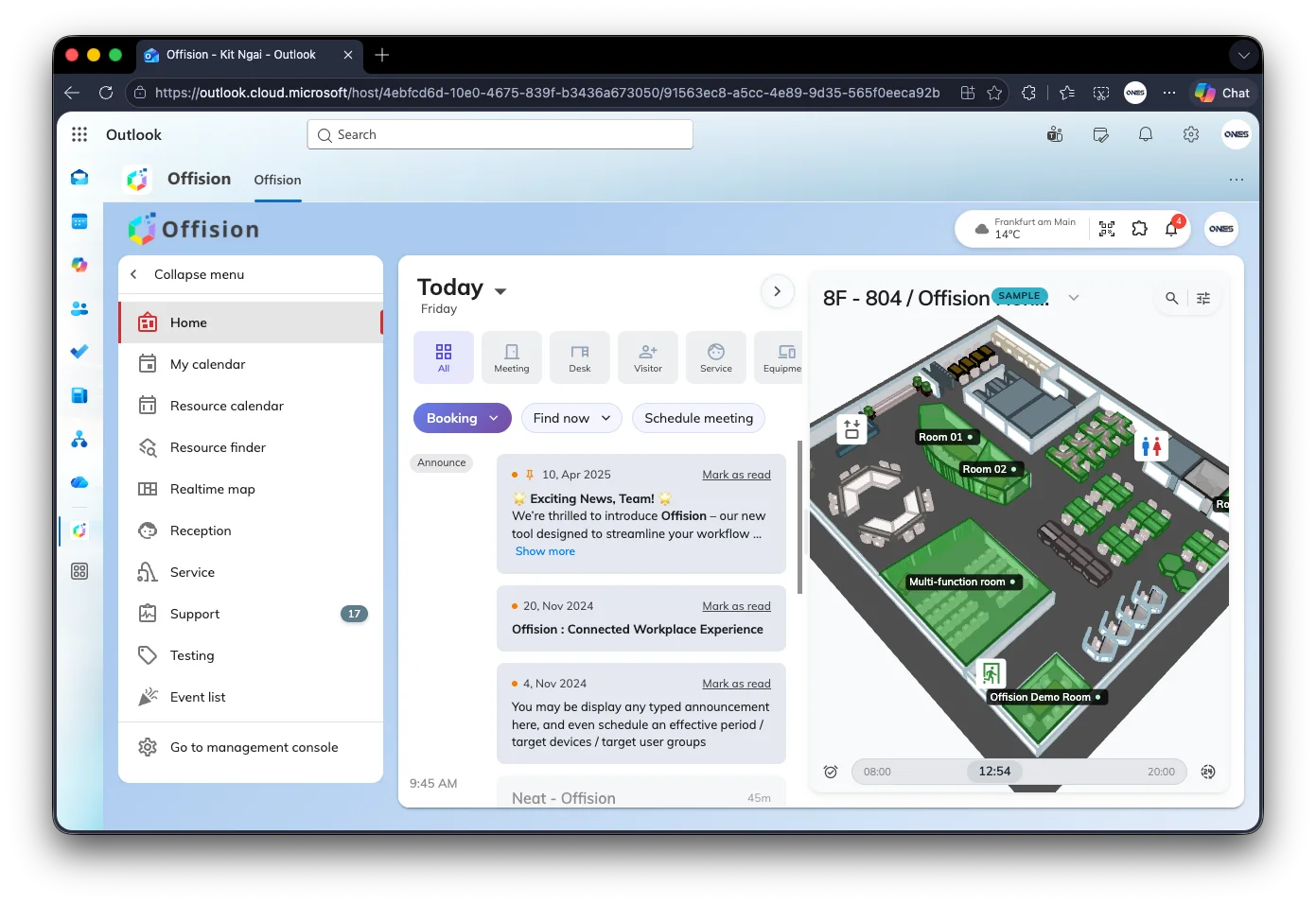
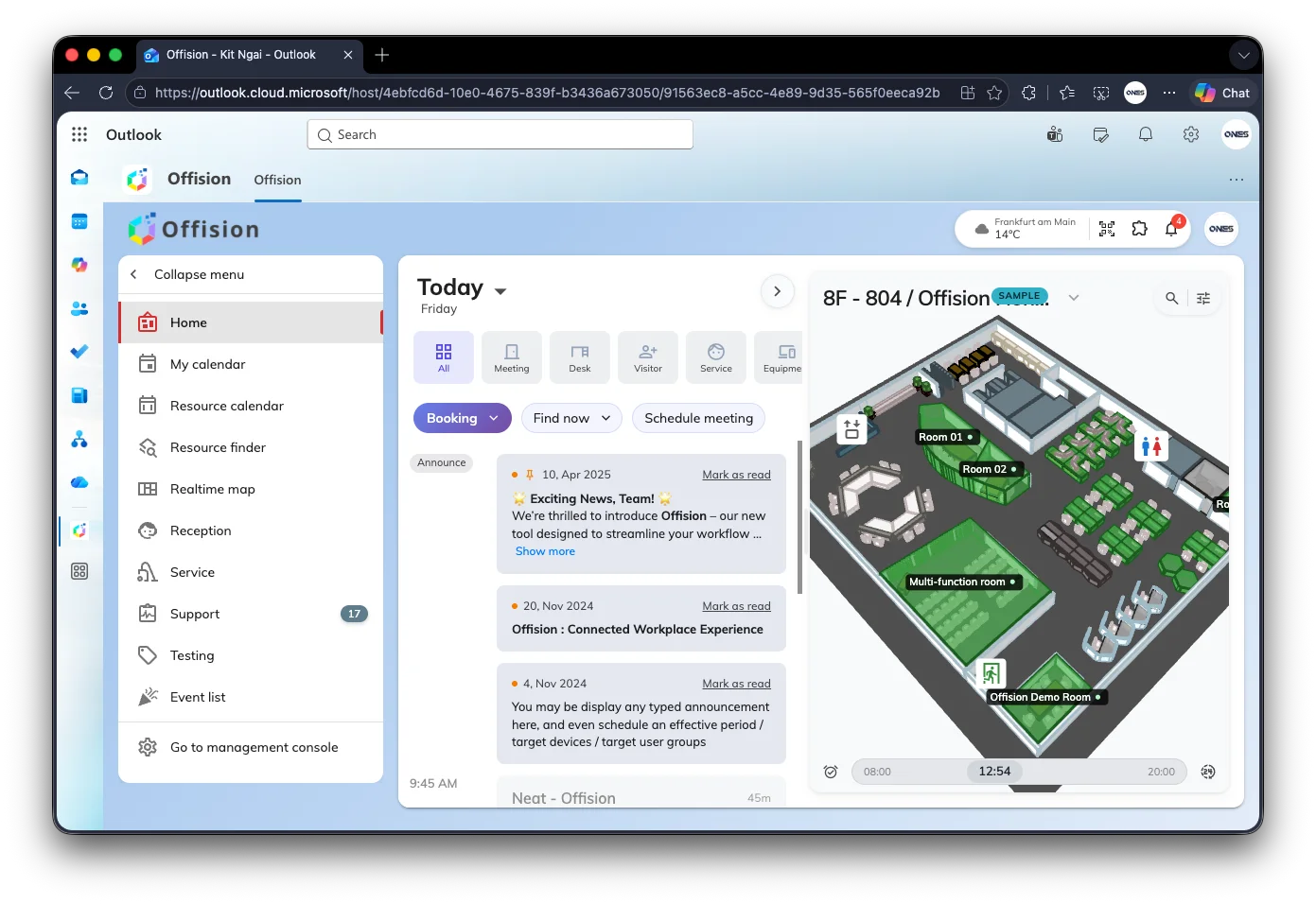
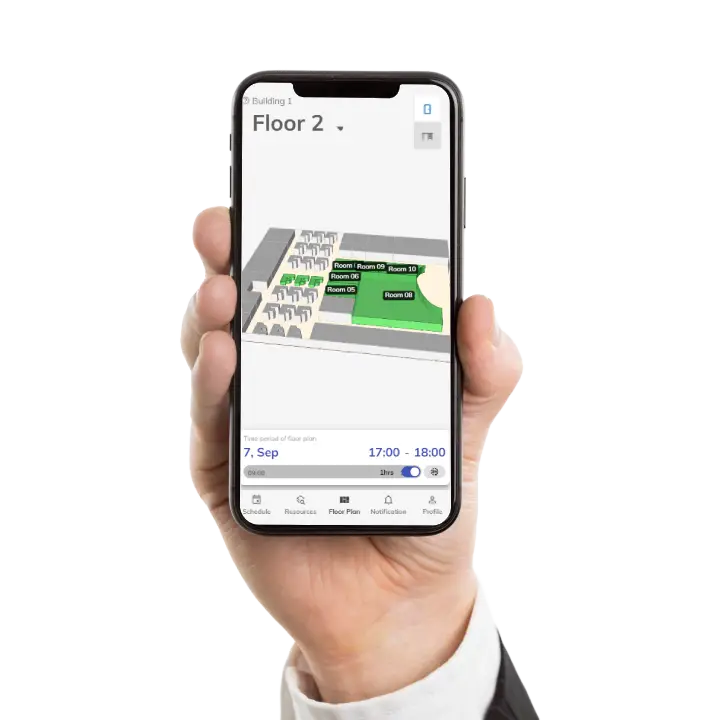
Offision open as a tab inside Outlook, with the home screen and a 3D floor map of rooms

Room mailboxes, bookable

A room mailbox becomes a bookable resource in Offision. Offision links to it — it does not create it.

Two-way with Outlook

A meeting accepted on the room’s calendar appears in Offision. A booking made in Offision appears in Outlook.

More than one server

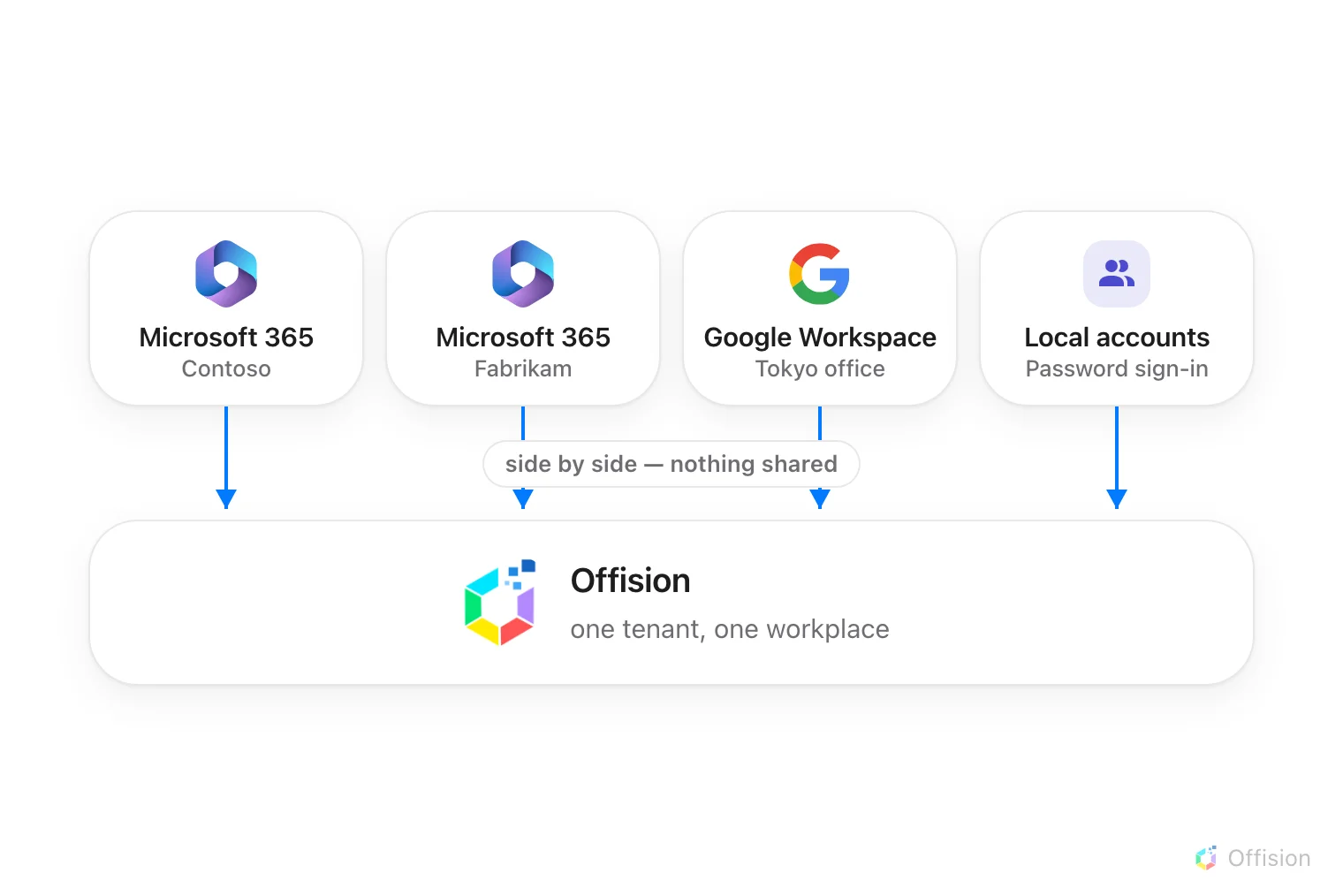
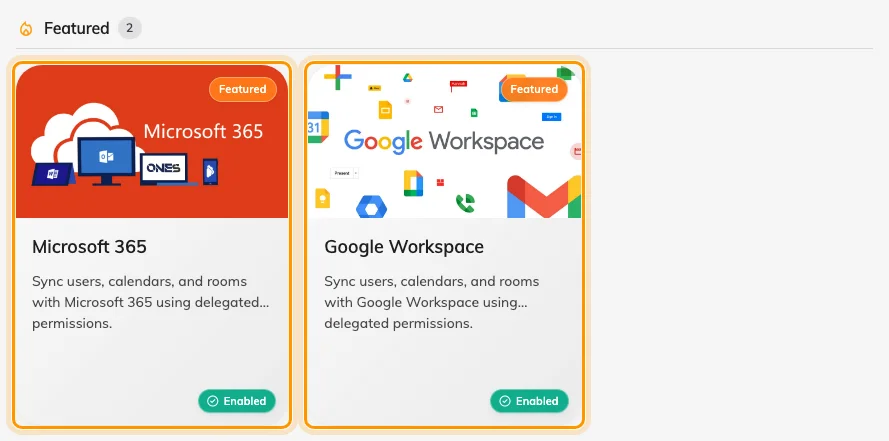
A second Exchange server, Microsoft 365, Google Workspace, LDAP or ADFS each get their own directory card.

Directories

Connect Exchange beside the rest

Offision connects as many directories as you need — more Exchange servers, a Microsoft 365 organisation, Google Workspace, LDAP and ADFS. Each card keeps its own sign-in, people, rooms and booking agent account.

  • A plant or subsidiary on its own domain is a second connection
  • Rooms and people belong to exactly one directory each
  • Sign-in is a separate switch from calendar sync
Connect Exchange beside the rest
Room calendars

Sync the room mailbox, not a shadow calendar

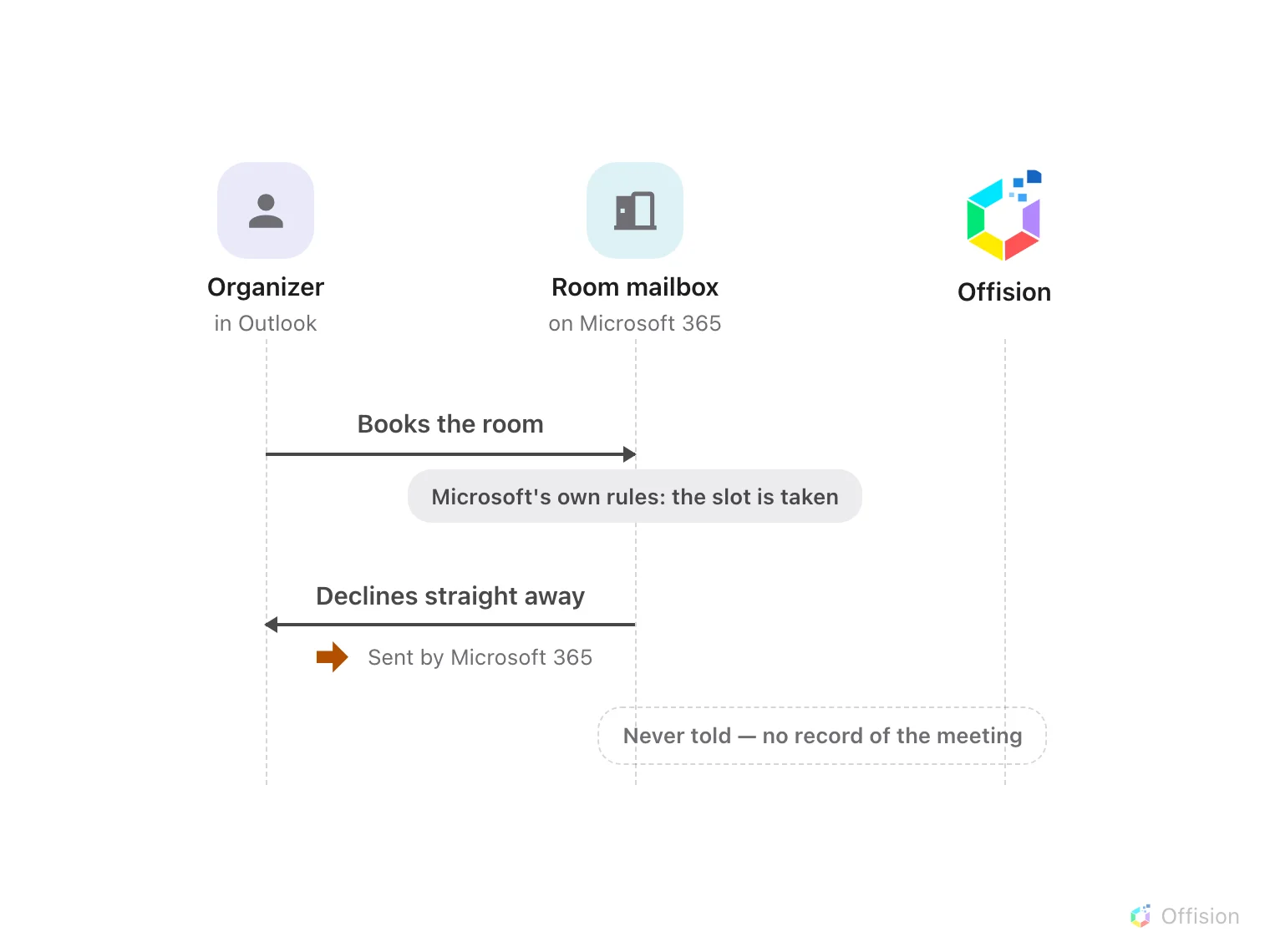
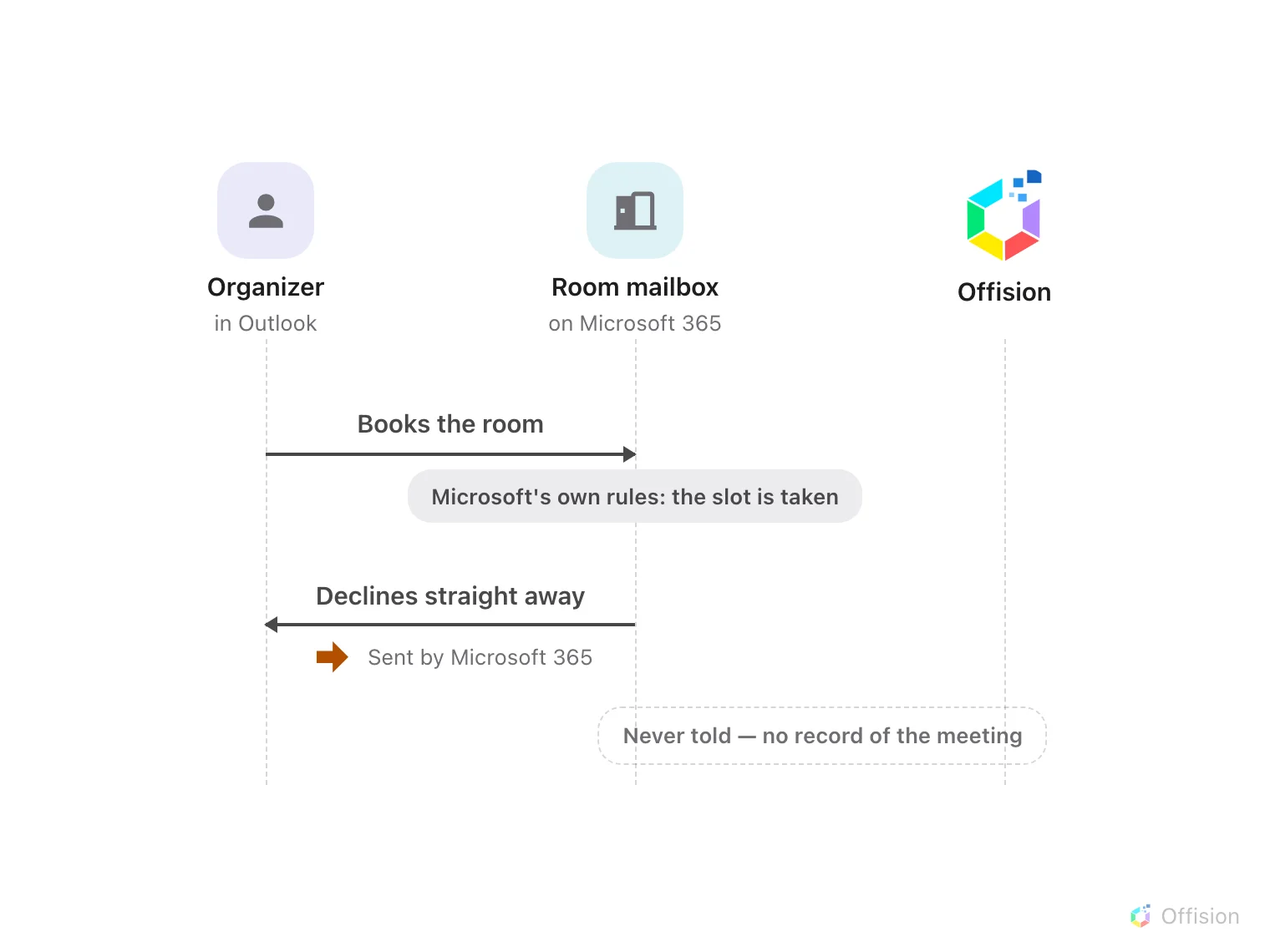
Offision mirrors the room’s own calendar. A meeting reaches Offision only after the mailbox has accepted it. What the mailbox declines never becomes an Offision booking.

  • Two-way sync once the room mailbox is connected
  • The provider checks the slot first; Offision applies quota, window and approval second
  • Turn mailbox auto-accept off if you need Offision policy on Outlook bookings
Sync the room mailbox, not a shadow calendar
Outlook

Works where people already book

Use the Offision tab in Outlook, or keep booking from the calendar. The old ribbon add-in is gone — bookings start in Offision itself now.

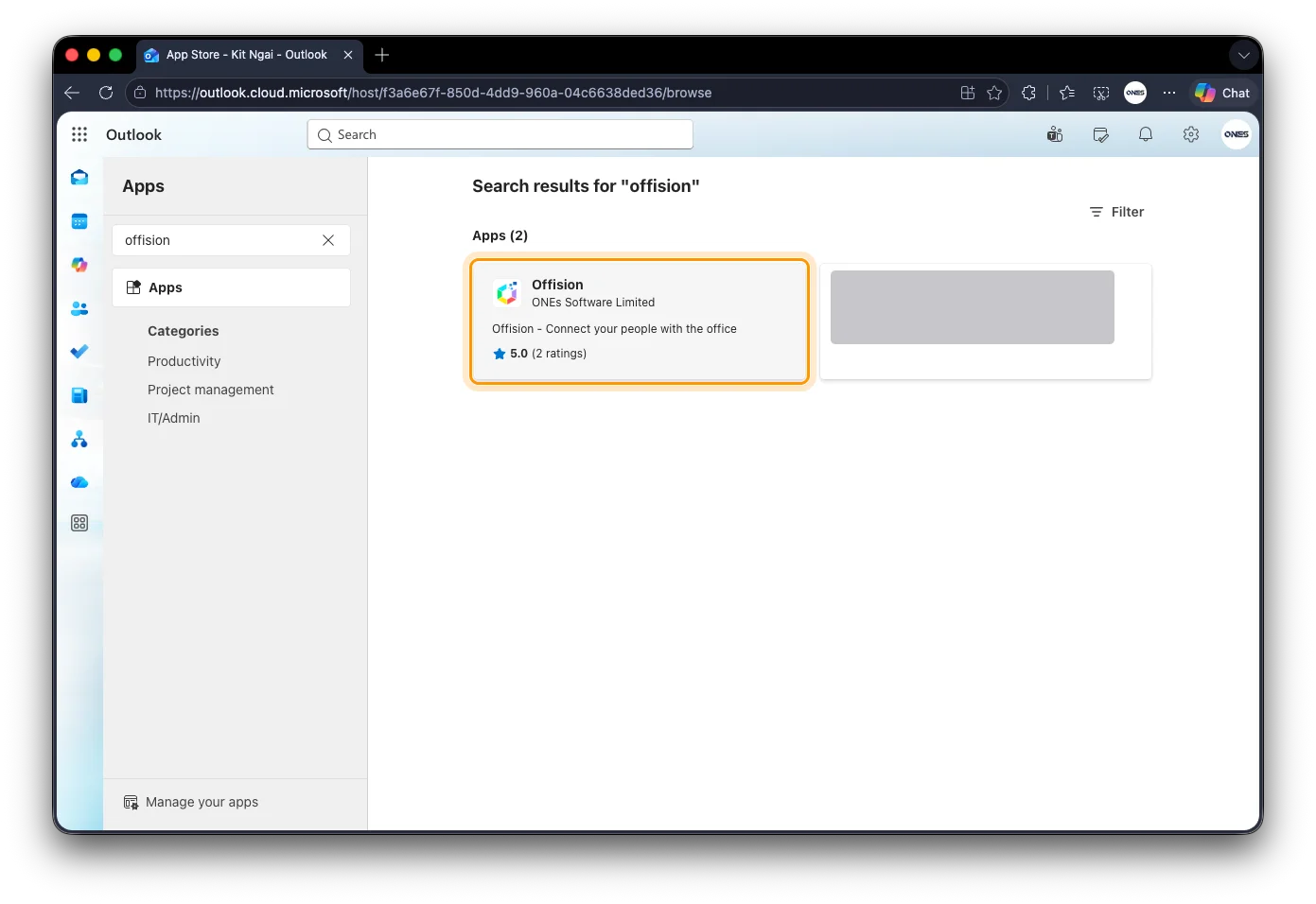
Find Offision in Outlook Apps

Offision as a tab in Outlook

The same Offision app that runs in Teams sits in Outlook’s rail. Your administrator has to allow it first.

Explore Microsoft Outlook
Microsoft 365 for Exchange Online

Exchange Online lives on Microsoft 365

If your rooms are in Microsoft 365, connect that directory instead — then sync the room mailboxes.

Explore Microsoft 365
Capabilities

What Exchange integration delivers

Room mailboxes

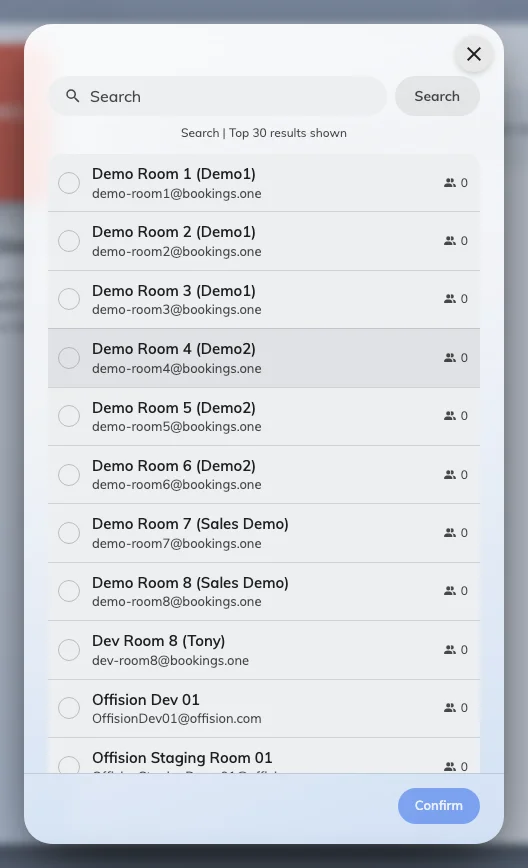
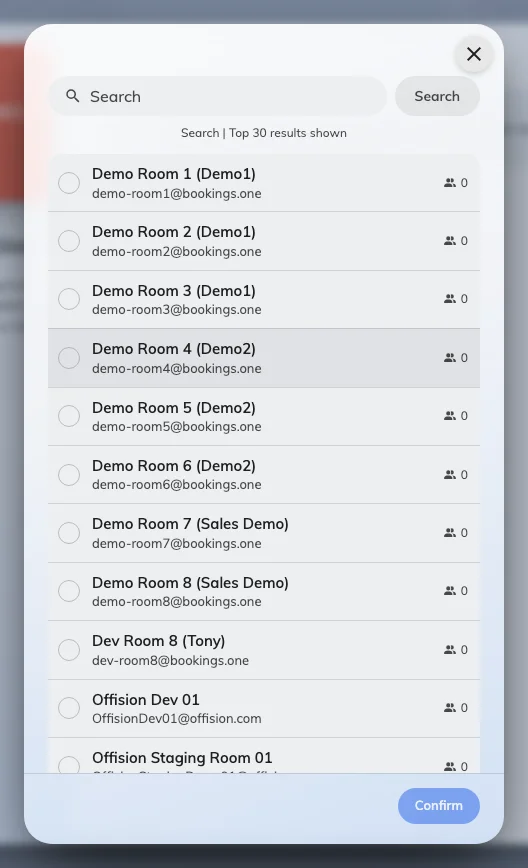
Search the directory and connect rooms by mailbox address — desks and equipment by address too.

Booking agent account

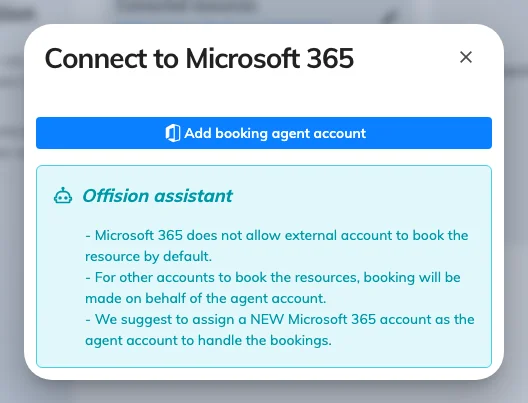
People outside this directory book on behalf of the connection’s agent account, or they silently cannot.

Two-way calendar

Outlook and Offision stay aligned after the room mailbox accepts.

Offision in Outlook

Open Offision from Outlook’s Apps rail — one package with Teams.

Several directories

Another Exchange server or a Microsoft 365 tenant sits on its own card.

Policy after the mailbox

Clash checks happen on the mailbox first. Offision then applies the detailed policy — unless auto-accept already answered.

FAQs

Frequently asked questions

What the Help Center documents about Exchange, Outlook room mailboxes and Offision.

Room mailboxes become resources and their calendars stay two-way. Each connection also carries its own sign-in, people and booking agent. Exchange Online is the Microsoft 365 connection.

After the room mailbox accepts. A decline never reaches Offision. If the meeting is on the room calendar in Outlook but missing for hours, the connection’s sign-in has usually lapsed.

Only if the mailbox does not auto-accept. Auto-accept answers before Offision is asked. Leave it off when you rely on quota, windows or approval.

Yes. Each server is its own directory card, the same way a second Microsoft 365 organisation or Google Workspace is. One booking cannot mix rooms from two connections.

Not if that directory’s sign-in is turned on. Sign-in and calendar sync are separate switches, so you can sync rooms without moving sign-in.

Still have questions?

Our team is here to help. Reach out for setup support or a personalized demo.

Take the next steps toward a smarter workplace

Unify your workplace operations with Microsoft Exchange and Offision. Get started today.