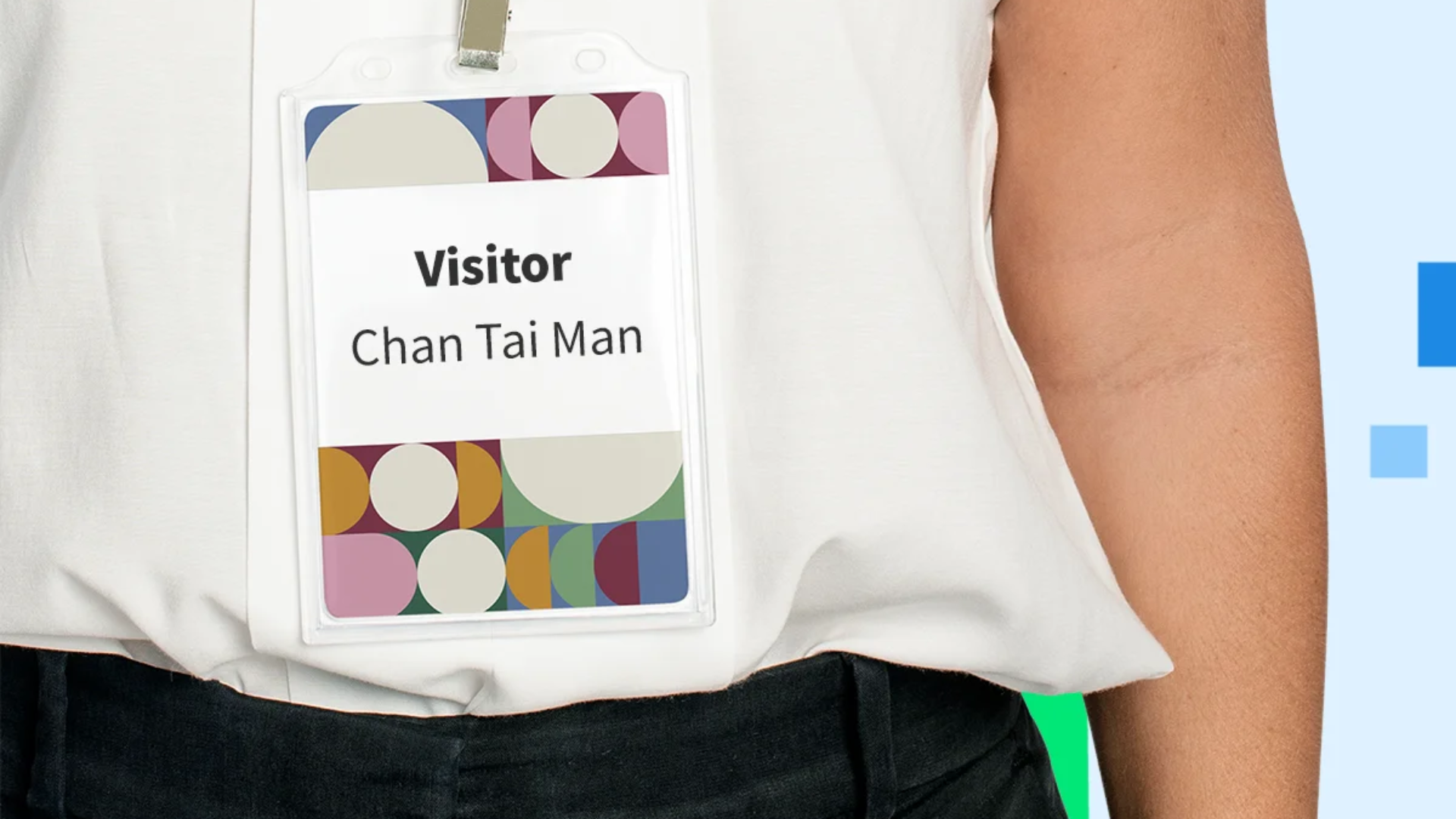
The Visitor Badge Mechanism in Offision is a powerful feature designed to streamline visitor check-ins by generating QR codes for appointments. It provides two configurable options:
Independent Badge:
- Each visitor invitation gets a unique QR code.
- Best suited for visitors with multiple, distinct appointments on the same day.
- Example: If a visitor has two separate meetings in one day, they’ll receive two different QR codes to check in for each appointment.
Daily Badge:
- A single QR code is valid for all appointments on the same day.
- Ideal for visitors attending multiple meetings or events within the same day.
- Example: If a visitor has three meetings on the same day, they can check in for all using the same QR code.
Key Details:
- QR codes are valid for a maximum of one day.
- For recurring appointments (e.g., weekly meetings), visitors will receive new QR codes daily or for each appointment.
- The Visitor Manager configures the badge type based on the organization’s needs.
This mechanism ensures flexibility and efficiency, reducing confusion for visitors and improving the check-in process.
Pros
Enhanced Flexibility:
- Organizations can choose between Independent Badge and Daily Badge, tailoring the system to their specific needs.
- Visitors can easily manage their check-ins, especially when attending multiple meetings.
Streamlined Check-In Process:
- Clear QR code validity rules (valid for one day) simplify the process for both visitors and staff.
- Reduces the likelihood of errors or delays during check-ins.
Recurring Appointment Support:
- Visitors attending recurring meetings receive QR codes automatically, eliminating the need for repetitive manual management.
Improved Visitor Experience:
- Visitors only need to focus on their QR codes, avoiding confusion about which badge to use.
- Daily Badge mode is especially convenient for frequent visitors, offering them a single badge for the entire day.
Customizable for Organizations:
- Visitor Managers can configure the badge mechanism to align with their operational needs.
- Independent Badge option ensures security for high-priority or sensitive appointments.
Time-Saving Solution:
- Daily Badge reduces the need for generating multiple QR codes for the same visitor in one day.
- Simplifies recurring appointment management with automated QR code generation.
Security and Validity:
- QR codes are only valid for one day, minimizing potential misuse.
- Clear expiration rules ensure a secure and reliable system.
Scalable for Any Organization:
- Suitable for small offices or large enterprises with high visitor traffic.
- Handles both single-day and long-term appointment scenarios with ease.
The Offision Visitor Badge Mechanism ensures a seamless, secure, and efficient check-in experience for visitors while offering organizations the flexibility to adapt the system to their needs.

 Neat
Neat
 Crestron